Dinosaur D
| size: | |
|---|---|
| tempered glass thickness: | |
| resolution: | |
| view angles: | |
| display color: | |
| contrast: | |
| lifespan: | |
| Availability: | |
| Quantity: | |
Display Options
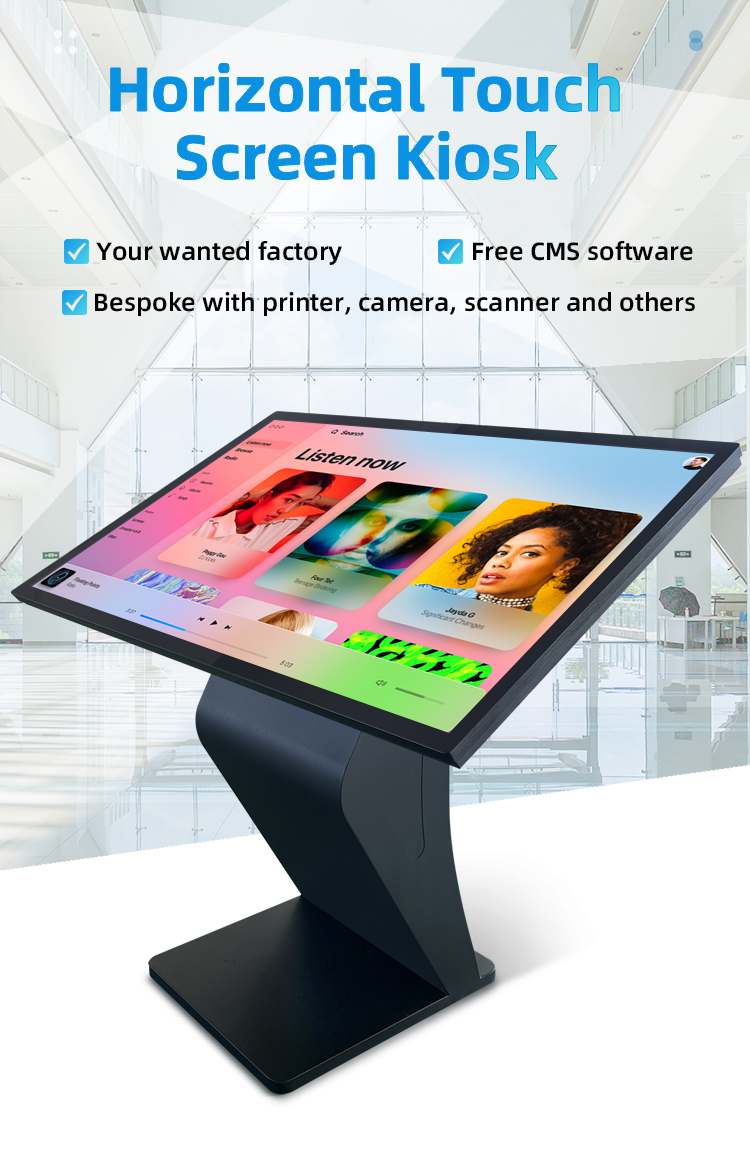
Sizes: 32" | 43" | 50" | 55" | 65"
Panel: IPS LCD with anti-glare coating
Resolution: Full HD to 4K UHD
Brightness: 500-1500 nits (indoor/outdoor models)
️ Touch Technology
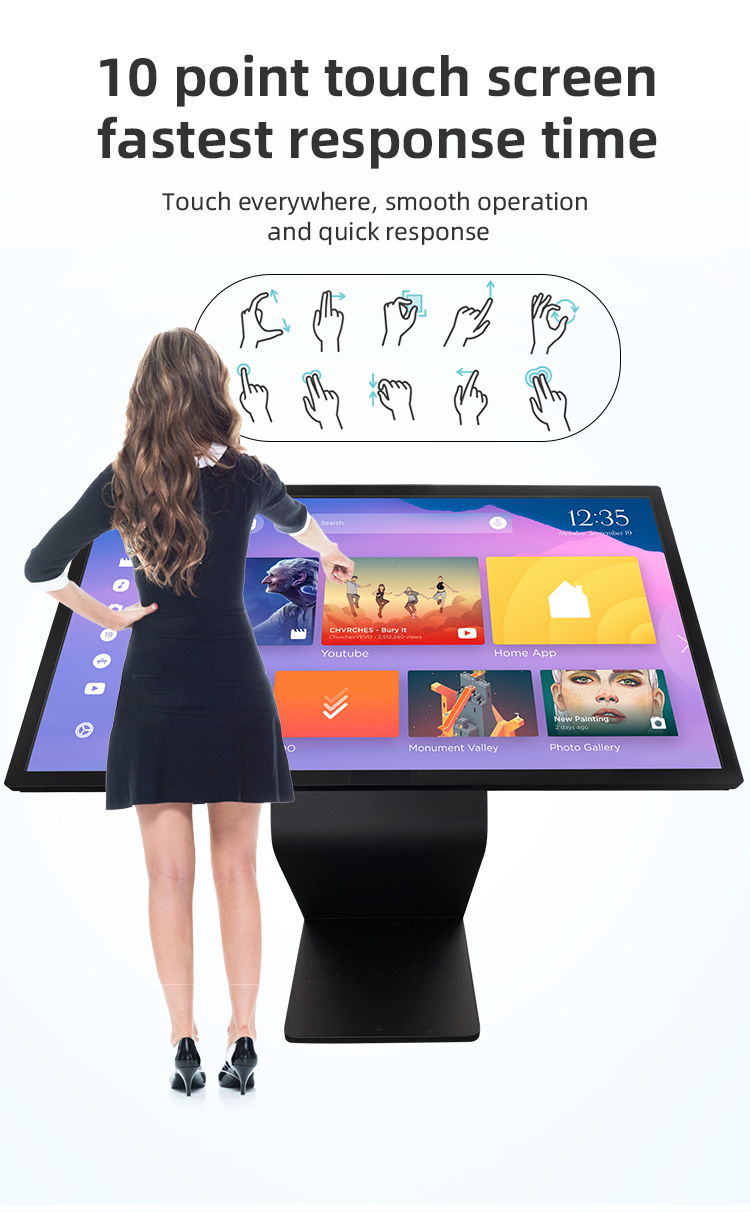
10-point projected capacitive (P-CAP)
Glove & stylus compatible
<2ms response time
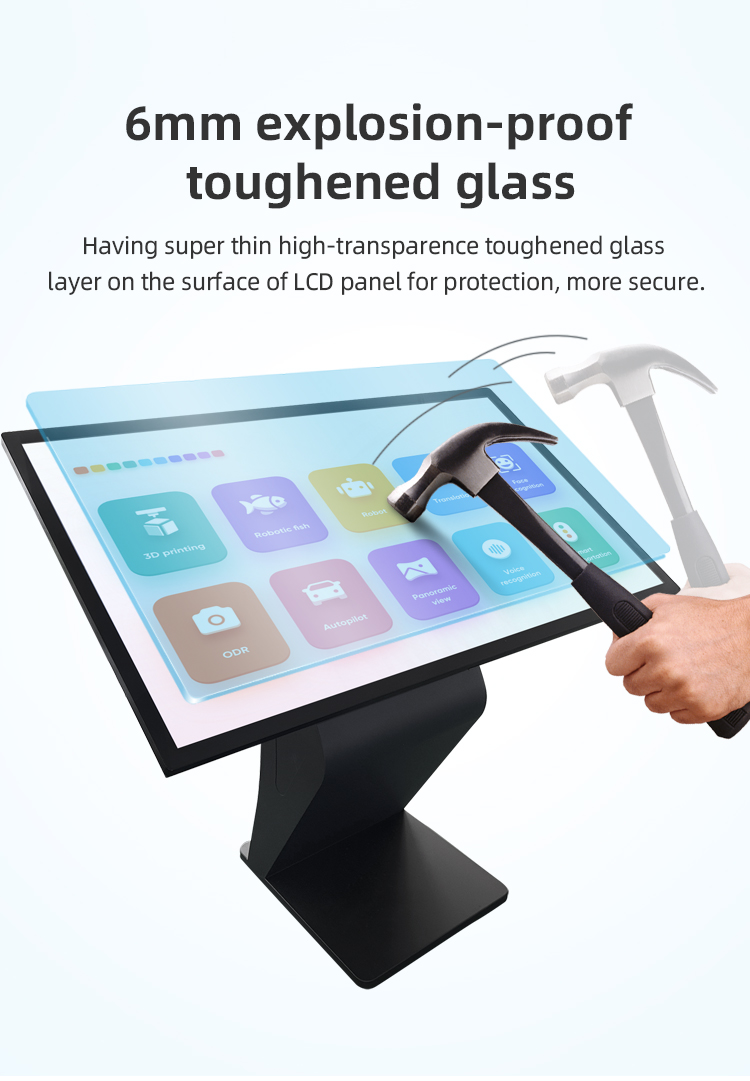
7H hardness tempered glass
️ Structural Design
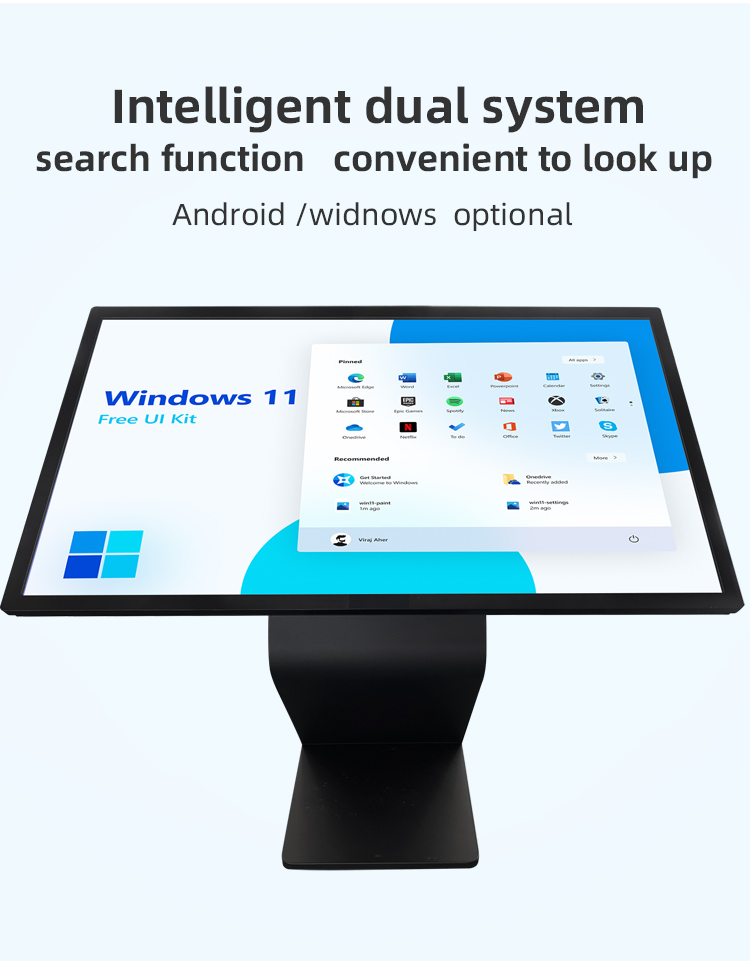
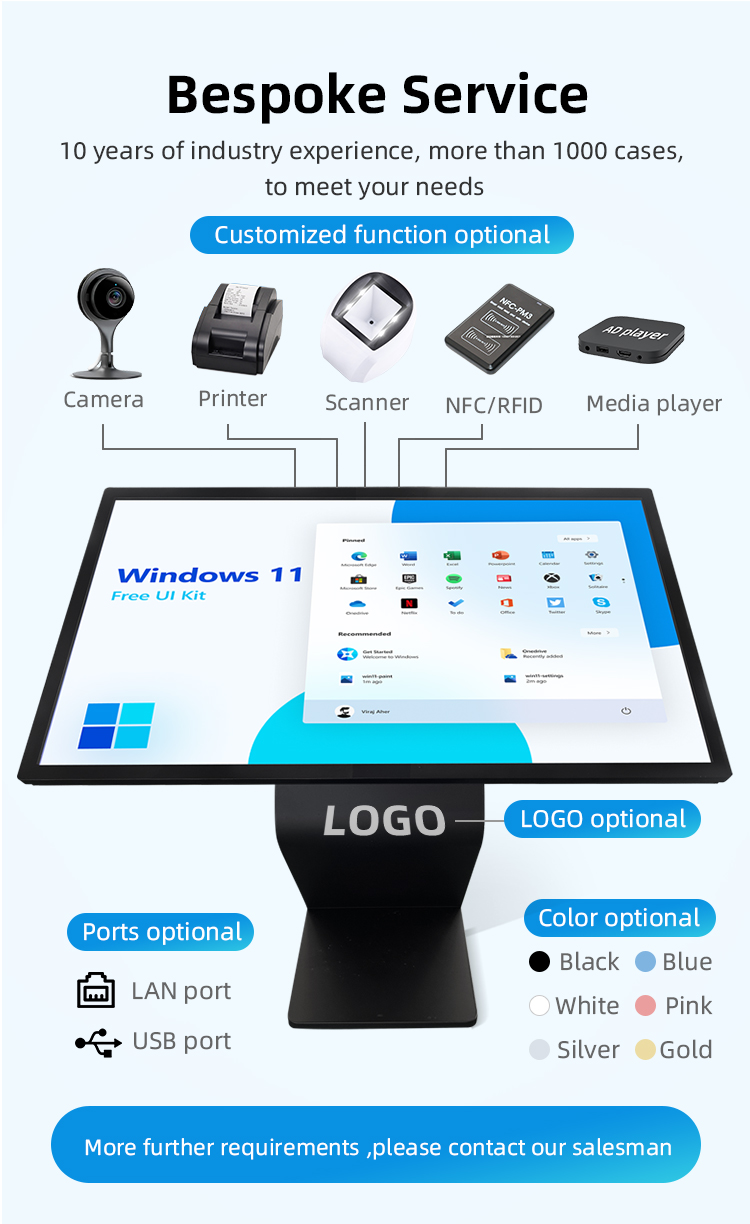
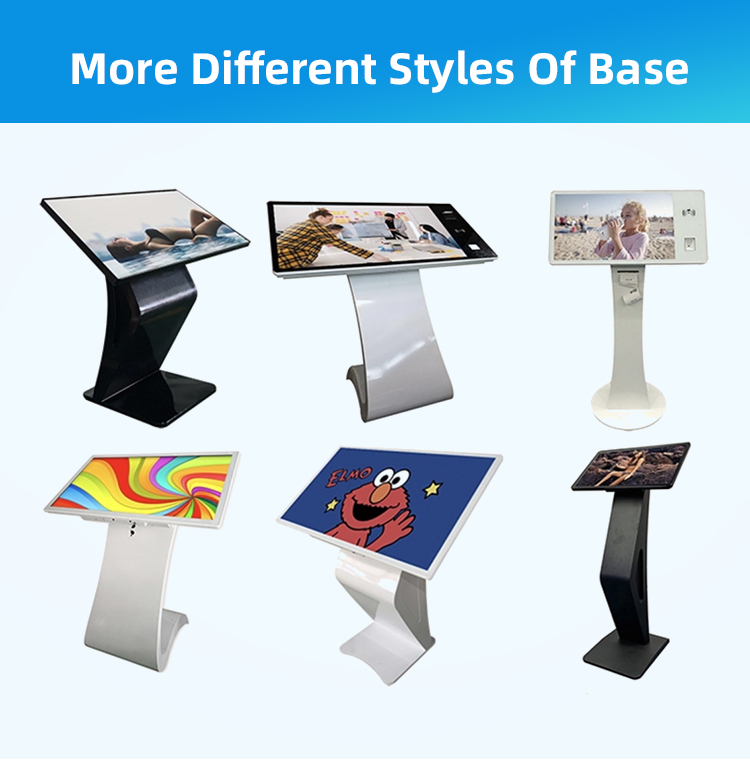
Reinforced K-type aluminum base
15°-60° adjustable tilt
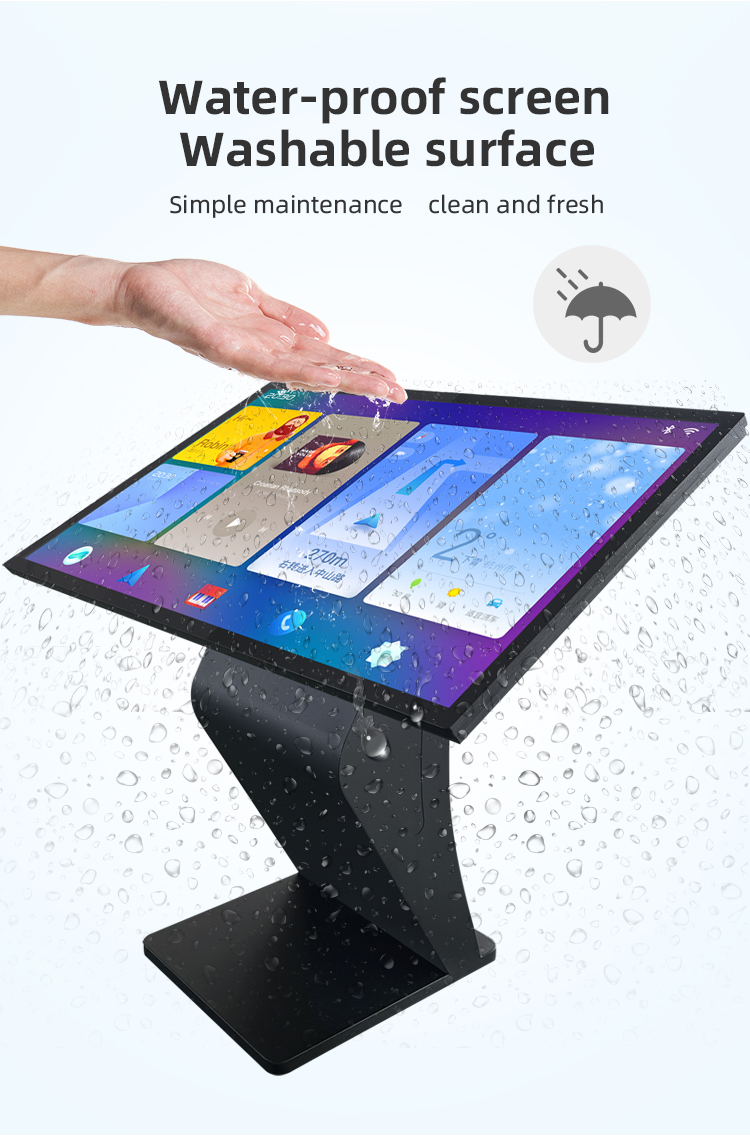
IP65-rated front panel (optional)
Vandal-resistant construction
System Configuration
Intel i5/i7 or AMD Ryzen processors
8GB-32GB RAM + SSD storage
Windows/Linux/Android OS options
Dual-band WiFi + Bluetooth 5.2


Display Options
Sizes: 32" | 43" | 50" | 55" | 65"
Panel: IPS LCD with anti-glare coating
Resolution: Full HD to 4K UHD
Brightness: 500-1500 nits (indoor/outdoor models)
️ Touch Technology
10-point projected capacitive (P-CAP)
Glove & stylus compatible
<2ms response time
7H hardness tempered glass
️ Structural Design
Reinforced K-type aluminum base
15°-60° adjustable tilt
IP65-rated front panel (optional)
Vandal-resistant construction
System Configuration
Intel i5/i7 or AMD Ryzen processors
8GB-32GB RAM + SSD storage
Windows/Linux/Android OS options
Dual-band WiFi + Bluetooth 5.2


| screen panel specification | screen size | 55 inch LCD screen panel | ||||
| display area | 1210.6mm(H)*681.5(V)mm | |||||
| Tempered glass thickness | 3mm | |||||
| Drive screen voltage | 12V | |||||
| Backlight type | ELED | |||||
| resolution | 1920*1080 | |||||
| view angles | 178° horizon, 178 °vertical | |||||
| Display color | 16.7M | |||||
| Contrast | 1200:1 | |||||
| Brightness | 450nits | |||||
| Response time | 8ms | |||||
| lifespan | 30000(hrs) | |||||
| Display Scale | 16 : 9 | |||||
| product net weight | 26.5KG | |||||
| product dimension | 1255.2mm*726.2mm*58.1mm | |||||
| Wall mount size | 400mm*400mm | |||||
| installation screw specifications | M6*12 4PCS | |||||
| Power | Input Voltage | AC 100V~240V,50/60HZ | ||||
| Case color | black | |||||
| Backlight power consumption | 76W | |||||
| Storage temparature | (-20℃ -- 60 ℃) | |||||
| Operation temparature | (0℃-- 50 ℃) | |||||
| Operation humidity | (10 -- 90﹪ ) | |||||
| screen panel specification | screen size | 55 inch LCD screen panel | ||||
| display area | 1210.6mm(H)*681.5(V)mm | |||||
| Tempered glass thickness | 3mm | |||||
| Drive screen voltage | 12V | |||||
| Backlight type | ELED | |||||
| resolution | 1920*1080 | |||||
| view angles | 178° horizon, 178 °vertical | |||||
| Display color | 16.7M | |||||
| Contrast | 1200:1 | |||||
| Brightness | 450nits | |||||
| Response time | 8ms | |||||
| lifespan | 30000(hrs) | |||||
| Display Scale | 16 : 9 | |||||
| product net weight | 26.5KG | |||||
| product dimension | 1255.2mm*726.2mm*58.1mm | |||||
| Wall mount size | 400mm*400mm | |||||
| installation screw specifications | M6*12 4PCS | |||||
| Power | Input Voltage | AC 100V~240V,50/60HZ | ||||
| Case color | black | |||||
| Backlight power consumption | 76W | |||||
| Storage temparature | (-20℃ -- 60 ℃) | |||||
| Operation temparature | (0℃-- 50 ℃) | |||||
| Operation humidity | (10 -- 90﹪ ) | |||||
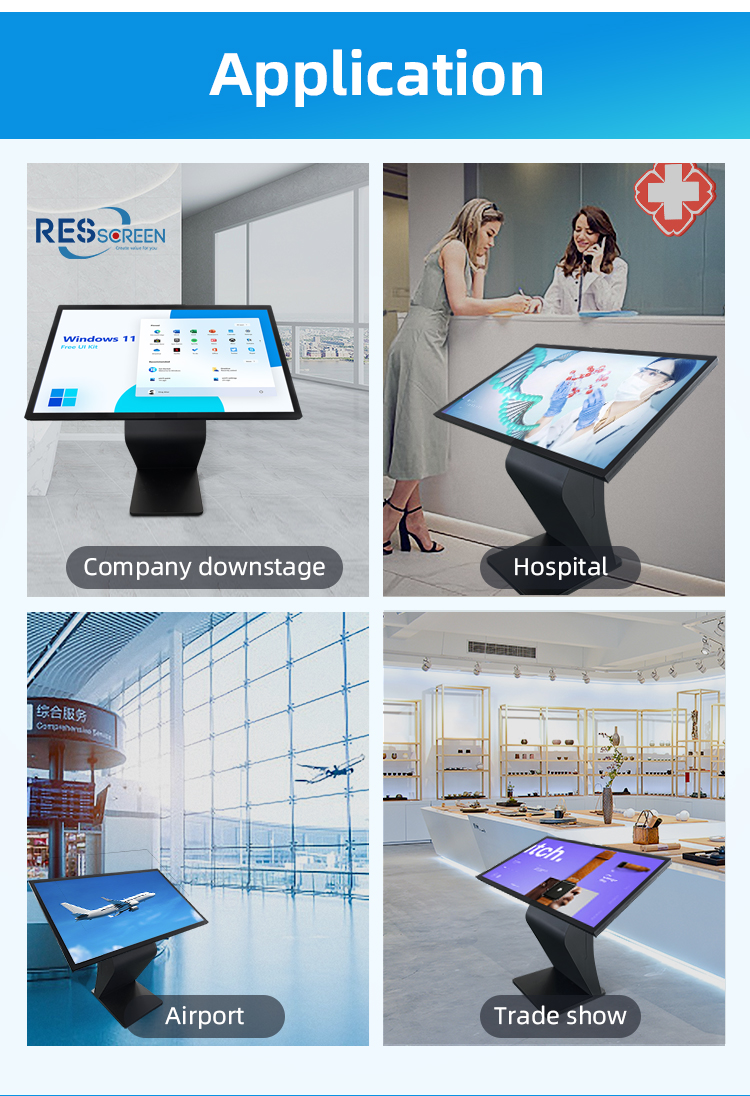
Interactive Store Directories
3D mall navigation with store locator
Real-time promotion highlights
Tenant information portals
Digital Advertising Platforms
Brand experience zones
Product demo stations
Seasonal campaign displays
Smart Shopping Assistants
Virtual stylist/size recommendation
Inventory check systems
Click-and-collect terminals
Wayfinding Solutions
Restroom/elevator locators
Parking space finders
Emergency exit guides
Concierge Services
Event schedules & ticket purchase
Loyalty program enrollment
Gift card stations
Customer Engagement Hubs
Social media check-in points
Survey & feedback collectors
AR-powered photo booths
Self-Service Terminals
Mobile charging locker control
Mall gift certificate redemption
Digital coupon printers
Food Court Integration
Restaurant menus & wait times
Table reservation systems
Nutritional information displays
Data Collection Points
Foot traffic heat mapping
Dwell time analytics
Promotion effectiveness tracking
Emergency Communication
Safety alert broadcasts
Lost child assistance
Security call points
Interactive Store Directories
3D mall navigation with store locator
Real-time promotion highlights
Tenant information portals
Digital Advertising Platforms
Brand experience zones
Product demo stations
Seasonal campaign displays
Smart Shopping Assistants
Virtual stylist/size recommendation
Inventory check systems
Click-and-collect terminals
Wayfinding Solutions
Restroom/elevator locators
Parking space finders
Emergency exit guides
Concierge Services
Event schedules & ticket purchase
Loyalty program enrollment
Gift card stations
Customer Engagement Hubs
Social media check-in points
Survey & feedback collectors
AR-powered photo booths
Self-Service Terminals
Mobile charging locker control
Mall gift certificate redemption
Digital coupon printers
Food Court Integration
Restaurant menus & wait times
Table reservation systems
Nutritional information displays
Data Collection Points
Foot traffic heat mapping
Dwell time analytics
Promotion effectiveness tracking
Emergency Communication
Safety alert broadcasts
Lost child assistance
Security call points
1. Q: What is the main purpose of these kiosks in the shopping mall?
A: These kiosks serve as your all-in-one digital concierge. Their primary functions are interactive wayfinding to help you locate stores, restrooms, and amenities, and market advertising to showcase mall promotions, events, and store deals.
2. Q: What screen sizes are available to suit different areas of the mall?
A: We offer high-quality kiosks in multiple sizes to ensure optimal visibility in various locations, including 32-inch, 43-inch, 50-inch, 55-inch, and 65-inch displays. This allows for placement in entrances, corridors, and food courts.
3. Q: Is the screen interactive, and how do I use it?
A: Yes, the kiosk features a highly responsive touch screen. You can easily interact with it by tapping on menus, scrolling through maps, and typing in search queries to find the information you need.
4. Q: How is the kiosk designed for stability in a busy mall?
A: The kiosk is built with a sturdy K-type base. This design provides a wide, stable footprint, ensuring the unit remains secure and prevents tipping in high-traffic areas, making it both safe and durable.
5. Q: Can I use the kiosk to find a specific store or service?
A: Absolutely. The interactive wayfinding feature allows you to search for stores by name or category (e.g., "clothing," "electronics"). It will then show you the store's location on a digital mall map and provide the quickest route from your current position.
6. Q: What kind of advertising or promotional content is displayed?
A: The kiosk showcases dynamic market advertising such as current sales, limited-time offers from retailers, upcoming mall events, and promotional videos. This helps you discover the best deals during your visit.
7. Q: Why is a horizontal display used for this kiosk?
A: The horizontal display is ideal for presenting wide-format content like mall maps, directories with multiple store listings, and video advertisements, providing a more immersive and user-friendly viewing experience.
8. Q: Is the kiosk only for finding stores, or does it offer other information?
A: Beyond wayfinding, the kiosk is a comprehensive information hub. You can use it to check mall hours, find dining options, view public transportation links, read safety guidelines, and learn about mall services like gift cards.
9. Q: How is the "high quality" of the kiosk ensured?
A: "High quality" refers to the commercial-grade components used, including a robust K-base for stability, a bright, high-resolution display for clear visibility, and a durable touch screen designed for millions of public interactions.
10. Q: Who should I contact if the kiosk is not working properly?
A: If you encounter any technical issues with a kiosk, please report it to the nearest Mall Customer Service Desk immediately. They will dispatch a technician to resolve the problem.
1. Q: What is the main purpose of these kiosks in the shopping mall?
A: These kiosks serve as your all-in-one digital concierge. Their primary functions are interactive wayfinding to help you locate stores, restrooms, and amenities, and market advertising to showcase mall promotions, events, and store deals.
2. Q: What screen sizes are available to suit different areas of the mall?
A: We offer high-quality kiosks in multiple sizes to ensure optimal visibility in various locations, including 32-inch, 43-inch, 50-inch, 55-inch, and 65-inch displays. This allows for placement in entrances, corridors, and food courts.
3. Q: Is the screen interactive, and how do I use it?
A: Yes, the kiosk features a highly responsive touch screen. You can easily interact with it by tapping on menus, scrolling through maps, and typing in search queries to find the information you need.
4. Q: How is the kiosk designed for stability in a busy mall?
A: The kiosk is built with a sturdy K-type base. This design provides a wide, stable footprint, ensuring the unit remains secure and prevents tipping in high-traffic areas, making it both safe and durable.
5. Q: Can I use the kiosk to find a specific store or service?
A: Absolutely. The interactive wayfinding feature allows you to search for stores by name or category (e.g., "clothing," "electronics"). It will then show you the store's location on a digital mall map and provide the quickest route from your current position.
6. Q: What kind of advertising or promotional content is displayed?
A: The kiosk showcases dynamic market advertising such as current sales, limited-time offers from retailers, upcoming mall events, and promotional videos. This helps you discover the best deals during your visit.
7. Q: Why is a horizontal display used for this kiosk?
A: The horizontal display is ideal for presenting wide-format content like mall maps, directories with multiple store listings, and video advertisements, providing a more immersive and user-friendly viewing experience.
8. Q: Is the kiosk only for finding stores, or does it offer other information?
A: Beyond wayfinding, the kiosk is a comprehensive information hub. You can use it to check mall hours, find dining options, view public transportation links, read safety guidelines, and learn about mall services like gift cards.
9. Q: How is the "high quality" of the kiosk ensured?
A: "High quality" refers to the commercial-grade components used, including a robust K-base for stability, a bright, high-resolution display for clear visibility, and a durable touch screen designed for millions of public interactions.
10. Q: Who should I contact if the kiosk is not working properly?
A: If you encounter any technical issues with a kiosk, please report it to the nearest Mall Customer Service Desk immediately. They will dispatch a technician to resolve the problem.