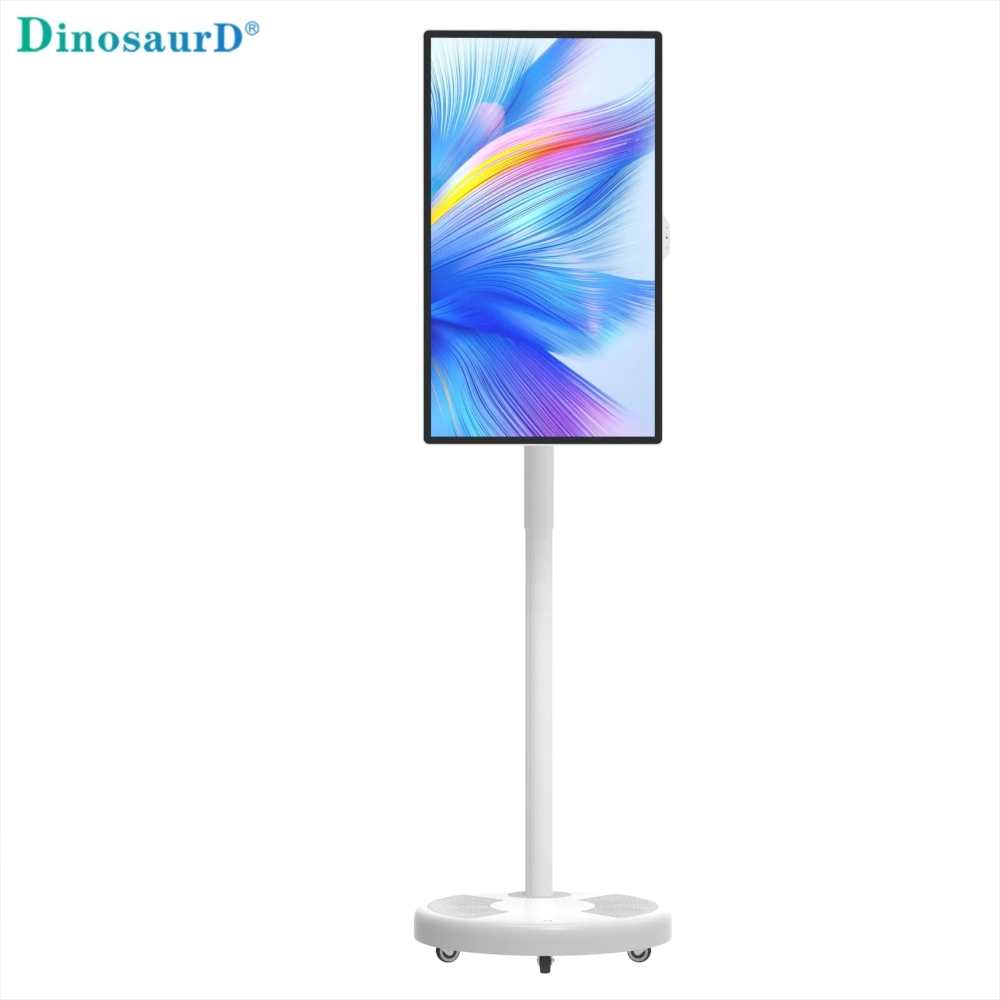
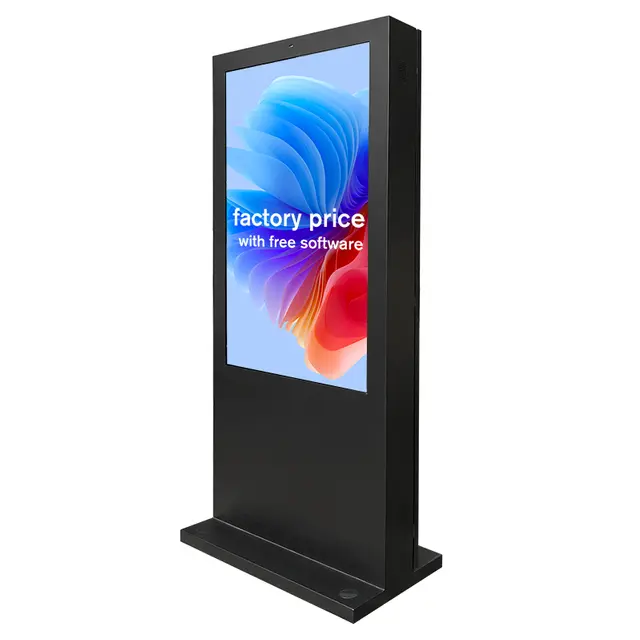
Outdoor Digital Signage can absorb solar heat while its backlight, media player, power supply, and touch electronics generate additional heat from inside. A display that appears protected from rain may still develop hot spots, unstable playback, image darkening, or premature component failure if its thermal system does not match the site. Keeping the enclosure cool requires more than adding a fan. It starts with evaluating the real heat load, selecting suitable temperature control, reducing direct solar gain, preserving engineered airflow paths, and maintaining sensors, vents, filters, and seals.

Why Outdoor Digital Signage Overheats
The temperature reported by a local weather service is not the temperature experienced inside an outdoor enclosure. The display produces heat during operation, while direct sunlight warms the front glass, top surface, side panels, and surrounding structure. Heat reflected from pavement, nearby walls, metal surfaces, or vehicles can further increase the thermal load. Wind, shade, enclosure finish, installation orientation, internal power consumption, and air exchange all influence the final internal temperature.
A high-brightness LCD panel also creates a demanding combination: the screen must remain readable in sunlight, but greater backlight power contributes additional heat. If that heat cannot leave the enclosure quickly enough, temperatures may rise around the power supply, control boards, media player, panel edges, or touch components. Possible warning signs include reduced brightness, intermittent restarts, slow touch response, dark areas appearing during intense sunlight, or the display shutting down during the hottest hours.
For this reason, cooling should be selected from a worst-case site assessment rather than an annual average temperature. Record the peak shaded temperature, daily hours of direct sun, screen orientation, operating schedule, dust exposure, humidity, reflected heat, and all internal accessories. A display running continuously at high brightness with a computer and touch controller requires a different thermal plan from a non-touch unit operating only during business hours.
Match the Cooling Method to the Installation
No single cooling method suits every Outdoor Digital Signage project. A moderate site may only require controlled internal airflow, while an exposed location with severe seasonal changes needs active temperature management. The enclosure design, operating range, solar exposure, internal heat output, mounting method, and maintenance conditions should be evaluated together.

Fan-Assisted Airflow for Moderate Conditions
Forced airflow moves warm air away from heat-producing components and helps prevent heat from collecting at the top of a vertical enclosure. It is practical where ambient temperatures remain within the screen’s operating range and the incoming air is still cool enough to absorb internal heat. The airflow path must be planned, however; simply placing a fan inside a closed cabinet may circulate hot air without removing it.
Fan-cooled outdoor signage combines controlled airflow with a weather-resistant enclosure and sunlight-readable LCD technology. This approach is most relevant to freestanding installations where a defined intake-to-exhaust route can move heat through the tall cabinet. It can support stable operation in moderate outdoor conditions, provided that the air inlet, exhaust path, and internal circulation remain unobstructed.
Sensor-Controlled Cooling for Changing Heat Loads
Conditions can change substantially between morning shade and afternoon sun. A cooling system that always runs at one speed may waste energy during cool periods yet respond too slowly when solar load increases. Temperature probes and adjustable fan control allow the system to react to conditions inside the enclosure rather than relying only on outdoor air temperature.
A temperature-controlled outdoor display can use internal sensing, fan-speed regulation, and ambient-light-based brightness adjustment. When the enclosure becomes hotter, the cooling system can increase airflow. During cooler periods, the system can reduce fan activity. Lowering unnecessary backlight output in reduced light can also decrease power consumption and internal heat generation.
Wide-Temperature Control for Harsh Climates
Locations with extremely hot summers and freezing winters require more than summer cooling. The screen, power system, seals, and internal electronics must support the full environmental range. Heating may be required for cold starts, while controlled heat dissipation is needed during high-temperature operation. Condensation must also be considered when temperatures change rapidly.
A wide-temperature outdoor display can combine active heat dissipation, heating, and anti-condensation control. This type of configuration is relevant to exposed transportation, logistics, industrial, and public-information sites where seasonal conditions vary widely. The thermal system should protect the LCD and supporting electronics during both hot operation and low-temperature startup.
| Site Condition | Suitable Thermal Approach | Main Design Check |
| Moderate heat with limited direct sun | Fan-assisted airflow | Clear intake and exhaust paths |
| Variable sunlight and daily temperature changes | Sensor-controlled cooling | Probe position and control thresholds |
| Severe heat, freezing weather, or large seasonal swings | Wide-temperature active control | Heating, cooling, and condensation management |
Cooling capacity should still include a safety margin. If the estimated internal temperature can exceed the display’s rated range during a heat wave, a fan-only system is not sufficient. The project may require stronger active cooling, lower internal power consumption, additional shade, or a different mounting location.
Reduce Solar Gain Before Adding More Cooling
Solar exposure is an external heat source that the cooling system must continuously overcome. Reducing that load can improve reliability without increasing fan speed or installing a larger thermal system. Whenever practical, position Outdoor Digital Signage so nearby architecture provides shade during the hottest part of the day. A canopy or overhang can also help, provided it does not block airflow, interfere with visibility, trap rising heat, or direct rainwater toward the enclosure.
Screen orientation matters as much as general placement. A west-facing display may receive intense afternoon sunlight when ambient temperature is already near its daily peak. Reflected heat from concrete, glass façades, or metal cladding can also produce a harsher environment than the weather forecast suggests. A site survey should therefore examine direct exposure and surrounding surfaces at several times of day.
Enclosure color and surface treatment affect solar absorption. Dark external surfaces generally absorb more solar energy than lighter finishes, so housing color should be included in the thermal assessment rather than treated as an aesthetic decision alone. The internal temperature is also influenced by enclosure shape, surface area, insulation, wind, and the distance between the display and nearby structures.
Brightness should follow actual viewing conditions. Outdoor Digital Signage needs sufficient luminance for daylight readability, but operating at maximum output after sunset adds unnecessary power consumption and heat. An ambient-light sensor can increase brightness during strong sunlight and reduce it during cloudy periods, evenings, or shaded hours. This does not replace cooling, but it lowers the heat that the thermal system must remove.

Preserve Airflow and Weather Protection
Weather resistance and heat dissipation must be designed as one system. Cutting an unplanned vent, removing a gasket, or leaving a service panel partly open may temporarily release heat, but it can allow rain, dust, insects, and humid air to reach the electronics. Outdoor Digital Signage should use the enclosure’s intended airflow or heat-transfer path without compromising its protection level.
For filtered airflow, the intake should draw air from a location that is not exposed to standing water, exhaust heat, vehicle emissions, or concentrated dust. The outlet should be positioned so discharged warm air cannot immediately return to the intake. Filters, insect barriers, louvers, and internal ducts add resistance, so the fan must deliver sufficient airflow after these components are installed, not only when tested in open air.
Internal layout is equally important. Power supplies, processors, communication equipment, and the LCD backlight should not create isolated pockets of hot air. Cables should not obstruct fan inlets, outlets, or narrow channels behind the panel. Temperature probes should be positioned near meaningful hot zones rather than directly in front of a cooling outlet, where the reading could underestimate the actual component temperature.
Wall-mounted Outdoor Digital Signage needs the specified clearance around the rear housing and ventilation areas. A shallow recess or decorative surround can restrict airflow even when the front remains fully visible. Freestanding enclosures require similar attention around the base and upper exhaust area. Leaves, litter, landscaping, advertising panels, or accumulated debris must not block the designed air route.
Commissioning should reproduce a demanding operating condition. Run the display at daytime brightness with the media player, touch system, communication modules, and other accessories active. Record internal temperatures after the unit reaches a stable condition, then confirm that fans respond correctly and no local hot spot approaches the component limits. Thermal sensors can also support alerts before overheating causes an interruption.
Maintain Cooling Performance During Hot Weather
Outdoor Digital Signage cooling performance can decline gradually without an obvious failure. Dust buildup reduces airflow, filters become restrictive, fan bearings wear, seals deform, and insects or debris enter exposed passages. A unit that operated normally when installed may therefore overheat during a later summer unless its thermal components are inspected.
Maintenance frequency should reflect the site. Displays near roads, construction areas, industrial facilities, coastal locations, or dry landscapes may require more frequent checks than equipment in a clean pedestrian area. Inspect filters, fan blades, louvers, drainage paths, cable glands, door seals, heat-dissipation surfaces, and internal temperature records. Unusual fan noise, vibration, repeated high-temperature alerts, or increasing internal temperatures under similar weather conditions indicate that service is needed.
Monitoring trends is more useful than checking only whether a display is currently running. Compare internal temperature with ambient conditions, brightness level, operating time, and fan activity. If one unit in a network consistently runs hotter, investigate its orientation, shade, airflow clearance, internal accessory load, and surrounding surfaces. The cause may be local even when all displays use the same hardware.
During an overheating event, reduce the heat load before repeatedly restarting the system. Lower brightness where visibility permits, confirm that cooling fans are operating, remove external airflow obstructions, and provide temporary shade when safe. Do not leave the enclosure open in a dusty, humid, or rainy environment. After the immediate issue is controlled, identify whether the cause was inadequate cooling capacity, a failed component, poor installation clearance, blocked airflow, or conditions beyond the unit’s rated operating range.
Conclusion
Keeping Outdoor Digital Signage cool is a system decision rather than a single-component fix. The correct approach combines a realistic worst-case site assessment, cooling matched to the enclosure’s heat load, reduced solar exposure, protected airflow, sensor-based control, and preventive maintenance. Fan-assisted designs suit moderate conditions, while intelligent or wide-temperature control is safer where heat, cold, or seasonal swings are severe. Shenzhen Dinosaur Display Co., Ltd. is an outdoor LCD display manufacturer and supplier offering fan-cooled, temperature-controlled, and wide-temperature configurations for different installation environments.
FAQ
Q: What temperature is too high for Outdoor Digital Signage?
A: The critical limit is the display’s specified operating range and measured internal temperature. Persistent operation near that limit requires reduced heat load or improved cooling.
Q: Can a fan keep an outdoor LCD display cool?
A: A fan can manage moderate heat when incoming air is sufficiently cool and airflow is unobstructed. It cannot lower internal temperature below very hot ambient air.
Q: Does high brightness increase display temperature?
A: Higher backlight output consumes more power and adds internal heat. Automatic brightness adjustment can reduce unnecessary thermal load during evenings, cloudy periods, or shaded conditions.
Q: Should Outdoor Digital Signage always be installed in shade?
A: Shade reduces solar gain and is beneficial when it does not reduce visibility. However, the display still needs cooling designed for peak ambient conditions.
Q: How often should the cooling system be inspected?
A: Base the schedule on heat, dust, pollution, and operating hours. Inspect high-exposure installations more frequently and check them after heat waves or construction activity.