


Views: 0 Author: Site Editor Publish Time: 2026-07-13 Origin: Site


Buying an outdoor display is not simply a matter of choosing the largest screen or highest brightness. Sun direction, viewing distance, enclosure protection, temperature control, connectivity, installation conditions, and future service all affect whether the system remains readable and reliable. In 2026, buyers also need to evaluate remote management, energy use, and lifecycle costs before approving a quote. This guide explains how to match Outdoor Digital Signage to the site, compare essential specifications, choose an appropriate screen layout, and avoid costly gaps between product data and real operating conditions.
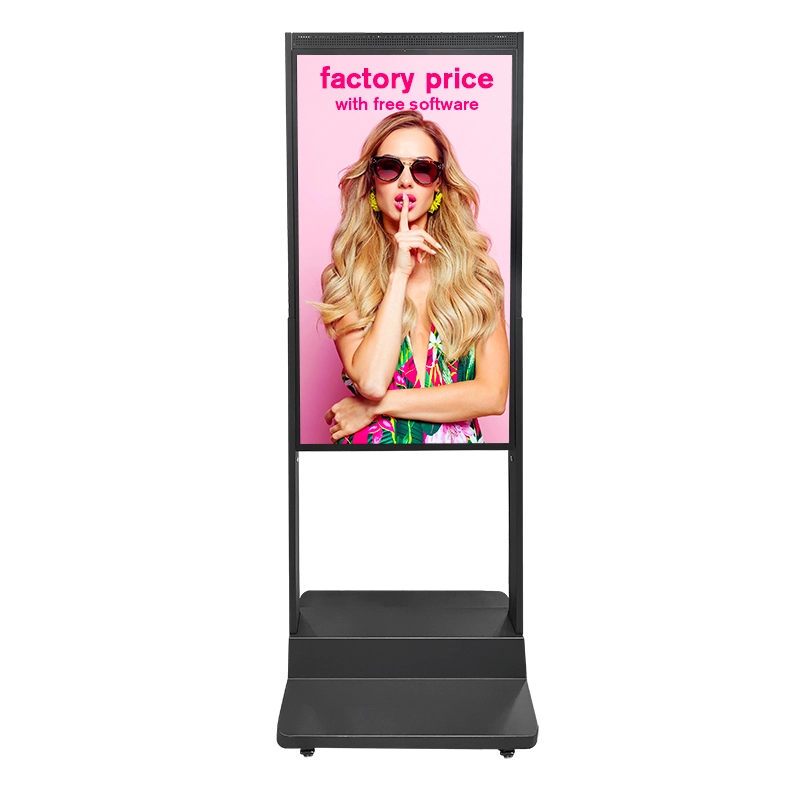
A useful Outdoor Digital Signage specification begins with a site survey rather than a product catalog. Record where the display will stand, which direction it will face, when direct sunlight reaches the screen, and whether nearby buildings or trees create partial shade. A screen facing afternoon sun may need a different brightness level from one installed beneath a covered entrance, even when both are technically outdoors.
Next, study how people approach the location. Viewing distance affects screen size, text height, image detail, and content duration. A pedestrian who can stop near a kiosk may read several lines of information, while a person passing through a transport area needs larger text and shorter messages. Viewing height also matters. The screen should remain visible without forcing users to look sharply upward or downward, and interactive controls must be positioned where intended users can reach them comfortably.
Traffic direction determines whether one display surface is enough. A single-facing kiosk works well against a wall or beside an entrance where nearly everyone approaches from one direction. An open walkway, plaza, forecourt, or central pedestrian route may benefit from dual-sided outdoor signage. The referenced configuration uses two 55-inch screens, a sealed IP65 enclosure, anti-glare tempered glass, built-in temperature management, and remote content options.
The survey should also identify available electrical capacity, network coverage, drainage, foundation conditions, wind exposure, access for lifting equipment, and the route for power and data cables. Check local planning, electrical, accessibility, and installation requirements before ordering. Solving these issues after delivery can create more expense and delay than choosing the display itself.
Brightness should be matched to sunlight rather than chosen from a larger-is-always-better assumption. A sheltered or north-facing location may operate effectively at a lower output than an uncovered, sun-facing site. Direct sunlight generally requires a high-brightness commercial panel, anti-reflection treatment, and sufficient thermal control to manage the heat produced by the panel and surrounding environment.
For demanding sun-facing installations, a 3000-nit outdoor kiosk represents the type of configuration buyers may evaluate. Its product information specifies adjustable brightness within an 1800-to-3000-nit range, anti-reflection tempered glass, IP65 enclosure protection, and operating-system options for different deployment requirements.
Automatic brightness adjustment is valuable because outdoor light changes throughout the day. It can keep Outdoor Digital Signage readable in daylight while reducing unnecessary output after sunset. Ask how the sensor responds, whether minimum and maximum levels can be configured, and whether brightness schedules can override automatic control.
An IP code describes an enclosure’s resistance to solids and liquids. The first numeral covers solid-object protection, while the second covers liquid protection. It does not automatically describe impact resistance, corrosion resistance, thermal performance, or the quality of door seals and cable entries.
For exposed Outdoor Digital Signage, compare the full enclosure rating rather than accepting a general weather-resistant description. IP65 is commonly considered for permanent outdoor installations, while IP66 may be preferable where the unit faces stronger wind-driven rain, dust, or exposed cleaning conditions. Confirm whether the rating applies to the complete assembled unit, including doors, vents, speakers, connectors, and optional touch components.
Impact protection should be reviewed separately. Ask about the front-glass type, thickness, impact rating, scratch resistance, and replacement method. In coastal, industrial, or high-humidity locations, also request information about enclosure material, surface treatment, fasteners, seals, and corrosion protection.
| Site Condition | Specification to Prioritize |
|---|---|
| Direct or prolonged sunlight | High brightness, anti-glare glass, automatic dimming |
| Heavy rain or airborne dust | Complete-unit IP rating and sealed cable entries |
| Hot or enclosed installation area | Verified operating range and active heat management |
| High public contact | Toughened glass, secure doors, impact resistance |
| Coastal or corrosive environment | Suitable enclosure material and corrosion protection |
| Limited maintenance access | Front or rear service design with replaceable modules |
Ambient temperature is only one part of thermal risk. Solar radiation can raise the enclosure and front-glass temperature well above the reported air temperature. Ask how the display removes heat, whether it uses fans, filtered ventilation, air conditioning, heaters, or another control method, and how those components are accessed for maintenance.
A wide claimed operating range is useful only when the full system has been tested under comparable conditions. Clarify whether the stated range applies to continuous operation, startup, storage, or individual components. Outdoor Digital Signage installed in extreme climates should also include temperature alarms or remote status reporting where available.
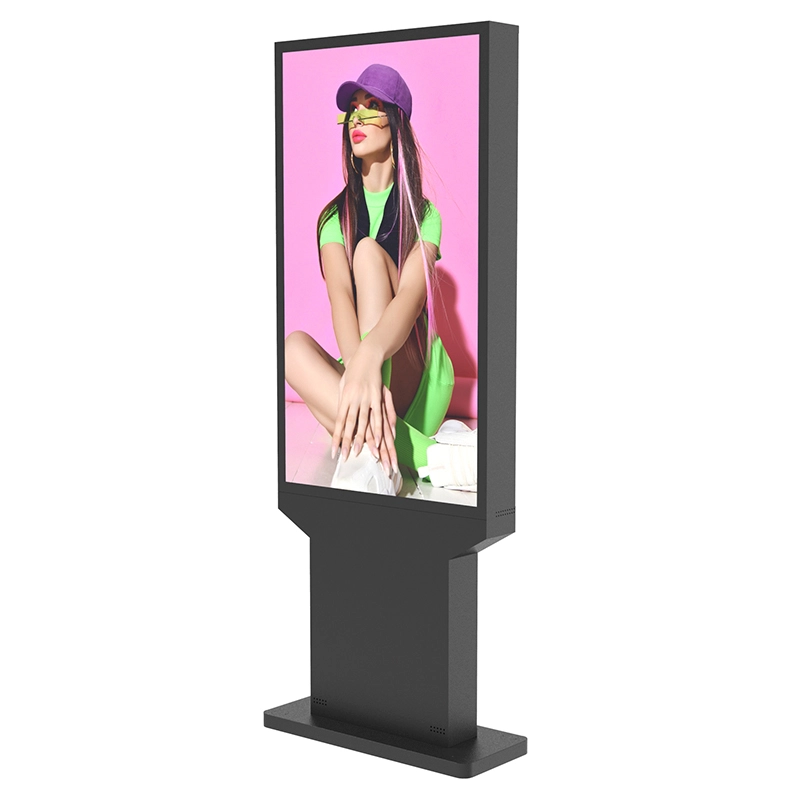
Screen size should be based on viewing distance, content complexity, available space, and audience movement. Larger displays improve visibility from farther away, but they also increase cabinet weight, foundation requirements, power demand, wind loading, and installation complexity. Resolution becomes especially important where viewers stand close enough to read detailed menus, maps, schedules, or instructions.
Orientation should follow the content. Portrait screens are suitable for directories, promotional posters, wayfinding, and full-body imagery. Landscape screens provide more horizontal room for menus, schedules, maps, and multi-column information. Before purchase, prepare sample content at the proposed resolution and test it from the expected viewing distance.
Multiple screens can solve visibility problems that one oversized surface cannot. A triple-screen outdoor display can present coordinated content across three panels or assign different information to separate viewing zones. The referenced product page lists 2500-nit brightness, IP66 protection, automatic light sensing, toughened anti-glare glass, and Android or Windows configurations.
Do not select a multi-screen design only because it appears more noticeable. Confirm that the site offers sufficient sightlines and that the content team can produce material for the format. Three poorly coordinated panels may create more visual confusion than one well-positioned screen.
Outdoor Digital Signage hardware is only useful when content can be published reliably. Before approving the system, decide whether content will be loaded locally, controlled through a cloud platform, or connected to an existing signage network. Confirm operating-system compatibility, supported media formats, resolution, portrait and landscape playback, scheduling, split-screen layouts, and automatic startup after power interruption.
For remote operation, ask whether the platform can display device status, storage use, network condition, playback confirmation, temperature warnings, and restart controls. A system that only uploads content remotely may still require frequent site visits when a player, application, or connection stops working. Offline playback is also important because previously downloaded content should continue running during a temporary network outage.
Connectivity choices should reflect the site. Wired networking can provide stable communication where cable installation is practical. Wi-Fi may be convenient but can be affected by distance, walls, congestion, or changing access credentials. Cellular connectivity can support isolated sites, although data plans and signal quality must be included in the operating budget.
Cybersecurity responsibilities should be agreed before deployment. Change default credentials, limit administrator access, separate signage devices from sensitive business networks, maintain approved software versions, and define who can publish or remove content. These controls are particularly important when Outdoor Digital Signage provides public information or operates across multiple locations.
Service access deserves equal attention. Ask whether technicians can replace the media player, power supply, fans, filters, sensors, and screen module without dismantling the complete enclosure. Confirm whether service doors can open safely at the installed location and whether routine cleaning will require lane closures, lifting equipment, or removal of nearby structures.
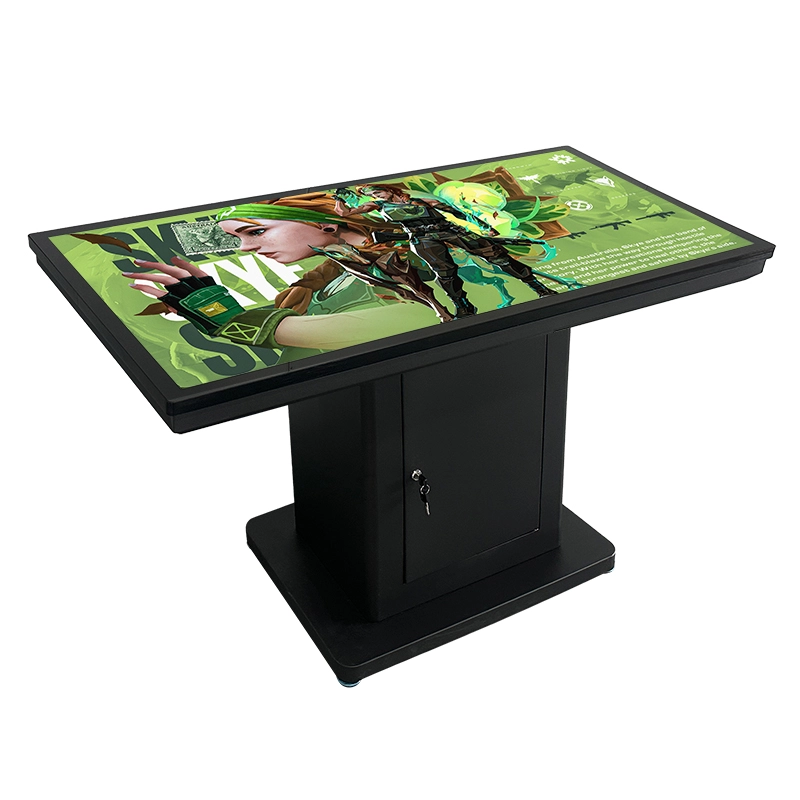
The lowest purchase price does not necessarily produce the lowest operating cost. A complete Outdoor Digital Signage budget should include the display, media player, software licensing, freight, customs costs, foundation work, mounting hardware, electrical installation, network setup, lifting equipment, commissioning, permits, training, content production, cleaning, maintenance, and future replacement parts.
Energy use should be compared under realistic brightness schedules rather than maximum rated power alone. Ask suppliers for typical consumption at daytime and nighttime settings, expected operating hours, and the power requirements of cooling or heating components. Automatic dimming and scheduled shutdown can reduce unnecessary operation, but only where the communication purpose allows the screen to run at lower output or switch off.
Maintenance planning should identify who will clean the glass, inspect seals, clear ventilation paths, replace filters, update software, and respond to faults. Ask how quickly common components can be supplied and whether remote diagnosis is available. A minor failure can become expensive when replacement parts, specialized technicians, or access equipment are unavailable.
Before releasing a purchase order, obtain written confirmation of:
Screen size, orientation, resolution, brightness, and viewing angle.
Complete enclosure rating, glass specification, and impact protection.
Operating temperature range and thermal-control method.
Operating system, media player, connectivity, and content platform.
Mounting drawing, cabinet dimensions, weight, foundation, and cable entry.
Warranty coverage, exclusions, spare-parts availability, and support process.
Factory acceptance tests and inspection documents required before shipment.
Where possible, review a sample or conduct a video inspection using representative content. Check brightness adjustment, reflections, color consistency, startup behavior, network recovery, cabinet access, sealing, noise, and screen synchronization. This final verification helps prevent differences between a quotation description and the delivered Outdoor Digital Signage system.
Successful Outdoor Digital Signage purchasing begins with the installation site and communication objective, not a headline specification. Buyers should balance sunlight readability, enclosure protection, thermal control, screen layout, software compatibility, service access, and total ownership cost. Shenzhen Dinosaur Display Co., Ltd. is a digital signage manufacturer with documented factory production lines, testing equipment, engineering support, and outdoor display configurations. Its product range allows projects to compare single-, double-, and multi-screen formats while selecting specifications that match visibility, environmental exposure, maintenance conditions, and operational requirements.
A: Match brightness to sun exposure. Sheltered locations may need less output, while direct-sun sites commonly require a high-brightness panel, anti-glare glass, and automatic dimming.
A: IP65 can suit many permanent outdoor installations, but exposed locations may require IP66. Confirm that the rating covers the complete enclosure and all cable entries.
A: Use one face where traffic approaches from a single direction. Two faces are more suitable for open walkways, central plazas, and bidirectional pedestrian routes.
A: Yes, when the media player and content platform support remote management. Confirm scheduling, device monitoring, offline playback, user permissions, and recovery after network interruptions.
A: Frequently missed costs include foundations, electrical work, network access, lifting equipment, software licenses, content creation, cleaning, replacement parts, technician visits, and energy consumption.


