Choosing the best digital signage is less about finding one universally superior screen and more about matching the system to its environment, audience, content workflow, and maintenance plan. A bright shop window, a weather-exposed entrance, and an indoor interactive kiosk create very different demands. For Outdoor Digital Signage, visibility and environmental protection come first; for indoor use, touch performance and placement may matter more. The following criteria help buyers compare LCD display formats, CMS functions, installation risks, and lifetime costs without confusing a long feature list with a genuinely suitable system.

The Best Outdoor Digital Signage Starts With the Site
The best Outdoor Digital Signage is the system that continues delivering readable, relevant content under the conditions at its intended location. Begin by recording ambient light, direct sun exposure, viewing distance, operating hours, available power, network access, mounting restrictions, and expected audience behavior. These details should be defined before comparing screen sizes or software packages. Otherwise, buyers can select impressive specifications that solve the wrong problem.
It is also essential to separate three commonly confused applications. A fully exposed outdoor display needs an enclosure designed for rain, dust, temperature changes, and physical access. A window-facing screen is installed indoors but viewed through glass, so brightness, glare, heat, and reflection are the main concerns. An indoor touchscreen totem operates in a controlled environment and prioritizes interaction, stability, and ergonomic placement. High brightness alone does not make a window display suitable for exposed Outdoor Digital Signage.
| Installation Environment | Suitable LCD Format | Main Selection Priority |
| Fully exposed exterior location | Weather-protected outdoor enclosure | Environmental resistance and service access |
| Indoor screen facing through glass | High-brightness window display | Glare control and outward visibility |
| Shopping mall or retail floor | Freestanding commercial display | Placement stability and viewing angle |
| Indoor interactive area | Touchscreen floor-standing totem | Touch accuracy and user accessibility |
A site survey should end with measurable requirements. Instead of asking for a “very bright” screen, identify where sunlight reaches the display and when glare is strongest. Instead of requesting “remote management,” define how many screens, locations, content contributors, and approval levels the CMS must support. This approach makes Outdoor Digital Signage easier to compare and reduces expensive changes after installation.
Visibility and Environmental Protection Decide Outdoor Performance
Brightness should be selected according to actual light conditions rather than treated as a universal quality score. Outdoor Digital Signage facing an open plaza may encounter stronger ambient light than a unit under a covered entrance. Window-facing LCD displays must also compete with reflections from glass and interior lighting. A screen that appears vivid in a showroom may become difficult to read after installation if the test environment does not represent the final location.
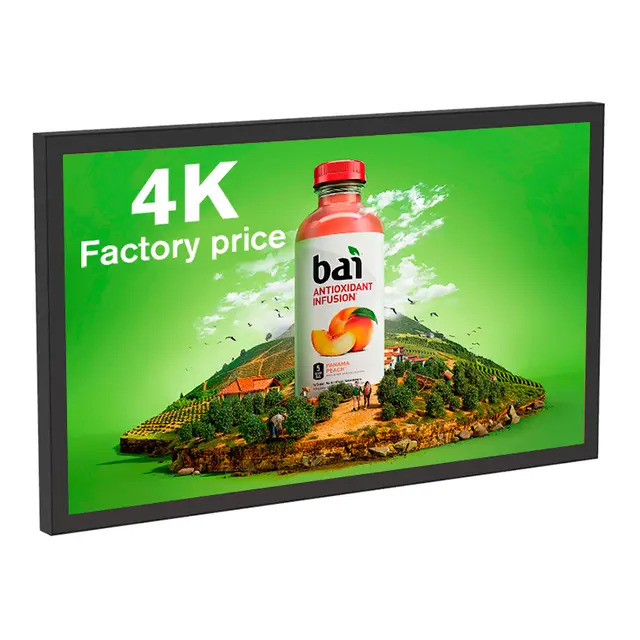
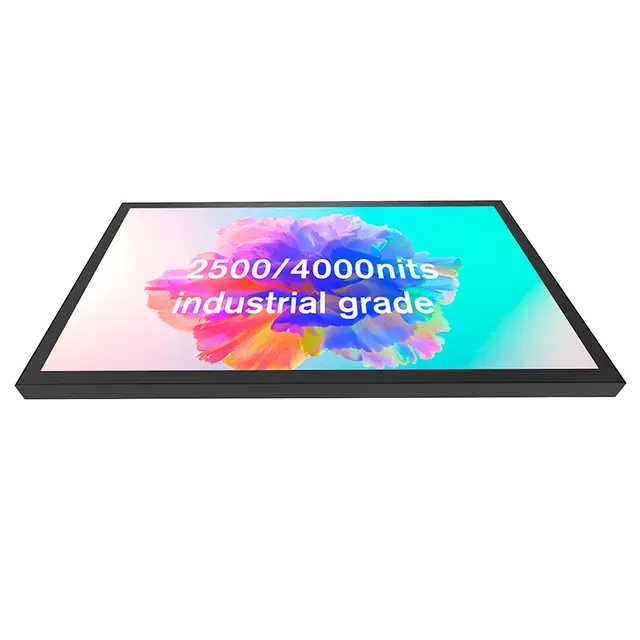
For bright retail windows, Shop Window Digital Signage is specified with 2500-nit brightness, freestanding installation, Android or Windows operation, and screen sizes from 32 to 65 inches. Its product information also describes an ambient light sensor that adjusts brightness according to surrounding conditions. These characteristics suit high-visibility window and mall applications, but an exposed exterior project still requires separate confirmation of environmental protection.
Protection requirements should cover more than rainfall. Outdoor Digital Signage may face airborne dust, condensation, heat accumulation, cold starts, accidental impact, insects, and unauthorized access. Ask how the enclosure protects cable entries, ventilation paths, service doors, internal electronics, and front glass. Temperature control should also be evaluated as a complete system because a bright panel produces heat while solar exposure can increase internal temperatures further.
Readability depends on content design as well as hardware. Large text, strong contrast, short messages, and uncluttered layouts are easier to understand from a distance. Fine details that look attractive on a laptop can disappear outdoors. Test real campaign files at the expected viewing distance during both bright and low-light periods. The best Outdoor Digital Signage balances sufficient brightness with suitable content rather than relying on maximum output at every hour.
Match the Display Format to the Customer Journey
Display orientation and installation style should follow how people approach, view, and use the screen. Landscape formats suit wide promotional videos, menus, and storefront campaigns. Portrait screens work well for directories, product browsing, schedules, and full-body creative content. A freestanding unit offers placement flexibility, while wall mounting can conserve floor space. Outdoor Digital Signage should also be positioned so doors, plants, parked vehicles, and pedestrian flow do not block the main viewing area.
For an indoor retail window, CMS Window Display combines 2500-nit brightness with Android or Windows options, 32- to 65-inch sizes, and floor-standing or wall-mounted installation. It is designed as a high-brightness LCD solution with centralized content management. This configuration can support stores that need to update promotions without accessing each screen manually.
Touch functionality should be chosen only when interaction supports a clear user task. Product lookup, wayfinding, registration, catalog browsing, and information inquiry can justify touch. A simple advertising loop usually does not. Interactive Outdoor Digital Signage also introduces accessibility, cleaning, interface design, response time, and weather-related considerations. The touch target height, screen angle, instruction clarity, and idle-screen behavior all influence whether customers actually use the feature.
For controlled indoor spaces, Indoor Touchscreen Signage offers a vertical floor-standing format in 43-, 50-, 55-, and 65-inch sizes, with Full HD or 4K resolution options. The listed 43-inch configuration includes capacitive 10-point touch and wide viewing angles, making the format relevant to indoor retail, reception, wayfinding, and information applications.

CMS and Connectivity Determine Daily Usability
A digital signage system includes more than the screen. Content must be created, scheduled, transferred, played, monitored, and updated. For multi-location Outdoor Digital Signage, the CMS often determines whether daily operation remains manageable. A sophisticated display can still underperform when employees cannot publish a campaign quickly, identify an offline device, or confirm which content is running at each site.
Evaluate the CMS using the workflows your team will perform every week. Useful functions may include playlist scheduling, screen grouping, portrait and landscape templates, timed publishing, user permissions, approval processes, device status, automatic restart, and offline playback. The interface should be tested by both technical staff and the employees responsible for routine content updates. A platform that requires constant technical assistance can create delays even when its feature list appears comprehensive.
Connectivity planning is equally important. Outdoor Digital Signage may depend on wired networks, Wi-Fi, or mobile data, depending on the location. Determine what happens when the connection becomes unstable. A practical system should continue playing stored content and synchronize new material after connectivity returns. Buyers should also confirm whether remote diagnostics can identify playback, storage, network, or power-related problems before someone travels to the site.
Operating-system compatibility should be checked before deployment, especially when a project combines window screens, indoor touch displays, and exterior units. Confirm supported file formats, resolutions, touch applications, browser functions, update procedures, and security controls. Shenzhen Dinosaur Display’s digital signage can be configured with Android or Windows, while CMS software is available for remote control. These options should still be matched to the customer’s specific application and network policy.

Compare Total Cost and Test Before Scaling
The lowest purchase price rarely identifies the best Outdoor Digital Signage. A useful cost comparison includes the display, enclosure, mounting structure, electrical work, network connection, CMS licensing, installation, content production, cleaning, support, spare parts, and future replacement. Energy use also depends on brightness settings, operating schedules, environmental conditions, and automatic adjustment. Compare complete deployment scenarios rather than isolated screen quotations.
Maintenance access deserves attention during the design stage. Technicians may need to inspect power components, network equipment, cooling systems, glass, and internal connections. A display placed tightly against a wall or surrounded by fixed construction can make simple service tasks expensive. Outdoor Digital Signage should also have a documented process for cleaning, checking seals, updating software, and responding to a blank or unresponsive screen.
Before ordering a large network, test one or several units in representative locations. Run the real content schedule, monitor visibility at different times, simulate network interruption, and ask staff to perform common CMS tasks. For interactive displays, observe whether users understand the interface without assistance. Record screen readability, playback stability, enclosure temperature, touch response, maintenance time, and content-update speed.
A successful pilot reveals differences that specification sheets cannot show. It can expose excessive reflections, unsuitable mounting height, weak connectivity, confusing content, or difficult access before these problems affect every location. The best Outdoor Digital Signage is therefore not simply the screen with the highest specification. It is the tested combination of display hardware, installation, CMS, content, and operational support that performs reliably in the real environment.
Conclusion
The best digital signage is selected by application, not by a single ranking. Outdoor Digital Signage needs verified environmental protection, suitable brightness, dependable content playback, secure installation, and practical service access. Window-facing displays require strong glare control, while indoor interactive units should prioritize touch usability and placement.
Shenzhen Dinosaur Display Co., Ltd. is a digital signage manufacturer with documented factory, assembly, testing, and engineering resources. Its high-brightness window displays and indoor touchscreen totems provide relevant options for retail and commercial projects, provided each configuration is verified against the final installation environment.
FAQ
Q: What is the best Outdoor Digital Signage?
A: The best option matches the site’s light, weather exposure, viewing distance, operating schedule, CMS requirements, installation method, and maintenance capabilities rather than one specification alone.
Q: How bright should outdoor digital signage be?
A: There is no universal brightness level. Measure ambient light, reflections, display direction, and viewing distance, then test representative content at the actual location.
Q: Can a high-brightness window display be installed outdoors?
A: Only when its enclosure is explicitly designed for exposed conditions. High brightness improves visibility but does not confirm resistance to rain, dust, or temperature changes.
Q: Is touchscreen functionality useful for exterior signage?
A: Touch is useful for wayfinding, product search, registration, and information services, but it adds interface, accessibility, cleaning, protection, and maintenance requirements.
Q: Which CMS functions matter most for multiple locations?
A: Prioritize remote scheduling, screen grouping, device monitoring, offline playback, user permissions, content approval, operating-system compatibility, and straightforward controls for non-technical staff.