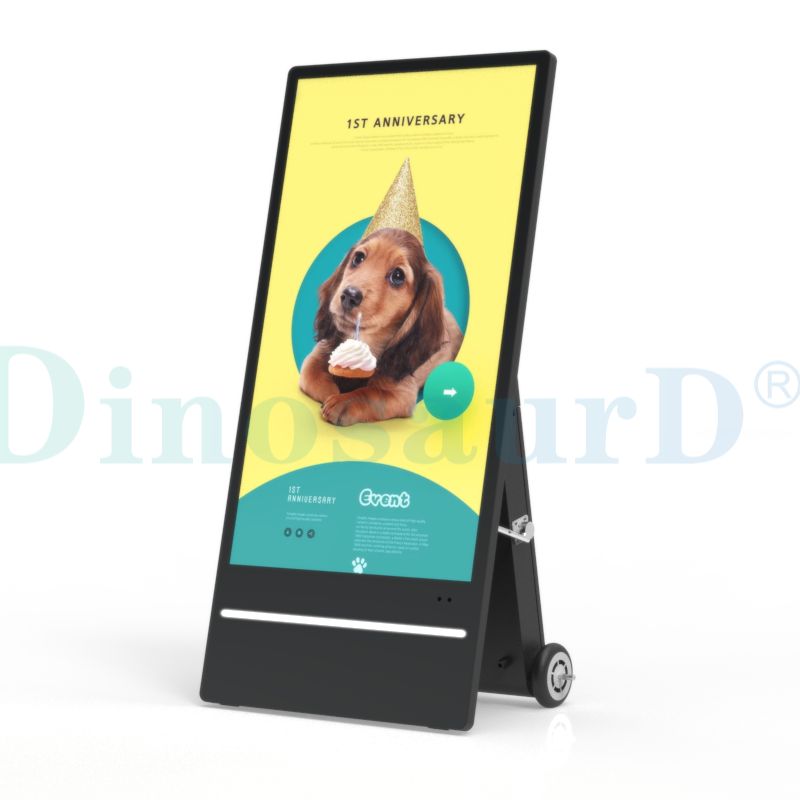
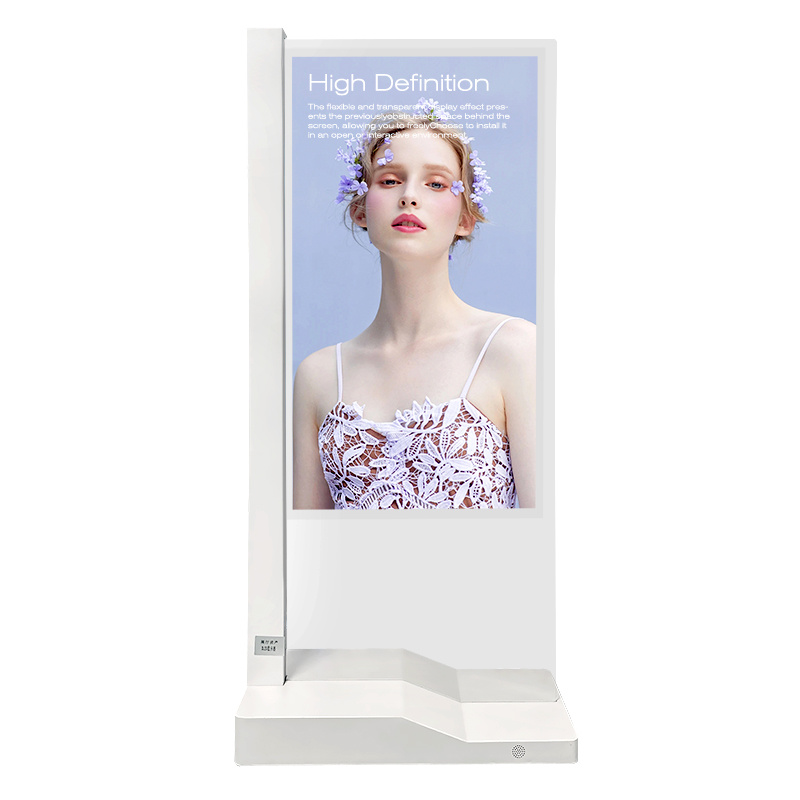
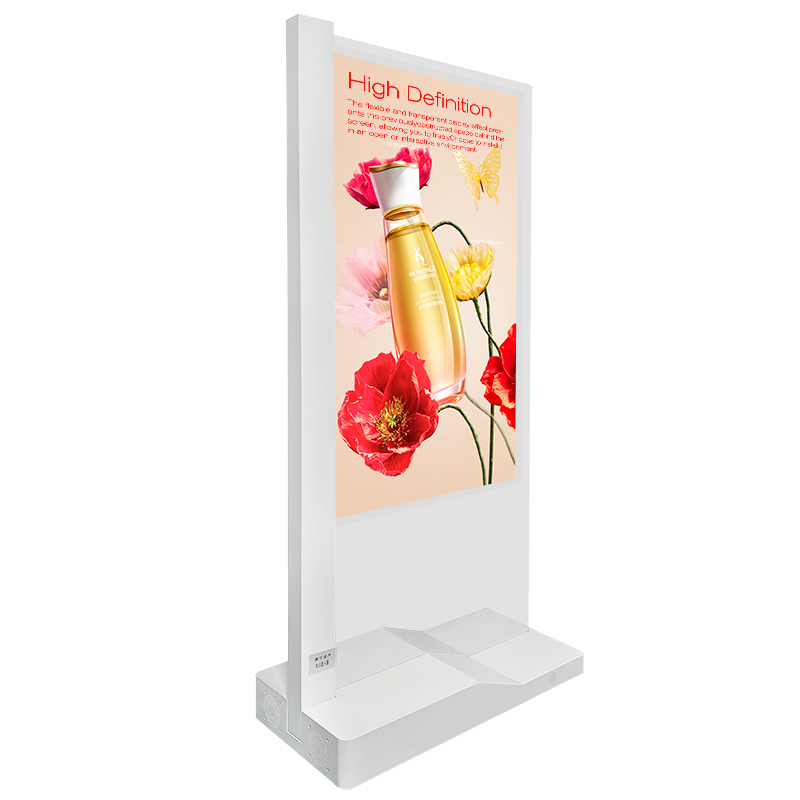
Are you planning to upgrade your commercial space with cutting-edge visual technology? A floor standing transparent oled display overlays floating 4K digital graphics directly over real physical products placed behind the glass. To select the ideal unit for your enterprise, you must carefully evaluate five core criteria:
Core Evaluation Factors: Panel size, transparency rate, ambient lighting conditions, touch screen integration, and intended application scenarios.
By mastering these technical parameters, procurement professionals and AV integrators can deliver unforgettable visual experiences in any modern showroom.
Key Takeaways
Evaluate panel size, transparency rate, and ambient room light before buying a transparent display.
Add LED spotlights inside the display cabinet to highlight your real products clearly.
Choose Projected Capacitive touch for luxury retail stores or Infrared touch for busy trade shows.
Select Windows operating systems for complex business software or Android for basic digital signage apps.
Use strong aluminum frames and tempered glass to protect displays in heavy foot-traffic areas.

Key Specifications of Floor Standing Transparent OLED Displays
You must evaluate core hardware metrics before purchasing commercial digital signage. Standard technical specifications directly influence how well your digital imagery blends with physical products.
Transmittance and Visual Clarity
Transparent OLED panels rely on self-emissive pixels. These pixels emit their own light and eliminate traditional backlights. When pixels turn off, they create pure blacks and reveal physical items placed behind the glass.
Transparent OLED screens achieve an effective transmittance rate between 38% and 45%. Light passes through the screen structure easily while graphics maintain vivid contrast over real objects.
Panel Sizes and Resolution
Manufacturers offer display sizes ranging from 32 to 65 inches to fit diverse spatial layouts. You can choose the optimal size based on your viewing distance and floor space.
Panel Size | Display Orientation | Common Resolution | Primary Use Case |
32-inch | Vertical / Kiosk | 1366 × 768 | Boutique counters & interactive shelf displays |
55-inch | Floor-Standing Totem | 1920 × 1080 | Retail showrooms, museum exhibits, & trade shows |
65-inch | Large Standalone | 3840 × 2160 | Automotive showrooms & flagship store displays |
The standard 55-inch floor standing transparent oled unit from Shenzhen Dinosaur Display Co., Ltd. delivers full HD resolution. This size provides the perfect balance between high visual impact and efficient footprint.
Color Gamut and Viewing Angles
High-end displays deliver rich visual output across various lighting environments.
120% Color Gamut: You experience hyper-realistic color reproduction that makes digital animations pop.
178-Degree Viewing Angles: Viewers see accurate colors and consistent brightness from extreme side angles without image distortion.
By matching these specs to your physical space, you ensure high visual impact for every visitor.
Physical Design and Environmental Integration
Selecting a Floor Standing Transparent OLED Form Factor
You need to choose the right enclosure design for your specific physical environment. Indoor commercial spaces require sleek aesthetics, while demanding settings need rugged protection.
Design Specification | Indoor Kiosk Enclosures | Outdoor Kiosk Enclosures |
Ingress Protection Rating | Lower ratings (IP20–IP32) | High protection (IP54 to IP65) |
Primary Cooling Method | Open convection vents or intake fans | Closed-loop systems (AC or heat exchangers) |
Display Brightness | Standard levels (300–500 nits) | Ultra-bright (1000+ nits) |
Material Selection | Aluminum or cold-rolled steel | Corrosion-resistant stainless steel or aluminum |
Most deployments utilize an indoor floor standing transparent oled totem. Indoor enclosures use simple louvered convection vents. These vents allow internal heat to escape freely and preserve panel longevity.
Managing Ambient Illumination and Backlighting
Transparent screens interact directly with surrounding light. You must control your room illumination to achieve maximum graphic pop.
Pro Tip: Place dedicated LED spotlights inside the display cabinet behind your physical showcase items. Bright spotlighting highlights the real product without washing out the floating digital animations on the glass screen.
Proper thermal management preserves performance when adding interior showcase lights:
Aluminum Frame and Tempered Glass Durability
High-traffic commercial spaces require sturdy structural materials. Premium transparent displays use lightweight aluminum frames to deliver a clean architectural finish. High-strength tempered glass protects the front panel from accidental impacts. This strong outer layer ensures high scratch resistance in busy retail showrooms and trade show booths.

Interactive Features and Operating Systems
Modern digital signage demands seamless interactivity and reliable software execution. You can transform passive viewing into engaging customer journeys by selecting the right interactive hardware and operating system.
Capacitive vs IR Touch Systems
Interactive touch overlays turn transparent displays into dynamic product catalogs. You can choose between two main touch technologies based on your operational environment:
10-Point Projected Capacitive (P-Cap) Touch: P-Cap technology offers a completely flat glass surface with edge-to-edge integration. It delivers precise, smartphone-like touch responsiveness. This system works best for premium retail showrooms and interactive luxury showcases.
Infrared (IR) Touch: IR frames use light beams across the screen bezel. This cost-effective option detects inputs from gloved hands, stylus pens, and light touches. It serves high-traffic trade show booths and public museum exhibits well.
Dual Operating System Options
Your display choice must support your existing enterprise software ecosystem. Floor-standing transparent OLED displays from Shenzhen Dinosaur Display Co., Ltd. offer flexible dual-OS configurations. You can select between Windows 7/8/10 Pro for complex software suites or Android 7/8/9/11 for lightweight digital signage apps.
Component / OS Feature | Performance Impact |
Android & Windows OS Options | Allows tailored system integration based on software requirements. |
Custom Mainboard Engine | Enhances overall stability, resolves image ghosting, and minimizes downtime. |
Security Tip: Enable kiosk mode to lock down system controls. Disabling shortcuts and physical buttons prevents unauthorized disruption in public spaces.
Multi-Screen Setup Capabilities
You can link multiple transparent units together to expand your visual canvas. Dual 55-inch side-by-side configurations create immersive interactive setups. Many modern retailers deploy these dual-screen setups for life-sized AI avatars and digital human interactions. One screen displays the interactive virtual assistant, while the adjacent transparent display overlays interactive product specifications over physical merchandise.
Commercial Applications and Budget Planning
Retail Showcases and Showrooms
You can place high-value items inside a floor standing transparent oled cabinet. The digital glass overlays dynamic price tags, product videos, and technical features directly over physical luxury goods. This setup captures immediate visual attention and boosts customer dwell time in modern retail stores.

Museum Exhibits and Trade Shows
Museum curators transform physical artifacts into interactive historical lessons using transparent screens.
Contextual Overlay: Digital displays show language translations, animations, and historical data directly over real objects.
Unobstructed Viewing: Visitors see delicate artifacts clearly without heavy paper signs blocking the view.
Adaptive Focus: Inactive screens become fully transparent and return complete focus back to the physical artifact.
Custom OEM and ODM Hardware Options
Shenzhen Dinosaur Display Co., Ltd. provides flexible custom engineering services to match your brand identity.
Customization Category | Services Offered |
Housing & Enclosures | Structural mounting designs and specialized kiosk layouts |
Branding & Appearance | Custom frame colors, logo printing, and anti-glare cover glass |
Peripheral Integration | Built-in cameras, touch controllers, and full PC system integrations |
Total Cost and 24/7 Operational Reliability
Commercial deployments require accurate financial planning alongside initial equipment purchases.
Category | Key Considerations & Metrics |
Total Cost Considerations | Equipment pricing, custom mounting, long-term power usage, and extended service plans |
ROI Factors & Evaluation | Higher conversion rates, brand prestige, extended dwell time, and user interaction metrics |
Financial ROI: Commercial installations typically achieve full payback within 3 to 5 years. These project deployments deliver high gross margins between 18% and 28%.
Advanced thermal management enables continuous 24/7 operation. Commercial-grade components maintain steady performance during non-stop daily playback.
Selecting the right floor standing transparent oled requires balancing several key factors. You must evaluate optical performance, touch requirements, physical placement, and operating software.
Pre-Purchase Checklist:
Optical transmittance (38%–45%) and ambient lighting
Interactive touch technology (P-Cap vs. IR)
OS compatibility (Windows vs. Android)
Structural durability and thermal management
Are you ready to transform your enterprise visual experience? Contact the technical team at Shenzhen Dinosaur Display Co., Ltd. today to configure your custom floor standing transparent oled display solution.
FAQ
How does a transparent OLED display work with physical products?
Self-emissive OLED pixels produce rich 4K graphics directly on the glass. The screen turns off individual pixels to create pure blacks. This process makes those glass areas transparent, letting you showcase physical objects clearly behind floating digital content.
Can you use a transparent OLED screen in bright outdoor spaces?
Lighting Advice: You should install floor-standing transparent OLED displays in indoor environments.
Direct sunlight washes out the self-emissive light and reduces graphic contrast. Controlled indoor lighting ensures bright, vivid visual overlays for your commercial showcases.
Which touch technology should you choose for interactive displays?
Choose 10-point Projected Capacitive (P-Cap) touch for sleek, smartphone-like responsiveness in luxury retail. Select Infrared (IR) touch for cost-effective performance in high-traffic trade shows. IR sensors easily detect input from gloved hands and styluses.
What operating system options can you run on these displays?
You can choose between two primary operating system configurations:
Dual-OS support allows you to run your preferred software seamlessly.