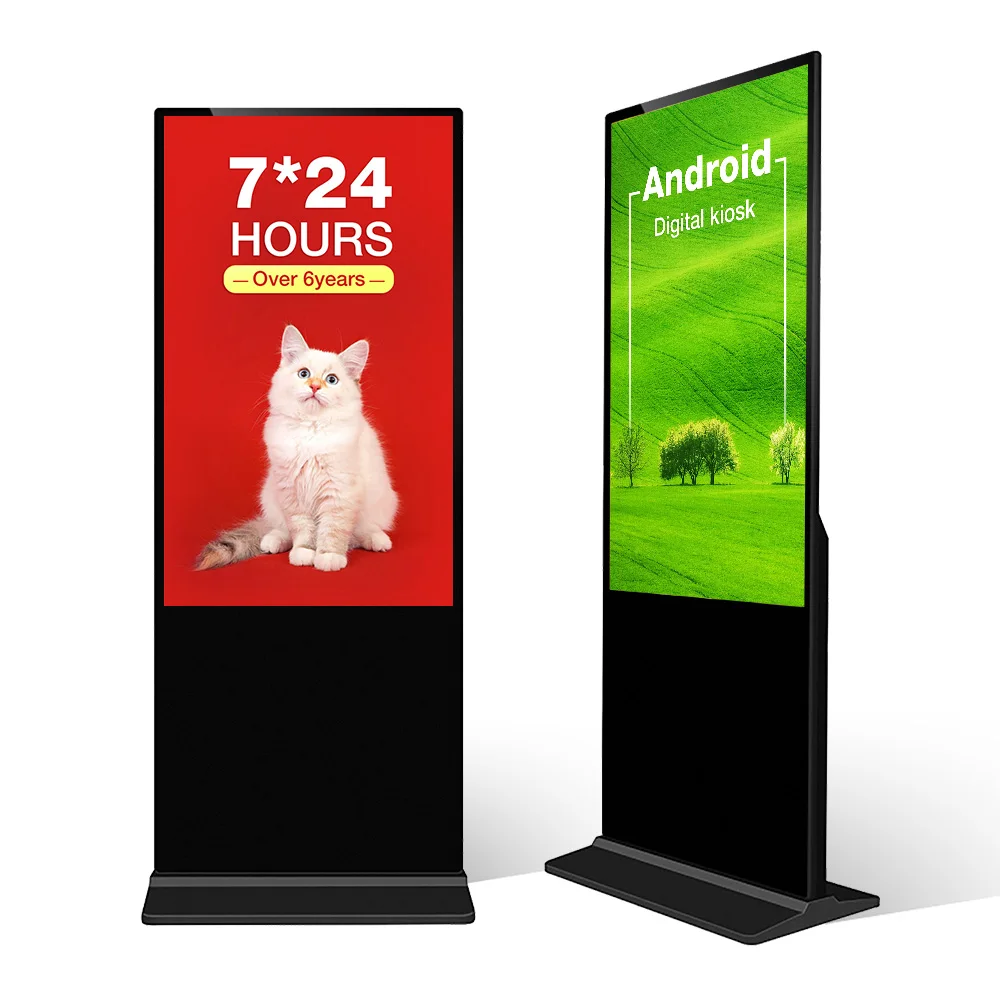
Choosing the right brightness for digital signage is not just a technical detail. It decides whether people can clearly see your content. A screen may look sharp in a showroom, then appear dull near a bright window or unreadable under direct sunlight.
That is why brightness should not be chosen by screen size alone. The real installation site matters more. Indoor stores, window-facing storefronts, and outdoor areas all have different lighting challenges.
In this guide, we will explain how brightness works, what “nits” mean, and how to choose the right brightness level for Indoor Digital Signage, Window-Facing Digital Signage, and Outdoor Digital Signage.

Key Takeaways
Choose Digital Signage brightness by location, not screen size. Indoor, window-facing, and outdoor spaces all have different light conditions.
Indoor Digital Signage usually works at 300–700 nits, while brighter indoor spaces may need 700–1,000 nits.
Window-Facing Digital Signage often needs 1,500–2,500+ nits because glass reflection and sunlight reduce visibility.
Outdoor Digital Signage may need 2,500–4,000+ nits, depending on shade, direct sun, viewing distance, and surrounding reflections.
Brightness alone is not enough. Anti-glare glass, screen angle, shading, content contrast, and auto-dimming also affect real-world readability.
Understanding Brightness And Digital Signage Visibility
Brightness is measured in nits. One nit equals one candela per square meter. In simple terms, higher nits mean a brighter screen.
For digital signage, brightness affects readability. If the screen is too dim, the message fades into the background. If it is too bright, it may waste power, create glare, and feel uncomfortable at night.
The goal is not always to choose the brightest screen. The goal is to choose a screen bright enough for the site.
What Are Nits And Why Do They Matter?
Nits tell us how much light a screen produces. A standard office monitor may use only a few hundred nits. That works indoors because the room light is controlled.
Digital signage faces harder conditions. It may sit under ceiling lights, near glass, or outside under the sun. In those places, a low-brightness screen can lose contrast quickly.
A higher-nit display helps content stay visible. It makes text, images, menus, and ads easier to read.
How Ambient Light Affects Readability
Ambient light is the light around the screen. It can come from lamps, windows, skylights, or sunlight.
The brighter the environment, the brighter the screen needs to be. If ambient light is strong, it washes out the display. Viewers may see reflections instead of content.
This is why the same digital signage screen can perform well in a hallway but fail in a window-facing storefront.
Site Testing Before Selection
A good brightness choice starts at the installation site. Check the screen location at different times of day. Morning sun, afternoon glare, and evening light can all change visibility.
For a reliable project plan, check:
Brightness Is Not The Only Factor
Brightness matters, but it does not work alone. Contrast, anti-glare glass, optical bonding, screen angle, and content design also affect visibility.
A 2,500-nit screen with anti-glare treatment may outperform a brighter screen with poor placement. That is why installation planning matters as much as the display specification.
Brightness Guidelines For Indoor Digital Signage
Indoor Digital Signage usually needs less brightness than outdoor displays. Most indoor spaces have controlled lighting. This makes them easier to manage.
Typical examples include malls, offices, schools, restaurants, hotels, hospitals, and retail interiors. These areas may use wall-mounted screens, floor-standing kiosks, touch displays, or menu boards.
Standard Indoor Locations
For normal indoor areas, 300 to 700 nits is often enough. This range works well for lobbies, corridors, meeting areas, elevators, and retail aisles.
If the screen is used for close viewing, very high brightness is not needed. In fact, too much brightness can feel harsh. It may also increase power use without improving results.
Bright Indoor Spaces
Some indoor areas are much brighter. Examples include glass atriums, airport halls, shopping mall entrances, and restaurants with large windows.
In these spaces, 700 to 1,000 nits may be a better choice. It gives the screen more strength against natural light while keeping indoor viewing comfortable.
Artificial Light Vs Natural Light
Artificial light is usually stable. Natural light changes during the day. A screen under ceiling lights may look fine all day. A screen near a skylight may need more brightness during noon hours.
For Indoor Digital Signage near natural light, automatic brightness control can help. It adjusts the display as the environment changes.
Content Type And Viewing Distance
Content also affects brightness needs. Large images and bold ads are easier to see. Small text, menus, directories, and schedules need stronger contrast.
If people view the screen from far away, brightness and content size both matter. A brighter screen will not fix content that is too small.
How To Choose Brightness For Window-Facing Digital Signage
Window-Facing Digital Signage is one of the hardest categories to plan. The screen may be indoors, but viewers often see it from outside. That means it must fight sunlight and glass reflection.
A normal indoor screen usually does not work here. It may look good inside the store but appear dark from the street.
Why Window Displays Need Higher Nits
Glass creates reflection. Sunlight adds glare. Together, they reduce visibility.
A window-facing display needs higher brightness because it must pass through glass and remain visible to pedestrians or drivers. This is why many storefronts use high-brightness LCD displays instead of standard indoor signage.
Recommended Brightness For Window-Facing Screens
For many storefronts, 1,500 to 2,500 nits is a practical range. If the window receives strong direct sunlight, 2,500 nits or higher may be better.
For semi-outdoor retail entrances, restaurants, museums, and mall-facing windows, 2,500 nits can offer strong visibility while still controlling power and heat.
Single-Sided Vs Double-Sided Window Displays
Some Window-Facing Digital Signage uses a double-sided design. One side faces outside. The other side faces inside the store.
This is useful because indoor and outdoor viewers need different brightness levels. The outward-facing side may need 2,500 nits. The inward-facing side may only need 700 nits or lower.
This setup saves power and improves comfort inside the store.
Managing Glare And Reflection
Brightness alone cannot solve every glare issue. The display should also use good placement and reflection control.
Useful methods include:
If the screen faces west, afternoon sunlight may be intense. In that case, test the site before choosing the final brightness.
Choosing Brightness For Outdoor Digital Signage
Outdoor Digital Signage needs the strongest brightness because it faces open sky, direct sunlight, weather, and changing light. It is common in transit stops, drive-thrus, outdoor kiosks, campuses, plazas, and street advertising.
The screen must stay readable during the day and comfortable at night. It also needs weatherproof housing, heat control, and stable operation.
Outdoor Light Challenges
Outdoor light is much stronger than indoor light. Even shaded outdoor spaces can be brighter than many indoor locations.
Direct sun can wash out weak displays. Bright concrete, glass buildings, water, and vehicles can also reflect light into the screen.
That is why outdoor brightness must be planned together with placement.
Minimum Brightness For Outdoor Use
For shaded outdoor areas, 2,000 to 2,500 nits may be enough. For partial sun, 2,500 to 3,000 nits is often a stronger choice.
For full direct sunlight, many projects move toward 3,000 to 4,000+ nits. Some extreme environments may need even higher brightness, but that also raises power and heat demands.
Weatherproofing And Thermal Design
Outdoor brightness is only one part of the system. High-brightness screens produce more heat. The display housing must remove that heat safely.
Outdoor Digital Signage should also consider:
IP-rated weatherproof housing
Dust protection
Anti-corrosion materials
Cooling fans or thermal design
Surge protection
Automatic brightness adjustment
Strong glass protection
A bright screen without heat control can fail early.
Auto Brightness Control
Outdoor screens do not need full brightness all day. They need high output during bright daylight. At night, they should dim down.
Auto brightness sensors solve this problem. They reduce power use, improve viewing comfort, and help extend screen life.
For outdoor displays, this feature is especially useful.
Comparing Brightness Levels Across Environments
The best brightness level depends on where the screen is installed. A single number cannot fit every project.
The table below gives a practical starting point.
| Location Type | Suggested Brightness Range | Best Use Cases | Key Concern |
| Indoor Digital Signage | 300–700 nits | Offices, corridors, retail aisles | Avoid excessive brightness |
| Bright Indoor Spaces | 700–1,000 nits | Lobbies, atriums, mall entrances | Natural light changes |
| Window-Facing Digital Signage | 1,500–2,500+ nits | Storefronts, street-facing glass | Glare and reflection |
| Shaded Outdoor Digital Signage | 2,000–2,500 nits | Covered kiosks, shaded entrances | Weatherproofing |
| Partial-Sun Outdoor Digital Signage | 2,500–3,000 nits | Drive-thrus, transit shelters | Sun angle and heat |
| Full-Sun Outdoor Digital Signage | 3,000–4,000+ nits | Open plazas, roadside signs | Power and thermal control |
Indoor Vs Window-Facing Vs Outdoor Needs
Indoor displays focus on comfort and clarity. Window-facing displays focus on glare resistance. Outdoor displays focus on sunlight readability and durability.
This is the key difference. The brighter the environment, the stronger the display must be.
Matching Brightness To Viewing Distance
Close-view screens can use lower brightness if the environment is controlled. Long-distance screens need higher brightness, larger text, and stronger contrast.
For example, a self-service kiosk inside a mall may work at 500 nits. A roadside Outdoor Digital Signage screen may need 3,000 nits or more.
Content Design Matters
Brightness helps, but content must also be readable.
Use simple layouts. Use bold text. Avoid thin fonts. Keep contrast high. Do not place light text on a light background.
For quick-view environments, content should be understood in seconds.
Installation And Placement Tips For Better Visibility
Good placement can reduce brightness needs. Poor placement can make even a high-brightness screen look weak.
Before installation, review light direction, viewing angle, reflection sources, and daily usage patterns.
Screen Angle And Tilt
A small angle change can reduce reflection. If the screen faces direct sun or reflective glass, try tilting it slightly.
For window-facing displays, avoid placing the screen flat against highly reflective glass unless the display is designed for that use.
Use Shading When Possible
Awnings, canopies, recessed walls, and architectural shade can improve visibility. They also reduce heat.
If a shaded position is available, it may allow a lower brightness display to perform well.
Use Auto-Dimming And Schedules
Digital signage should not always run at maximum brightness. Auto-dimming helps during sunrise, sunset, cloudy weather, and night.
For daily operation, this can reduce power demand and improve viewer comfort.
Test In Real Conditions
Do not judge brightness only in a showroom. Test the real site.
If possible, check visibility during:
Morning light
Noon sunlight
Afternoon glare
Cloudy weather
Night operation
This gives a more accurate view of real performance.
Practical Brightness Checklist
Before choosing digital signage brightness, ask these questions:
Is the screen indoor, window-facing, or outdoor?
Will sunlight hit the screen directly?
Will people view it through glass?
How far away will viewers stand?
Will the content include small text?
Does the site need day and night operation?
Is power consumption a concern?
Does the display need weatherproof protection?
Is automatic brightness control available?
Can shading or better placement reduce glare?
If most answers point to strong natural light, choose higher brightness. If the site is controlled and indoor, avoid unnecessary brightness.
Conclusion
Choosing the right brightness for Digital Signage starts with the location. Indoor Digital Signage usually works well at 300 to 700 nits. Bright indoor areas may need 700 to 1,000 nits. Window-Facing Digital Signage often needs 1,500 to 2,500+ nits because glass and sunlight reduce visibility. Outdoor Digital Signage may need 2,500 to 4,000+ nits, depending on shade, sun exposure, and viewing distance.
The best choice is not always the brightest display. It is the display that fits the real environment. Brightness, contrast, anti-glare treatment, placement, and auto-dimming all work together.
A reliable approach starts with a site survey, clear light checks, and a display designed for the actual environment.
FAQ
Q: What brightness does Digital Signage need indoors?
A: Indoor Digital Signage usually works at 300–700 nits.
Q: How bright should Window-Facing Digital Signage be?
A: Window-Facing Digital Signage often needs 1,500–2,500+ nits.
Q: Why does Outdoor Digital Signage need higher brightness?
A: Outdoor Digital Signage must stay readable in sunlight and glare.
Q: Is higher brightness always better?
A: No. Too much brightness can waste power and cause glare.
Q: How can I reduce glare on Digital Signage?
A: Use anti-glare glass, screen tilt, shading, and high-contrast content.
Q: Does brightness affect operating cost?
A: Yes. Higher-nit displays usually use more power and need better cooling.