Dinosaur D
| size: | |
|---|---|
| tempered glass thickness: | |
| resolution: | |
| view angles: | |
| display color: | |
| contrast: | |
| lifespan: | |
| Availability: | |
| Quantity: | |
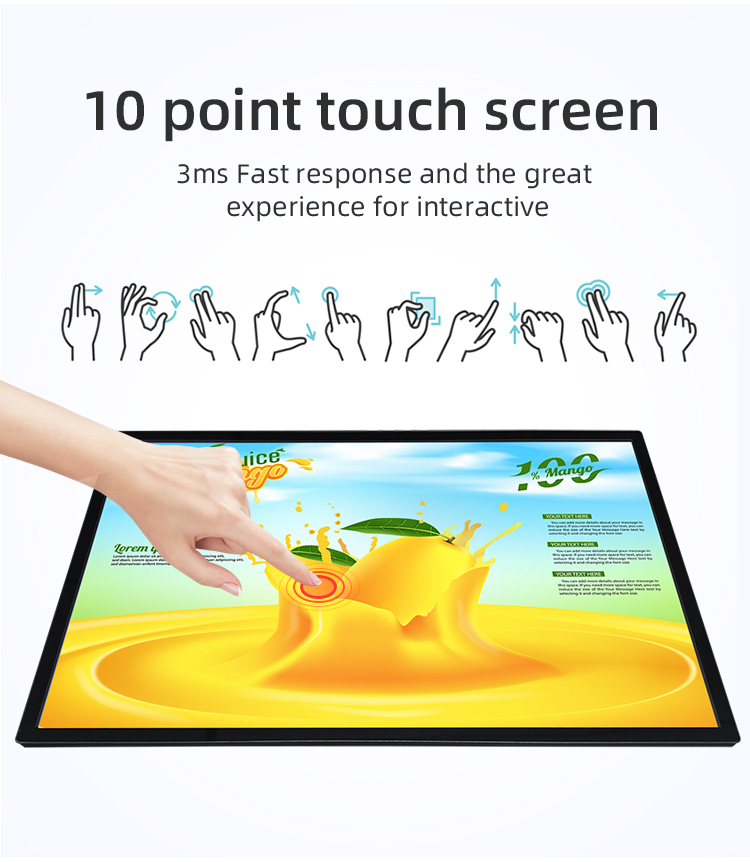
✔ Multi-Touch Technology – Supports smooth touch interaction (10-point touch optional)
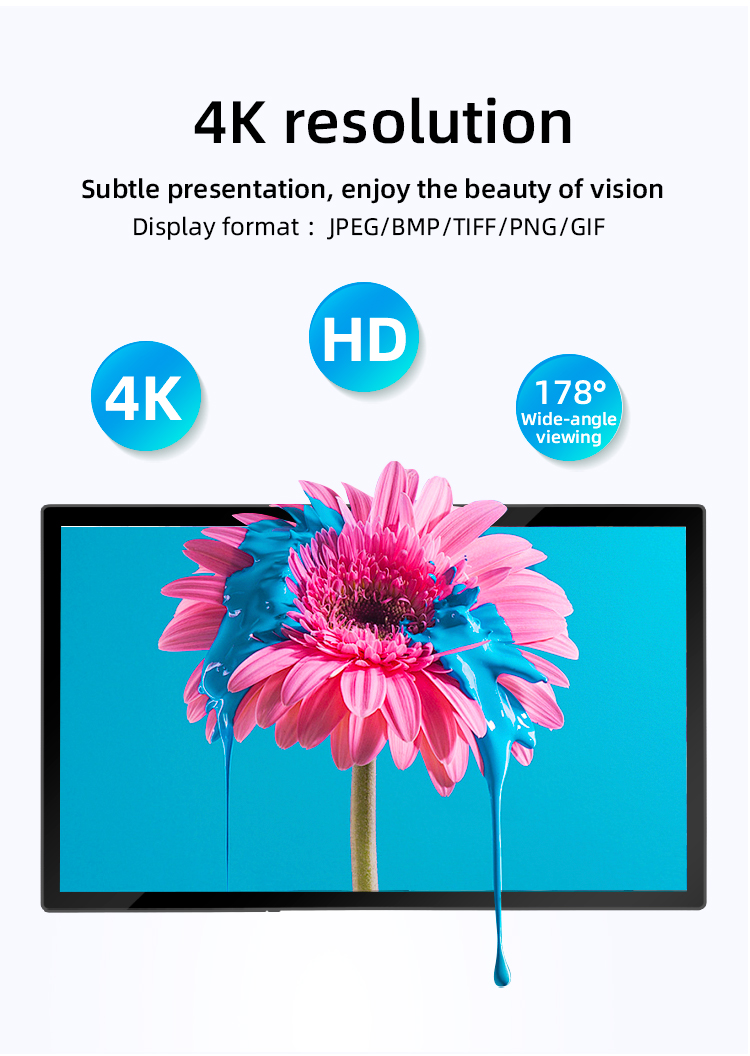
✔ Ultra-HD Display – Crisp 4K resolution for vivid content playback
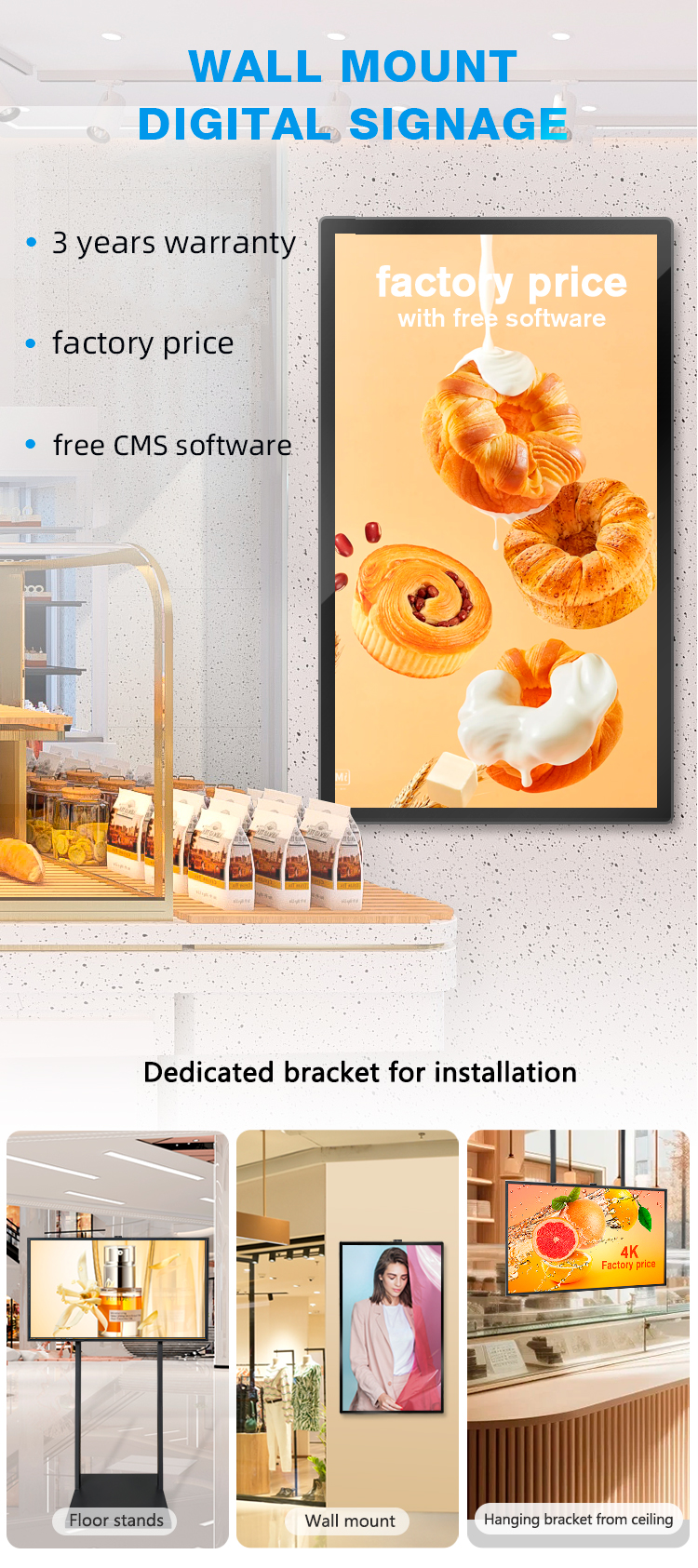
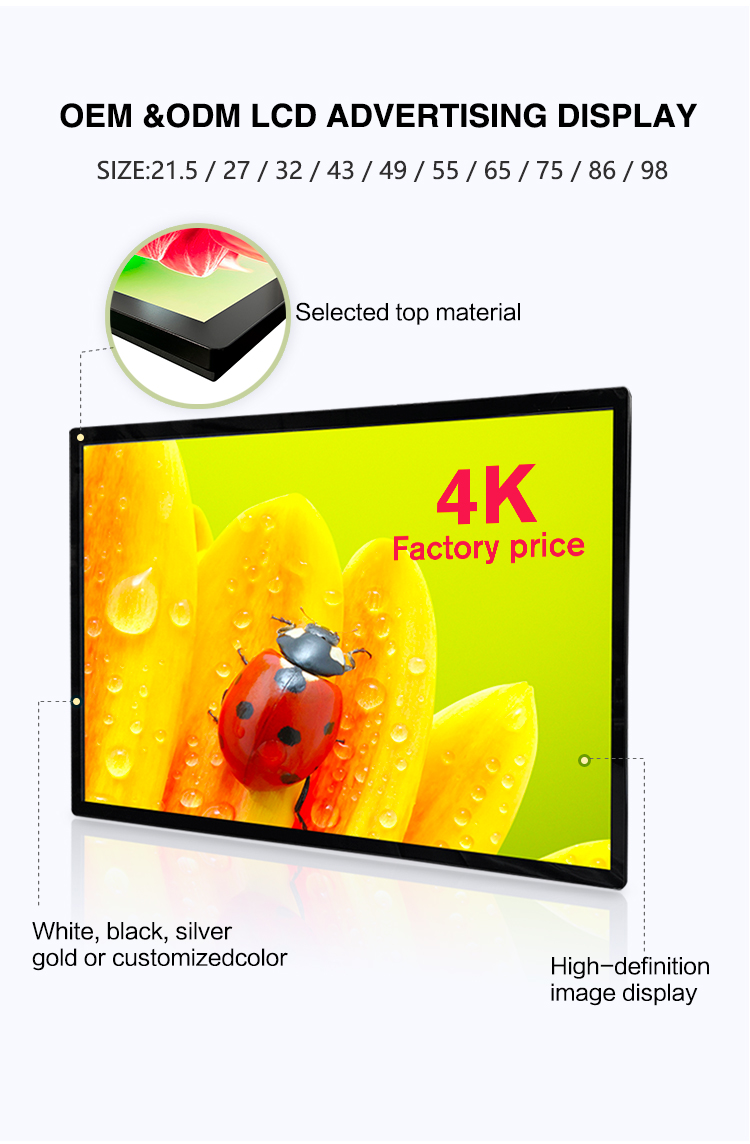
✔ Slim & Stylish Design – Seamless wall-mount integration for modern interiors
✔ Wide Viewing Angle – 178° visibility for optimal audience reach
✔ Long-Lasting Durability – Commercial-grade LCD panel for 24/7 operation
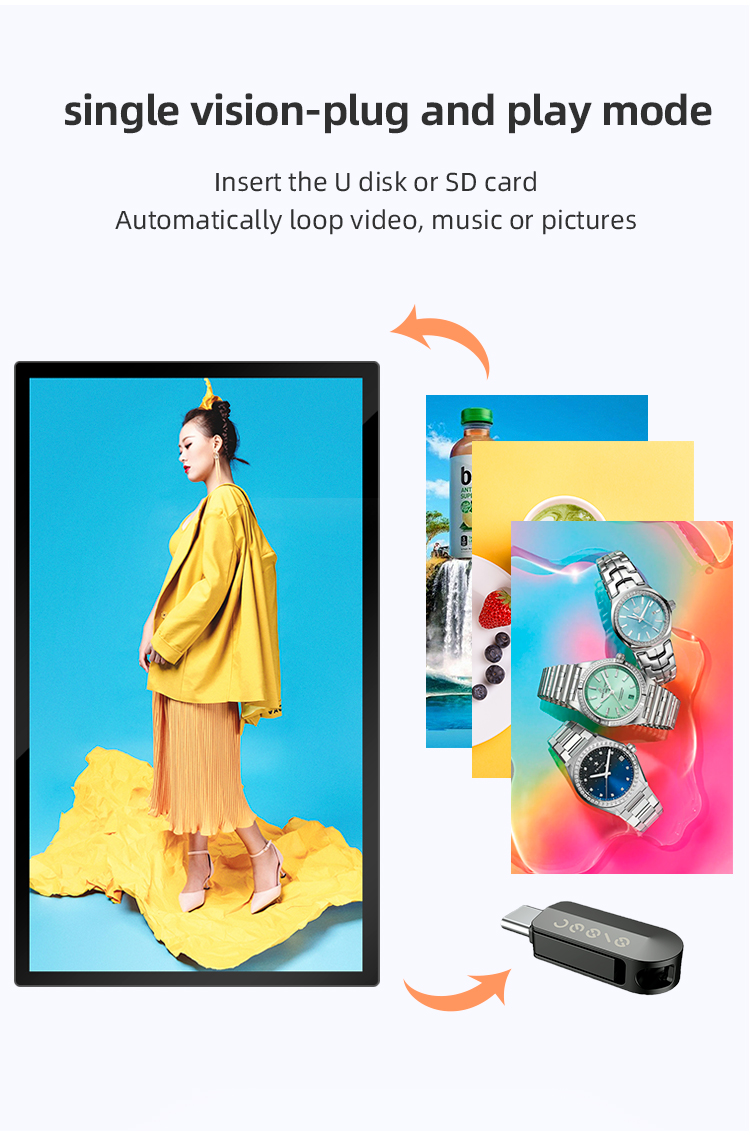
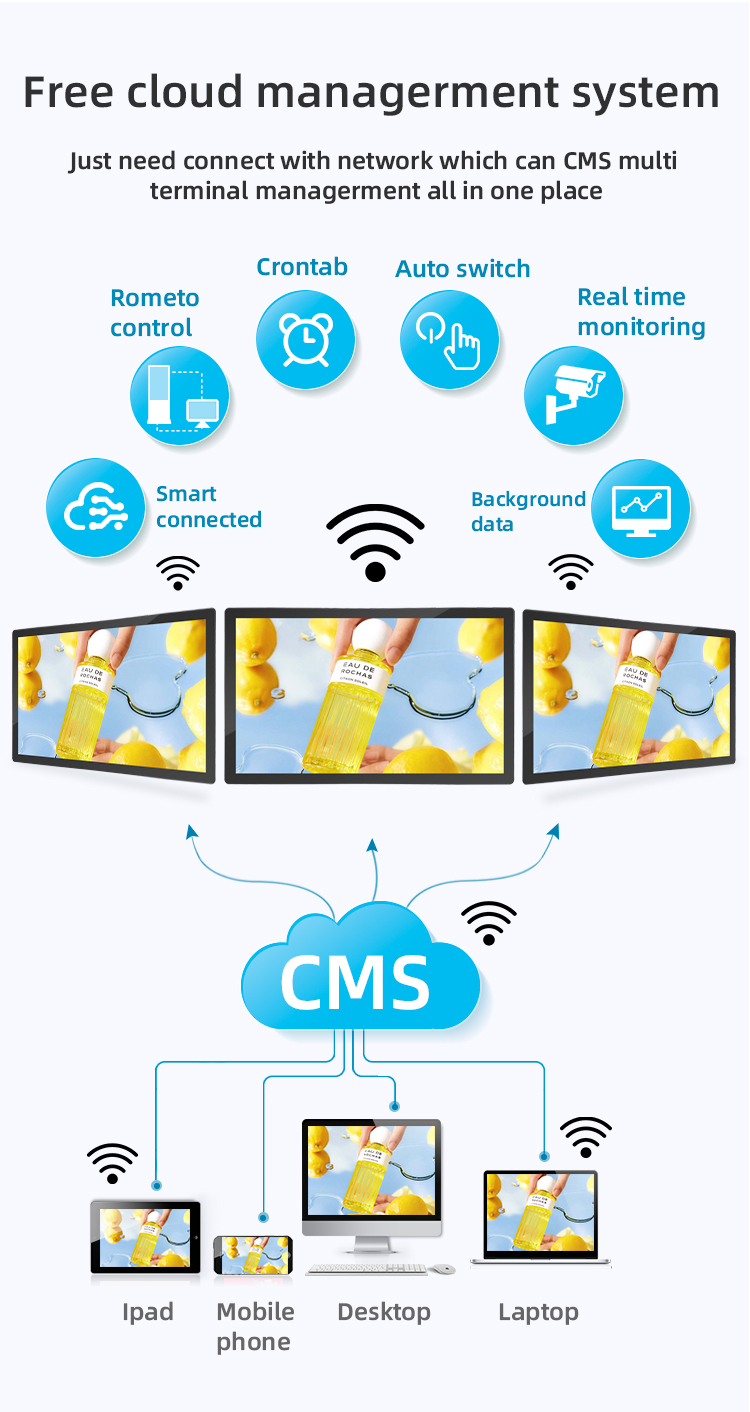
✔ Easy Content Management – Supports Wi-Fi/cloud-based updates


✔ Multi-Touch Technology – Supports smooth touch interaction (10-point touch optional)
✔ Ultra-HD Display – Crisp 4K resolution for vivid content playback
✔ Slim & Stylish Design – Seamless wall-mount integration for modern interiors
✔ Wide Viewing Angle – 178° visibility for optimal audience reach
✔ Long-Lasting Durability – Commercial-grade LCD panel for 24/7 operation
✔ Easy Content Management – Supports Wi-Fi/cloud-based updates


| screen panel specification | screen size | 55 inch LCD screen panel | ||||
| display area | 1210.6mm(H)*681.5(V)mm | |||||
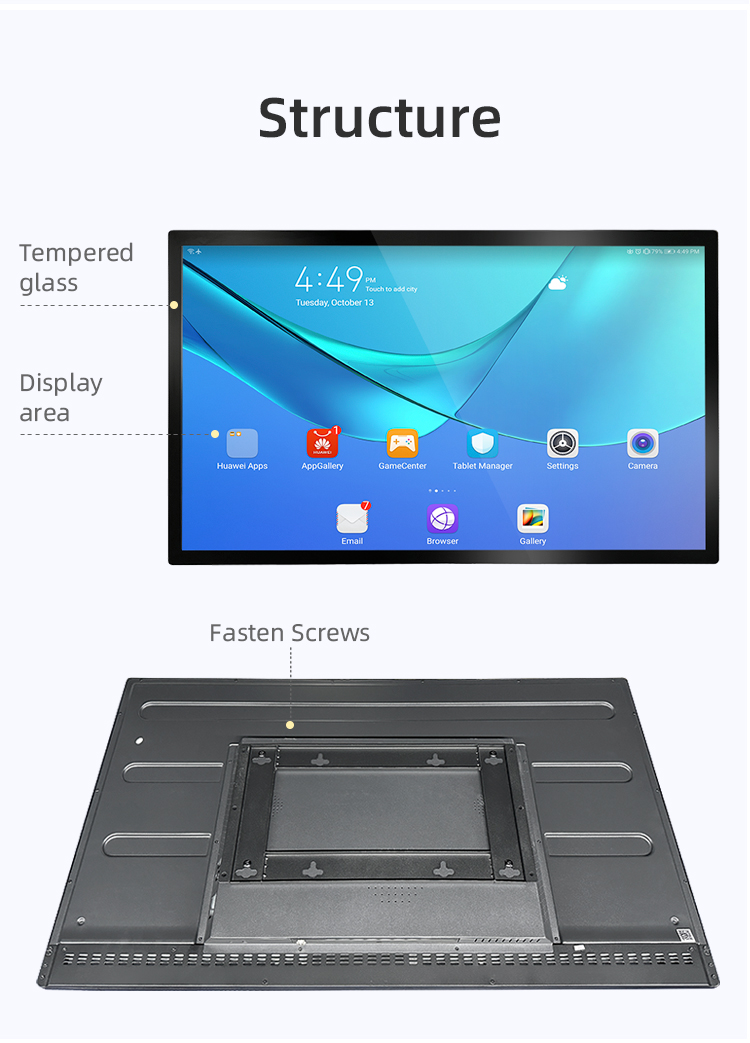
| Tempered glass thickness | 3mm | |||||
| Drive screen voltage | 12V | |||||
| Backlight type | ELED | |||||
| resolution | 1920*1080 | |||||
| view angles | 178° horizon, 178 °vertical | |||||
| Display color | 16.7M | |||||
| Contrast | 1200:1 | |||||
| Brightness | 450nits | |||||
| Response time | 8ms | |||||
| lifespan | 30000(hrs) | |||||
| Display Scale | 16 : 9 | |||||
| product net weight | 26.5KG | |||||
| product dimension | 1255.2mm*726.2mm*58.1mm | |||||
| Wall mount size | 400mm*400mm | |||||
| installation screw specifications | M6*12 4PCS | |||||
| Power | Input Voltage | AC 100V~240V,50/60HZ | ||||
| Case color | black | |||||
| Backlight power consumption | 76W | |||||
| Storage temparature | (-20℃ -- 60 ℃) | |||||
| Operation temparature | (0℃-- 50 ℃) | |||||
| Operation humidity | (10 -- 90﹪ ) | |||||
| screen panel specification | screen size | 55 inch LCD screen panel | ||||
| display area | 1210.6mm(H)*681.5(V)mm | |||||
| Tempered glass thickness | 3mm | |||||
| Drive screen voltage | 12V | |||||
| Backlight type | ELED | |||||
| resolution | 1920*1080 | |||||
| view angles | 178° horizon, 178 °vertical | |||||
| Display color | 16.7M | |||||
| Contrast | 1200:1 | |||||
| Brightness | 450nits | |||||
| Response time | 8ms | |||||
| lifespan | 30000(hrs) | |||||
| Display Scale | 16 : 9 | |||||
| product net weight | 26.5KG | |||||
| product dimension | 1255.2mm*726.2mm*58.1mm | |||||
| Wall mount size | 400mm*400mm | |||||
| installation screw specifications | M6*12 4PCS | |||||
| Power | Input Voltage | AC 100V~240V,50/60HZ | ||||
| Case color | black | |||||
| Backlight power consumption | 76W | |||||
| Storage temparature | (-20℃ -- 60 ℃) | |||||
| Operation temparature | (0℃-- 50 ℃) | |||||
| Operation humidity | (10 -- 90﹪ ) | |||||
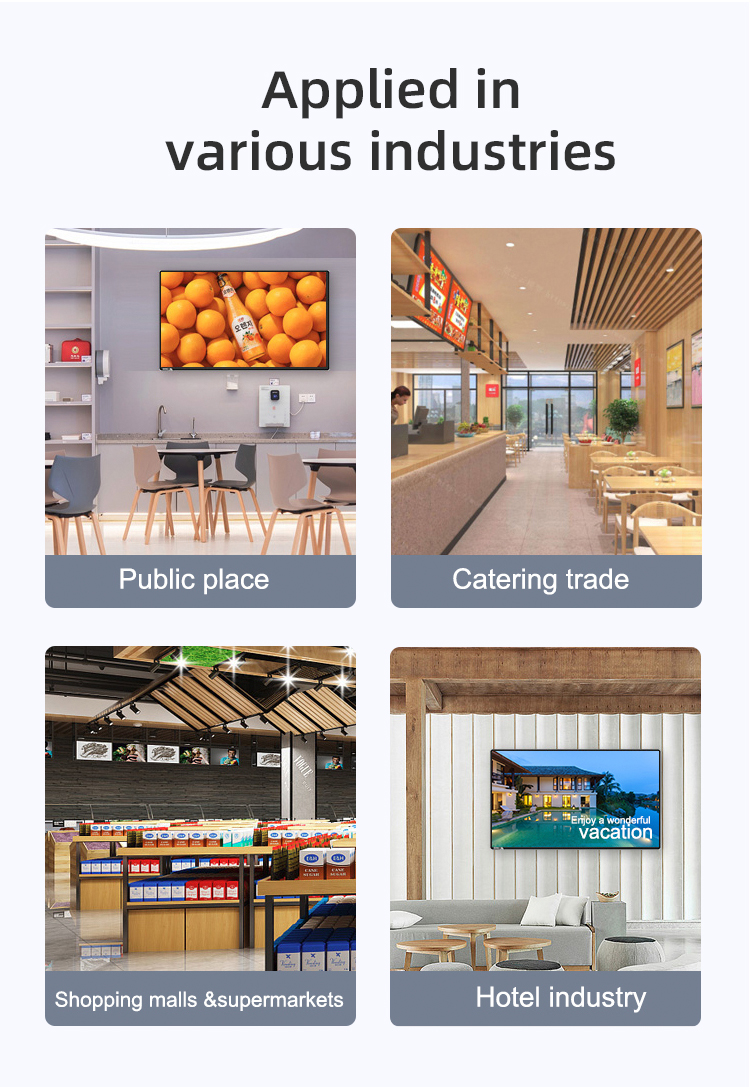
✅ Restaurants & Cafés – Digital menus, self-ordering kiosks, promotions
✅ Retail Stores & Malls – Interactive catalogs, wayfinding, brand promotions
✅ Airports & Transit Hubs – Flight info, advertising, navigation guides
✅ Supermarkets – Product promotions, pricing displays, loyalty programs
✅ Corporate Spaces – Digital directories, meeting room signage
✅ Restaurants & Cafés – Digital menus, self-ordering kiosks, promotions
✅ Retail Stores & Malls – Interactive catalogs, wayfinding, brand promotions
✅ Airports & Transit Hubs – Flight info, advertising, navigation guides
✅ Supermarkets – Product promotions, pricing displays, loyalty programs
✅ Corporate Spaces – Digital directories, meeting room signage
1. What is this digital screen for?
This interactive digital signage is your information and advertising hub. You can use it to browse menus, view mall directories, find airport gates, discover promotional offers, and access other useful services.
2. How do I use the touch screen?
Simply touch the screen with your finger, just like using a smartphone or tablet. Tap on the icons or buttons on the display to navigate through the different menus and options.
3. The screen is not responding to my touch. What should I do?
Please try touching the screen a little more firmly. If it remains unresponsive, the system might be temporarily frozen; please wait a moment for it to reset. If the problem persists, kindly contact a staff member for assistance.
4. Is there a cost to use this service?
No, using the interactive features of this digital signage is completely free of charge for all customers and visitors.
5. How often is the information updated?
The content, such as menus, flight information, and sales promotions, is updated regularly by our management team to ensure you have access to the most accurate and current information.
6. Can I print or get a digital copy of the information I find?
Yes, on many screens, you can. Look for a "Send to Email" or "Print" option after you have found the information you need, such as a map or a coupon. You may need to scan a QR code with your phone.
7. Is my privacy protected when I use the screen?
Yes. The screen itself does not collect or store any personal identification data from your interactions. It is designed for information display and retrieval only.
8. The screen is showing an error message or a blank screen.
We apologize for the inconvenience. Our technical team is automatically alerted to most issues. For a faster resolution, please report the problem to the nearest staff member so they can ensure it is fixed promptly.
9. Can I use this screen to advertise my business or event?
We appreciate your interest! For all advertising and partnership inquiries, please contact our marketing department directly via the "Contact Us" section on our main website.
10. Is the screen safe and hygienic to touch?
For your safety and hygiene, the screens are cleaned and sanitized regularly throughout the day. We also recommend using hand sanitizer, which is available at many locations throughout the venue.
1. What is this digital screen for?
This interactive digital signage is your information and advertising hub. You can use it to browse menus, view mall directories, find airport gates, discover promotional offers, and access other useful services.
2. How do I use the touch screen?
Simply touch the screen with your finger, just like using a smartphone or tablet. Tap on the icons or buttons on the display to navigate through the different menus and options.
3. The screen is not responding to my touch. What should I do?
Please try touching the screen a little more firmly. If it remains unresponsive, the system might be temporarily frozen; please wait a moment for it to reset. If the problem persists, kindly contact a staff member for assistance.
4. Is there a cost to use this service?
No, using the interactive features of this digital signage is completely free of charge for all customers and visitors.
5. How often is the information updated?
The content, such as menus, flight information, and sales promotions, is updated regularly by our management team to ensure you have access to the most accurate and current information.
6. Can I print or get a digital copy of the information I find?
Yes, on many screens, you can. Look for a "Send to Email" or "Print" option after you have found the information you need, such as a map or a coupon. You may need to scan a QR code with your phone.
7. Is my privacy protected when I use the screen?
Yes. The screen itself does not collect or store any personal identification data from your interactions. It is designed for information display and retrieval only.
8. The screen is showing an error message or a blank screen.
We apologize for the inconvenience. Our technical team is automatically alerted to most issues. For a faster resolution, please report the problem to the nearest staff member so they can ensure it is fixed promptly.
9. Can I use this screen to advertise my business or event?
We appreciate your interest! For all advertising and partnership inquiries, please contact our marketing department directly via the "Contact Us" section on our main website.
10. Is the screen safe and hygienic to touch?
For your safety and hygiene, the screens are cleaned and sanitized regularly throughout the day. We also recommend using hand sanitizer, which is available at many locations throughout the venue.