Dinosaur D
| size: | |
|---|---|
| brightness: | |
| resolution: | |
| refresh frequency: | |
| surface treatment: | |
| intelligent light sencing: | |
| power consumption: | |
| Availability: | |
| Quantity: | |
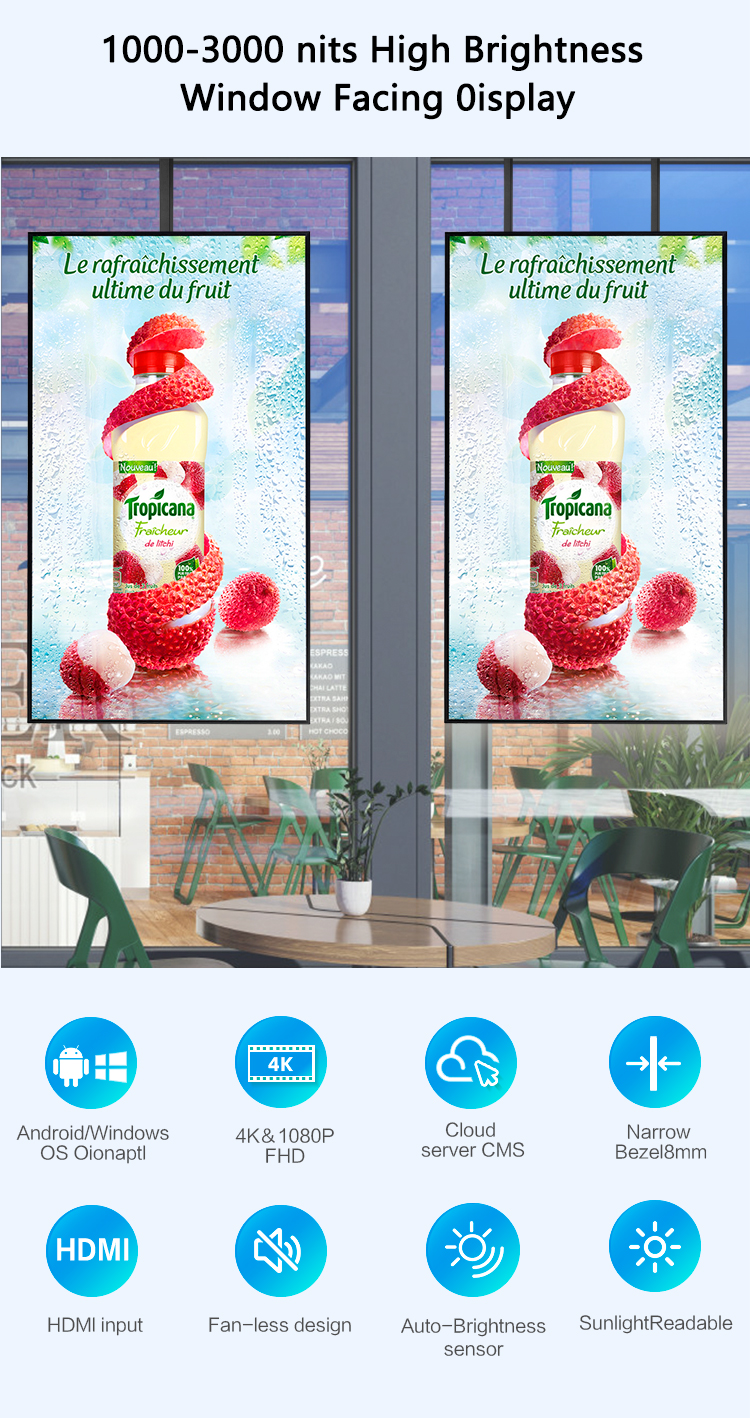
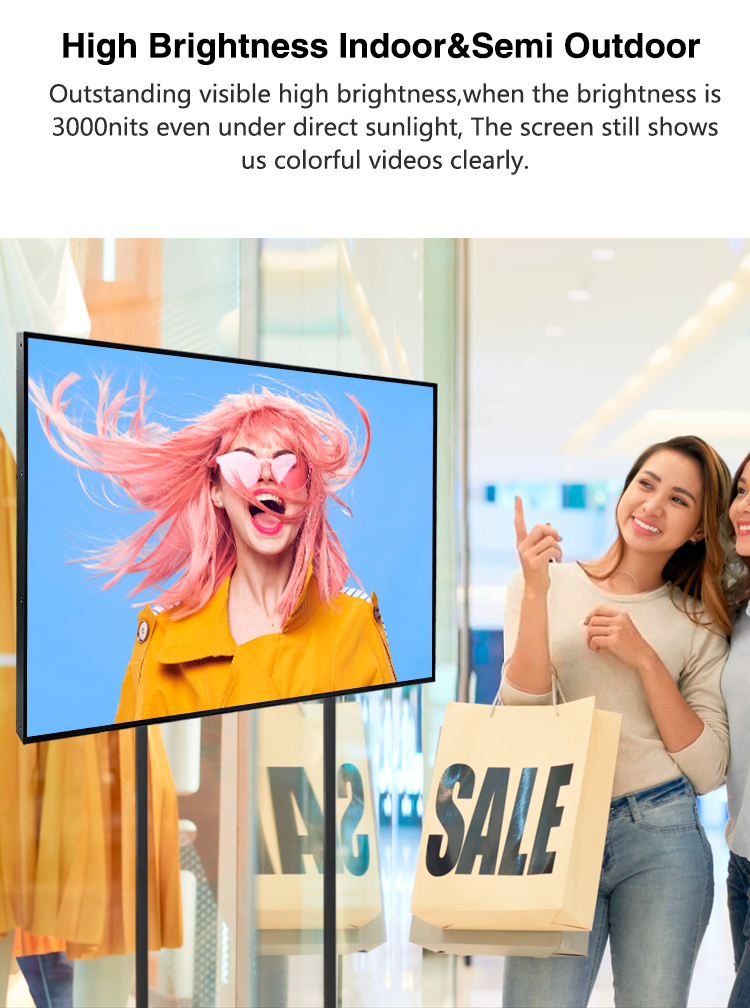
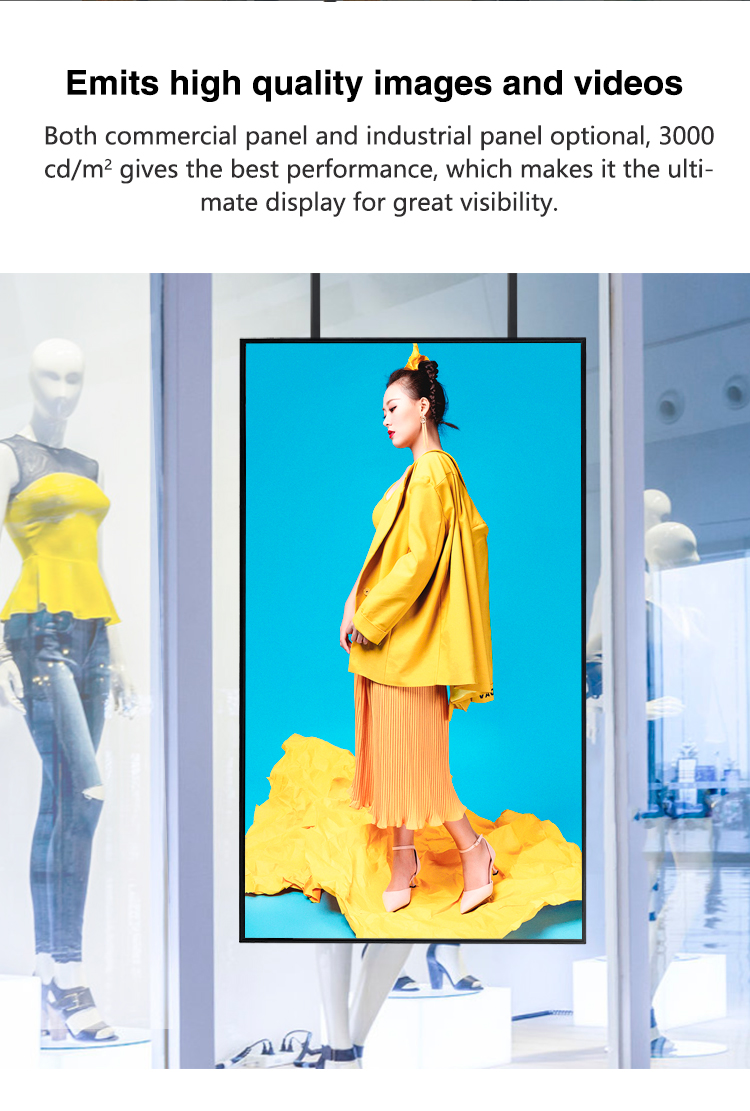
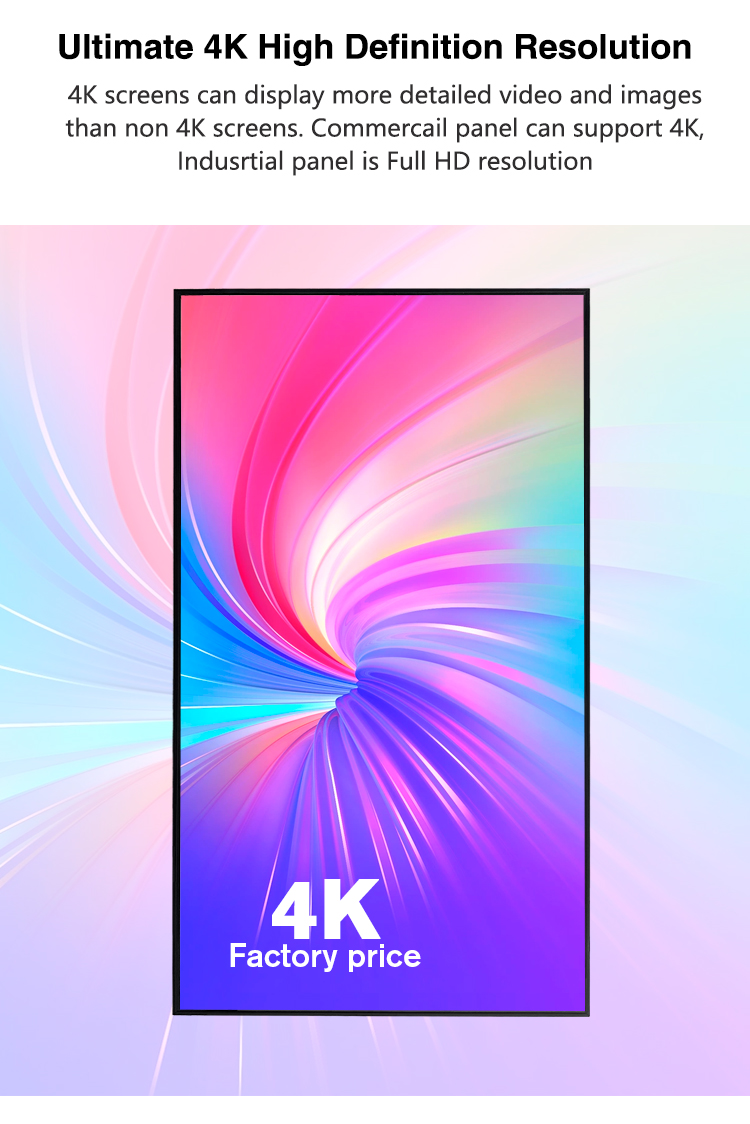
Superior Visual Performance: The series features 4K UHD resolution and high-brightness panels ranging from 700-2,500 nits, ensuring vibrant and crystal-clear visibility even in direct sunlight for window-facing use.
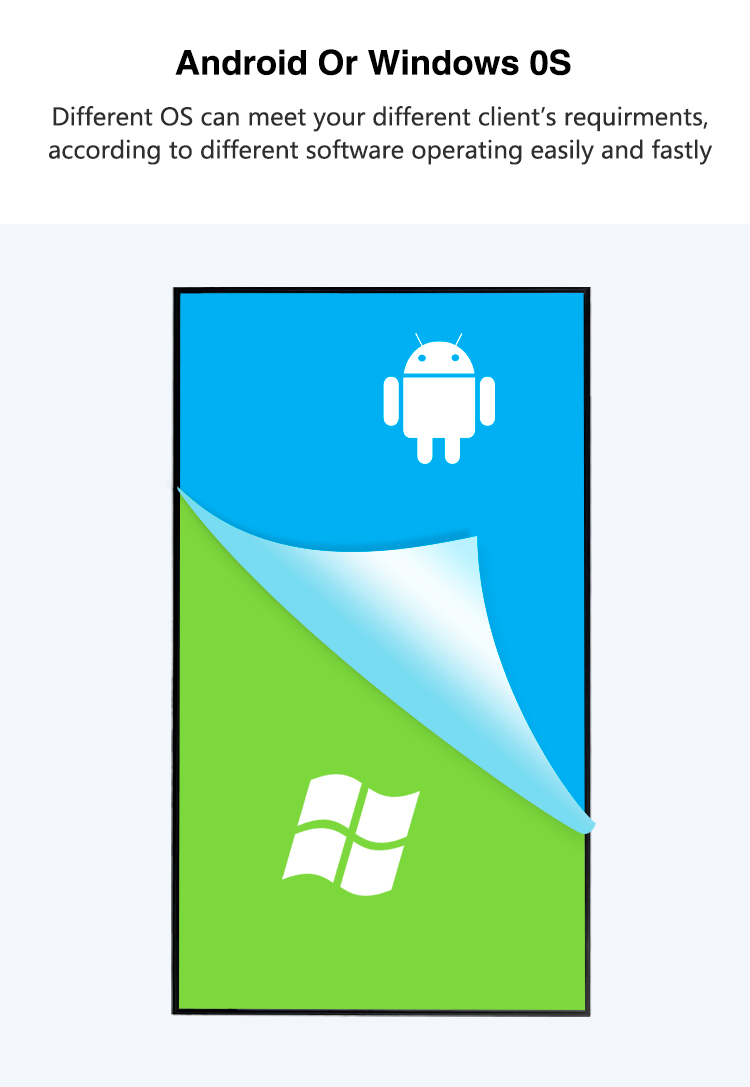
All-in-One Android System: Each display integrates a powerful commercial-grade Android media player, eliminating the need for external hardware. This allows for direct installation of apps, web browsing, and easy content management via Wi-Fi/Ethernet.
Professional Durability: Built for 24/7 continuous operation, these units offer superior reliability for commercial environments. Key models include features like optical bonding to reduce glare and a wide operating temperature range.
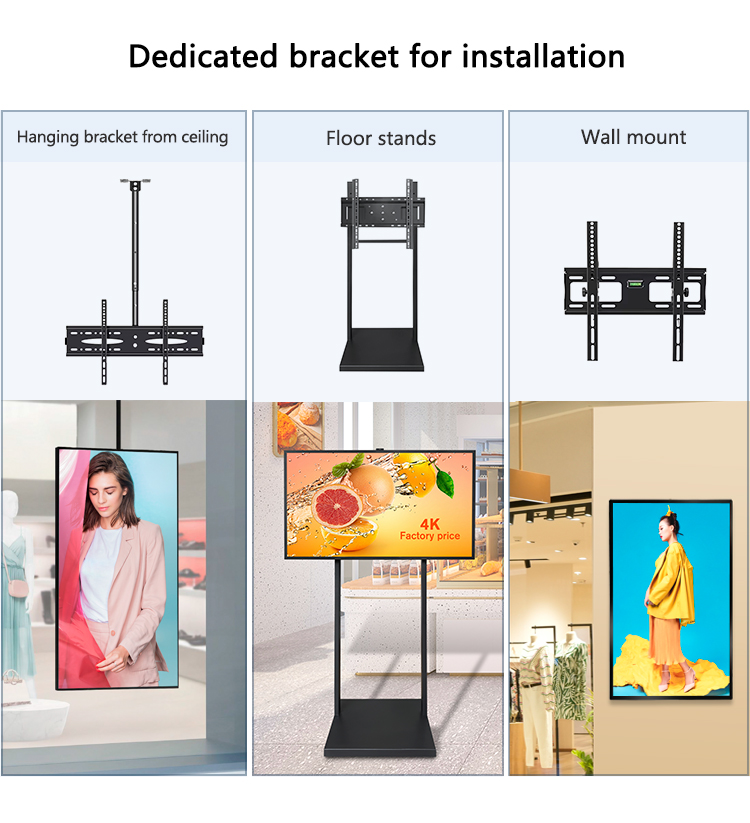
Adaptable Installation: Designed with a slim profile and standardized VESA mounts, the displays are perfectly suited for clean, secure ceiling suspension, wall mounting, or placement in shop windows and kiosks.
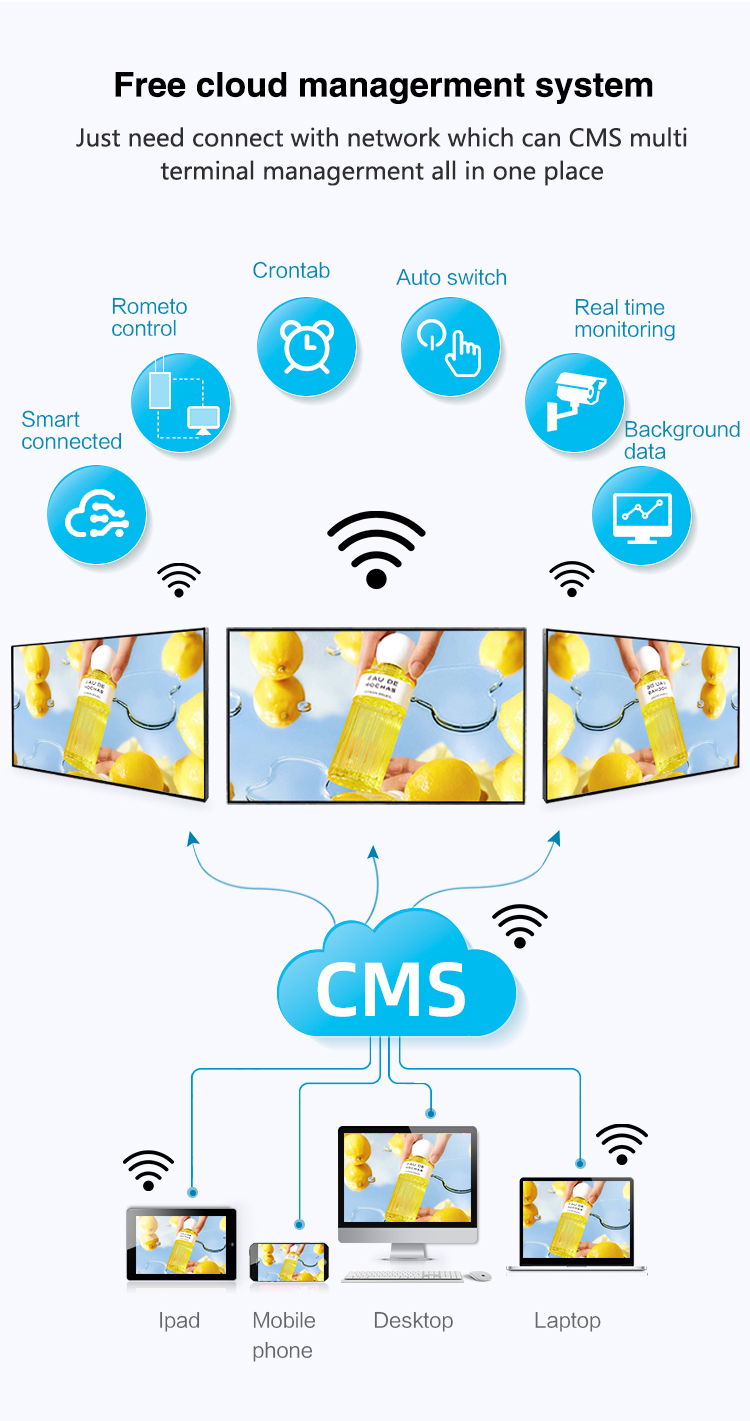
Simplified Content Management: Users can effortlessly manage content through popular cloud-based CMS platforms (e.g., Yodeck, Signagelive), USB drives, or directly via the Android interface for scheduled playlists of videos, images, and live feeds.


Superior Visual Performance: The series features 4K UHD resolution and high-brightness panels ranging from 700-2,500 nits, ensuring vibrant and crystal-clear visibility even in direct sunlight for window-facing use.
All-in-One Android System: Each display integrates a powerful commercial-grade Android media player, eliminating the need for external hardware. This allows for direct installation of apps, web browsing, and easy content management via Wi-Fi/Ethernet.
Professional Durability: Built for 24/7 continuous operation, these units offer superior reliability for commercial environments. Key models include features like optical bonding to reduce glare and a wide operating temperature range.
Adaptable Installation: Designed with a slim profile and standardized VESA mounts, the displays are perfectly suited for clean, secure ceiling suspension, wall mounting, or placement in shop windows and kiosks.
Simplified Content Management: Users can effortlessly manage content through popular cloud-based CMS platforms (e.g., Yodeck, Signagelive), USB drives, or directly via the Android interface for scheduled playlists of videos, images, and live feeds.


| screen panel specification | screen size | 55 inch screen panel | ||||
| display area | 1209.5mm*680.4mm | |||||
| product dimension | 1242.9mm*20.5mm*713.8mm | |||||
| screen net weight | 20KG | |||||
| resolution | 3840*2160(4K) | |||||
| view angles | 89/89/89/89 | |||||
| Color | 16.7M(8-bit) | |||||
| Refresh rate | 60HZ | |||||
| Brightness | 2500cd/㎡ | |||||
| Backlight type | E-LDE | |||||
| Surface treatment | Haze1% | |||||
| wall-mount hole distance | 400*400 | |||||
| Display Scale | 16 : 9 | |||||
| Power | Rated Voltage | AC110-220V | ||||
| Standby power | ≦1W | |||||
| Rated power | ≦200W | |||||
| Case color | black color | |||||
| Storage temparature | (‐20℃~60℃) | |||||
| Operation temparature | (‐10℃~50℃) | |||||
| Operation humidity | (10 -- 90﹪ ) | |||||
| screen panel specification | screen size | 55 inch screen panel | ||||
| display area | 1209.5mm*680.4mm | |||||
| product dimension | 1242.9mm*20.5mm*713.8mm | |||||
| screen net weight | 20KG | |||||
| resolution | 3840*2160(4K) | |||||
| view angles | 89/89/89/89 | |||||
| Color | 16.7M(8-bit) | |||||
| Refresh rate | 60HZ | |||||
| Brightness | 2500cd/㎡ | |||||
| Backlight type | E-LDE | |||||
| Surface treatment | Haze1% | |||||
| wall-mount hole distance | 400*400 | |||||
| Display Scale | 16 : 9 | |||||
| Power | Rated Voltage | AC110-220V | ||||
| Standby power | ≦1W | |||||
| Rated power | ≦200W | |||||
| Case color | black color | |||||
| Storage temparature | (‐20℃~60℃) | |||||
| Operation temparature | (‐10℃~50℃) | |||||
| Operation humidity | (10 -- 90﹪ ) | |||||
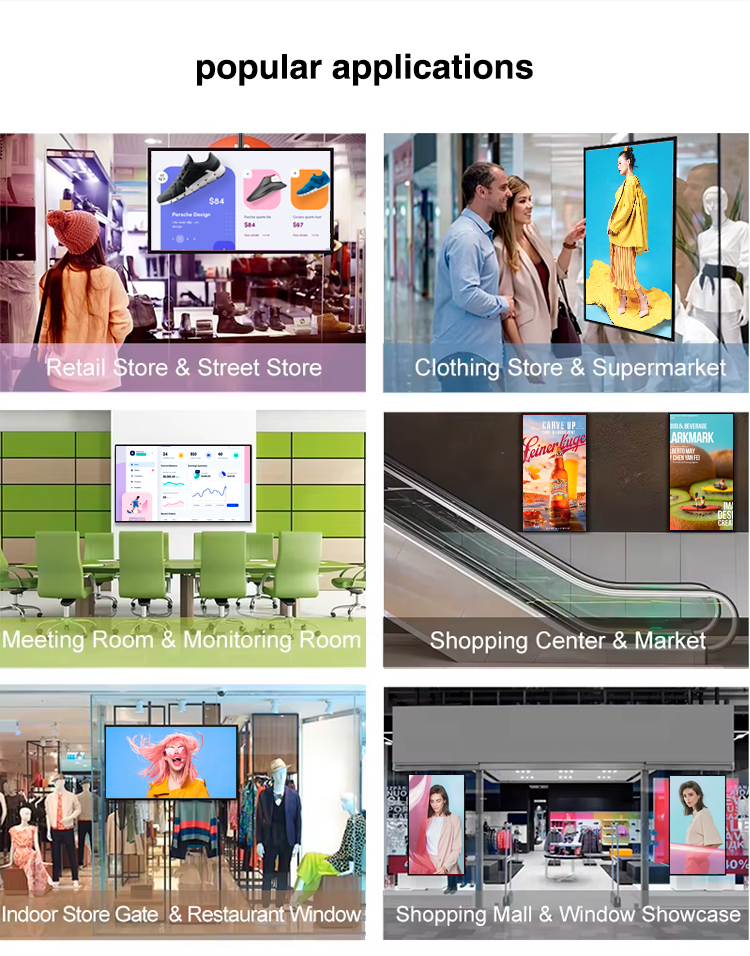
32-43" Smart Displays:
Interactive Product Showcases
NFC-triggered product demos
Virtual try-on mirrors (beauty/apparel)
AI-powered recommendation engines
49-65" Window Solutions:
Storefront Media Walls
24/7 brand storytelling displays
Dynamic pricing/promotion boards
Weather-responsive content systems
43-55" Hanging Displays:
Atrium Digital Towers
Wayfinding with AR navigation
Mall-wide event promotion
Interactive loyalty program hubs
55-65" Large Format:
Window-Facing Video Walls
Seasonal campaign showcases
Social media integration walls
Live fashion show streams
32-43" Solutions:
Over-Counter Menu Boards
Real-time ingredient tracking
Nutritional info displays
Crowd-optimized upsell prompts
49-55" Installations:
Window-Facing Promotions
Chef's special video walls
Local sourcing stories
Interactive cocktail configurators
32-43" Displays:
Concierge Kiosks
Local experience booking
Digital check-in/out points
Multilingual service guides
55-65" Solutions:
Lobby Experience Walls
Digital art galleries
Event space visualizers
Brand heritage timelines
43-49" Displays:
Showroom Configurators
Color/finish visualizers
Feature comparison matrices
Test drive scheduling
55-65" Solutions:
Window-Facing Walls
Technology demo reels
Safety feature animations
Brand film showcases
32-43" Smart Displays:
Interactive Product Showcases
NFC-triggered product demos
Virtual try-on mirrors (beauty/apparel)
AI-powered recommendation engines
49-65" Window Solutions:
Storefront Media Walls
24/7 brand storytelling displays
Dynamic pricing/promotion boards
Weather-responsive content systems
43-55" Hanging Displays:
Atrium Digital Towers
Wayfinding with AR navigation
Mall-wide event promotion
Interactive loyalty program hubs
55-65" Large Format:
Window-Facing Video Walls
Seasonal campaign showcases
Social media integration walls
Live fashion show streams
32-43" Solutions:
Over-Counter Menu Boards
Real-time ingredient tracking
Nutritional info displays
Crowd-optimized upsell prompts
49-55" Installations:
Window-Facing Promotions
Chef's special video walls
Local sourcing stories
Interactive cocktail configurators
32-43" Displays:
Concierge Kiosks
Local experience booking
Digital check-in/out points
Multilingual service guides
55-65" Solutions:
Lobby Experience Walls
Digital art galleries
Event space visualizers
Brand heritage timelines
43-49" Displays:
Showroom Configurators
Color/finish visualizers
Feature comparison matrices
Test drive scheduling
55-65" Solutions:
Window-Facing Walls
Technology demo reels
Safety feature animations
Brand film showcases
1. What are the main advantages of an Android-based display compared to a standard digital signage player?
An all-in-one Android display integrates the screen and smart media player into a single device, eliminating the need for and cost of an external PC or box. This simplifies installation and cabling, especially for ceiling mounts, and allows for direct access to the Google Play Store to install a wide variety of apps, browsers, and digital signage software directly onto the screen.
2. Are all sizes (32", 43", 49", 55", 65") truly 4K resolution?
Not all sizes in a series typically have 4K as standard. The 55-inch and 65-inch models commonly feature native 4K UHD (3840x2160) resolution. For the smaller sizes (32", 43", 49"), 4K is often a premium option, with Full HD (1920x1080) being the more common and cost-effective standard resolution. It's important to verify the exact specification for the specific model size you are ordering.
3. What level of brightness do I need for a shop window facing the street?
For a window-facing screen that must combat direct sunlight and reflections, a high-brightness model of 2,000 to 2,500 nits is essential. For indoor hanging displays in a typically lit shop, mall, or airport, a brightness of 700 to 1,500 nits is usually sufficient. Using an indoor screen in a window will make content appear washed out and unreadable.
4. Can these displays really be hung from a ceiling?
Yes. They are designed for commercial installation with a standard VESA mount pattern on the back. You can use a ceiling suspension kit (often available as an accessory) with adjustable cables or rigid arms. Ensure your ceiling structure can support the weight and that cables for power and network (if needed) are planned for a clean, professional look.
5. How do I manage and update the content on multiple Android screens?
While you can manually load content via USB, for professional multi-screen management, we recommend using a cloud-based Content Management System (CMS). Popular platforms like Yodeck, Signagelive, or ScreenCloud have Android apps. You install the app once on each display, connect them to your account, and then remotely control, schedule, and update all screens from a single web dashboard from anywhere.
6. Is the Android system stable enough for 24/7 advertising use?
These devices use a commercial-grade Android version, not a consumer TV OS. They are optimized for stability, with features like auto-power on/off schedules, fail-safe boot-up, and robust hardware designed for continuous operation. This makes them far more reliable for business-critical signage than a standard consumer Android TV.
7. What connectivity options are available for installation?
Standard connectivity includes:
HDMI: For occasional external input (e.g., laptop for a presentation).
USB: For direct media playback from a flash drive or for a touch overlay.
RJ-45 Ethernet: For the most reliable network connection for CMS control.
Wi-Fi: Built-in for wireless connectivity where running a cable is difficult.
8. Do these displays work through polarized glass or with sunglasses?
Standard LCD screens can appear dark or black when viewed through polarized sunglasses or some shop window tints. To solve this, ensure you select a model with a "circular polarizer" or "outdoor/anti-polarization" feature. This specification is crucial for window-facing applications to guarantee visibility for all customers.
9. What is the expected lifespan and warranty for 24/7 shop use?
These commercial displays are built for longevity with an LED backlight lifespan of approximately 50,000 hours (about 5.7 years of 24/7 use). They typically come with a 3-year commercial warranty, covering parts and labor for peace of mind in a business environment.
10. Can I use the display as a normal Android tablet or for web browsing?
Yes, the open Android OS allows it to function like a large tablet. You can install any app from the Play Store, browse the web, or stream videos from YouTube or Netflix. This flexibility is perfect for displaying live social media feeds, weather, or interactive content, going beyond simple video loops.
1. What are the main advantages of an Android-based display compared to a standard digital signage player?
An all-in-one Android display integrates the screen and smart media player into a single device, eliminating the need for and cost of an external PC or box. This simplifies installation and cabling, especially for ceiling mounts, and allows for direct access to the Google Play Store to install a wide variety of apps, browsers, and digital signage software directly onto the screen.
2. Are all sizes (32", 43", 49", 55", 65") truly 4K resolution?
Not all sizes in a series typically have 4K as standard. The 55-inch and 65-inch models commonly feature native 4K UHD (3840x2160) resolution. For the smaller sizes (32", 43", 49"), 4K is often a premium option, with Full HD (1920x1080) being the more common and cost-effective standard resolution. It's important to verify the exact specification for the specific model size you are ordering.
3. What level of brightness do I need for a shop window facing the street?
For a window-facing screen that must combat direct sunlight and reflections, a high-brightness model of 2,000 to 2,500 nits is essential. For indoor hanging displays in a typically lit shop, mall, or airport, a brightness of 700 to 1,500 nits is usually sufficient. Using an indoor screen in a window will make content appear washed out and unreadable.
4. Can these displays really be hung from a ceiling?
Yes. They are designed for commercial installation with a standard VESA mount pattern on the back. You can use a ceiling suspension kit (often available as an accessory) with adjustable cables or rigid arms. Ensure your ceiling structure can support the weight and that cables for power and network (if needed) are planned for a clean, professional look.
5. How do I manage and update the content on multiple Android screens?
While you can manually load content via USB, for professional multi-screen management, we recommend using a cloud-based Content Management System (CMS). Popular platforms like Yodeck, Signagelive, or ScreenCloud have Android apps. You install the app once on each display, connect them to your account, and then remotely control, schedule, and update all screens from a single web dashboard from anywhere.
6. Is the Android system stable enough for 24/7 advertising use?
These devices use a commercial-grade Android version, not a consumer TV OS. They are optimized for stability, with features like auto-power on/off schedules, fail-safe boot-up, and robust hardware designed for continuous operation. This makes them far more reliable for business-critical signage than a standard consumer Android TV.
7. What connectivity options are available for installation?
Standard connectivity includes:
HDMI: For occasional external input (e.g., laptop for a presentation).
USB: For direct media playback from a flash drive or for a touch overlay.
RJ-45 Ethernet: For the most reliable network connection for CMS control.
Wi-Fi: Built-in for wireless connectivity where running a cable is difficult.
8. Do these displays work through polarized glass or with sunglasses?
Standard LCD screens can appear dark or black when viewed through polarized sunglasses or some shop window tints. To solve this, ensure you select a model with a "circular polarizer" or "outdoor/anti-polarization" feature. This specification is crucial for window-facing applications to guarantee visibility for all customers.
9. What is the expected lifespan and warranty for 24/7 shop use?
These commercial displays are built for longevity with an LED backlight lifespan of approximately 50,000 hours (about 5.7 years of 24/7 use). They typically come with a 3-year commercial warranty, covering parts and labor for peace of mind in a business environment.
10. Can I use the display as a normal Android tablet or for web browsing?
Yes, the open Android OS allows it to function like a large tablet. You can install any app from the Play Store, browse the web, or stream videos from YouTube or Netflix. This flexibility is perfect for displaying live social media feeds, weather, or interactive content, going beyond simple video loops.