Dinosaur D
| size: | |
|---|---|
| refresh rate: | |
| resolution: | |
| view angle: | |
| touch technology: | |
| system: | |
| lifespan: | |
| Availability: | |
| Quantity: | |
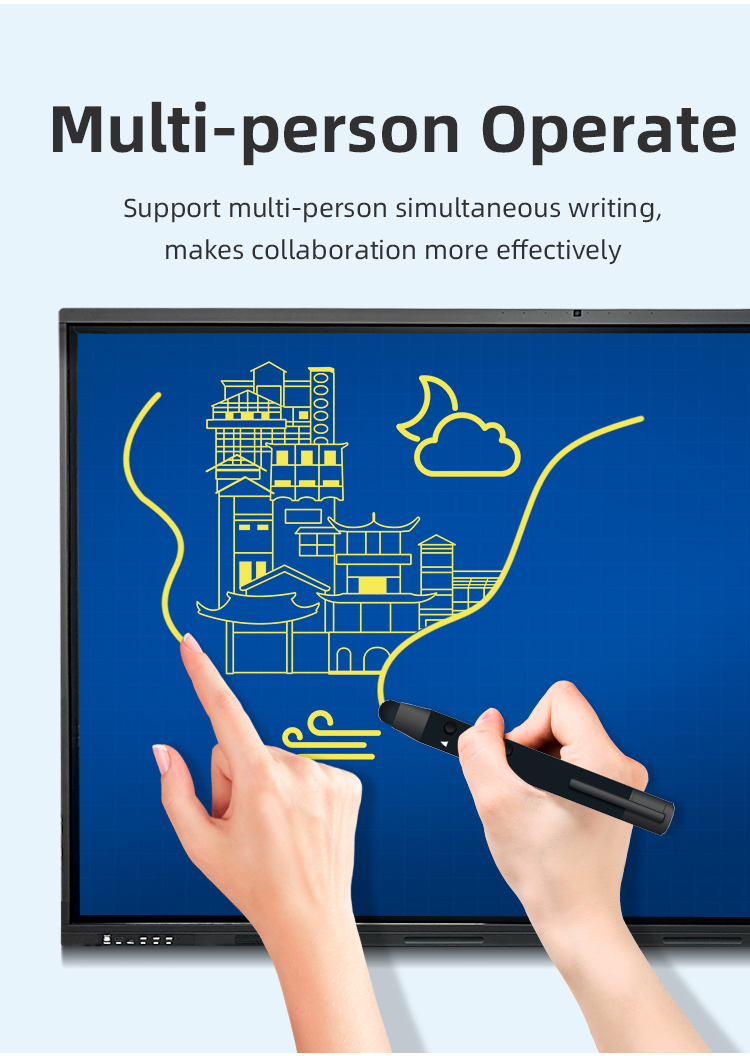
40-Point Multi-Touch: Supports whole-group collaboration
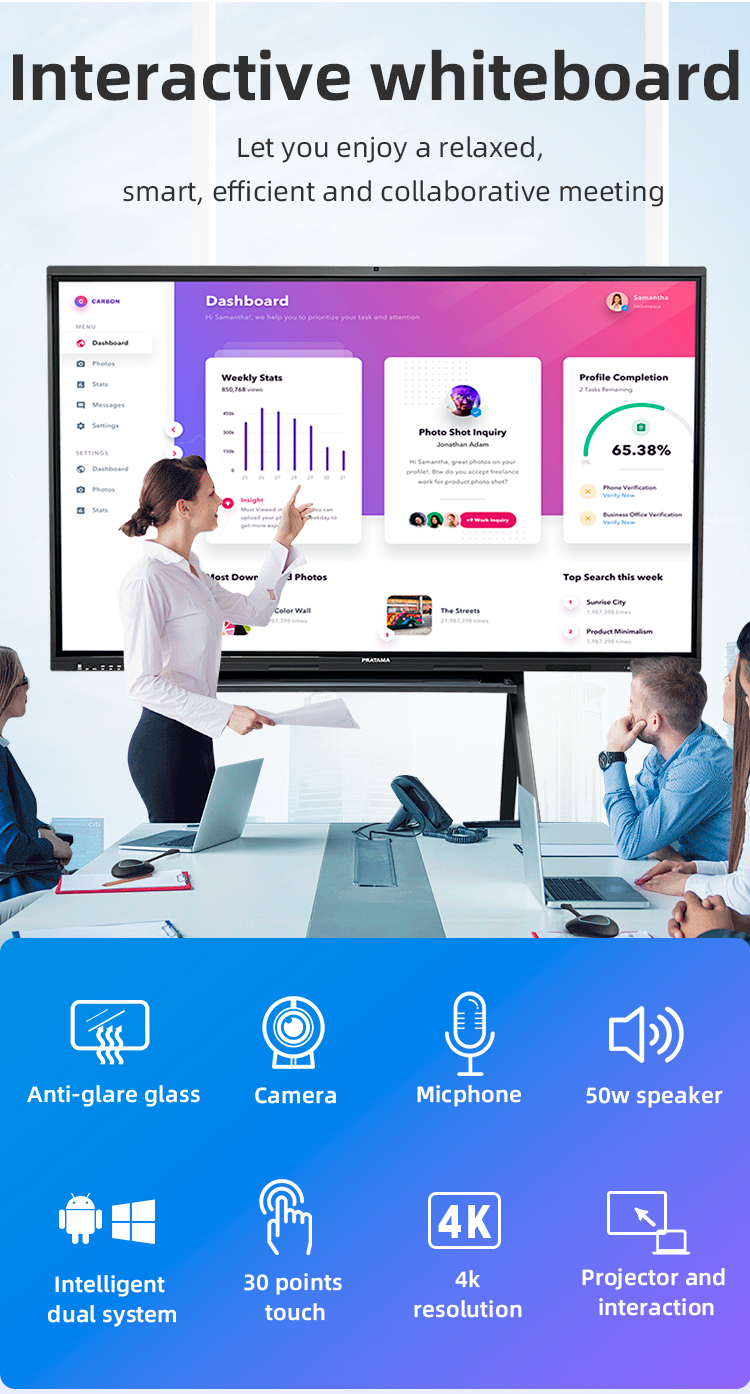
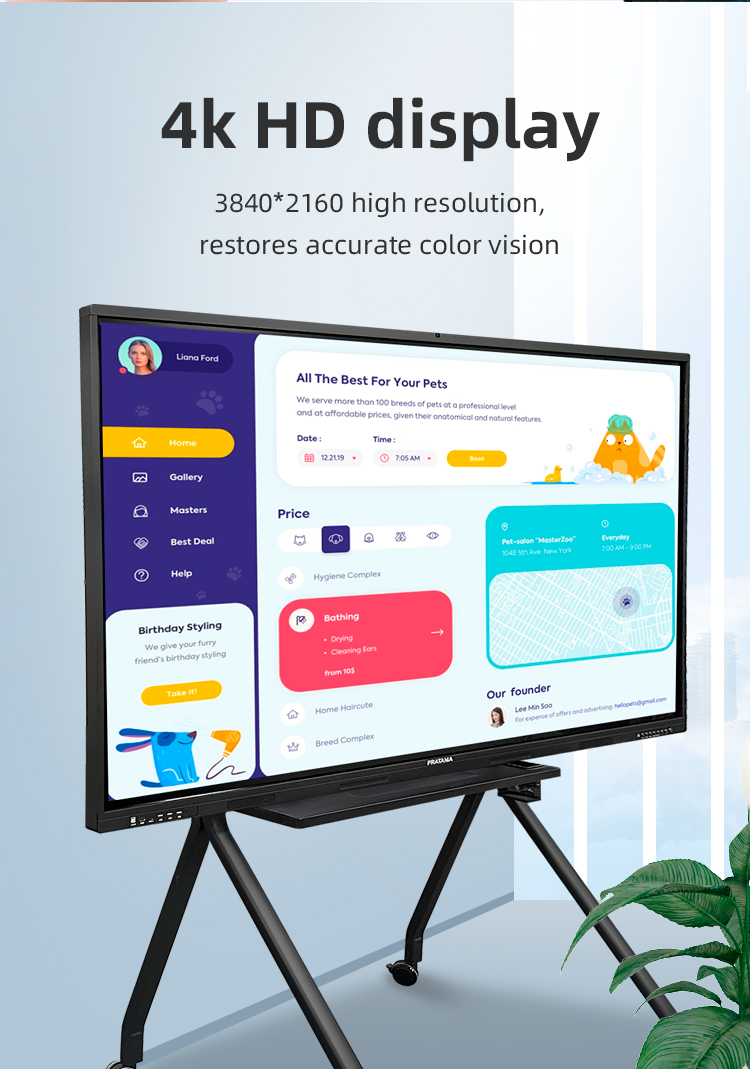
4K Ultra HD Display: Crystal-clear visuals with anti-glare coating
All-in-One Design: Integrated Android 11 + optional Windows OPS
Advanced Interaction
• Ultra-responsive infrared touch (1ms latency)
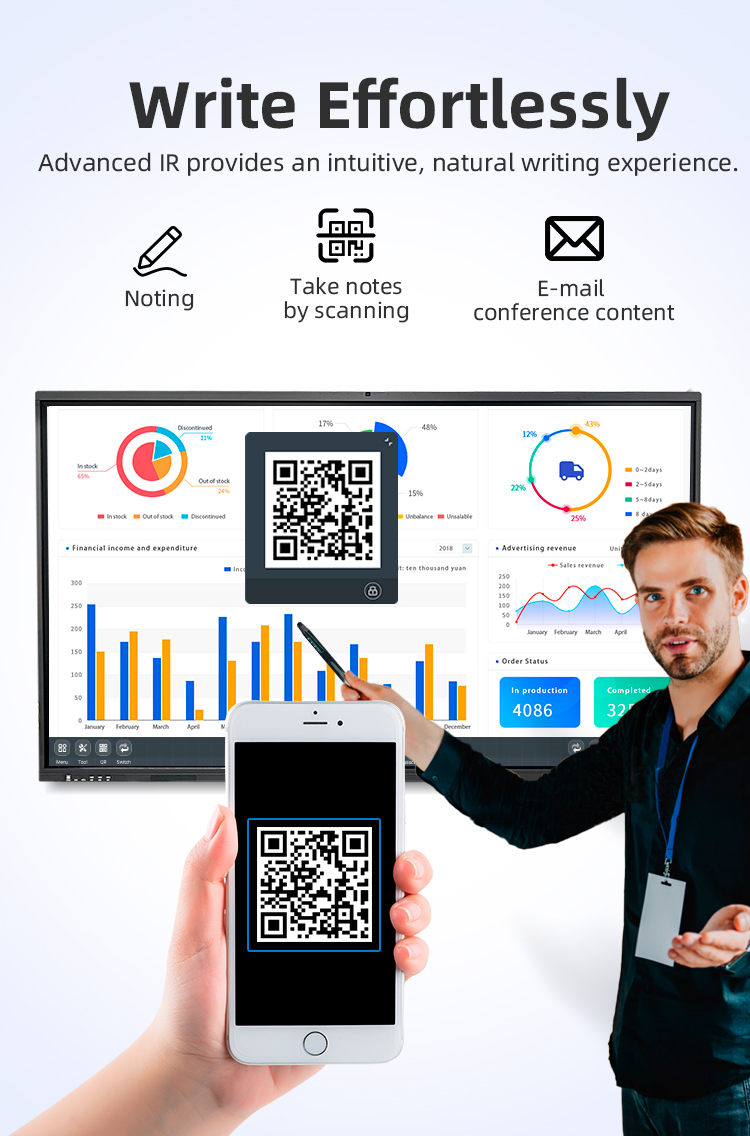
• Dual-pen writing with palm rejection
• Gesture controls (zoom/rotate/swipe)
Smart Collaboration
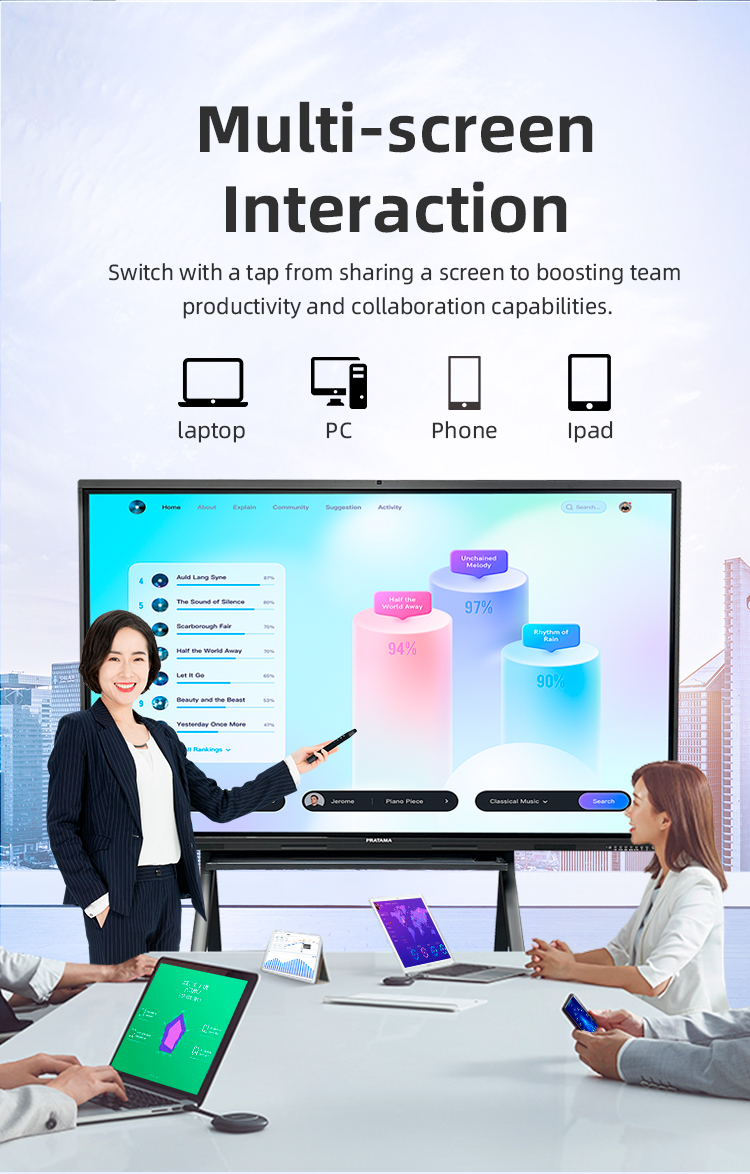
• Wireless screen sharing (Miracast/AirPlay)
• Cloud synchronization (Google Drive/Dropbox)
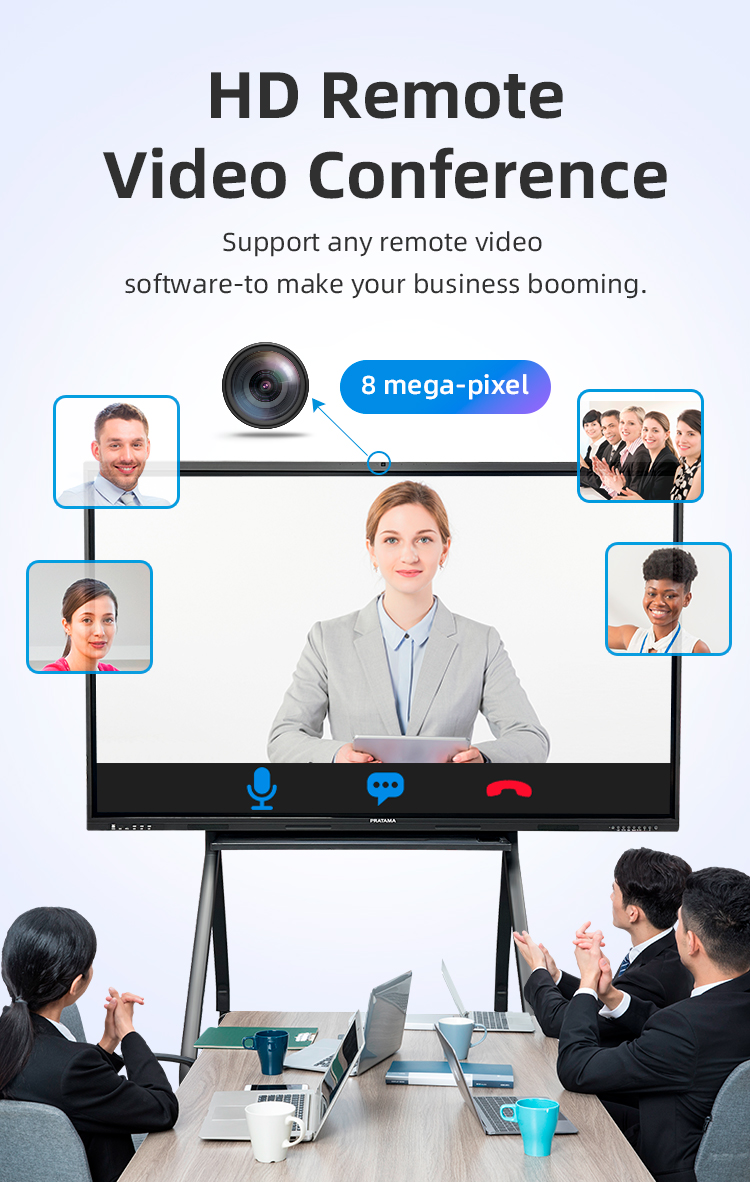
• Built-in 5MP camera for video conferencing
Education Tools
• Lesson recording with voice annotation
• Real-time student assessment widgets
• STEM toolkit (protractor, compass, graph paper)


40-Point Multi-Touch: Supports whole-group collaboration
4K Ultra HD Display: Crystal-clear visuals with anti-glare coating
All-in-One Design: Integrated Android 11 + optional Windows OPS
Advanced Interaction
• Ultra-responsive infrared touch (1ms latency)
• Dual-pen writing with palm rejection
• Gesture controls (zoom/rotate/swipe)
Smart Collaboration
• Wireless screen sharing (Miracast/AirPlay)
• Cloud synchronization (Google Drive/Dropbox)
• Built-in 5MP camera for video conferencing
Education Tools
• Lesson recording with voice annotation
• Real-time student assessment widgets
• STEM toolkit (protractor, compass, graph paper)


| Screen panel specification | Diagonal Size | 65 inch | ||||
| Effective Display Area | 1429(H)×805(V)mm | |||||
| Display Ratio | 16:9 | |||||
| Brightness | 350cd/㎡ | |||||
| refresh rate | 60Hz | |||||
| Contrast Ratio | 5000:1 | |||||
| Backlight Type | DLED | |||||
| Viewing Angle | 178°(V)/178°(H) | |||||
| Lifespan | 50000 hours | |||||
| Resolution | 3840(H) X 2160(V) | |||||
| Front interface | Input port | USB3.0*1 | ||||
| USB2.0*2 | ||||||
| Whole machine interface | Input port | RJ45*1 | ||||
| TOUCH USB*1 | ||||||
| USB 3.0*1 | ||||||
| USB 2.0*1 | ||||||
| RS232*1 | ||||||
| TOUCH USB(HDMI) *1 | ||||||
| HDMI 1*1 | ||||||
| AV IN:×2 | ||||||
| Other port | SPDIF OUT*1 | |||||
| AV OUT:×1 | ||||||
| Earphone*1 | ||||||
| Front button | Power Button On/Off, Volume +, Volume -, Eye protection, Screen recording, Home, Settings, Touch switch | |||||
| Touch screen | Touch technology | Multiple Infrared scanning technology | ||||
| Touch type | 20 point touch | |||||
| Drive Mode | Automatically recognized by the system, no need to drive | |||||
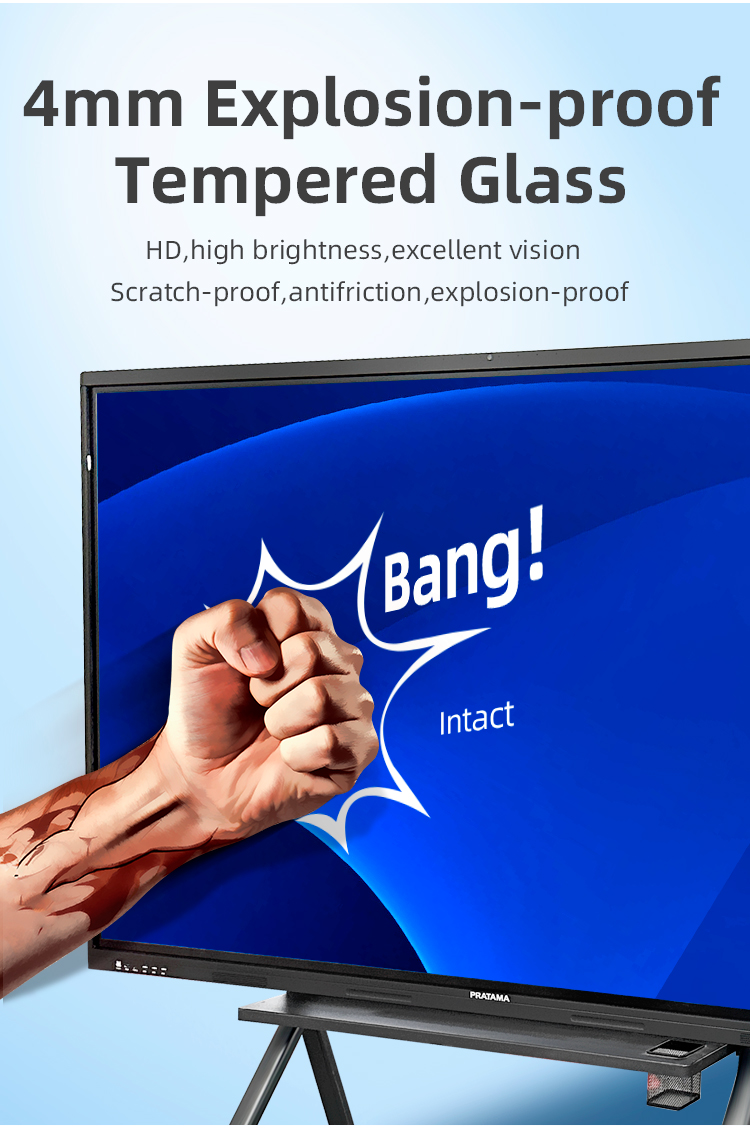
| Front frame glass | Physical tempered grade 9 explosion-proof glass/anti-glare explosion-proof grade 9 tempered glass | |||||
| writing style | Finger, touch pen or other non-transparent objects ≥2mm (supports full-screen writing with dual fine pens) | |||||
| Touch resolution | 32767*32767 | |||||
| way of communication | USB 2.0/USB 3.0 | |||||
| Operating temperature | -10~+50 ℃ | |||||
| Single finger response speed | <8ms | |||||
| Touch Accuracy | ±1mm | |||||
| Touch Time | the number of theoretical times is unlimited | |||||
| support system | windowsXP/7/8/10,Android,MacOS,Linux | |||||
| Built-in camera | camera | 48 million autofocus camera | ||||
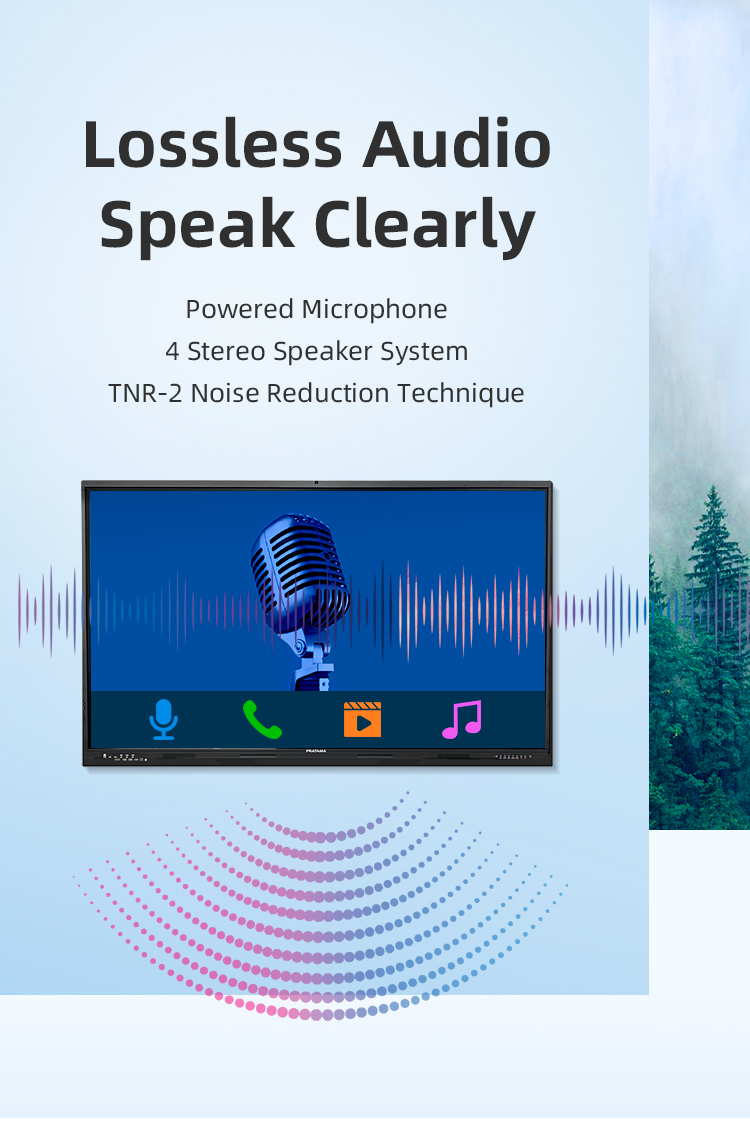
| array microphone | Eight array voice microphone | |||||
| Accessories | Accessory box | 1pcs | ||||
| Power cord-National standard 1.8M | 1pcs | |||||
| Certificate of Conformity (neutral) | 1pcs | |||||
| Warranty card (neutral) | 1pcs | |||||
| Remote control (without battery) | 1pcs | |||||
| Touch pen (magnetic) | 2pcs | |||||
| Wall mounting bracket | 1pcs | |||||
| Power consumption | Power consumption of the whole machine (excluding OPS) | ≤260W | ||||
| OPS consumption | ≤80W | |||||
| Standby consumption | ≤0.5W | |||||
| Power supply | 100-240V, 50/60Hz | |||||
| Stereo power | 10W/8 ohm x 2 speakers | |||||
| Working environment | Operating temperature | 0-40℃ | ||||
| Operating humidity | 10%~90% RH | |||||
| Storage temperature | -20~60℃ | |||||
| Storage humidity | 10%~90% RH | |||||
| VESA bracket hole location(mm) | 400(V)×500(H) | |||||
| Screen panel specification | Diagonal Size | 65 inch | ||||
| Effective Display Area | 1429(H)×805(V)mm | |||||
| Display Ratio | 16:9 | |||||
| Brightness | 350cd/㎡ | |||||
| refresh rate | 60Hz | |||||
| Contrast Ratio | 5000:1 | |||||
| Backlight Type | DLED | |||||
| Viewing Angle | 178°(V)/178°(H) | |||||
| Lifespan | 50000 hours | |||||
| Resolution | 3840(H) X 2160(V) | |||||
| Front interface | Input port | USB3.0*1 | ||||
| USB2.0*2 | ||||||
| Whole machine interface | Input port | RJ45*1 | ||||
| TOUCH USB*1 | ||||||
| USB 3.0*1 | ||||||
| USB 2.0*1 | ||||||
| RS232*1 | ||||||
| TOUCH USB(HDMI) *1 | ||||||
| HDMI 1*1 | ||||||
| AV IN:×2 | ||||||
| Other port | SPDIF OUT*1 | |||||
| AV OUT:×1 | ||||||
| Earphone*1 | ||||||
| Front button | Power Button On/Off, Volume +, Volume -, Eye protection, Screen recording, Home, Settings, Touch switch | |||||
| Touch screen | Touch technology | Multiple Infrared scanning technology | ||||
| Touch type | 20 point touch | |||||
| Drive Mode | Automatically recognized by the system, no need to drive | |||||
| Front frame glass | Physical tempered grade 9 explosion-proof glass/anti-glare explosion-proof grade 9 tempered glass | |||||
| writing style | Finger, touch pen or other non-transparent objects ≥2mm (supports full-screen writing with dual fine pens) | |||||
| Touch resolution | 32767*32767 | |||||
| way of communication | USB 2.0/USB 3.0 | |||||
| Operating temperature | -10~+50 ℃ | |||||
| Single finger response speed | <8ms | |||||
| Touch Accuracy | ±1mm | |||||
| Touch Time | the number of theoretical times is unlimited | |||||
| support system | windowsXP/7/8/10,Android,MacOS,Linux | |||||
| Built-in camera | camera | 48 million autofocus camera | ||||
| array microphone | Eight array voice microphone | |||||
| Accessories | Accessory box | 1pcs | ||||
| Power cord-National standard 1.8M | 1pcs | |||||
| Certificate of Conformity (neutral) | 1pcs | |||||
| Warranty card (neutral) | 1pcs | |||||
| Remote control (without battery) | 1pcs | |||||
| Touch pen (magnetic) | 2pcs | |||||
| Wall mounting bracket | 1pcs | |||||
| Power consumption | Power consumption of the whole machine (excluding OPS) | ≤260W | ||||
| OPS consumption | ≤80W | |||||
| Standby consumption | ≤0.5W | |||||
| Power supply | 100-240V, 50/60Hz | |||||
| Stereo power | 10W/8 ohm x 2 speakers | |||||
| Working environment | Operating temperature | 0-40℃ | ||||
| Operating humidity | 10%~90% RH | |||||
| Storage temperature | -20~60℃ | |||||
| Storage humidity | 10%~90% RH | |||||
| VESA bracket hole location(mm) | 400(V)×500(H) | |||||
K-12 Classrooms
• Whole-class math problem solving (40 simultaneous touches)
• Collaborative story mapping in language arts
• Science lab simulations with multi-student interaction
Higher Education
• Medical schools: Annotating anatomical diagrams in study groups
• Engineering: Team-based CAD model reviews
• Business schools: Live case study annotations
Corporate Training
• Interactive compliance certification workshops
• Software training with multi-user practice sessions
• Leadership development role-playing exercises
Hybrid Meetings
• Global team brainstorming with real-time markups
• Financial report analysis with multi-department input
• Product design reviews with remote participants
Creative Workflows
• Advertising agencies: Campaign storyboarding
• Architectural firms: Blueprint collaboration
• Film production: Shot list annotations
Crisis Management
• Emergency response team coordination maps
• Disaster recovery planning with multi-agency input
Community Engagement
• Town hall meetings with live polling/annotations
• Urban planning workshops with citizen input
K-12 Classrooms
• Whole-class math problem solving (40 simultaneous touches)
• Collaborative story mapping in language arts
• Science lab simulations with multi-student interaction
Higher Education
• Medical schools: Annotating anatomical diagrams in study groups
• Engineering: Team-based CAD model reviews
• Business schools: Live case study annotations
Corporate Training
• Interactive compliance certification workshops
• Software training with multi-user practice sessions
• Leadership development role-playing exercises
Hybrid Meetings
• Global team brainstorming with real-time markups
• Financial report analysis with multi-department input
• Product design reviews with remote participants
Creative Workflows
• Advertising agencies: Campaign storyboarding
• Architectural firms: Blueprint collaboration
• Film production: Shot list annotations
Crisis Management
• Emergency response team coordination maps
• Disaster recovery planning with multi-agency input
Community Engagement
• Town hall meetings with live polling/annotations
• Urban planning workshops with citizen input
1. Q: What does "Stand 40 Points" specifically mean?
A: "Stand" refers to the product configuration which includes a sturdy, height-adjustable mobile floor stand. "40 Points" indicates the advanced touch capability, allowing up to 40 simultaneous touch points, meaning up to 20 users can interact with the screen at the same time without lag or interference.
2. Q: What is the main advantage of 40-point multi-touch?
A: This high-density touch capability is designed for large groups and highly collaborative sessions. It enables multiple participants in a meeting or students in a classroom to write, manipulate objects, and interact with content concurrently, dramatically enhancing engagement and productivity.
3. Q: What is the display quality and technology?
A: It features a high-brightness LCD panel with Full HD or 4K UHD resolution (model dependent), combined with an anti-glare, anti-scratch glass surface. This ensures excellent visibility from wide angles, reduces eye strain, and provides a smooth, paper-like writing experience.
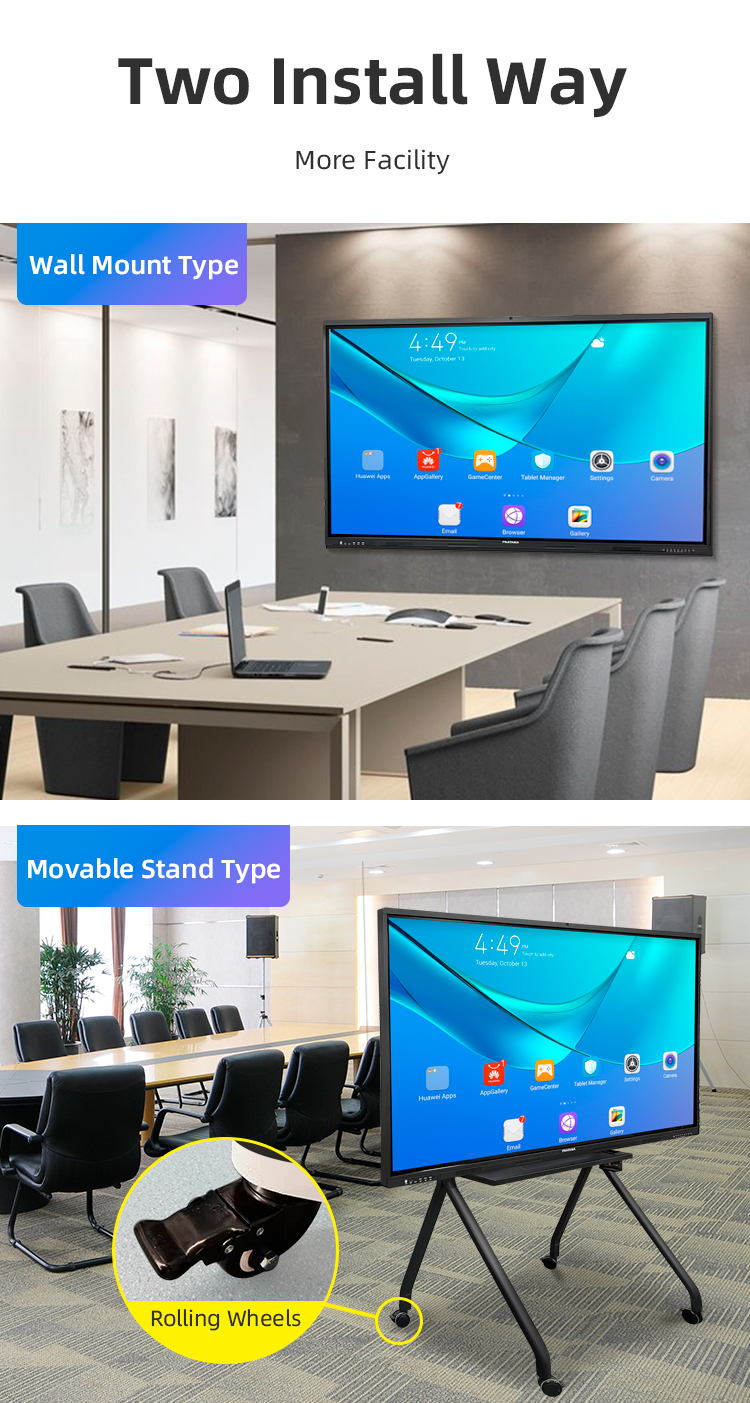
4. Q: Is the mobile stand included, and what are its features?
A: Yes, a robust mobile stand is included in the package. It typically features lockable casters for easy movement and stability, height adjustment to accommodate different users, and often a shelf for storing accessories or a mini-PC.
5. Q: How does the digital writing experience compare to a traditional whiteboard?
A: It offers a superior writing experience with ultra-low latency, making digital ink appear instantly. You get the familiarity of writing on a smooth surface, but with digital advantages: infinite canvas, multiple ink colors/widths, easy erasure (partial or full), and the ability to save and share all notes electronically.
6. Q: What operating systems and software does it support?
A: The whiteboard itself runs on a stable Android OS with access to essential apps. Its core strength is seamless compatibility as a peripheral. You can connect it via HDMI/USB to any external device (Windows, macOS, Chrome OS) to use specialized software like Microsoft Office, Zoom, or proprietary teaching applications.
7. Q: Can it function without being connected to a computer?
A: Yes. In standalone mode using its built-in Android system, you can access the whiteboard app for writing, annotating on imported documents (PDFs, PPTs), browsing the web, and using basic apps—all without any external computer.
8. Q: What connectivity options are available?
A: It offers comprehensive connectivity: multiple HDMI ports for laptops, USB ports for flash drives/touch-back to a PC, and built-in Wi-Fi & Bluetooth for wireless screen mirroring from smartphones, tablets, and laptops.
9. Q: Is it suitable for video conferencing?
A: Perfectly suited. You can run conferencing apps like Teams or Zoom directly on the Android system or from a connected laptop. The large, interactive screen allows everyone to see participants and collaboratively annotate shared content in real-time during the call.
10. Q: What is included in the package, and what is the warranty?
A: The complete package includes the interactive LCD display, the mobile floor stand, two stylus pens, a remote control, power cables, and a user manual. It is backed by a standard 3-year warranty on parts and labor, with extended support plans available.
1. Q: What does "Stand 40 Points" specifically mean?
A: "Stand" refers to the product configuration which includes a sturdy, height-adjustable mobile floor stand. "40 Points" indicates the advanced touch capability, allowing up to 40 simultaneous touch points, meaning up to 20 users can interact with the screen at the same time without lag or interference.
2. Q: What is the main advantage of 40-point multi-touch?
A: This high-density touch capability is designed for large groups and highly collaborative sessions. It enables multiple participants in a meeting or students in a classroom to write, manipulate objects, and interact with content concurrently, dramatically enhancing engagement and productivity.
3. Q: What is the display quality and technology?
A: It features a high-brightness LCD panel with Full HD or 4K UHD resolution (model dependent), combined with an anti-glare, anti-scratch glass surface. This ensures excellent visibility from wide angles, reduces eye strain, and provides a smooth, paper-like writing experience.
4. Q: Is the mobile stand included, and what are its features?
A: Yes, a robust mobile stand is included in the package. It typically features lockable casters for easy movement and stability, height adjustment to accommodate different users, and often a shelf for storing accessories or a mini-PC.
5. Q: How does the digital writing experience compare to a traditional whiteboard?
A: It offers a superior writing experience with ultra-low latency, making digital ink appear instantly. You get the familiarity of writing on a smooth surface, but with digital advantages: infinite canvas, multiple ink colors/widths, easy erasure (partial or full), and the ability to save and share all notes electronically.
6. Q: What operating systems and software does it support?
A: The whiteboard itself runs on a stable Android OS with access to essential apps. Its core strength is seamless compatibility as a peripheral. You can connect it via HDMI/USB to any external device (Windows, macOS, Chrome OS) to use specialized software like Microsoft Office, Zoom, or proprietary teaching applications.
7. Q: Can it function without being connected to a computer?
A: Yes. In standalone mode using its built-in Android system, you can access the whiteboard app for writing, annotating on imported documents (PDFs, PPTs), browsing the web, and using basic apps—all without any external computer.
8. Q: What connectivity options are available?
A: It offers comprehensive connectivity: multiple HDMI ports for laptops, USB ports for flash drives/touch-back to a PC, and built-in Wi-Fi & Bluetooth for wireless screen mirroring from smartphones, tablets, and laptops.
9. Q: Is it suitable for video conferencing?
A: Perfectly suited. You can run conferencing apps like Teams or Zoom directly on the Android system or from a connected laptop. The large, interactive screen allows everyone to see participants and collaboratively annotate shared content in real-time during the call.
10. Q: What is included in the package, and what is the warranty?
A: The complete package includes the interactive LCD display, the mobile floor stand, two stylus pens, a remote control, power cables, and a user manual. It is backed by a standard 3-year warranty on parts and labor, with extended support plans available.