Dinosaur D
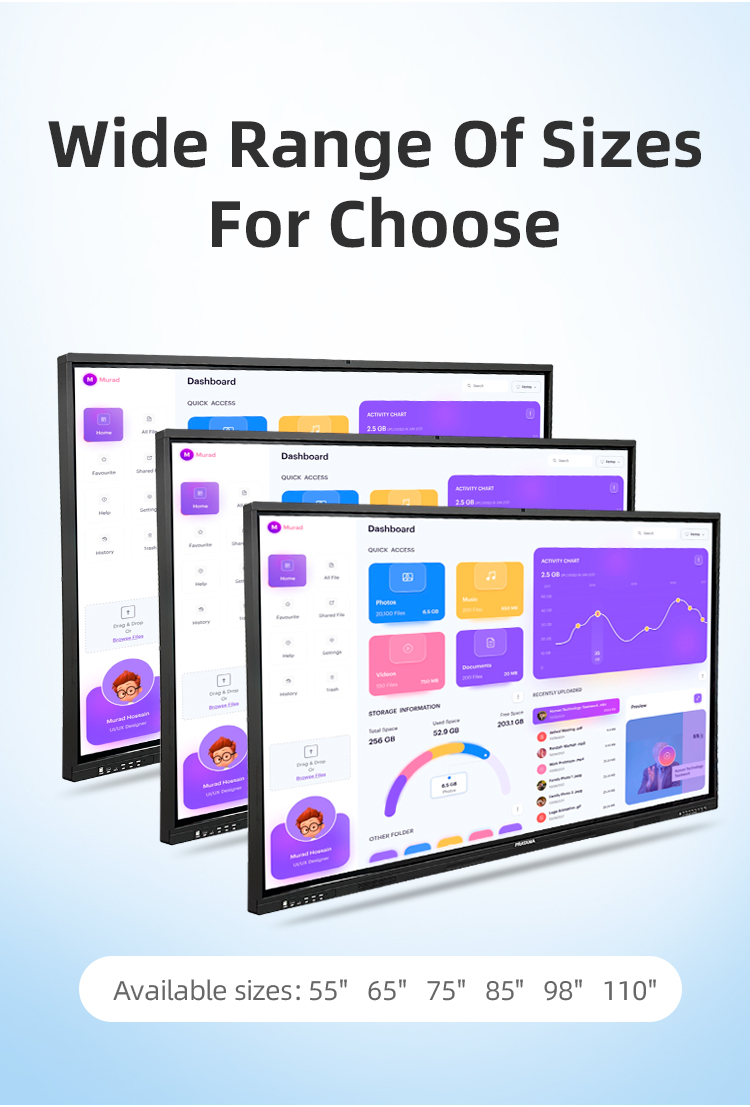
| size: | |
|---|---|
| refresh rate: | |
| resolution: | |
| view angle: | |
| touch technology: | |
| system: | |
| lifespan: | |
| Availability: | |
| Quantity: | |
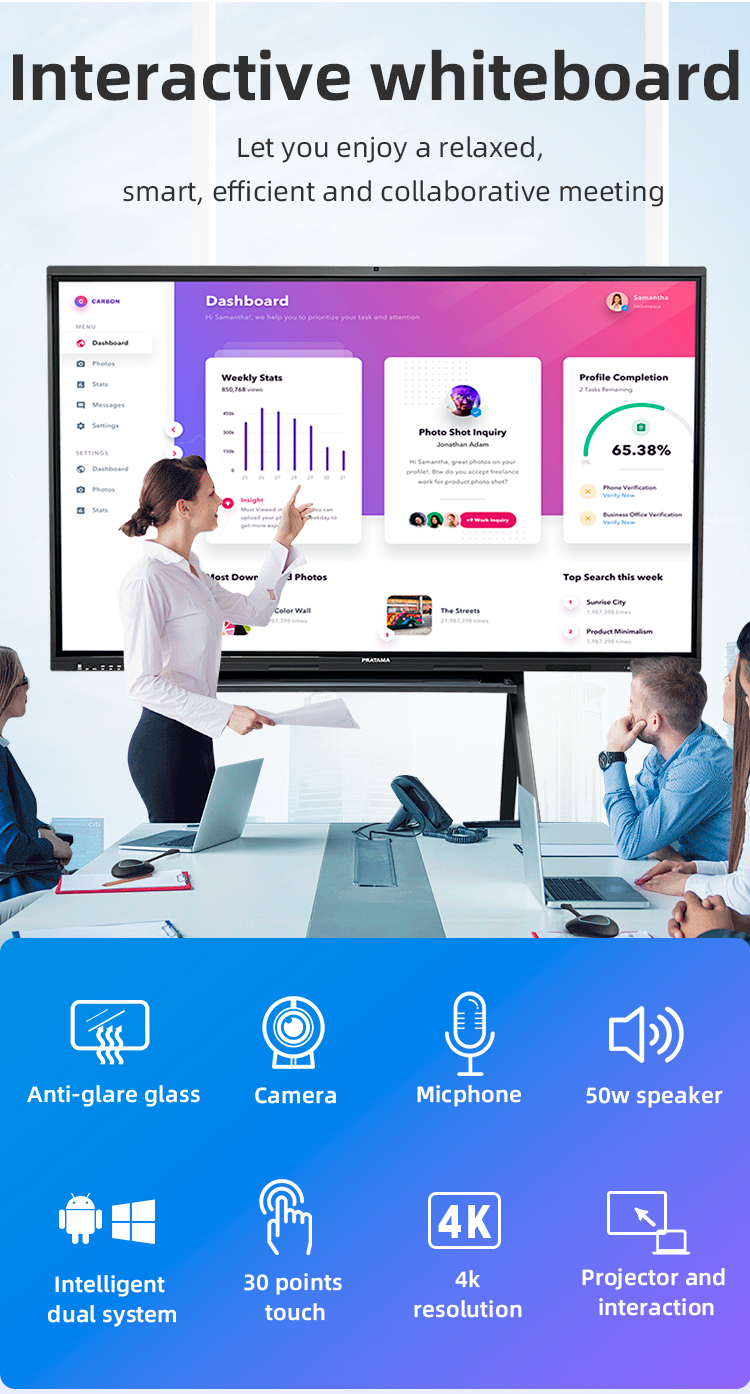
✍️ Precision Touch: 20-Point Multi-Touch (0.5mm accuracy)
Dual System: Android 13 + Windows 11 Pro (Instant Switching)
Wireless Connectivity: Miracast/AirPlay/HDMI 2.1
️ 4K Ultra HD: 120Hz Refresh Rate | HDR10+
EDUCATION SPECIFICS
• Built-in Lesson Planner with 50+ Templates
• Student Response System (Supports 50+ Devices)
• Screen Recording with Annotation Playback


✍️ Precision Touch: 20-Point Multi-Touch (0.5mm accuracy)
Dual System: Android 13 + Windows 11 Pro (Instant Switching)
Wireless Connectivity: Miracast/AirPlay/HDMI 2.1
️ 4K Ultra HD: 120Hz Refresh Rate | HDR10+
EDUCATION SPECIFICS
• Built-in Lesson Planner with 50+ Templates
• Student Response System (Supports 50+ Devices)
• Screen Recording with Annotation Playback


| Screen panel specification | Diagonal Size | 65 inch | ||||
| Effective Display Area | 1429(H)×805(V)mm | |||||
| Display Ratio | 16:9 | |||||
| Brightness | 350cd/㎡ | |||||
| refresh rate | 60Hz | |||||
| Contrast Ratio | 5000:1 | |||||
| Backlight Type | DLED | |||||
| Viewing Angle | 178°(V)/178°(H) | |||||
| Lifespan | 50000 hours | |||||
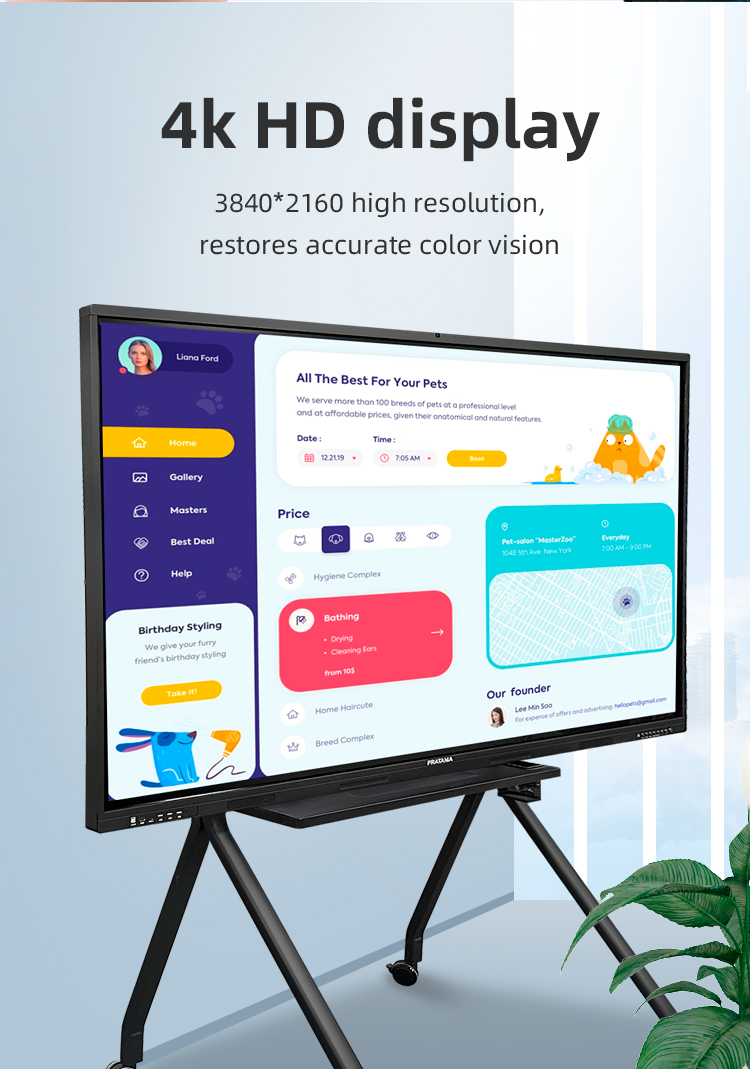
| Resolution | 3840(H) X 2160(V) | |||||
| Front interface | Input port | USB3.0*1 | ||||
| USB2.0*2 | ||||||
| Whole machine interface | Input port | RJ45*1 | ||||
| TOUCH USB*1 | ||||||
| USB 3.0*1 | ||||||
| USB 2.0*1 | ||||||
| RS232*1 | ||||||
| TOUCH USB(HDMI) *1 | ||||||
| HDMI 1*1 | ||||||
| AV IN:×2 | ||||||
| Other port | SPDIF OUT*1 | |||||
| AV OUT:×1 | ||||||
| Earphone*1 | ||||||
| Front button | Power Button On/Off, Volume +, Volume -, Eye protection, Screen recording, Home, Settings, Touch switch | |||||
| Touch screen | Touch technology | Multiple Infrared scanning technology | ||||
| Touch type | 20 point touch | |||||
| Drive Mode | Automatically recognized by the system, no need to drive | |||||
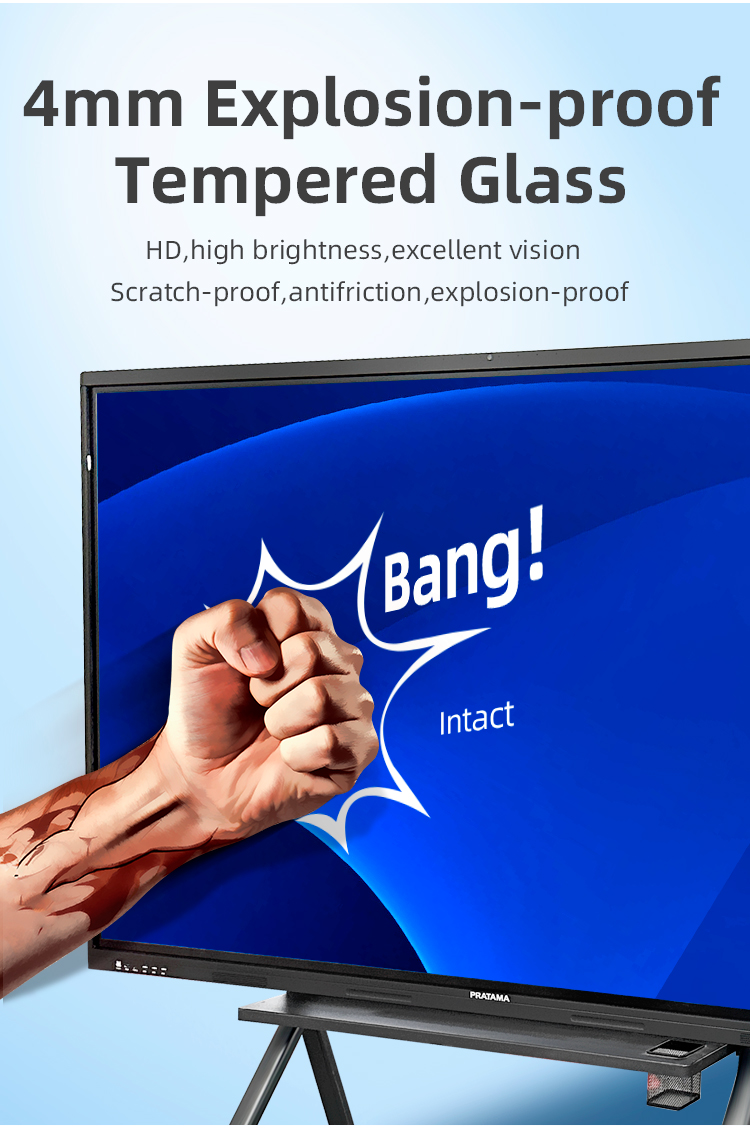
| Front frame glass | Physical tempered grade 9 explosion-proof glass/anti-glare explosion-proof grade 9 tempered glass | |||||
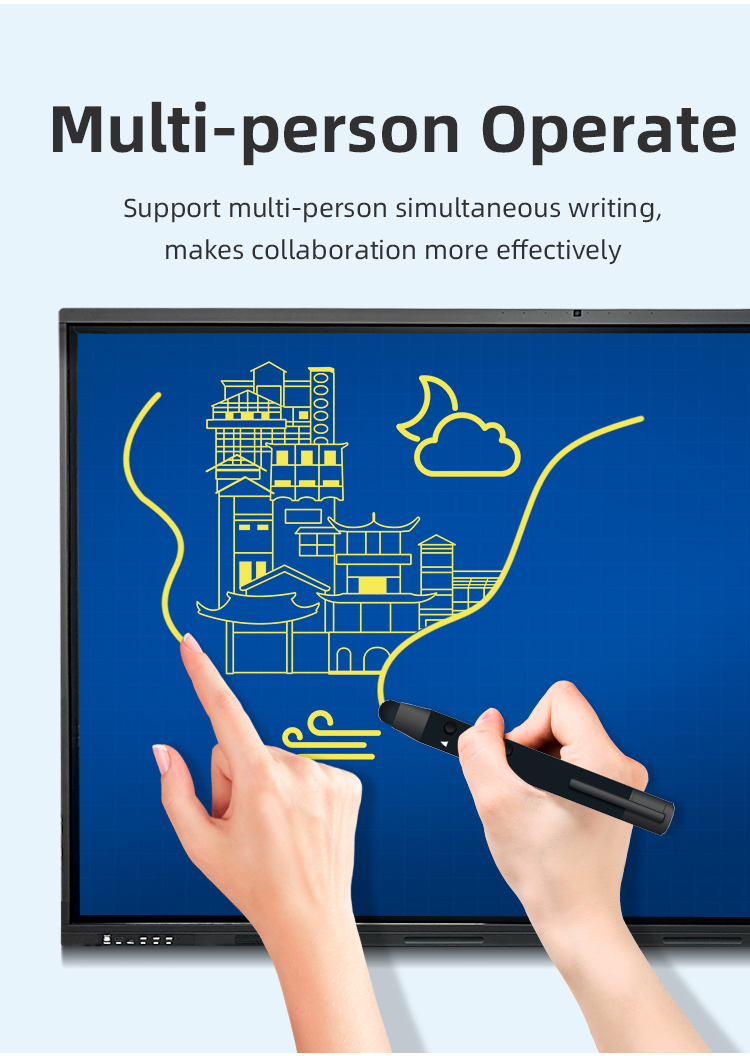
| writing style | Finger, touch pen or other non-transparent objects ≥2mm (supports full-screen writing with dual fine pens) | |||||
| Touch resolution | 32767*32767 | |||||
| way of communication | USB 2.0/USB 3.0 | |||||
| Operating temperature | -10~+50 ℃ | |||||
| Single finger response speed | <8ms | |||||
| Touch Accuracy | ±1mm | |||||
| Touch Time | the number of theoretical times is unlimited | |||||
| support system | windowsXP/7/8/10,Android,MacOS,Linux | |||||
| Built-in camera | camera | 48 million autofocus camera | ||||
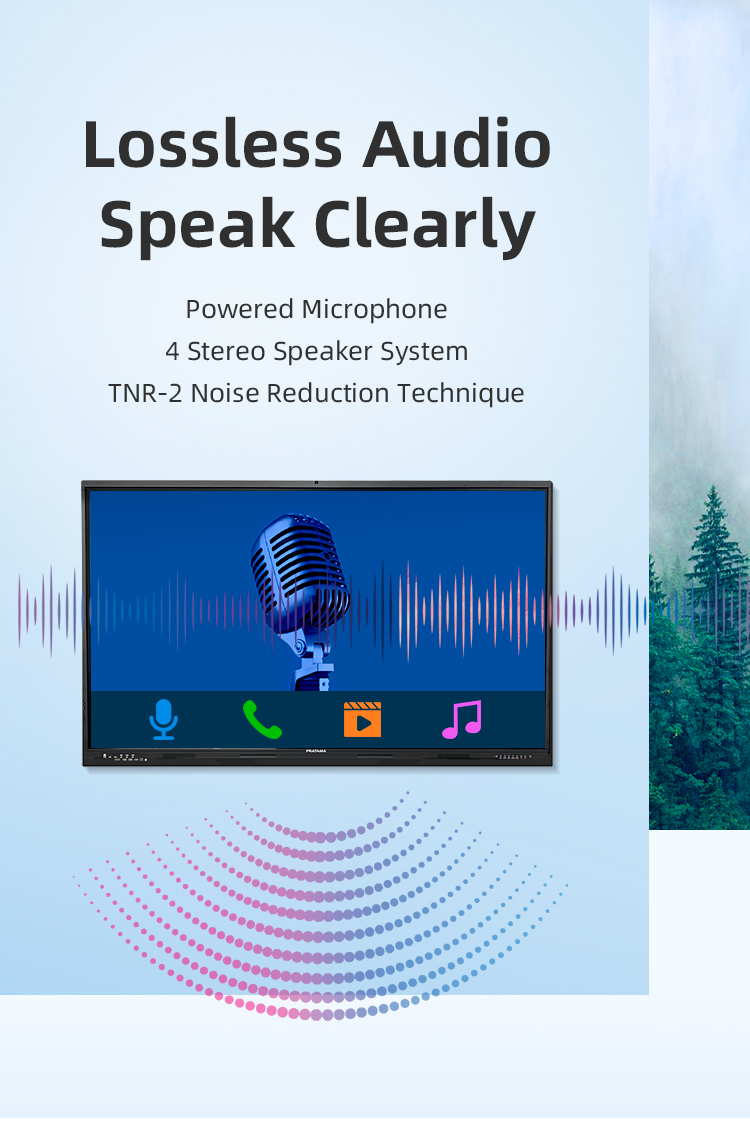
| array microphone | Eight array voice microphone | |||||
| Accessories | Accessory box | 1pcs | ||||
| Power cord-National standard 1.8M | 1pcs | |||||
| Certificate of Conformity (neutral) | 1pcs | |||||
| Warranty card (neutral) | 1pcs | |||||
| Remote control (without battery) | 1pcs | |||||
| Touch pen (magnetic) | 2pcs | |||||
| Wall mounting bracket | 1pcs | |||||
| Power consumption | Power consumption of the whole machine (excluding OPS) | ≤260W | ||||
| OPS consumption | ≤80W | |||||
| Standby consumption | ≤0.5W | |||||
| Power supply | 100-240V, 50/60Hz | |||||
| Stereo power | 10W/8 ohm x 2 speakers | |||||
| Working environment | Operating temperature | 0-40℃ | ||||
| Operating humidity | 10%~90% RH | |||||
| Storage temperature | -20~60℃ | |||||
| Storage humidity | 10%~90% RH | |||||
| VESA bracket hole location(mm) | 400(V)×500(H) | |||||
| Screen panel specification | Diagonal Size | 65 inch | ||||
| Effective Display Area | 1429(H)×805(V)mm | |||||
| Display Ratio | 16:9 | |||||
| Brightness | 350cd/㎡ | |||||
| refresh rate | 60Hz | |||||
| Contrast Ratio | 5000:1 | |||||
| Backlight Type | DLED | |||||
| Viewing Angle | 178°(V)/178°(H) | |||||
| Lifespan | 50000 hours | |||||
| Resolution | 3840(H) X 2160(V) | |||||
| Front interface | Input port | USB3.0*1 | ||||
| USB2.0*2 | ||||||
| Whole machine interface | Input port | RJ45*1 | ||||
| TOUCH USB*1 | ||||||
| USB 3.0*1 | ||||||
| USB 2.0*1 | ||||||
| RS232*1 | ||||||
| TOUCH USB(HDMI) *1 | ||||||
| HDMI 1*1 | ||||||
| AV IN:×2 | ||||||
| Other port | SPDIF OUT*1 | |||||
| AV OUT:×1 | ||||||
| Earphone*1 | ||||||
| Front button | Power Button On/Off, Volume +, Volume -, Eye protection, Screen recording, Home, Settings, Touch switch | |||||
| Touch screen | Touch technology | Multiple Infrared scanning technology | ||||
| Touch type | 20 point touch | |||||
| Drive Mode | Automatically recognized by the system, no need to drive | |||||
| Front frame glass | Physical tempered grade 9 explosion-proof glass/anti-glare explosion-proof grade 9 tempered glass | |||||
| writing style | Finger, touch pen or other non-transparent objects ≥2mm (supports full-screen writing with dual fine pens) | |||||
| Touch resolution | 32767*32767 | |||||
| way of communication | USB 2.0/USB 3.0 | |||||
| Operating temperature | -10~+50 ℃ | |||||
| Single finger response speed | <8ms | |||||
| Touch Accuracy | ±1mm | |||||
| Touch Time | the number of theoretical times is unlimited | |||||
| support system | windowsXP/7/8/10,Android,MacOS,Linux | |||||
| Built-in camera | camera | 48 million autofocus camera | ||||
| array microphone | Eight array voice microphone | |||||
| Accessories | Accessory box | 1pcs | ||||
| Power cord-National standard 1.8M | 1pcs | |||||
| Certificate of Conformity (neutral) | 1pcs | |||||
| Warranty card (neutral) | 1pcs | |||||
| Remote control (without battery) | 1pcs | |||||
| Touch pen (magnetic) | 2pcs | |||||
| Wall mounting bracket | 1pcs | |||||
| Power consumption | Power consumption of the whole machine (excluding OPS) | ≤260W | ||||
| OPS consumption | ≤80W | |||||
| Standby consumption | ≤0.5W | |||||
| Power supply | 100-240V, 50/60Hz | |||||
| Stereo power | 10W/8 ohm x 2 speakers | |||||
| Working environment | Operating temperature | 0-40℃ | ||||
| Operating humidity | 10%~90% RH | |||||
| Storage temperature | -20~60℃ | |||||
| Storage humidity | 10%~90% RH | |||||
| VESA bracket hole location(mm) | 400(V)×500(H) | |||||
Executive Boardrooms
Real-time document collaboration with multi-user annotation
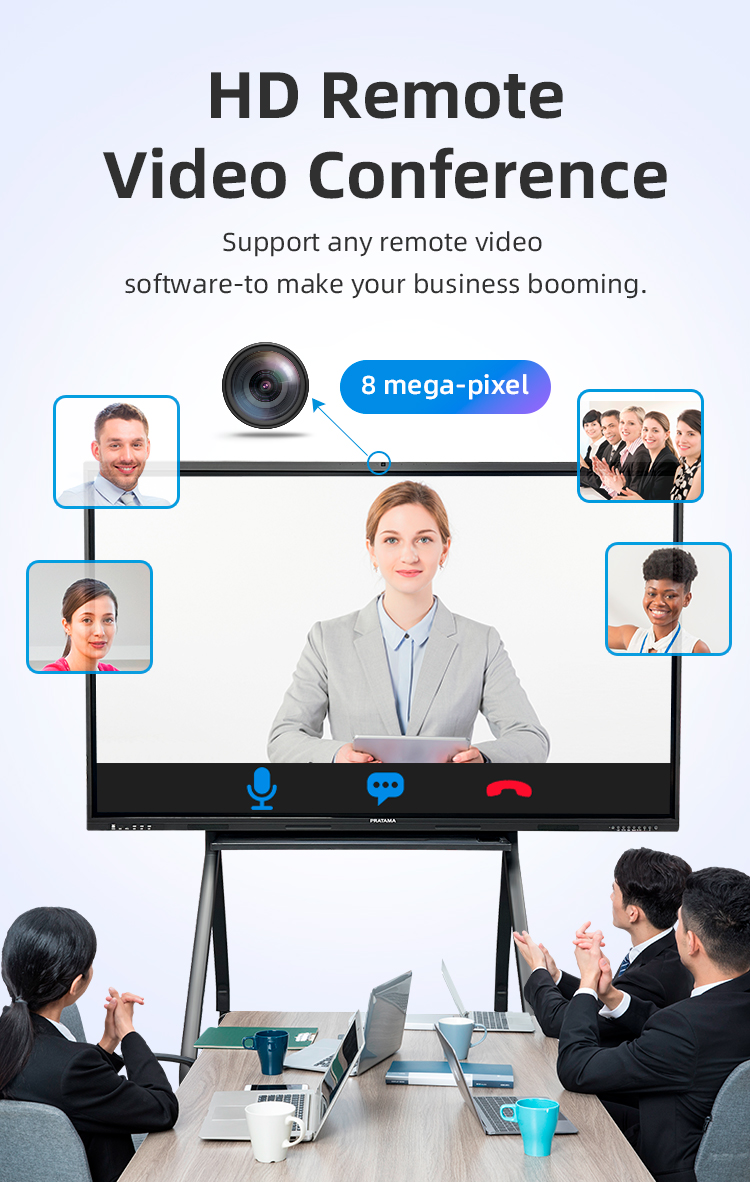
Secure video conferencing with integrated digital whiteboarding
Financial data visualization during strategy sessions
️ Hybrid Workspaces
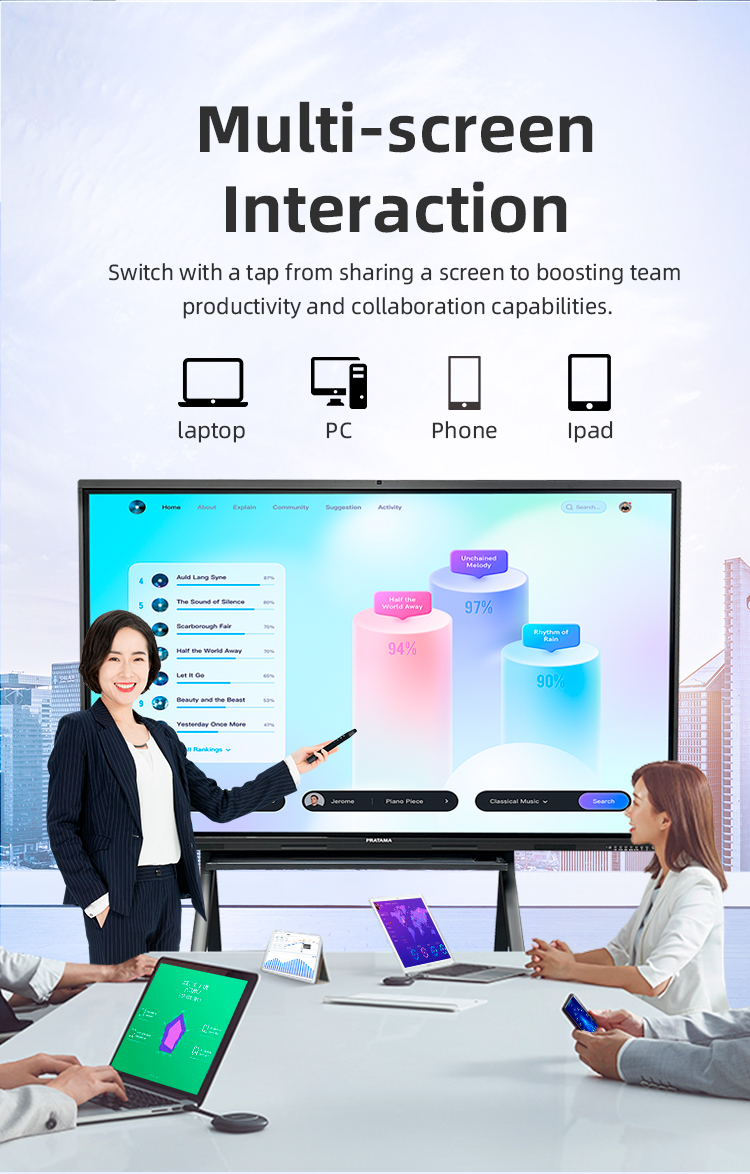
Wireless presentation from laptops/tablets (Miracast/AirPlay)
Interactive project management dashboards
Design sprint brainstorming with sticky note simulations
Industrial Applications
Factory floor production diagrams with touch markup
Safety procedure demonstrations with interactive checklists
Equipment maintenance tutorials with zoomable schematics
Higher Education
Lecture capture with synchronized slide annotations
STEM lab simulations (chemistry/engineering)
Language labs with real-time translation overlay
K-12 Classrooms
Interactive geography lessons with map exploration
Collaborative math problem solving
Digital storytelling with student-created content
✈️ Corporate Training
Product knowledge certification tests
Sales scenario role-playing simulations
Compliance training with signature capture
️ Command Centers
Emergency response scenario planning
Infrastructure monitoring dashboards
Security camera feeds with annotation
️ Public Engagement
Town hall meetings with live Q&A polling
Budget visualization workshops
Digital petition signing stations
Healthcare
Patient education with anatomical models
Surgical planning with MRI/CT markup
Medical student training simulations
Creative Industries
Digital storyboarding for film production
Fashion design sketching with pressure-sensitive pens
Architectural plan reviews with measurement tools
️ Retail Spaces
Interactive product configurators
Staff training on new inventory systems
Digital signage with touch navigation
Hotel Conference
Event scheduling displays
Wayfinding with facility maps
Guest feedback collection portals
Executive Boardrooms
Real-time document collaboration with multi-user annotation
Secure video conferencing with integrated digital whiteboarding
Financial data visualization during strategy sessions
️ Hybrid Workspaces
Wireless presentation from laptops/tablets (Miracast/AirPlay)
Interactive project management dashboards
Design sprint brainstorming with sticky note simulations
Industrial Applications
Factory floor production diagrams with touch markup
Safety procedure demonstrations with interactive checklists
Equipment maintenance tutorials with zoomable schematics
Higher Education
Lecture capture with synchronized slide annotations
STEM lab simulations (chemistry/engineering)
Language labs with real-time translation overlay
K-12 Classrooms
Interactive geography lessons with map exploration
Collaborative math problem solving
Digital storytelling with student-created content
✈️ Corporate Training
Product knowledge certification tests
Sales scenario role-playing simulations
Compliance training with signature capture
️ Command Centers
Emergency response scenario planning
Infrastructure monitoring dashboards
Security camera feeds with annotation
️ Public Engagement
Town hall meetings with live Q&A polling
Budget visualization workshops
Digital petition signing stations
Healthcare
Patient education with anatomical models
Surgical planning with MRI/CT markup
Medical student training simulations
Creative Industries
Digital storyboarding for film production
Fashion design sketching with pressure-sensitive pens
Architectural plan reviews with measurement tools
️ Retail Spaces
Interactive product configurators
Staff training on new inventory systems
Digital signage with touch navigation
Hotel Conference
Event scheduling displays
Wayfinding with facility maps
Guest feedback collection portals
1. What are the key applications of this interactive display?
This board is designed for modern collaborative environments, including corporate conferences, educational classrooms, training sessions, and creative brainstorming. It supports video calls, interactive presentations, real-time annotation, and multimedia content sharing.
2. How many touch points does the board support? Is it compatible with gestures?
The display supports 20-point multi-touch simultaneously, allowing multiple users to write or interact at once. It also recognizes common gestures like pinch-to-zoom, swipe, and rotate for intuitive navigation.
3. What operating systems and software are compatible?
It is compatible with Windows, macOS, Android, and Linux. Pre-installed collaborative software includes whiteboarding, screen mirroring, and annotation tools. It also supports third-party apps like Zoom, Microsoft Teams, and Google Meet.
4. What connectivity options are available?
The board includes HDMI, USB-C, VGA, RJ45 (LAN), Wi-Fi, and Bluetooth. You can connect laptops, tablets, document cameras, and other peripherals easily. Wireless screen casting (Miracast/AirPlay) is also supported.
5. Does it require external speakers or a camera for video conferencing?
No—the board comes with built-in high-fidelity speakers, a dual microphone array, and a 4K Ultra HD camera (optional in some models), making it ready for video conferences out of the box.
6. What is the display resolution and panel technology?
All sizes feature 4K UHD (3840×2160) resolution with an anti-glare IPS panel, ensuring wide viewing angles, vibrant colors, and clear visibility even in bright rooms.
7. Can I use it as a traditional whiteboard without a connected computer?
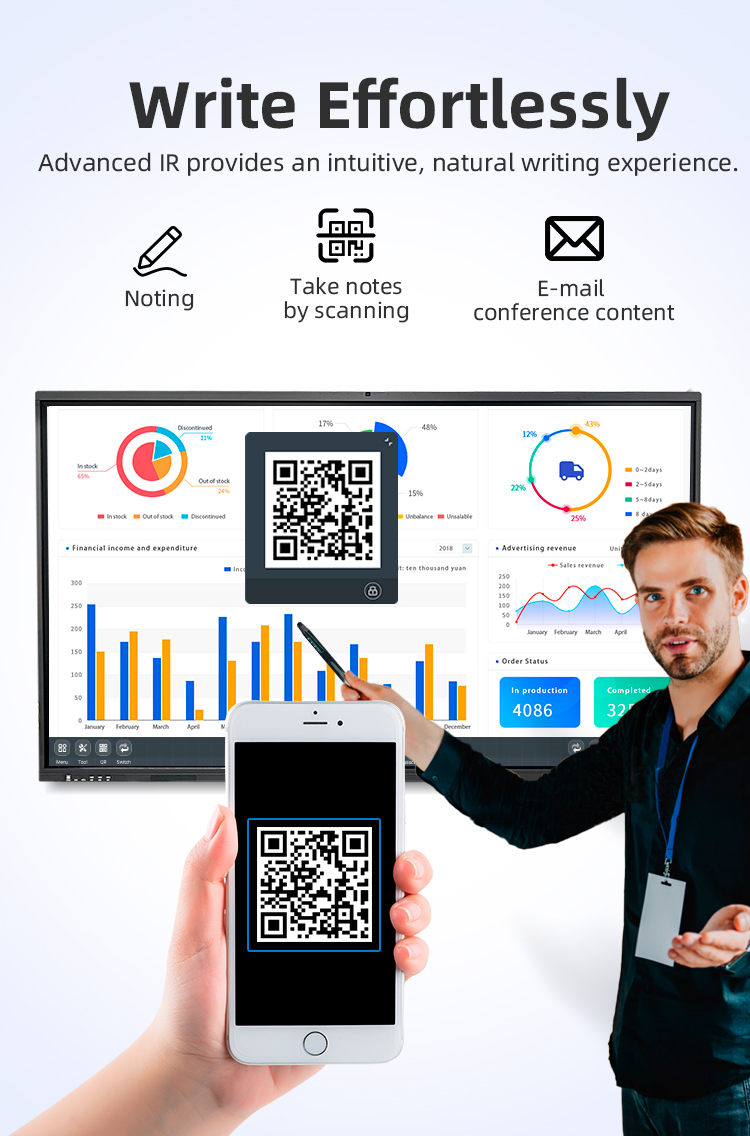
Yes! The standalone whiteboard mode lets you write, erase, save, and export notes directly from the board—no PC required. Notes can be saved via USB, emailed, or uploaded to the cloud.
8. What is included in the package?
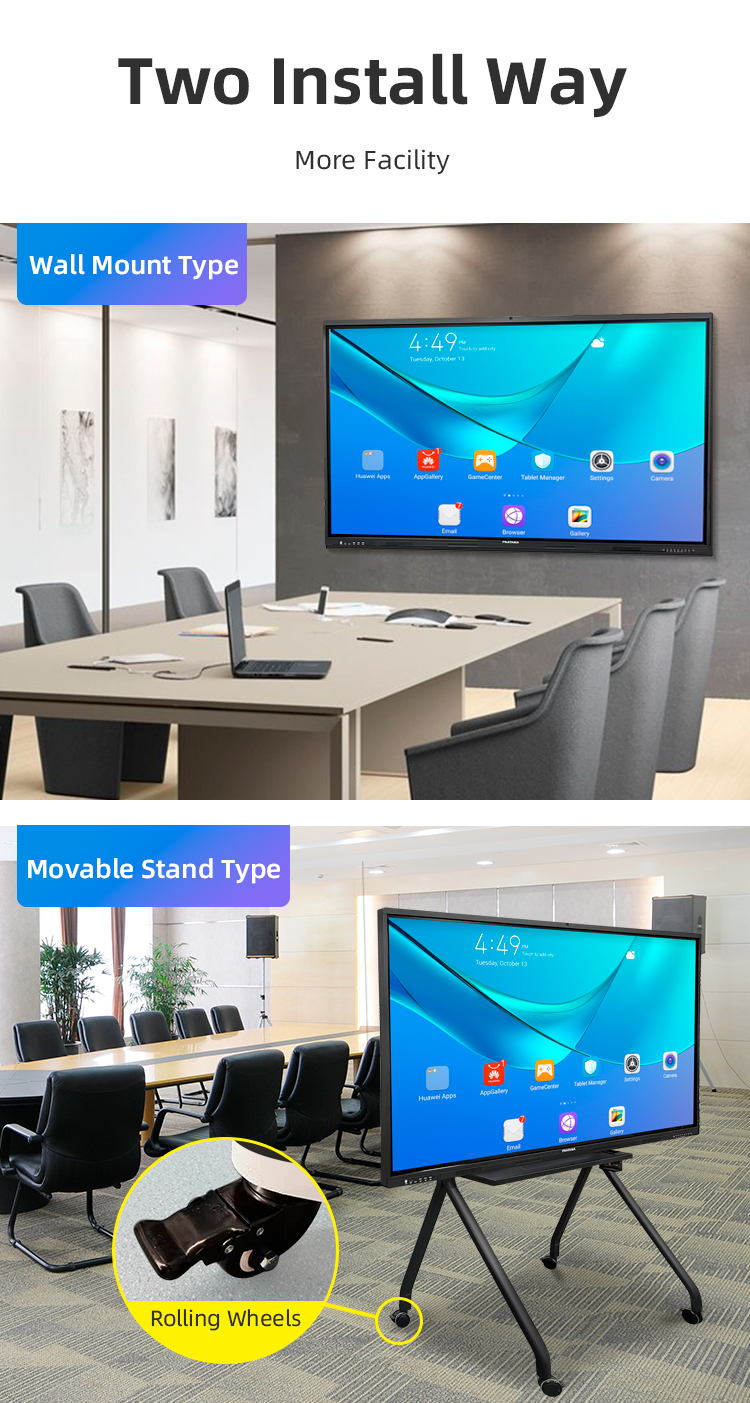
Each unit includes the interactive display, a wall mount or movable stand (depending on the option), two stylus pens, a remote control, power cables, and a user manual. Additional accessories like wall mounts or trolleys are available separately.
9. Is there warranty and technical support?
We offer a 3-year limited warranty on parts and labor, along with lifetime technical support via email, phone, or live chat. Online tutorial videos and setup guides are also available.
10. How do we ensure the safety and durability of the board?
The screen is made of tempered glass with anti-scratch and anti-impact coating. It meets international safety certifications (CE, FCC, RoHS) and is designed for heavy daily use in classrooms and boardrooms.
1. What are the key applications of this interactive display?
This board is designed for modern collaborative environments, including corporate conferences, educational classrooms, training sessions, and creative brainstorming. It supports video calls, interactive presentations, real-time annotation, and multimedia content sharing.
2. How many touch points does the board support? Is it compatible with gestures?
The display supports 20-point multi-touch simultaneously, allowing multiple users to write or interact at once. It also recognizes common gestures like pinch-to-zoom, swipe, and rotate for intuitive navigation.
3. What operating systems and software are compatible?
It is compatible with Windows, macOS, Android, and Linux. Pre-installed collaborative software includes whiteboarding, screen mirroring, and annotation tools. It also supports third-party apps like Zoom, Microsoft Teams, and Google Meet.
4. What connectivity options are available?
The board includes HDMI, USB-C, VGA, RJ45 (LAN), Wi-Fi, and Bluetooth. You can connect laptops, tablets, document cameras, and other peripherals easily. Wireless screen casting (Miracast/AirPlay) is also supported.
5. Does it require external speakers or a camera for video conferencing?
No—the board comes with built-in high-fidelity speakers, a dual microphone array, and a 4K Ultra HD camera (optional in some models), making it ready for video conferences out of the box.
6. What is the display resolution and panel technology?
All sizes feature 4K UHD (3840×2160) resolution with an anti-glare IPS panel, ensuring wide viewing angles, vibrant colors, and clear visibility even in bright rooms.
7. Can I use it as a traditional whiteboard without a connected computer?
Yes! The standalone whiteboard mode lets you write, erase, save, and export notes directly from the board—no PC required. Notes can be saved via USB, emailed, or uploaded to the cloud.
8. What is included in the package?
Each unit includes the interactive display, a wall mount or movable stand (depending on the option), two stylus pens, a remote control, power cables, and a user manual. Additional accessories like wall mounts or trolleys are available separately.
9. Is there warranty and technical support?
We offer a 3-year limited warranty on parts and labor, along with lifetime technical support via email, phone, or live chat. Online tutorial videos and setup guides are also available.
10. How do we ensure the safety and durability of the board?
The screen is made of tempered glass with anti-scratch and anti-impact coating. It meets international safety certifications (CE, FCC, RoHS) and is designed for heavy daily use in classrooms and boardrooms.