Dinosaur D
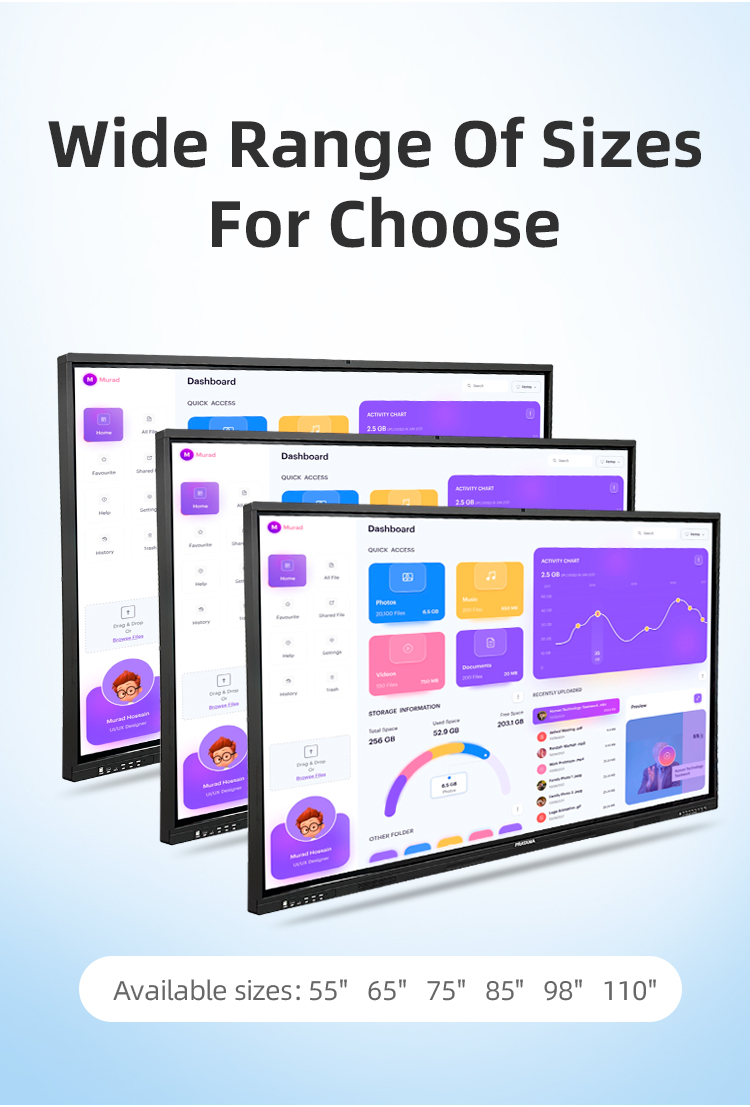
| size: | |
|---|---|
| refresh rate: | |
| resolution: | |
| view angle: | |
| touch technology: | |
| system: | |
| lifespan: | |
| Availability: | |
| Quantity: | |
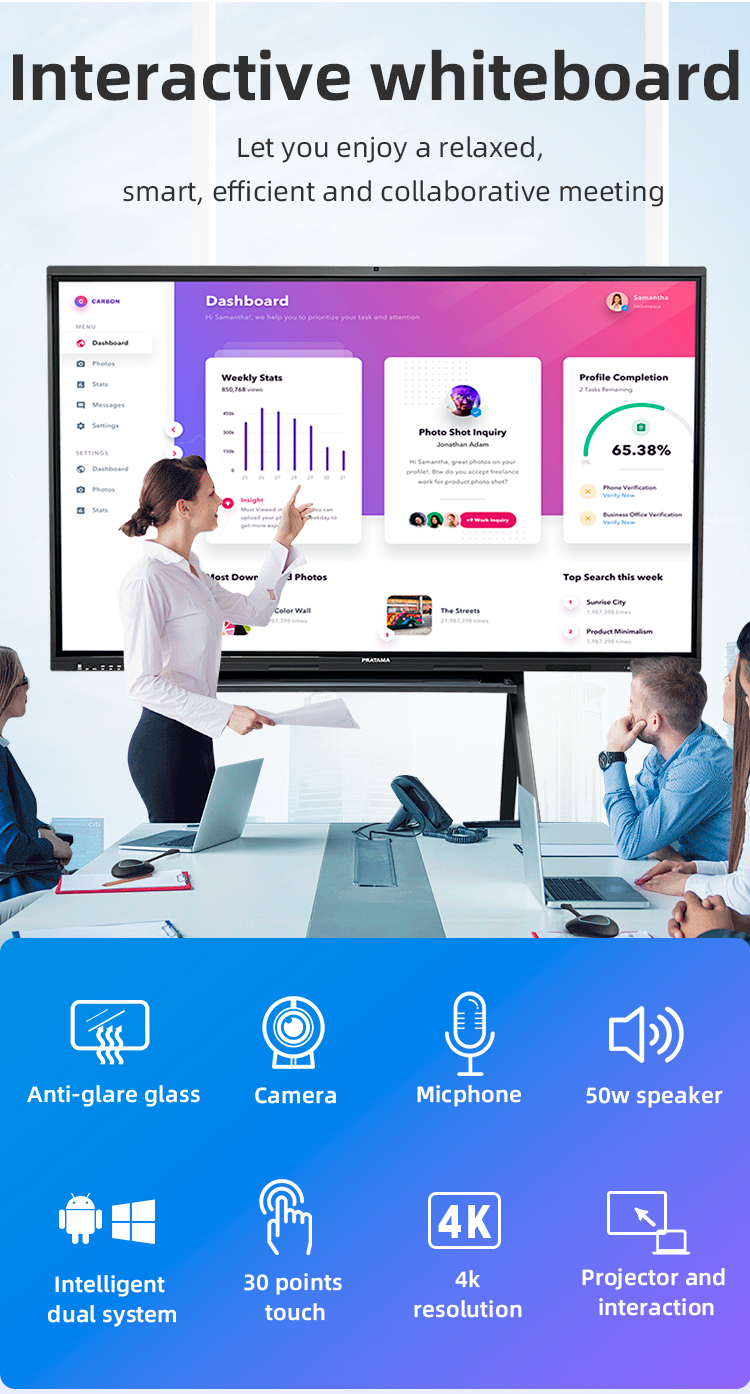
Ultra HD Visuals:
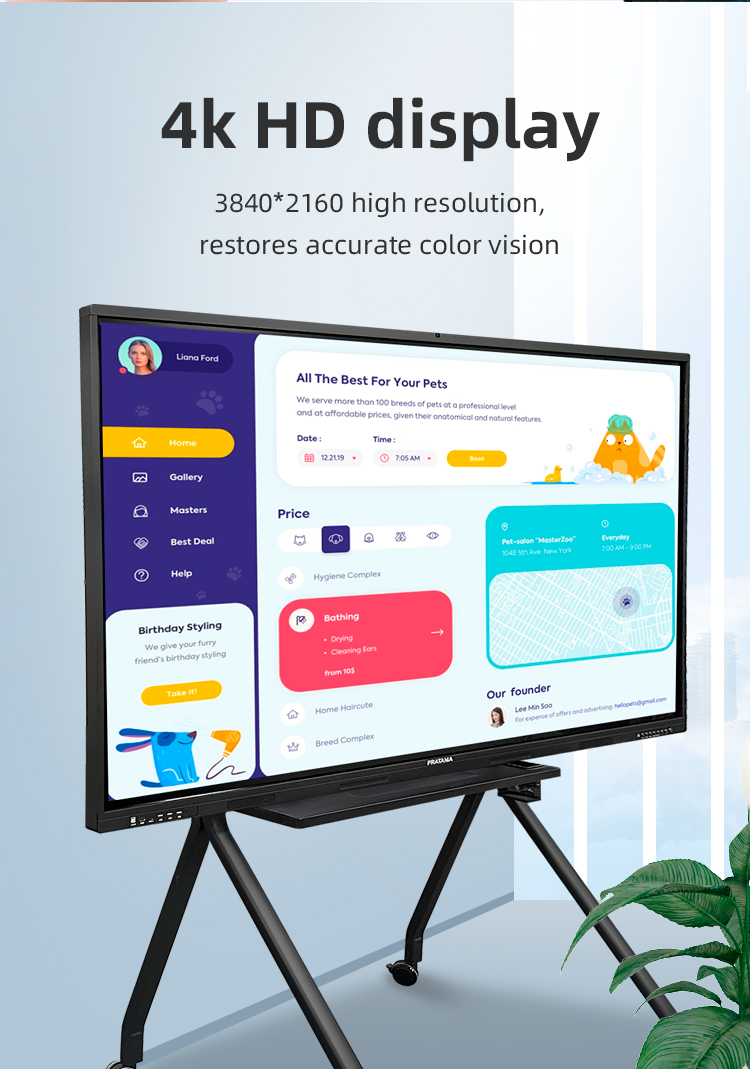
• 3840×2160 4K Resolution | 120Hz Refresh Rate
• HDR10 Support | Anti-Glare Nanocoat
✋ Advanced Touch:
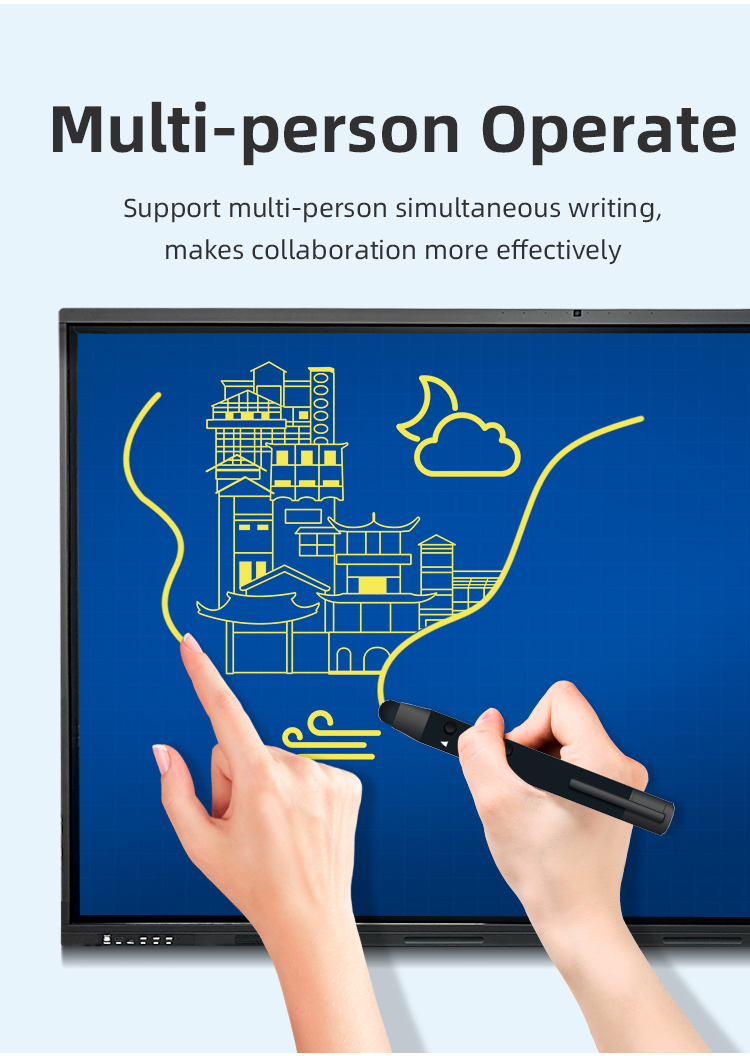
• 40 Simultaneous Touch Points
• <1ms Latency | 0.5mm Tracking Accuracy
• Glove/Finger/Pen Multi-Mode Input
Dual OS Power:
• Built-in Android 13 + Windows 11 Pro Slot
• Seamless OS Switching


Ultra HD Visuals:
• 3840×2160 4K Resolution | 120Hz Refresh Rate
• HDR10 Support | Anti-Glare Nanocoat
✋ Advanced Touch:
• 40 Simultaneous Touch Points
• <1ms Latency | 0.5mm Tracking Accuracy
• Glove/Finger/Pen Multi-Mode Input
Dual OS Power:
• Built-in Android 13 + Windows 11 Pro Slot
• Seamless OS Switching


| Screen panel specification | Diagonal Size | 65 inch | ||||
| Effective Display Area | 1429(H)×805(V)mm | |||||
| Display Ratio | 16:9 | |||||
| Brightness | 350cd/㎡ | |||||
| refresh rate | 60Hz | |||||
| Contrast Ratio | 5000:1 | |||||
| Backlight Type | DLED | |||||
| Viewing Angle | 178°(V)/178°(H) | |||||
| Lifespan | 50000 hours | |||||
| Resolution | 3840(H) X 2160(V) | |||||
| Front interface | Input port | USB3.0*1 | ||||
| USB2.0*2 | ||||||
| Whole machine interface | Input port | RJ45*1 | ||||
| TOUCH USB*1 | ||||||
| USB 3.0*1 | ||||||
| USB 2.0*1 | ||||||
| RS232*1 | ||||||
| TOUCH USB(HDMI) *1 | ||||||
| HDMI 1*1 | ||||||
| AV IN:×2 | ||||||
| Other port | SPDIF OUT*1 | |||||
| AV OUT:×1 | ||||||
| Earphone*1 | ||||||
| Front button | Power Button On/Off, Volume +, Volume -, Eye protection, Screen recording, Home, Settings, Touch switch | |||||
| Touch screen | Touch technology | Multiple Infrared scanning technology | ||||
| Touch type | 20 point touch | |||||
| Drive Mode | Automatically recognized by the system, no need to drive | |||||
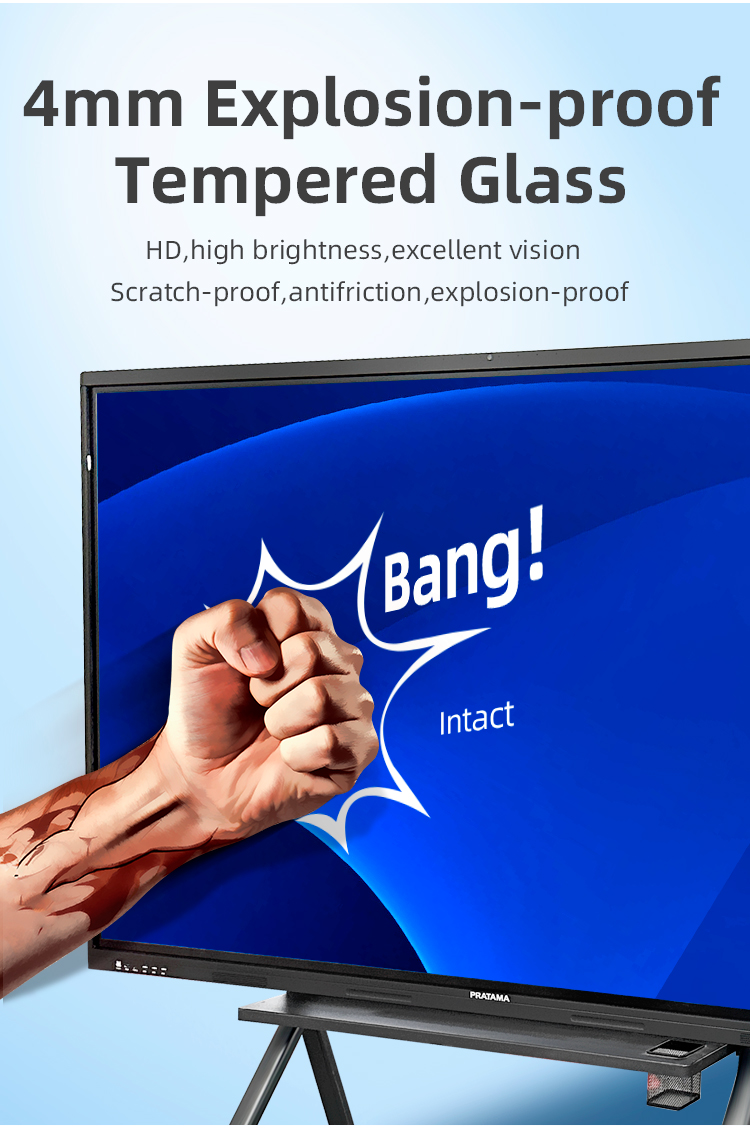
| Front frame glass | Physical tempered grade 9 explosion-proof glass/anti-glare explosion-proof grade 9 tempered glass | |||||
| writing style | Finger, touch pen or other non-transparent objects ≥2mm (supports full-screen writing with dual fine pens) | |||||
| Touch resolution | 32767*32767 | |||||
| way of communication | USB 2.0/USB 3.0 | |||||
| Operating temperature | -10~+50 ℃ | |||||
| Single finger response speed | <8ms | |||||
| Touch Accuracy | ±1mm | |||||
| Touch Time | the number of theoretical times is unlimited | |||||
| support system | windowsXP/7/8/10,Android,MacOS,Linux | |||||
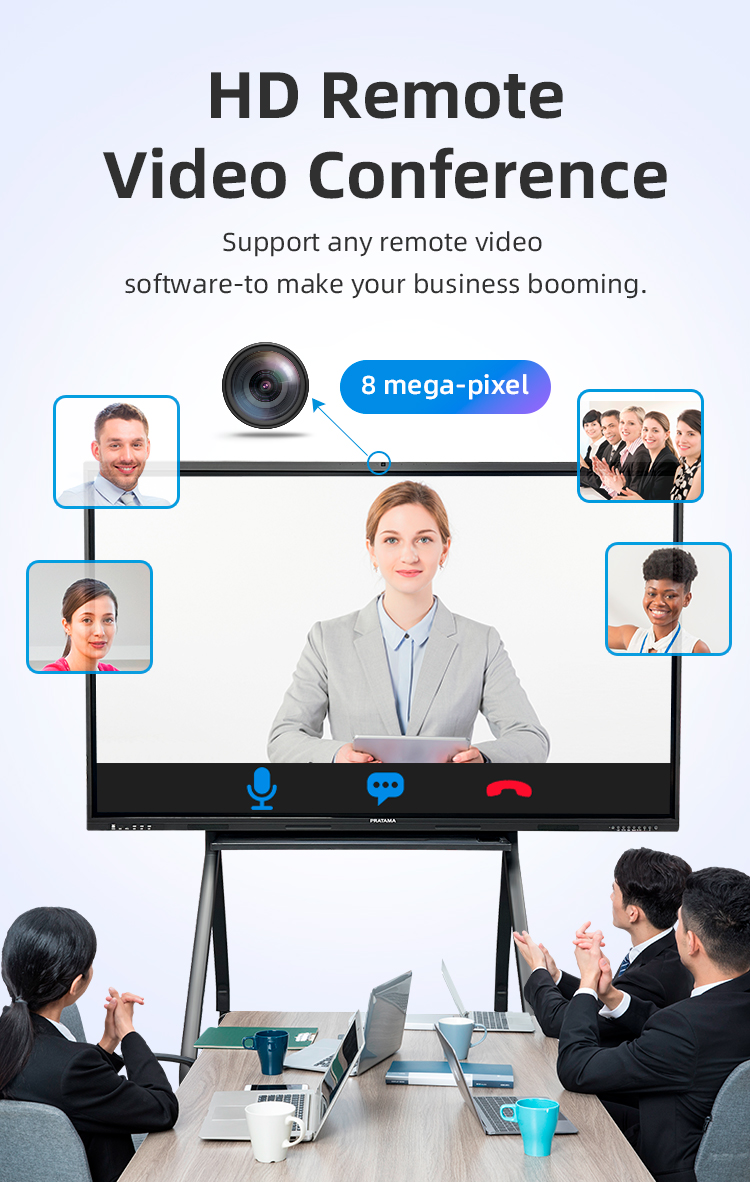
| Built-in camera | camera | 48 million autofocus camera | ||||
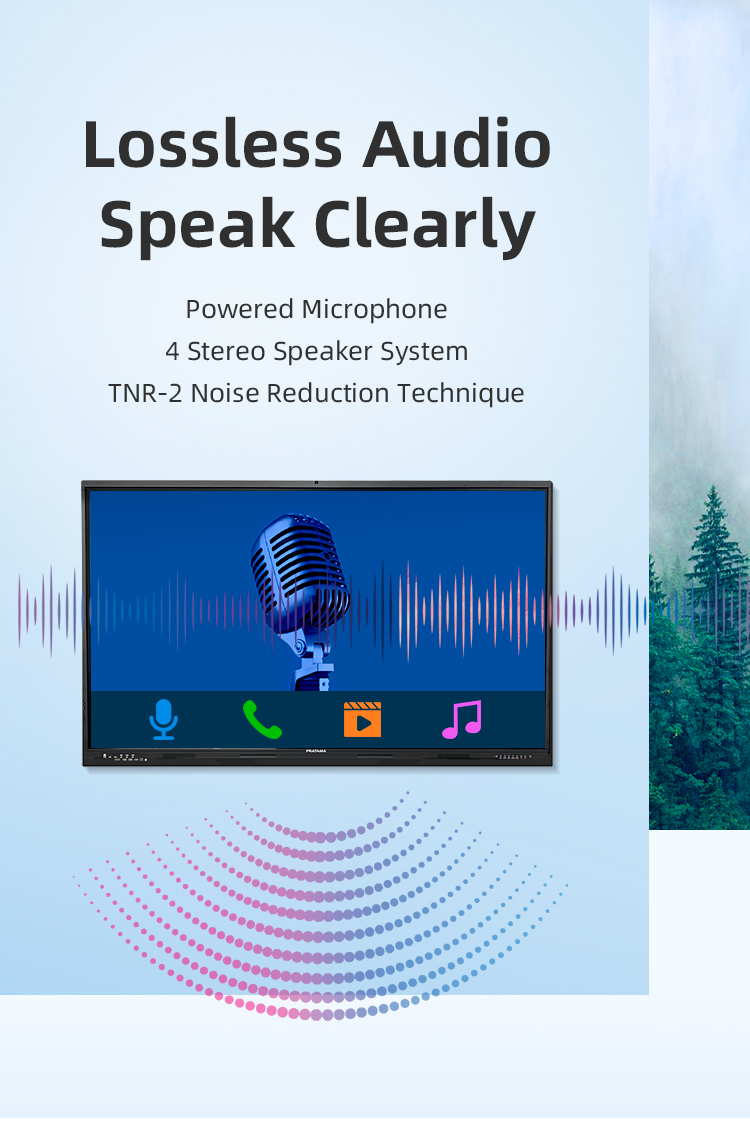
| array microphone | Eight array voice microphone | |||||
| Accessories | Accessory box | 1pcs | ||||
| Power cord-National standard 1.8M | 1pcs | |||||
| Certificate of Conformity (neutral) | 1pcs | |||||
| Warranty card (neutral) | 1pcs | |||||
| Remote control (without battery) | 1pcs | |||||
| Touch pen (magnetic) | 2pcs | |||||
| Wall mounting bracket | 1pcs | |||||
| Power consumption | Power consumption of the whole machine (excluding OPS) | ≤260W | ||||
| OPS consumption | ≤80W | |||||
| Standby consumption | ≤0.5W | |||||
| Power supply | 100-240V, 50/60Hz | |||||
| Stereo power | 10W/8 ohm x 2 speakers | |||||
| Working environment | Operating temperature | 0-40℃ | ||||
| Operating humidity | 10%~90% RH | |||||
| Storage temperature | -20~60℃ | |||||
| Storage humidity | 10%~90% RH | |||||
| VESA bracket hole location(mm) | 400(V)×500(H) | |||||
| Screen panel specification | Diagonal Size | 65 inch | ||||
| Effective Display Area | 1429(H)×805(V)mm | |||||
| Display Ratio | 16:9 | |||||
| Brightness | 350cd/㎡ | |||||
| refresh rate | 60Hz | |||||
| Contrast Ratio | 5000:1 | |||||
| Backlight Type | DLED | |||||
| Viewing Angle | 178°(V)/178°(H) | |||||
| Lifespan | 50000 hours | |||||
| Resolution | 3840(H) X 2160(V) | |||||
| Front interface | Input port | USB3.0*1 | ||||
| USB2.0*2 | ||||||
| Whole machine interface | Input port | RJ45*1 | ||||
| TOUCH USB*1 | ||||||
| USB 3.0*1 | ||||||
| USB 2.0*1 | ||||||
| RS232*1 | ||||||
| TOUCH USB(HDMI) *1 | ||||||
| HDMI 1*1 | ||||||
| AV IN:×2 | ||||||
| Other port | SPDIF OUT*1 | |||||
| AV OUT:×1 | ||||||
| Earphone*1 | ||||||
| Front button | Power Button On/Off, Volume +, Volume -, Eye protection, Screen recording, Home, Settings, Touch switch | |||||
| Touch screen | Touch technology | Multiple Infrared scanning technology | ||||
| Touch type | 20 point touch | |||||
| Drive Mode | Automatically recognized by the system, no need to drive | |||||
| Front frame glass | Physical tempered grade 9 explosion-proof glass/anti-glare explosion-proof grade 9 tempered glass | |||||
| writing style | Finger, touch pen or other non-transparent objects ≥2mm (supports full-screen writing with dual fine pens) | |||||
| Touch resolution | 32767*32767 | |||||
| way of communication | USB 2.0/USB 3.0 | |||||
| Operating temperature | -10~+50 ℃ | |||||
| Single finger response speed | <8ms | |||||
| Touch Accuracy | ±1mm | |||||
| Touch Time | the number of theoretical times is unlimited | |||||
| support system | windowsXP/7/8/10,Android,MacOS,Linux | |||||
| Built-in camera | camera | 48 million autofocus camera | ||||
| array microphone | Eight array voice microphone | |||||
| Accessories | Accessory box | 1pcs | ||||
| Power cord-National standard 1.8M | 1pcs | |||||
| Certificate of Conformity (neutral) | 1pcs | |||||
| Warranty card (neutral) | 1pcs | |||||
| Remote control (without battery) | 1pcs | |||||
| Touch pen (magnetic) | 2pcs | |||||
| Wall mounting bracket | 1pcs | |||||
| Power consumption | Power consumption of the whole machine (excluding OPS) | ≤260W | ||||
| OPS consumption | ≤80W | |||||
| Standby consumption | ≤0.5W | |||||
| Power supply | 100-240V, 50/60Hz | |||||
| Stereo power | 10W/8 ohm x 2 speakers | |||||
| Working environment | Operating temperature | 0-40℃ | ||||
| Operating humidity | 10%~90% RH | |||||
| Storage temperature | -20~60℃ | |||||
| Storage humidity | 10%~90% RH | |||||
| VESA bracket hole location(mm) | 400(V)×500(H) | |||||
University Lecture Halls
Medical students practicing virtual surgeries with 3D anatomy models
Engineering classes collaboratively designing CAD prototypes
Language departments conducting real-time translation exercises
K-12 Classrooms
Interactive math lessons with equation-solving workflows
History classes exploring dynamic timeline visualizations
Special education touch therapy sessions
Corporate Training Centers
Hands-on equipment operation simulations
Compliance training with digital signature capture
Sales role-playing with recorded performance reviews
Design Studios
Fashion houses conducting virtual fabric draping
Automotive designers reviewing 3D car models
Architects walking clients through BIM models
Media Production
Film storyboarding with scene annotation
Newsroom collaborative editing of broadcast graphics
Music producers mixing tracks via touch interface
Executive War Rooms
Live data dashboard manipulation during strategy sessions
M&A due diligence document comparison
Crisis management scenario planning
Industrial Operations
Factory floor monitoring with equipment status overlays
Safety procedure demonstrations using zoomable schematics
Remote expert assistance with AR annotation
Smart City Command Centers
Traffic flow optimization simulations
Emergency response coordination mapping
Infrastructure project public consultations
Healthcare Institutions
Patient education using interactive anatomy models
Surgical team pre-op planning sessions
Medical student radiology diagnosis practice
✈️ Aviation & Aerospace
Flight path optimization workshops
Aircraft maintenance procedure training
Air traffic control simulations
⚖️ Legal Sector
Trial strategy evidence visualization
Contract markup and version comparison
Virtual deposition annotations
University Lecture Halls
Medical students practicing virtual surgeries with 3D anatomy models
Engineering classes collaboratively designing CAD prototypes
Language departments conducting real-time translation exercises
K-12 Classrooms
Interactive math lessons with equation-solving workflows
History classes exploring dynamic timeline visualizations
Special education touch therapy sessions
Corporate Training Centers
Hands-on equipment operation simulations
Compliance training with digital signature capture
Sales role-playing with recorded performance reviews
Design Studios
Fashion houses conducting virtual fabric draping
Automotive designers reviewing 3D car models
Architects walking clients through BIM models
Media Production
Film storyboarding with scene annotation
Newsroom collaborative editing of broadcast graphics
Music producers mixing tracks via touch interface
Executive War Rooms
Live data dashboard manipulation during strategy sessions
M&A due diligence document comparison
Crisis management scenario planning
Industrial Operations
Factory floor monitoring with equipment status overlays
Safety procedure demonstrations using zoomable schematics
Remote expert assistance with AR annotation
Smart City Command Centers
Traffic flow optimization simulations
Emergency response coordination mapping
Infrastructure project public consultations
Healthcare Institutions
Patient education using interactive anatomy models
Surgical team pre-op planning sessions
Medical student radiology diagnosis practice
✈️ Aviation & Aerospace
Flight path optimization workshops
Aircraft maintenance procedure training
Air traffic control simulations
⚖️ Legal Sector
Trial strategy evidence visualization
Contract markup and version comparison
Virtual deposition annotations
Q: What makes this board's touch technology special?
A: It features advanced 40-point multi-touch capability, enabling up to 20 users to interact simultaneously with exceptional precision and zero lag, even with multiple inputs.
Q: Is this a standalone device or does it require a computer?
A: It's fully All-in-One with a built-in Android system and dedicated whiteboard software, allowing independent use. It can also function as a high-end 4K monitor for external devices.
Q: What are the key uses for this board?
A: It's ideal for interactive teaching, corporate training, collaborative design sessions, video conferencing, and dynamic presentations in both educational and professional settings.
Q: What connectivity options are included?
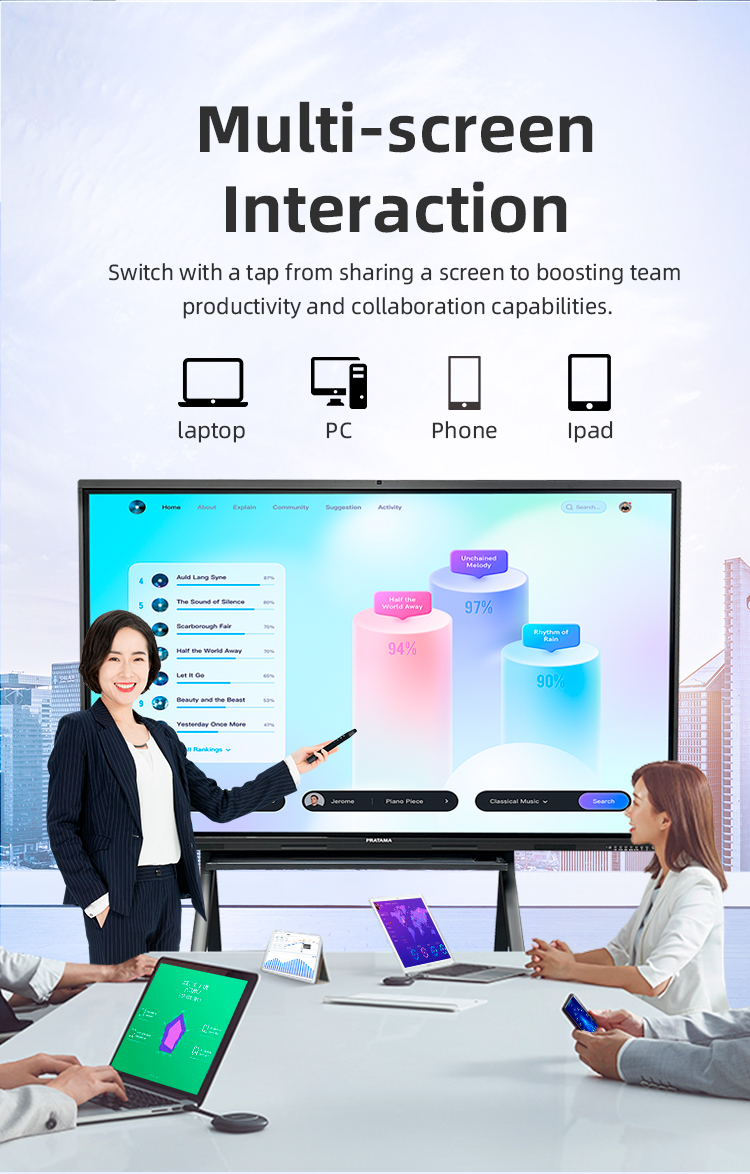
A: It includes multiple HDMI ports, USB-A & USB-C, Wi-Fi, Bluetooth, and supports wireless screen mirroring from Windows, macOS, Android, and iOS devices.
Q: What is the screen's resolution and viewing quality?
A: It boasts a 4K Ultra HD (3840x2160) anti-glare display with wide viewing angles, ensuring vibrant colors and clear visibility from anywhere in the room.
Q: What software comes pre-installed?
A: It includes proprietary whiteboard software for annotation and lesson creation, and provides access to the Google Play Store to download apps like Zoom, Teams, and educational tools.
Q: Does it support video conferencing out of the box?
A: Yes, with built-in speakers, microphone, and optional webcam compatibility, it's fully equipped for video calls using popular conferencing platforms.
Q: How is content saved and shared?
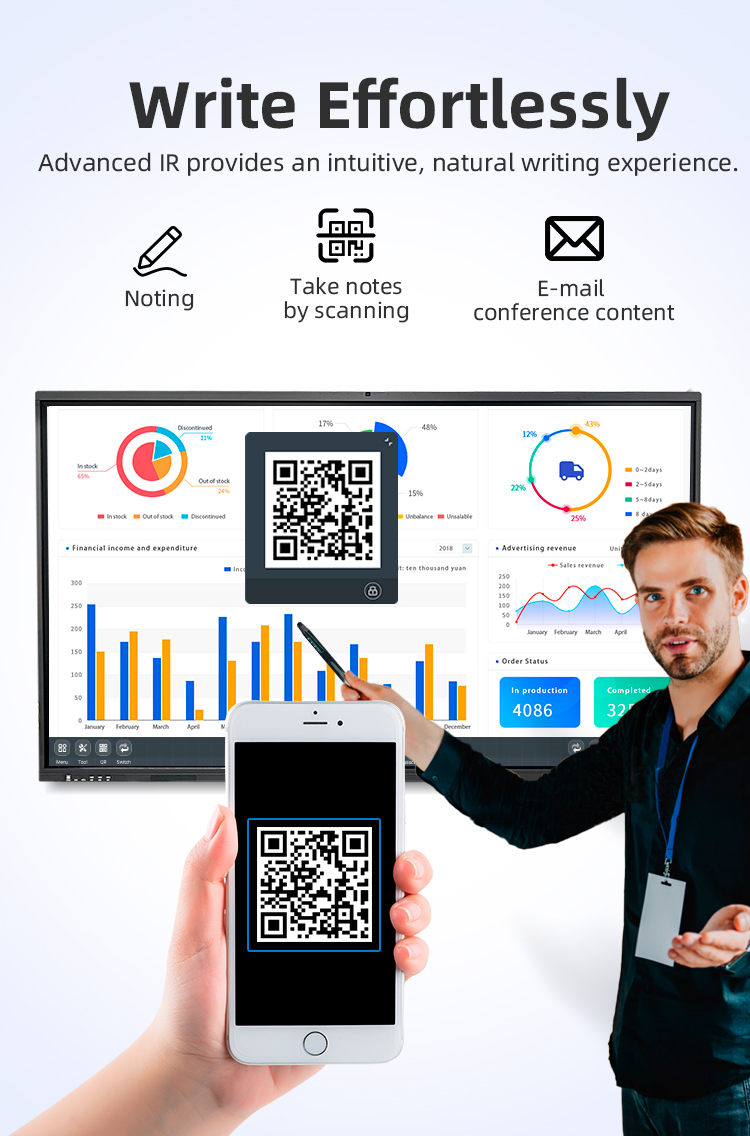
A: Notes and annotations can be saved directly to the device, exported via USB, emailed, uploaded to cloud storage (Google Drive, OneDrive), or QR code sharing.
Q: What is the warranty and product durability?
A: It comes with a 3-year commercial warranty and features tempered safety glass with anti-scratch coating, designed for high-traffic daily use.
Q: What is included in the package?
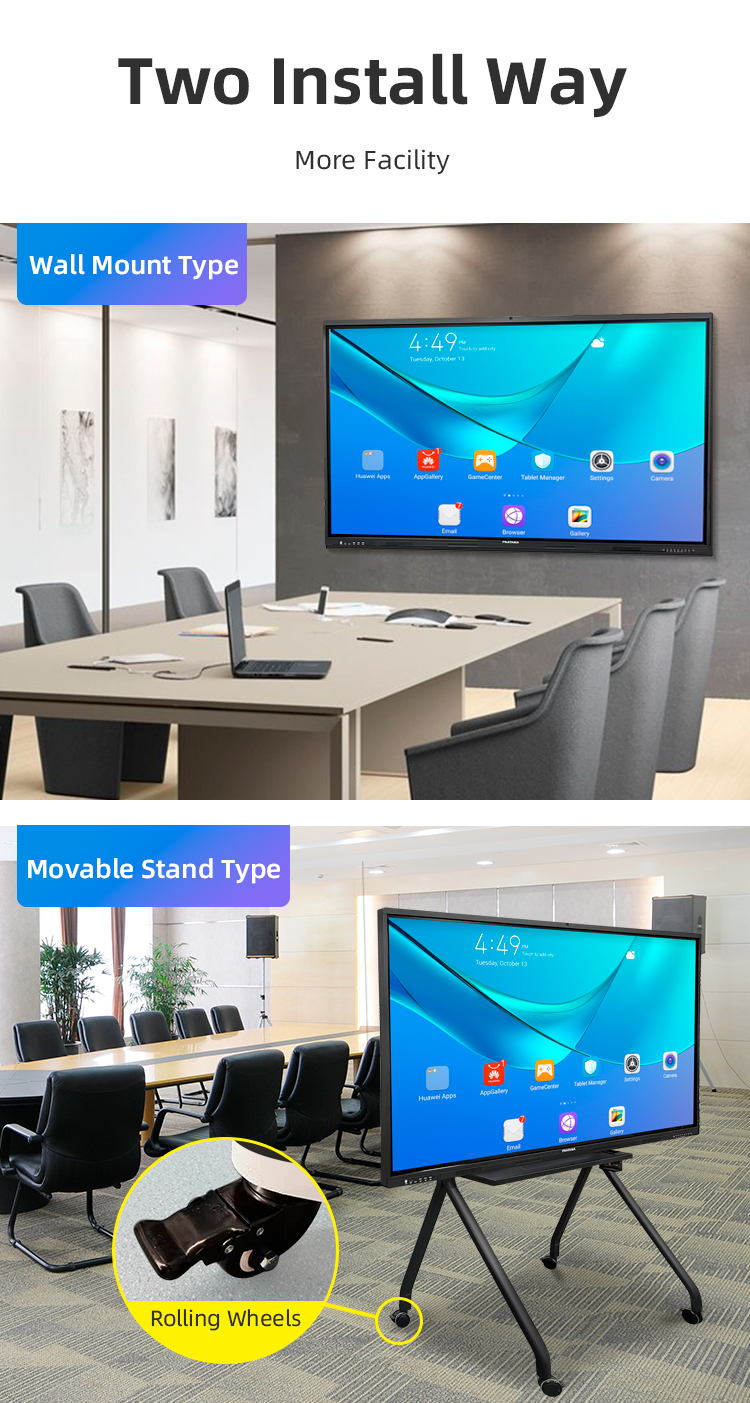
A: The package contains the interactive board, wall mount bracket, 2 stylus pens, remote control, power cable, and user manual. Mobile stands are available as an add-on.
Q: What makes this board's touch technology special?
A: It features advanced 40-point multi-touch capability, enabling up to 20 users to interact simultaneously with exceptional precision and zero lag, even with multiple inputs.
Q: Is this a standalone device or does it require a computer?
A: It's fully All-in-One with a built-in Android system and dedicated whiteboard software, allowing independent use. It can also function as a high-end 4K monitor for external devices.
Q: What are the key uses for this board?
A: It's ideal for interactive teaching, corporate training, collaborative design sessions, video conferencing, and dynamic presentations in both educational and professional settings.
Q: What connectivity options are included?
A: It includes multiple HDMI ports, USB-A & USB-C, Wi-Fi, Bluetooth, and supports wireless screen mirroring from Windows, macOS, Android, and iOS devices.
Q: What is the screen's resolution and viewing quality?
A: It boasts a 4K Ultra HD (3840x2160) anti-glare display with wide viewing angles, ensuring vibrant colors and clear visibility from anywhere in the room.
Q: What software comes pre-installed?
A: It includes proprietary whiteboard software for annotation and lesson creation, and provides access to the Google Play Store to download apps like Zoom, Teams, and educational tools.
Q: Does it support video conferencing out of the box?
A: Yes, with built-in speakers, microphone, and optional webcam compatibility, it's fully equipped for video calls using popular conferencing platforms.
Q: How is content saved and shared?
A: Notes and annotations can be saved directly to the device, exported via USB, emailed, uploaded to cloud storage (Google Drive, OneDrive), or QR code sharing.
Q: What is the warranty and product durability?
A: It comes with a 3-year commercial warranty and features tempered safety glass with anti-scratch coating, designed for high-traffic daily use.
Q: What is included in the package?
A: The package contains the interactive board, wall mount bracket, 2 stylus pens, remote control, power cable, and user manual. Mobile stands are available as an add-on.