Dinosaur D
| size: | |
|---|---|
| refresh rate: | |
| resolution: | |
| view angle: | |
| touch technology: | |
| system: | |
| lifespan: | |
| Availability: | |
| Quantity: | |
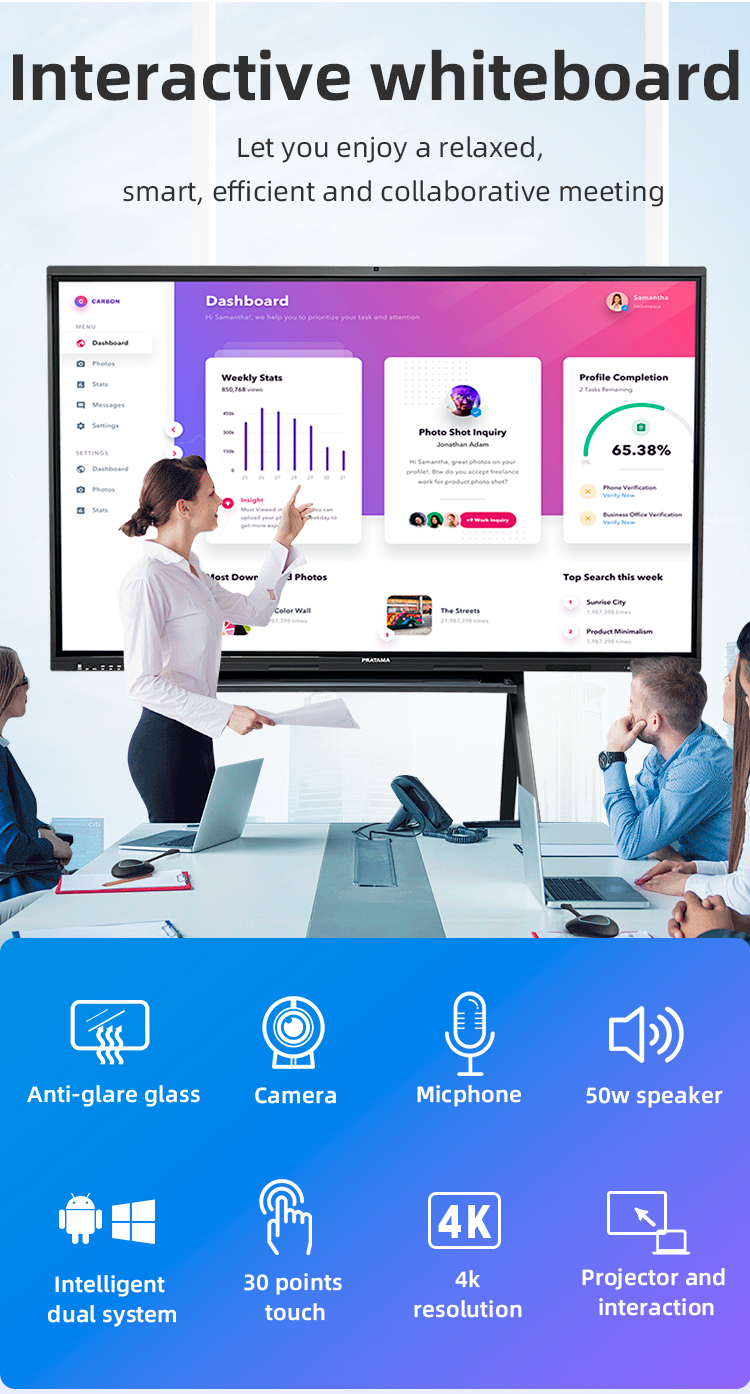
️ Unified Design: Integrated Android 13 + OPS Windows PC Slot
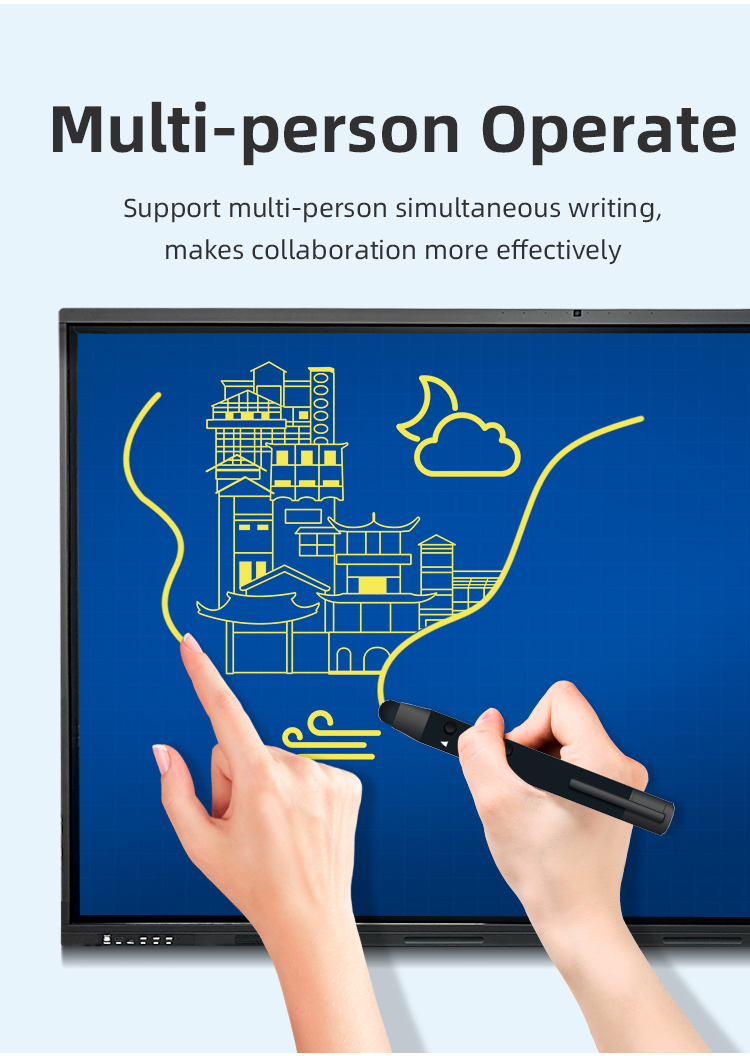
✋ Touch Technology: 20-Point Infrared (Palm Erasure Supported)
In-Stock Advantage: 48-Hour Dispatch Guarantee (1000+ Units Warehouse Stock)
Display
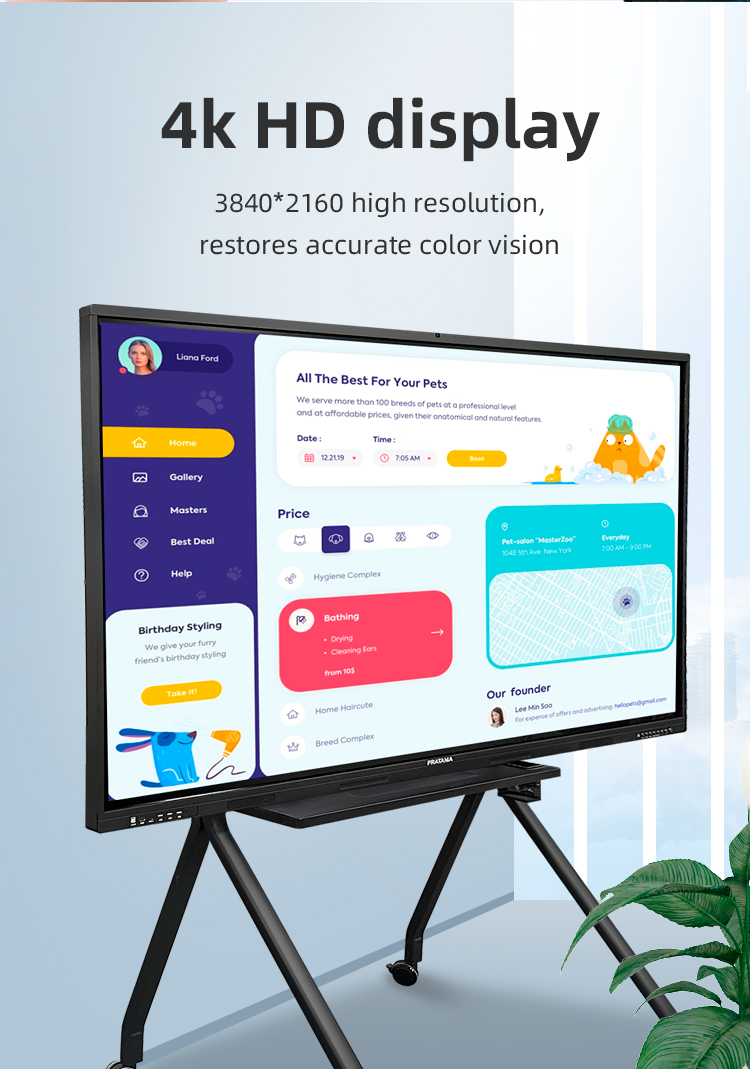
• 4K UHD (3840×2160) Anti-Glare Glass
• 178° Viewing Angle | 450cd/m² Brightness
Performance
• Octa-Core Processor | 6GB RAM + 128GB Storage
• Dual WiFi (2.4G/5G) + Bluetooth 5.2
Durability
• 7H Mohs Hardness Rating
• IP54 Dust/Water Resistance (Front Panel)


️ Unified Design: Integrated Android 13 + OPS Windows PC Slot
✋ Touch Technology: 20-Point Infrared (Palm Erasure Supported)
In-Stock Advantage: 48-Hour Dispatch Guarantee (1000+ Units Warehouse Stock)
Display
• 4K UHD (3840×2160) Anti-Glare Glass
• 178° Viewing Angle | 450cd/m² Brightness
Performance
• Octa-Core Processor | 6GB RAM + 128GB Storage
• Dual WiFi (2.4G/5G) + Bluetooth 5.2
Durability
• 7H Mohs Hardness Rating
• IP54 Dust/Water Resistance (Front Panel)


| Screen panel specification | Diagonal Size | 65 inch | ||||
| Effective Display Area | 1429(H)×805(V)mm | |||||
| Display Ratio | 16:9 | |||||
| Brightness | 350cd/㎡ | |||||
| refresh rate | 60Hz | |||||
| Contrast Ratio | 5000:1 | |||||
| Backlight Type | DLED | |||||
| Viewing Angle | 178°(V)/178°(H) | |||||
| Lifespan | 50000 hours | |||||
| Resolution | 3840(H) X 2160(V) | |||||
| Front interface | Input port | USB3.0*1 | ||||
| USB2.0*2 | ||||||
| Whole machine interface | Input port | RJ45*1 | ||||
| TOUCH USB*1 | ||||||
| USB 3.0*1 | ||||||
| USB 2.0*1 | ||||||
| RS232*1 | ||||||
| TOUCH USB(HDMI) *1 | ||||||
| HDMI 1*1 | ||||||
| AV IN:×2 | ||||||
| Other port | SPDIF OUT*1 | |||||
| AV OUT:×1 | ||||||
| Earphone*1 | ||||||
| Front button | Power Button On/Off, Volume +, Volume -, Eye protection, Screen recording, Home, Settings, Touch switch | |||||
| Touch screen | Touch technology | Multiple Infrared scanning technology | ||||
| Touch type | 20 point touch | |||||
| Drive Mode | Automatically recognized by the system, no need to drive | |||||
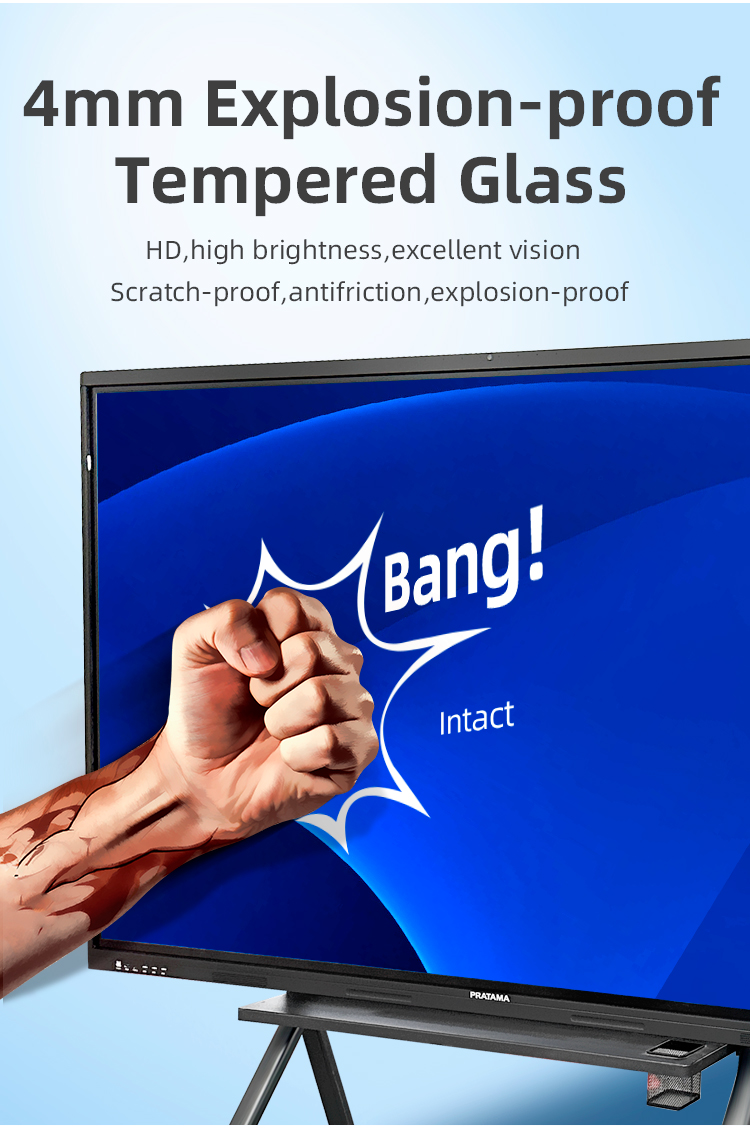
| Front frame glass | Physical tempered grade 9 explosion-proof glass/anti-glare explosion-proof grade 9 tempered glass | |||||
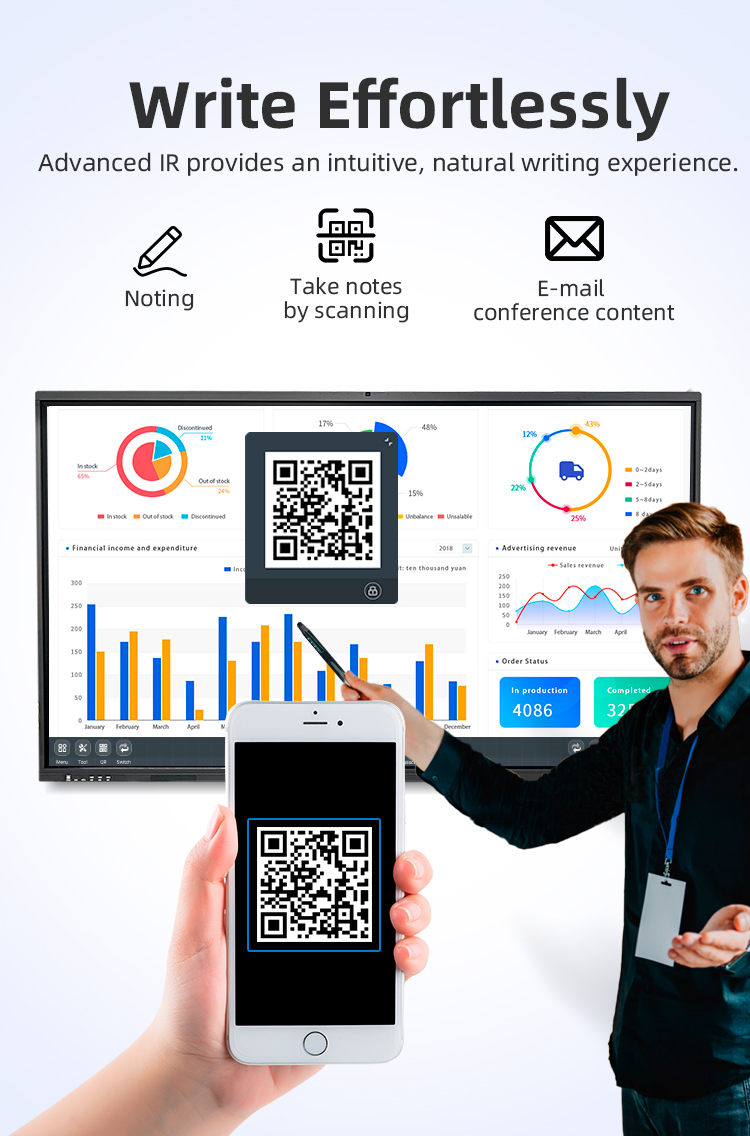
| writing style | Finger, touch pen or other non-transparent objects ≥2mm (supports full-screen writing with dual fine pens) | |||||
| Touch resolution | 32767*32767 | |||||
| way of communication | USB 2.0/USB 3.0 | |||||
| Operating temperature | -10~+50 ℃ | |||||
| Single finger response speed | <8ms | |||||
| Touch Accuracy | ±1mm | |||||
| Touch Time | the number of theoretical times is unlimited | |||||
| support system | windowsXP/7/8/10,Android,MacOS,Linux | |||||
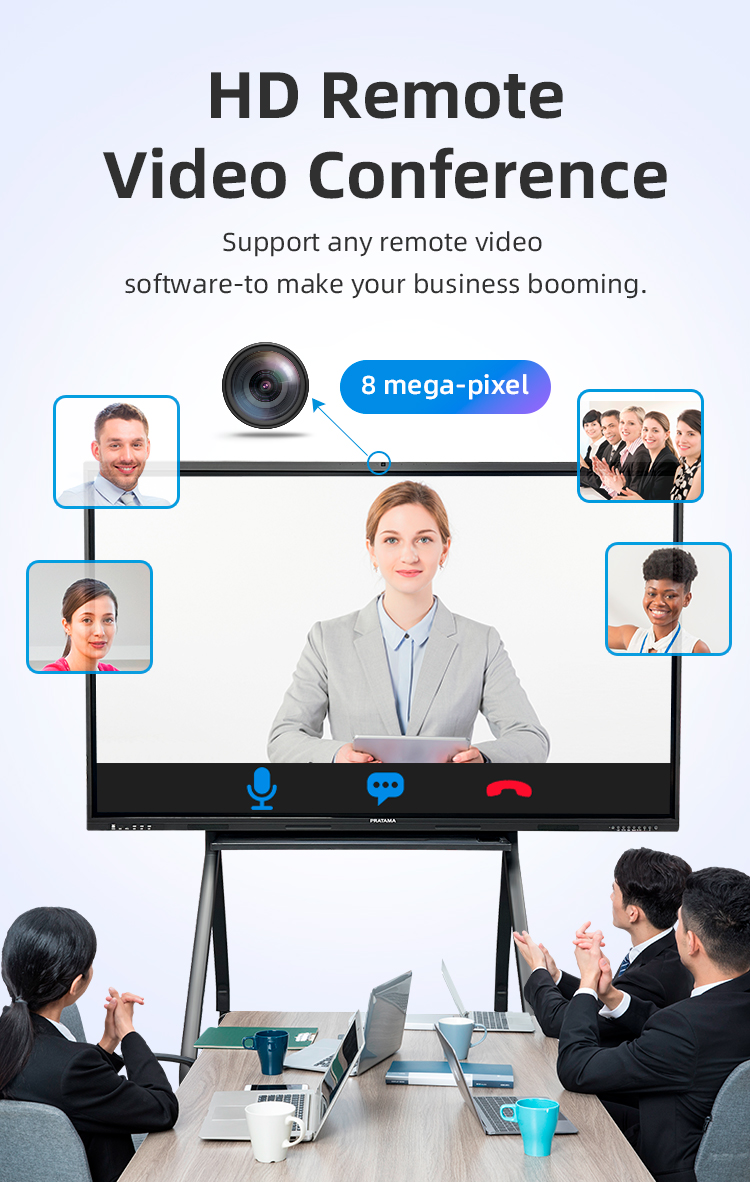
| Built-in camera | camera | 48 million autofocus camera | ||||
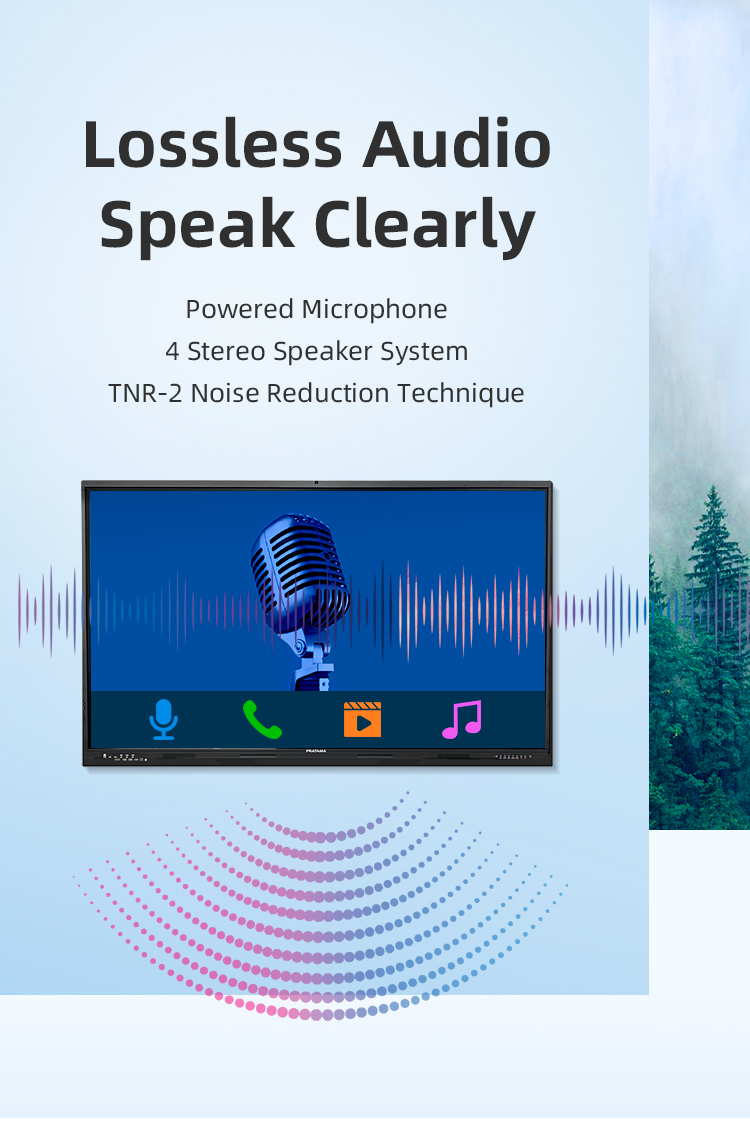
| array microphone | Eight array voice microphone | |||||
| Accessories | Accessory box | 1pcs | ||||
| Power cord-National standard 1.8M | 1pcs | |||||
| Certificate of Conformity (neutral) | 1pcs | |||||
| Warranty card (neutral) | 1pcs | |||||
| Remote control (without battery) | 1pcs | |||||
| Touch pen (magnetic) | 2pcs | |||||
| Wall mounting bracket | 1pcs | |||||
| Power consumption | Power consumption of the whole machine (excluding OPS) | ≤260W | ||||
| OPS consumption | ≤80W | |||||
| Standby consumption | ≤0.5W | |||||
| Power supply | 100-240V, 50/60Hz | |||||
| Stereo power | 10W/8 ohm x 2 speakers | |||||
| Working environment | Operating temperature | 0-40℃ | ||||
| Operating humidity | 10%~90% RH | |||||
| Storage temperature | -20~60℃ | |||||
| Storage humidity | 10%~90% RH | |||||
| VESA bracket hole location(mm) | 400(V)×500(H) | |||||
| Screen panel specification | Diagonal Size | 65 inch | ||||
| Effective Display Area | 1429(H)×805(V)mm | |||||
| Display Ratio | 16:9 | |||||
| Brightness | 350cd/㎡ | |||||
| refresh rate | 60Hz | |||||
| Contrast Ratio | 5000:1 | |||||
| Backlight Type | DLED | |||||
| Viewing Angle | 178°(V)/178°(H) | |||||
| Lifespan | 50000 hours | |||||
| Resolution | 3840(H) X 2160(V) | |||||
| Front interface | Input port | USB3.0*1 | ||||
| USB2.0*2 | ||||||
| Whole machine interface | Input port | RJ45*1 | ||||
| TOUCH USB*1 | ||||||
| USB 3.0*1 | ||||||
| USB 2.0*1 | ||||||
| RS232*1 | ||||||
| TOUCH USB(HDMI) *1 | ||||||
| HDMI 1*1 | ||||||
| AV IN:×2 | ||||||
| Other port | SPDIF OUT*1 | |||||
| AV OUT:×1 | ||||||
| Earphone*1 | ||||||
| Front button | Power Button On/Off, Volume +, Volume -, Eye protection, Screen recording, Home, Settings, Touch switch | |||||
| Touch screen | Touch technology | Multiple Infrared scanning technology | ||||
| Touch type | 20 point touch | |||||
| Drive Mode | Automatically recognized by the system, no need to drive | |||||
| Front frame glass | Physical tempered grade 9 explosion-proof glass/anti-glare explosion-proof grade 9 tempered glass | |||||
| writing style | Finger, touch pen or other non-transparent objects ≥2mm (supports full-screen writing with dual fine pens) | |||||
| Touch resolution | 32767*32767 | |||||
| way of communication | USB 2.0/USB 3.0 | |||||
| Operating temperature | -10~+50 ℃ | |||||
| Single finger response speed | <8ms | |||||
| Touch Accuracy | ±1mm | |||||
| Touch Time | the number of theoretical times is unlimited | |||||
| support system | windowsXP/7/8/10,Android,MacOS,Linux | |||||
| Built-in camera | camera | 48 million autofocus camera | ||||
| array microphone | Eight array voice microphone | |||||
| Accessories | Accessory box | 1pcs | ||||
| Power cord-National standard 1.8M | 1pcs | |||||
| Certificate of Conformity (neutral) | 1pcs | |||||
| Warranty card (neutral) | 1pcs | |||||
| Remote control (without battery) | 1pcs | |||||
| Touch pen (magnetic) | 2pcs | |||||
| Wall mounting bracket | 1pcs | |||||
| Power consumption | Power consumption of the whole machine (excluding OPS) | ≤260W | ||||
| OPS consumption | ≤80W | |||||
| Standby consumption | ≤0.5W | |||||
| Power supply | 100-240V, 50/60Hz | |||||
| Stereo power | 10W/8 ohm x 2 speakers | |||||
| Working environment | Operating temperature | 0-40℃ | ||||
| Operating humidity | 10%~90% RH | |||||
| Storage temperature | -20~60℃ | |||||
| Storage humidity | 10%~90% RH | |||||
| VESA bracket hole location(mm) | 400(V)×500(H) | |||||
K-12 Classrooms
Interactive lesson delivery with real-time student polling
Digital textbook annotation with shared class notes
Virtual science lab simulations (chemistry apparatus manipulation)
Higher Education
Collaborative thesis defense presentations
Architecture/engineering design critiques
Language labs with AI pronunciation scoring
Special Education
Tactile learning games for motor skill development
Emotion recognition training for autism spectrum
Switch-accessible interface for physical disabilities
Board Meetings
Live financial report markup during earnings discussions
M&A strategy sessions with multi-document comparison
Confidential document redaction directly on screen
️ Hybrid Work Solutions
Remote team ideation with digital sticky notes
Agile sprint planning with movable task cards
Customer journey mapping workshops
Industrial Training
Equipment SOP demonstrations with zoomable diagrams
Safety compliance quizzes with instant certification
VR/AR integration for machinery operation training
Government
Public policy visualization with interactive data layers
Crisis management scenario planning
Digital town hall minutes with citizen annotations
Healthcare
Patient education with 3D anatomy exploration
Medical student radiology analysis practice
Hospital wayfinding with touchscreen directories
Creative Studios
Fashion design draping simulations
Animation storyboard pitch presentations
Music composition with virtual instruments
️ Retail
Product configuration kiosks
Staff training on POS systems
Interactive store navigation maps
✈️ Airport Operations
Flight disruption contingency planning
Multilingual passenger information portals
Security team briefings with live camera feeds
Event Venues
Sponsor activation interactive walls
Conference session feedback collection
Digital art exhibition displays
K-12 Classrooms
Interactive lesson delivery with real-time student polling
Digital textbook annotation with shared class notes
Virtual science lab simulations (chemistry apparatus manipulation)
Higher Education
Collaborative thesis defense presentations
Architecture/engineering design critiques
Language labs with AI pronunciation scoring
Special Education
Tactile learning games for motor skill development
Emotion recognition training for autism spectrum
Switch-accessible interface for physical disabilities
Board Meetings
Live financial report markup during earnings discussions
M&A strategy sessions with multi-document comparison
Confidential document redaction directly on screen
️ Hybrid Work Solutions
Remote team ideation with digital sticky notes
Agile sprint planning with movable task cards
Customer journey mapping workshops
Industrial Training
Equipment SOP demonstrations with zoomable diagrams
Safety compliance quizzes with instant certification
VR/AR integration for machinery operation training
Government
Public policy visualization with interactive data layers
Crisis management scenario planning
Digital town hall minutes with citizen annotations
Healthcare
Patient education with 3D anatomy exploration
Medical student radiology analysis practice
Hospital wayfinding with touchscreen directories
Creative Studios
Fashion design draping simulations
Animation storyboard pitch presentations
Music composition with virtual instruments
️ Retail
Product configuration kiosks
Staff training on POS systems
Interactive store navigation maps
✈️ Airport Operations
Flight disruption contingency planning
Multilingual passenger information portals
Security team briefings with live camera feeds
Event Venues
Sponsor activation interactive walls
Conference session feedback collection
Digital art exhibition displays
1. What is an Interactive Blackboard, and how is it different from a projector?
Our Interactive Blackboard is an all-in-one, standalone smart display with a built-in Android/Windows system, a 4K touchscreen, and speakers. Unlike projectors, it requires no calibration, has no shadows or glare, offers superior image clarity, and enables direct on-screen interaction.
2. What sizes are available, and are they in stock?
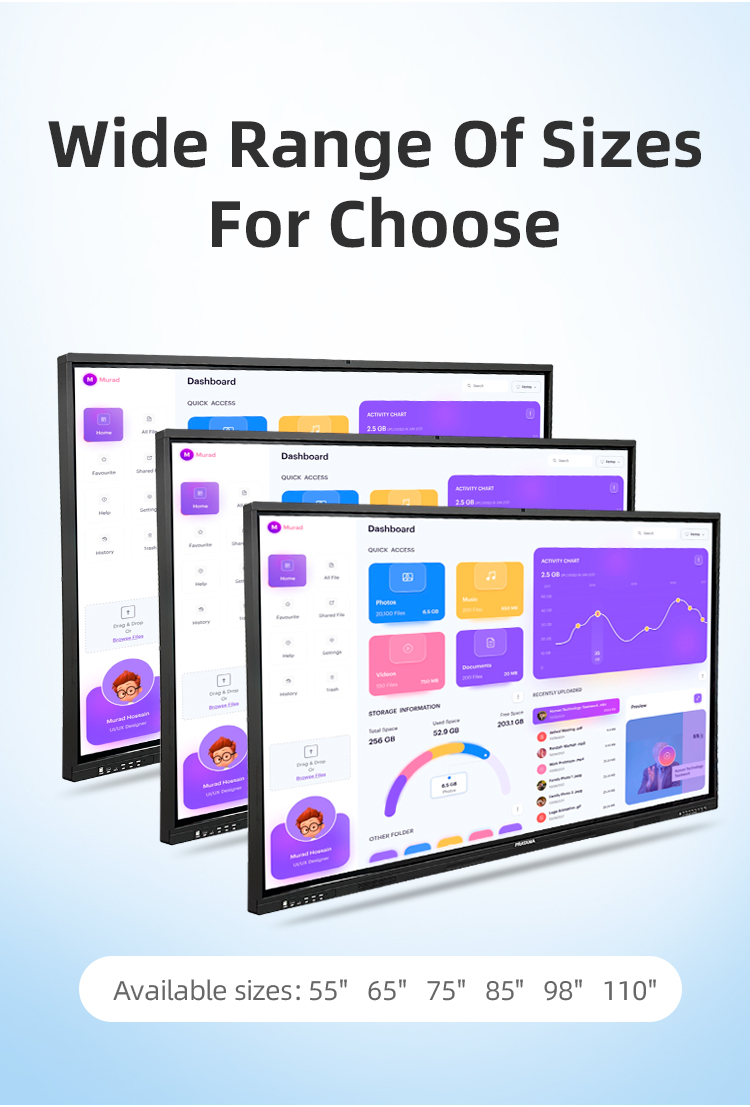
We currently have multiple sizes in stock, including 65-inch, 75-inch, 86-inch, and 98-inch models. Please contact sales for real-time availability on specific sizes.
3. What operating systems does it support?
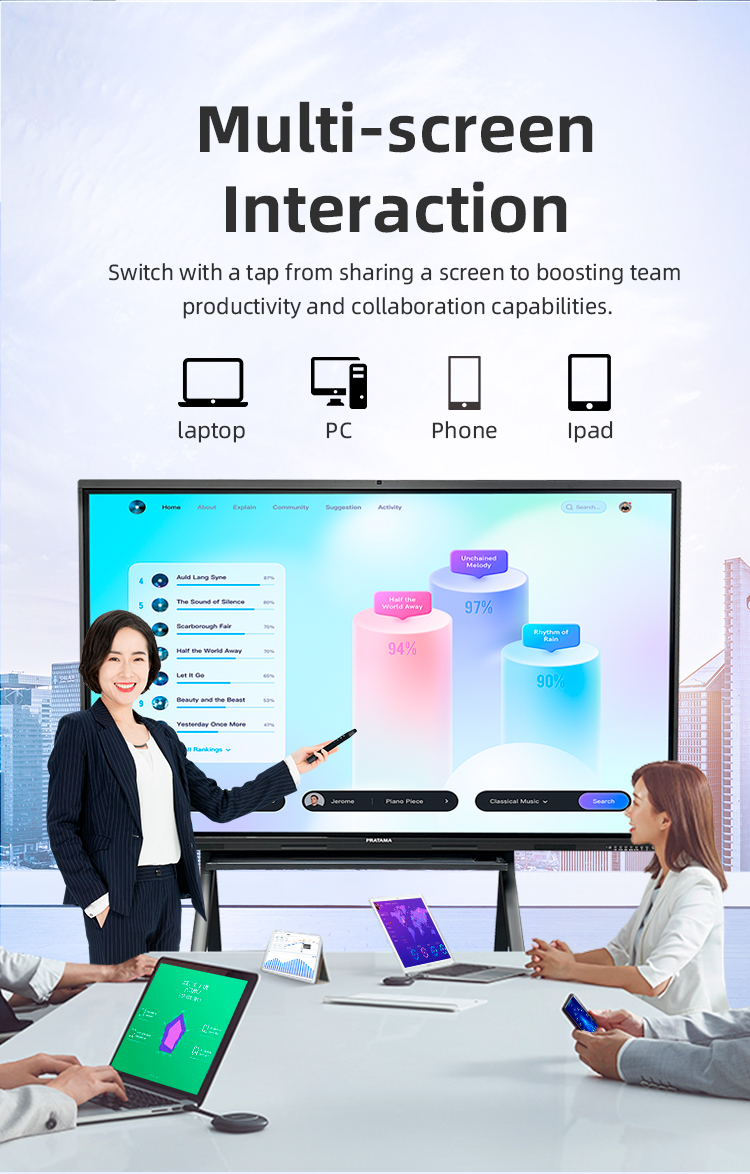
The device runs on a robust Android system, giving you access to the Google Play Store. It also supports screen mirroring and connectivity with external devices running Windows, macOS, Chrome OS, and iOS.
4. How many people can use the touch screen at once?
It features true 20-point infrared or capacitive multi-touch technology, allowing up to 10 users to write, draw, and interact on the screen simultaneously.
5. What's included in the "All-in-One" package?
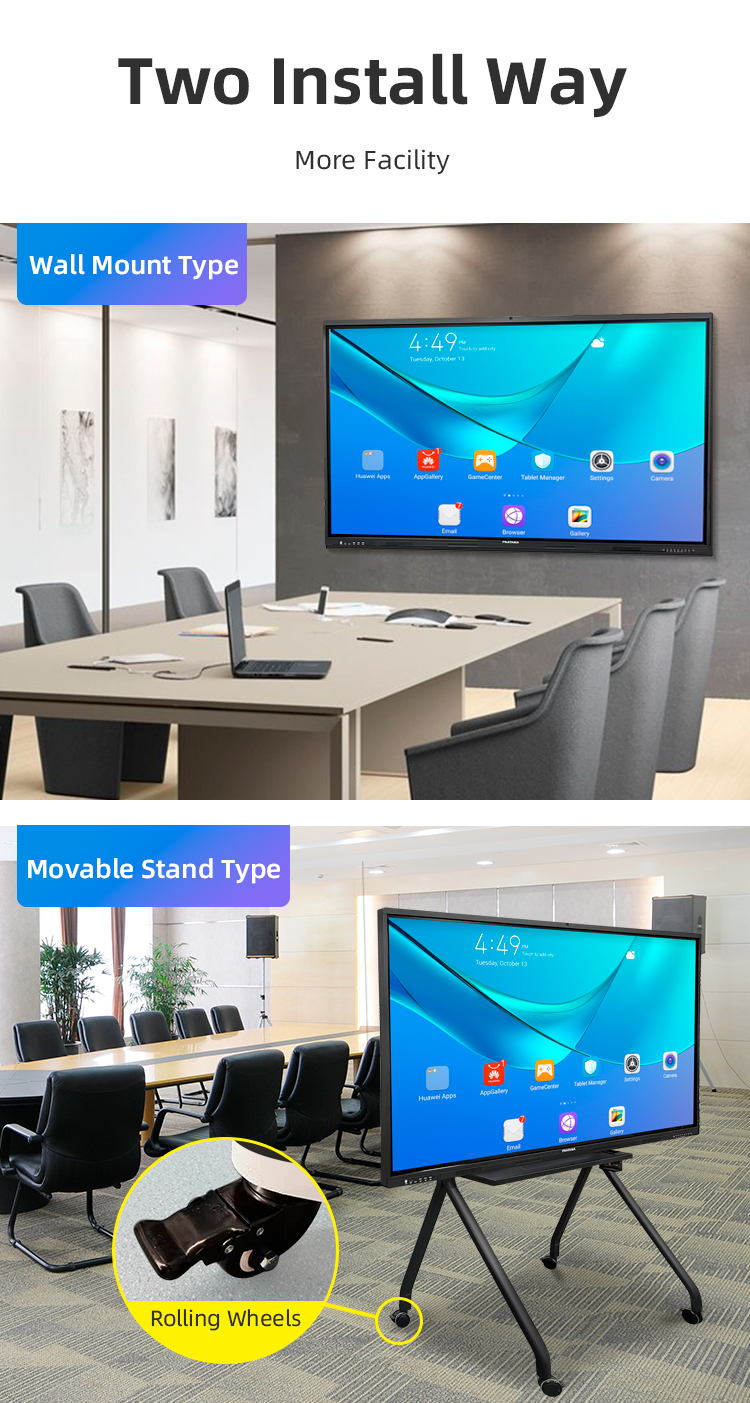
The package includes the interactive display panel, a wall-mount bracket, a stylus pen, a remote control, the power cable, and a user manual. Optional mobile stands and extended warranties are available separately.
6. Do I need a separate computer to use it?
No, you don't. The built-in system allows you to whiteboard, annotate, browse the web, and open files directly. You can also connect an external PC for more advanced software.
7. What connectivity options are available?
It offers comprehensive ports: multiple HDMI inputs, USB ports (for flash drives and peripherals), Type-C, audio out, and built-in Wi-Fi & Bluetooth for wireless screen sharing and connectivity.
8. Is it suitable for video conferencing?
Yes. With built-in speakers and microphones, it's ready for apps like Zoom or Teams. For larger rooms, we recommend pairing it with an external soundbar and optional 4K webcam for optimal performance.
9. What software is included for teaching and presentations?
It comes pre-installed with powerful whiteboarding software for annotation and saving notes. It is also fully compatible with popular third-party education and collaboration apps.
10. What is the warranty and support policy?
We offer a standard 3-year manufacturer's warranty on parts and labor, with optional extensions available. We provide lifetime technical support via email and phone, along with online setup guides and video tutorials.
1. What is an Interactive Blackboard, and how is it different from a projector?
Our Interactive Blackboard is an all-in-one, standalone smart display with a built-in Android/Windows system, a 4K touchscreen, and speakers. Unlike projectors, it requires no calibration, has no shadows or glare, offers superior image clarity, and enables direct on-screen interaction.
2. What sizes are available, and are they in stock?
We currently have multiple sizes in stock, including 65-inch, 75-inch, 86-inch, and 98-inch models. Please contact sales for real-time availability on specific sizes.
3. What operating systems does it support?
The device runs on a robust Android system, giving you access to the Google Play Store. It also supports screen mirroring and connectivity with external devices running Windows, macOS, Chrome OS, and iOS.
4. How many people can use the touch screen at once?
It features true 20-point infrared or capacitive multi-touch technology, allowing up to 10 users to write, draw, and interact on the screen simultaneously.
5. What's included in the "All-in-One" package?
The package includes the interactive display panel, a wall-mount bracket, a stylus pen, a remote control, the power cable, and a user manual. Optional mobile stands and extended warranties are available separately.
6. Do I need a separate computer to use it?
No, you don't. The built-in system allows you to whiteboard, annotate, browse the web, and open files directly. You can also connect an external PC for more advanced software.
7. What connectivity options are available?
It offers comprehensive ports: multiple HDMI inputs, USB ports (for flash drives and peripherals), Type-C, audio out, and built-in Wi-Fi & Bluetooth for wireless screen sharing and connectivity.
8. Is it suitable for video conferencing?
Yes. With built-in speakers and microphones, it's ready for apps like Zoom or Teams. For larger rooms, we recommend pairing it with an external soundbar and optional 4K webcam for optimal performance.
9. What software is included for teaching and presentations?
It comes pre-installed with powerful whiteboarding software for annotation and saving notes. It is also fully compatible with popular third-party education and collaboration apps.
10. What is the warranty and support policy?
We offer a standard 3-year manufacturer's warranty on parts and labor, with optional extensions available. We provide lifetime technical support via email and phone, along with online setup guides and video tutorials.