Dinosaur D
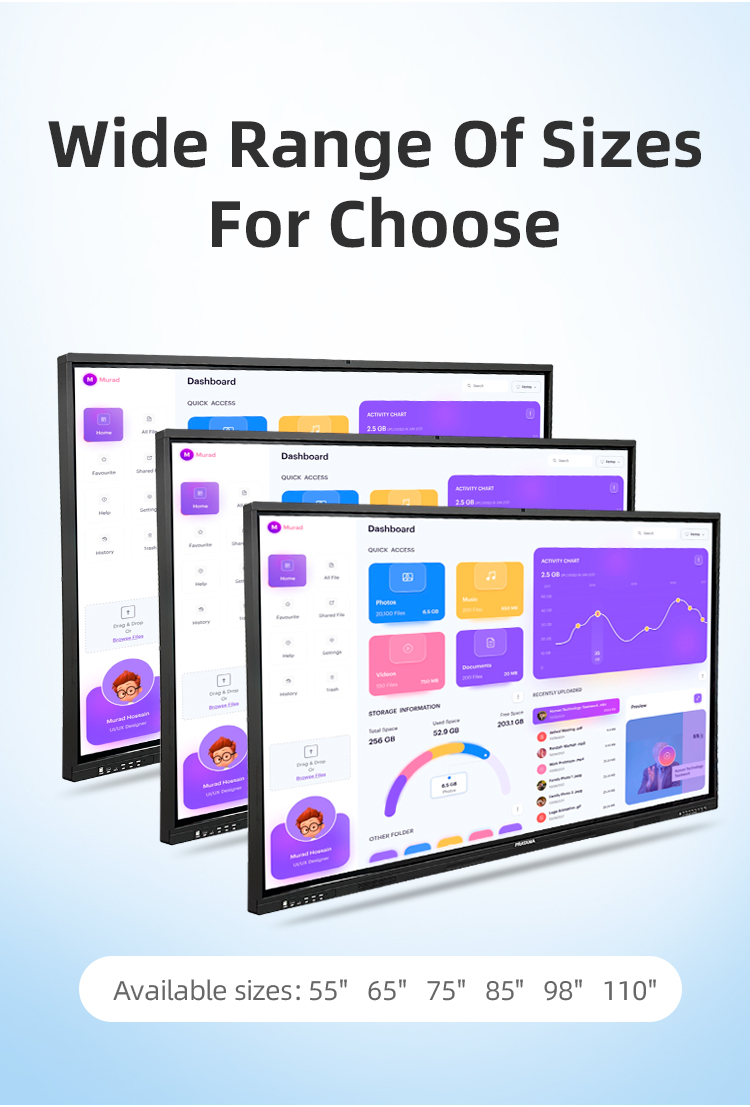
| size: | |
|---|---|
| refresh rate: | |
| resolution: | |
| view angle: | |
| touch technology: | |
| system: | |
| lifespan: | |
| Availability: | |
| Quantity: | |
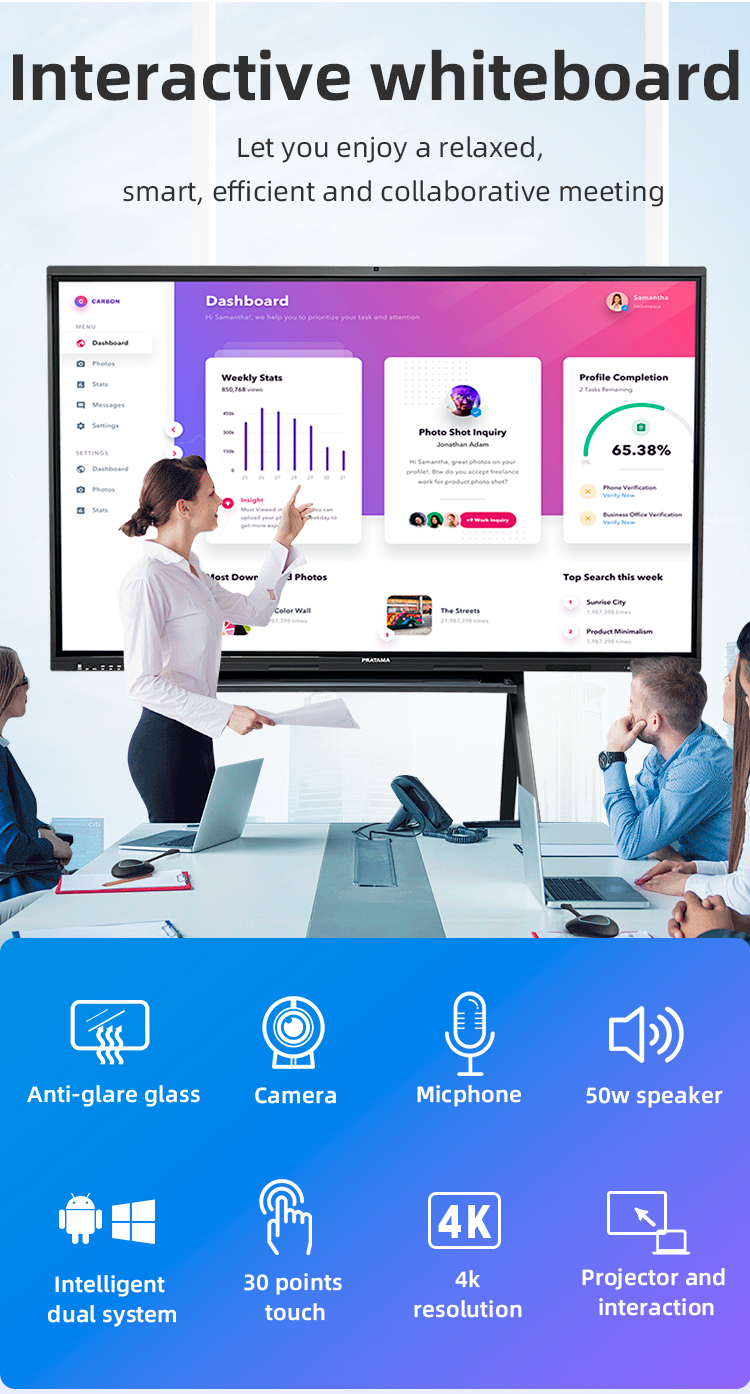
Dual-OS Flexibility: Android 13 + Windows 11 (Optional OPS Slot)
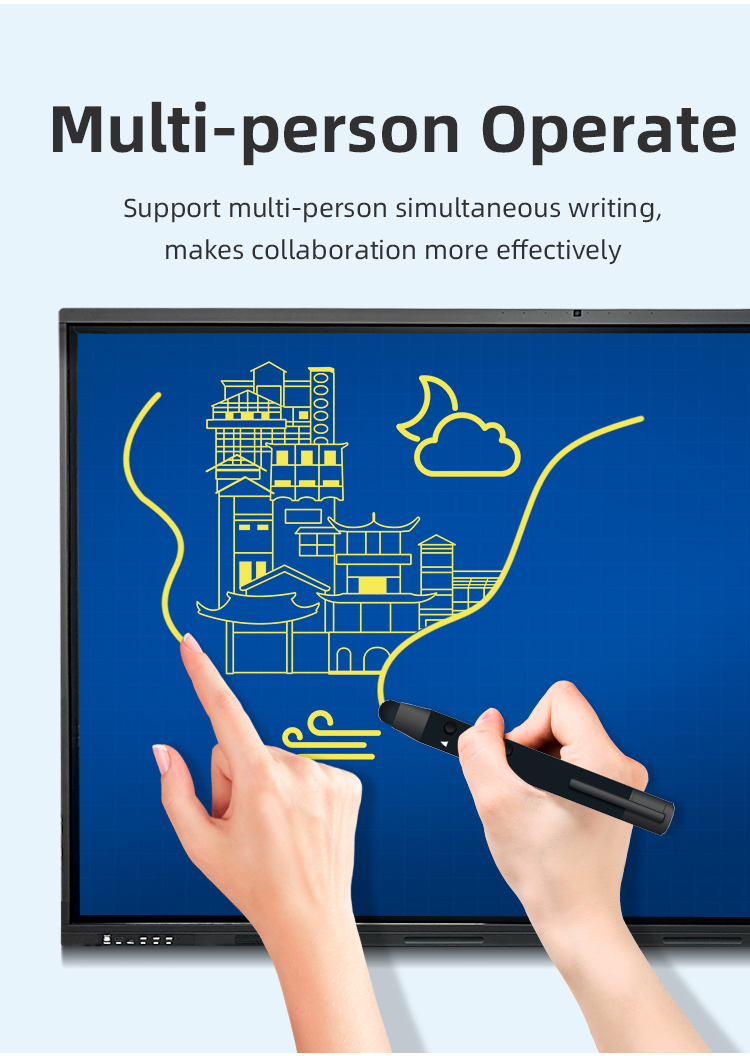
Multi-User Interaction: 20-Point Touch + Dual Pen Support
Cost Advantage: 30% More Affordable Than Market Leaders
Display Performance
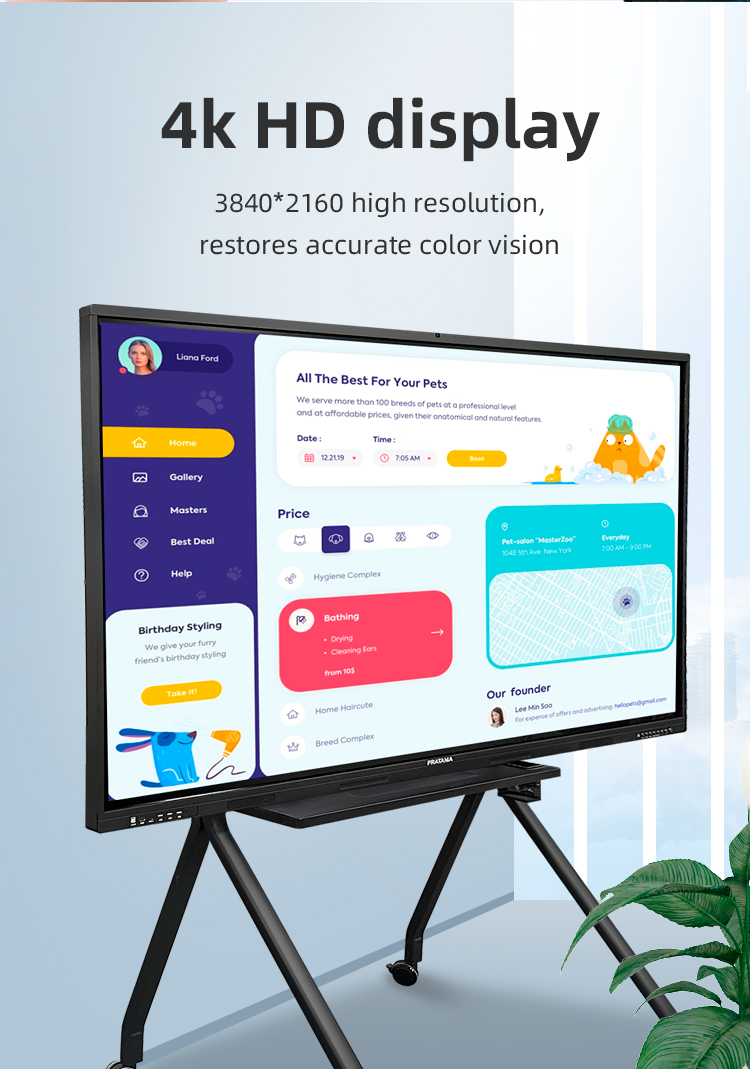
• 4K UHD (3840×2160) Anti-Fingerprint Glass
• 178° Viewing Angle | 400cd/m² Brightness
Touch Technology
• Infrared Touch (1.5mm Accuracy)
• Palm Rejection Technology
• 10ms Ultra-Low Latency
System Configuration
• Quad-Core Processor | 4GB RAM + 64GB Storage
• Dual-Band WiFi | Bluetooth 5.0


Dual-OS Flexibility: Android 13 + Windows 11 (Optional OPS Slot)
Multi-User Interaction: 20-Point Touch + Dual Pen Support
Cost Advantage: 30% More Affordable Than Market Leaders
Display Performance
• 4K UHD (3840×2160) Anti-Fingerprint Glass
• 178° Viewing Angle | 400cd/m² Brightness
Touch Technology
• Infrared Touch (1.5mm Accuracy)
• Palm Rejection Technology
• 10ms Ultra-Low Latency
System Configuration
• Quad-Core Processor | 4GB RAM + 64GB Storage
• Dual-Band WiFi | Bluetooth 5.0


| Screen panel specification | Diagonal Size | 65 inch | ||||
| Effective Display Area | 1429(H)×805(V)mm | |||||
| Display Ratio | 16:9 | |||||
| Brightness | 350cd/㎡ | |||||
| refresh rate | 60Hz | |||||
| Contrast Ratio | 5000:1 | |||||
| Backlight Type | DLED | |||||
| Viewing Angle | 178°(V)/178°(H) | |||||
| Lifespan | 50000 hours | |||||
| Resolution | 3840(H) X 2160(V) | |||||
| Front interface | Input port | USB3.0*1 | ||||
| USB2.0*2 | ||||||
| Whole machine interface | Input port | RJ45*1 | ||||
| TOUCH USB*1 | ||||||
| USB 3.0*1 | ||||||
| USB 2.0*1 | ||||||
| RS232*1 | ||||||
| TOUCH USB(HDMI) *1 | ||||||
| HDMI 1*1 | ||||||
| AV IN:×2 | ||||||
| Other port | SPDIF OUT*1 | |||||
| AV OUT:×1 | ||||||
| Earphone*1 | ||||||
| Front button | Power Button On/Off, Volume +, Volume -, Eye protection, Screen recording, Home, Settings, Touch switch | |||||
| Touch screen | Touch technology | Multiple Infrared scanning technology | ||||
| Touch type | 20 point touch | |||||
| Drive Mode | Automatically recognized by the system, no need to drive | |||||
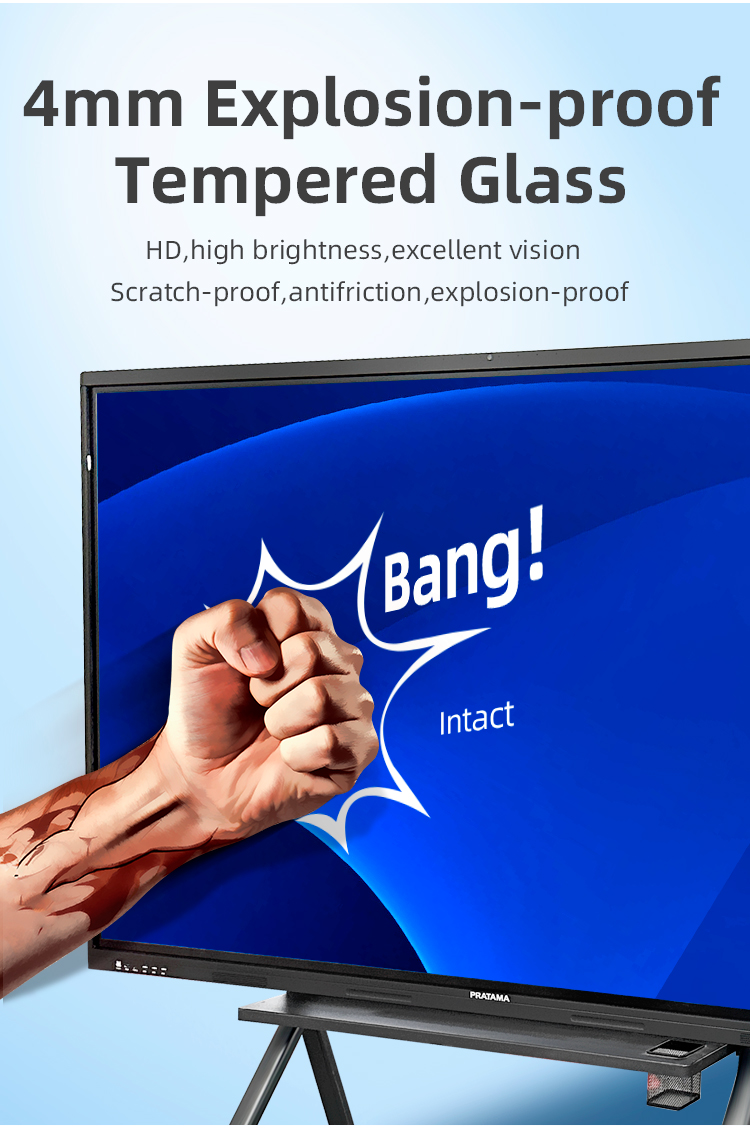
| Front frame glass | Physical tempered grade 9 explosion-proof glass/anti-glare explosion-proof grade 9 tempered glass | |||||
| writing style | Finger, touch pen or other non-transparent objects ≥2mm (supports full-screen writing with dual fine pens) | |||||
| Touch resolution | 32767*32767 | |||||
| way of communication | USB 2.0/USB 3.0 | |||||
| Operating temperature | -10~+50 ℃ | |||||
| Single finger response speed | <8ms | |||||
| Touch Accuracy | ±1mm | |||||
| Touch Time | the number of theoretical times is unlimited | |||||
| support system | windowsXP/7/8/10,Android,MacOS,Linux | |||||
| Built-in camera | camera | 48 million autofocus camera | ||||
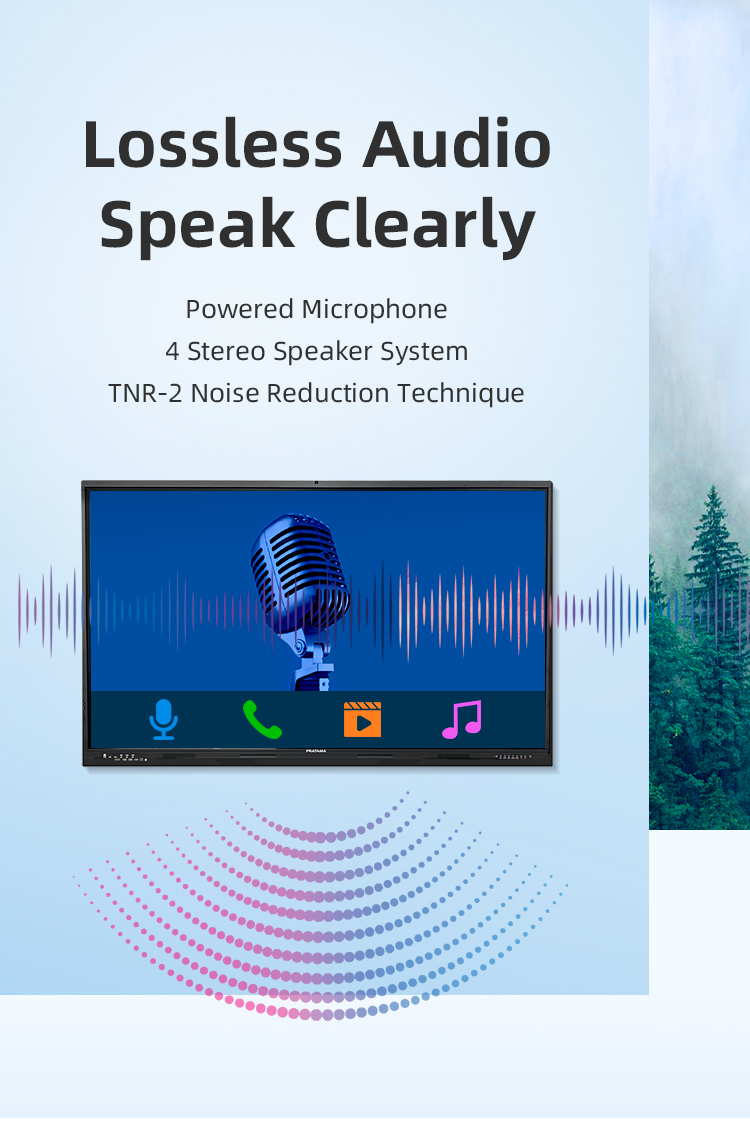
| array microphone | Eight array voice microphone | |||||
| Accessories | Accessory box | 1pcs | ||||
| Power cord-National standard 1.8M | 1pcs | |||||
| Certificate of Conformity (neutral) | 1pcs | |||||
| Warranty card (neutral) | 1pcs | |||||
| Remote control (without battery) | 1pcs | |||||
| Touch pen (magnetic) | 2pcs | |||||
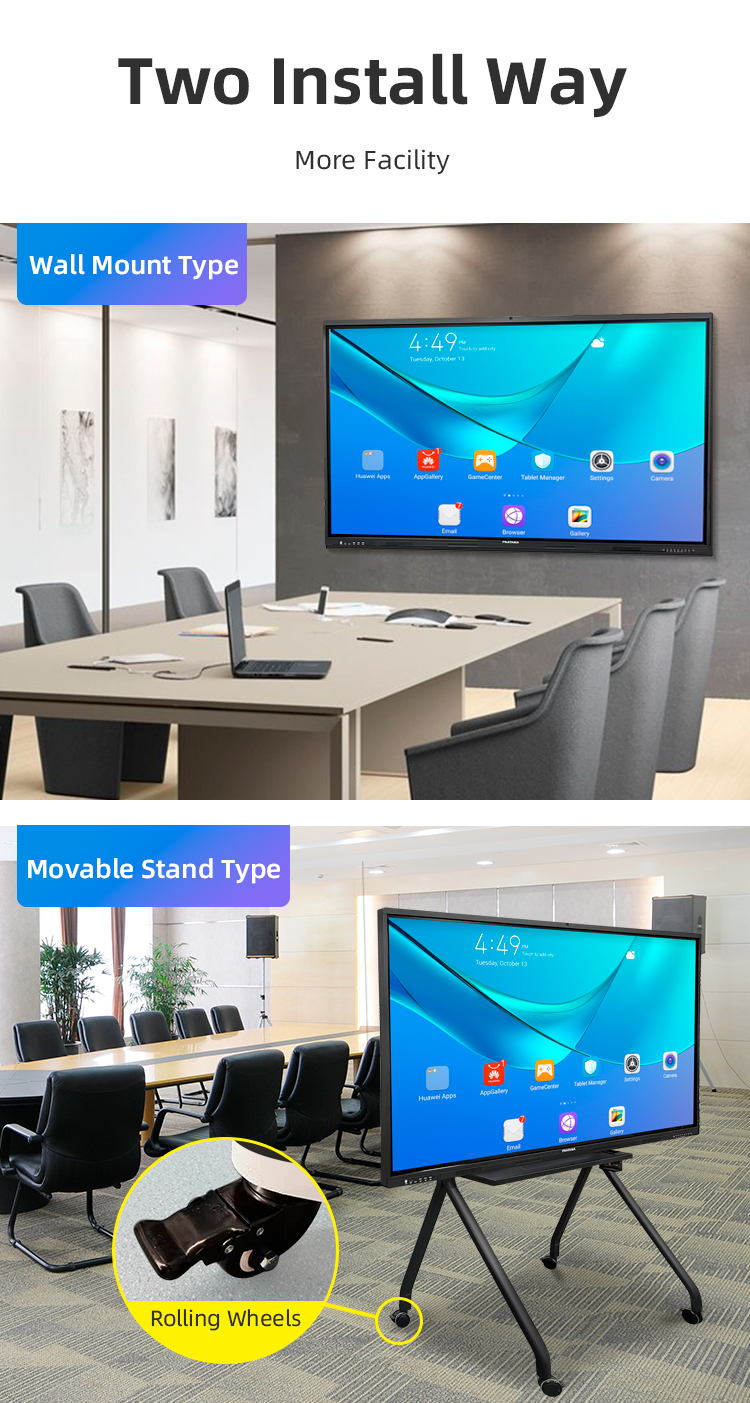
| Wall mounting bracket | 1pcs | |||||
| Power consumption | Power consumption of the whole machine (excluding OPS) | ≤260W | ||||
| OPS consumption | ≤80W | |||||
| Standby consumption | ≤0.5W | |||||
| Power supply | 100-240V, 50/60Hz | |||||
| Stereo power | 10W/8 ohm x 2 speakers | |||||
| Working environment | Operating temperature | 0-40℃ | ||||
| Operating humidity | 10%~90% RH | |||||
| Storage temperature | -20~60℃ | |||||
| Storage humidity | 10%~90% RH | |||||
| VESA bracket hole location(mm) | 400(V)×500(H) | |||||
| Screen panel specification | Diagonal Size | 65 inch | ||||
| Effective Display Area | 1429(H)×805(V)mm | |||||
| Display Ratio | 16:9 | |||||
| Brightness | 350cd/㎡ | |||||
| refresh rate | 60Hz | |||||
| Contrast Ratio | 5000:1 | |||||
| Backlight Type | DLED | |||||
| Viewing Angle | 178°(V)/178°(H) | |||||
| Lifespan | 50000 hours | |||||
| Resolution | 3840(H) X 2160(V) | |||||
| Front interface | Input port | USB3.0*1 | ||||
| USB2.0*2 | ||||||
| Whole machine interface | Input port | RJ45*1 | ||||
| TOUCH USB*1 | ||||||
| USB 3.0*1 | ||||||
| USB 2.0*1 | ||||||
| RS232*1 | ||||||
| TOUCH USB(HDMI) *1 | ||||||
| HDMI 1*1 | ||||||
| AV IN:×2 | ||||||
| Other port | SPDIF OUT*1 | |||||
| AV OUT:×1 | ||||||
| Earphone*1 | ||||||
| Front button | Power Button On/Off, Volume +, Volume -, Eye protection, Screen recording, Home, Settings, Touch switch | |||||
| Touch screen | Touch technology | Multiple Infrared scanning technology | ||||
| Touch type | 20 point touch | |||||
| Drive Mode | Automatically recognized by the system, no need to drive | |||||
| Front frame glass | Physical tempered grade 9 explosion-proof glass/anti-glare explosion-proof grade 9 tempered glass | |||||
| writing style | Finger, touch pen or other non-transparent objects ≥2mm (supports full-screen writing with dual fine pens) | |||||
| Touch resolution | 32767*32767 | |||||
| way of communication | USB 2.0/USB 3.0 | |||||
| Operating temperature | -10~+50 ℃ | |||||
| Single finger response speed | <8ms | |||||
| Touch Accuracy | ±1mm | |||||
| Touch Time | the number of theoretical times is unlimited | |||||
| support system | windowsXP/7/8/10,Android,MacOS,Linux | |||||
| Built-in camera | camera | 48 million autofocus camera | ||||
| array microphone | Eight array voice microphone | |||||
| Accessories | Accessory box | 1pcs | ||||
| Power cord-National standard 1.8M | 1pcs | |||||
| Certificate of Conformity (neutral) | 1pcs | |||||
| Warranty card (neutral) | 1pcs | |||||
| Remote control (without battery) | 1pcs | |||||
| Touch pen (magnetic) | 2pcs | |||||
| Wall mounting bracket | 1pcs | |||||
| Power consumption | Power consumption of the whole machine (excluding OPS) | ≤260W | ||||
| OPS consumption | ≤80W | |||||
| Standby consumption | ≤0.5W | |||||
| Power supply | 100-240V, 50/60Hz | |||||
| Stereo power | 10W/8 ohm x 2 speakers | |||||
| Working environment | Operating temperature | 0-40℃ | ||||
| Operating humidity | 10%~90% RH | |||||
| Storage temperature | -20~60℃ | |||||
| Storage humidity | 10%~90% RH | |||||
| VESA bracket hole location(mm) | 400(V)×500(H) | |||||
Interactive Lessons:
Real-time vocabulary games (drag-and-match for ESL)
Math equation solving with step-by-step guidance
Virtual science experiments (e.g., chemistry reactions)
Special Education:
Tactile learning for students with motor skill challenges
Audio-visual storytelling for autism spectrum learners
University Lectures:
Annotating research papers collaboratively
Engineering students sketching 3D prototypes
Medical schools displaying/interacting with anatomical models
Hands-On Demos:
Automotive repair simulations (zooming into engine diagrams)
Culinary schools annotating recipe steps
Hybrid Collaboration:
Brainstorming with digital sticky notes (exportable to Excel)
Annotating live sales dashboards during strategy sessions
Training Rooms:
Software tutorial recordings with on-screen markups
Compliance training with interactive quizzes
Visual Collaboration:
Architects marking up blueprints in real time
Fashion designers draping fabrics on digital mannequins
Public Engagement:
Town hall meetings with live polling/annotations
Disaster response planning on interactive maps
Medical Training:
Doctors explaining treatment plans on anatomical diagrams
Nurses practicing EHR navigation
Interactive Lessons:
Real-time vocabulary games (drag-and-match for ESL)
Math equation solving with step-by-step guidance
Virtual science experiments (e.g., chemistry reactions)
Special Education:
Tactile learning for students with motor skill challenges
Audio-visual storytelling for autism spectrum learners
University Lectures:
Annotating research papers collaboratively
Engineering students sketching 3D prototypes
Medical schools displaying/interacting with anatomical models
Hands-On Demos:
Automotive repair simulations (zooming into engine diagrams)
Culinary schools annotating recipe steps
Hybrid Collaboration:
Brainstorming with digital sticky notes (exportable to Excel)
Annotating live sales dashboards during strategy sessions
Training Rooms:
Software tutorial recordings with on-screen markups
Compliance training with interactive quizzes
Visual Collaboration:
Architects marking up blueprints in real time
Fashion designers draping fabrics on digital mannequins
Public Engagement:
Town hall meetings with live polling/annotations
Disaster response planning on interactive maps
Medical Training:
Doctors explaining treatment plans on anatomical diagrams
Nurses practicing EHR navigation
1. Q: What does "Dual System" mean in this product?
A: Our whiteboard features a unique dual-operating system architecture. It runs a built-in Android system for instant access to apps and whiteboarding, while also supporting seamless connectivity and compatibility with an external Windows PC. This gives you the flexibility of a standalone smart device and the full power of a desktop computer in one unit.
2. Q: How does this product offer a "Favorable Price" without compromising quality?
A: We achieve an excellent price-to-performance ratio by optimizing our supply chain, using high-quality, cost-effective components, and focusing on core functionalities essential for education and business. We invest in robust performance and reliable touch technology while avoiding unnecessary premium features that drive up cost.
3. Q: What is the primary use case for this interactive whiteboard?
A: It is specifically designed for two key environments: Classrooms and Meeting Rooms. It enhances interactive teaching, student engagement, lesson annotation, and multimedia presentations in schools. In offices, it facilitates collaborative brainstorming, video conferencing, document review, and dynamic presentations.
4. Q: What type of touch technology is used, and how many touch points does it support?
A: The board uses advanced infrared touch technology, known for its reliability and clarity. It supports multi-touch interaction, typically allowing 4 to 6 touch points simultaneously (specific number depends on the model), enabling multiple students or colleagues to interact at once.
5. Q: Does it require a separate computer to function?
A: No, it does not. The built-in Android system allows it to operate as a complete standalone device for whiteboarding, app usage, and media playback. The "Dual System" feature means you can connect an external Windows PC for more advanced software, but it is not required for basic and intermediate functions.
6. Q: What software is included for teaching and presentations?
A: The device comes pre-installed with powerful, user-friendly whiteboard software for creating and annotating lessons. It also provides access to the Google Play Store to download a wide range of educational apps (like Kahoot!), productivity tools, and video conferencing software (like Zoom or Microsoft Teams).
7. Q: What are the connectivity options?
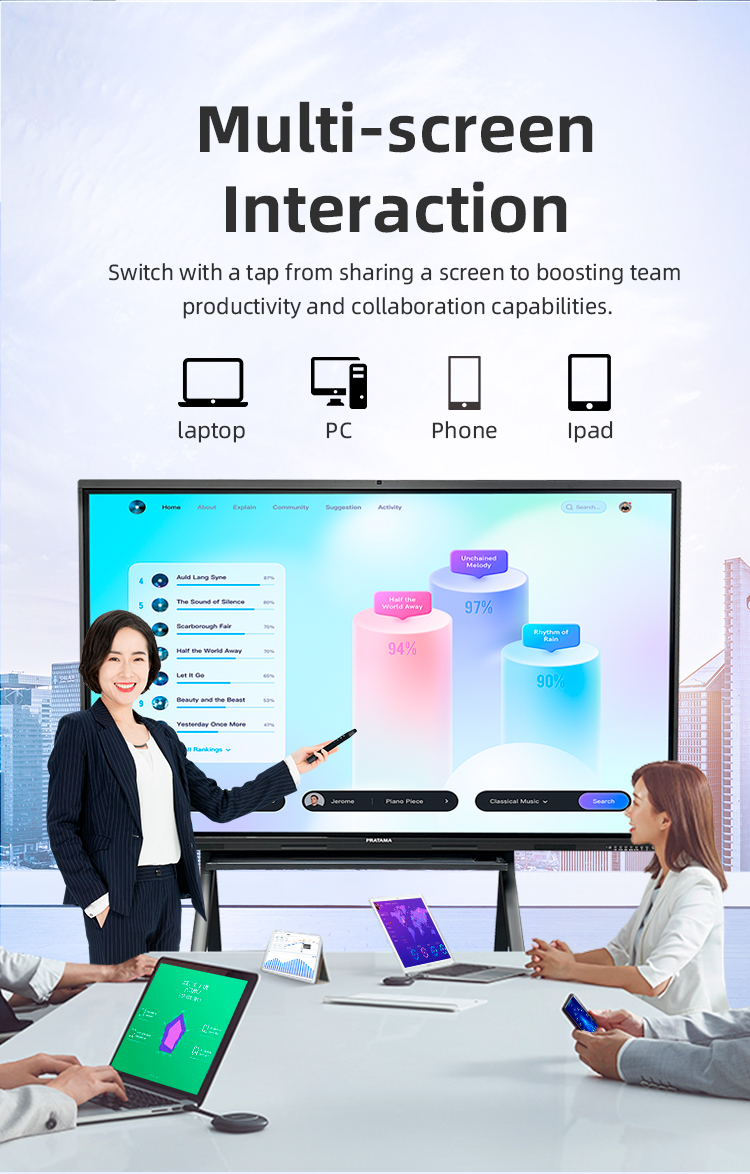
A: It offers comprehensive connectivity: HDMI-in to connect a laptop, USB ports for flash drives and peripherals, built-in Wi-Fi and Bluetooth for wireless screen mirroring (from phones, tablets, laptops), and often an OPS slot for an integrated Windows module.
8. Q: Is it suitable for video conferencing?
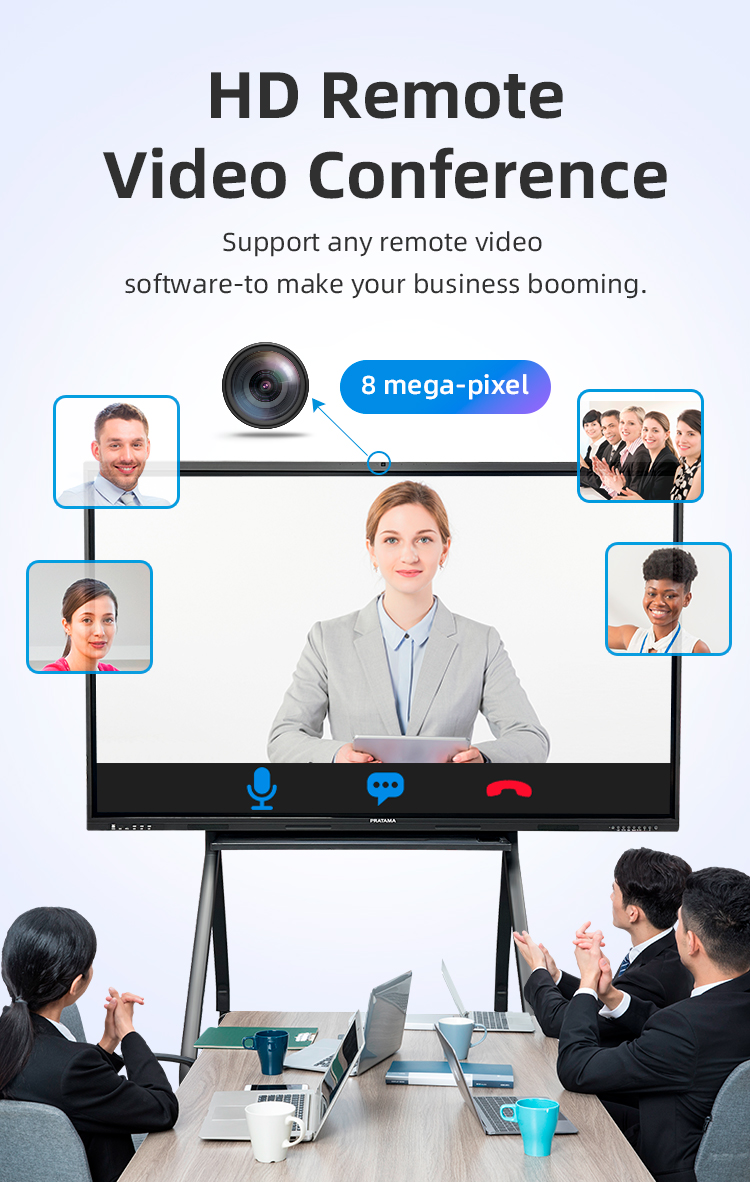
A: Yes, it is an excellent platform for video calls. You can run conferencing apps directly on the Android system or from a connected PC. For optimal audio and video, it is recommended to connect external speakers, a microphone, and a webcam, as built-in options are basic.
9. Q: How is content saved and shared from the whiteboard?
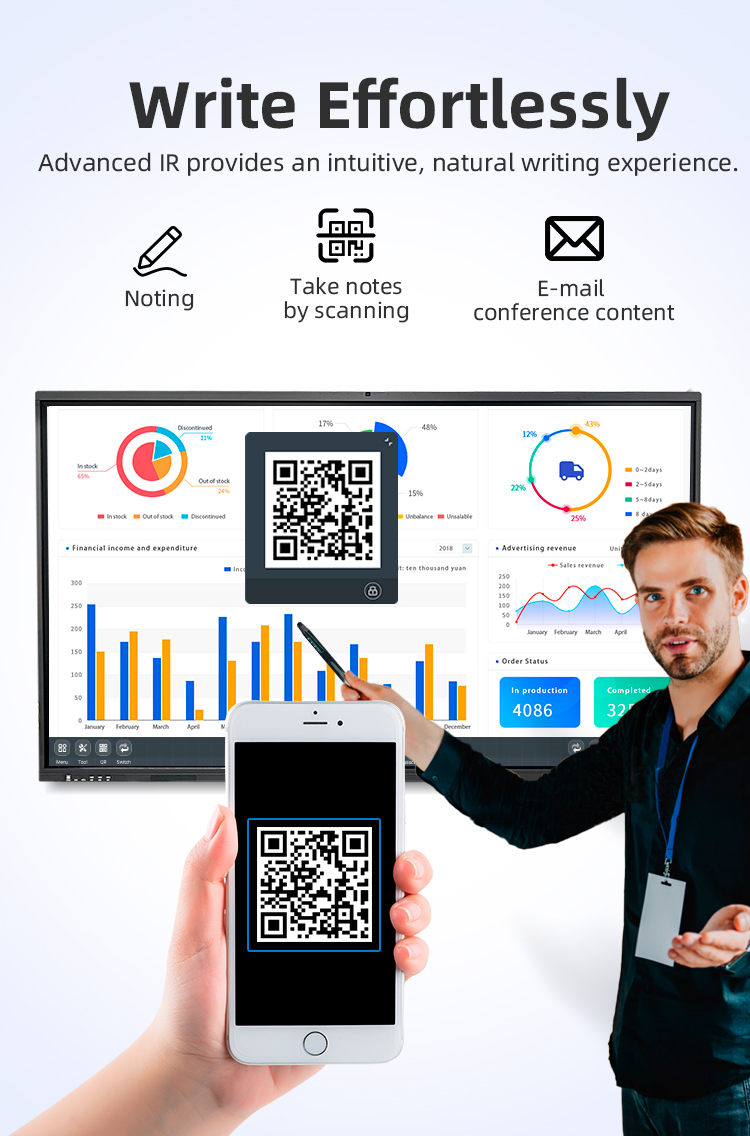
A: Notes and whiteboard sessions can be saved directly to the device's internal storage or a connected USB drive. They can also be easily exported as image or PDF files and shared via email, QR code, or uploaded to cloud storage services like Google Drive or OneDrive.
10. Q: What is included in the package, and what about warranty/support?
A: The standard package includes the interactive display panel, a wall-mount bracket, stylus pens, a remote control, power cable, and user manual. We typically offer a 3-year warranty on the panel and provide detailed online tutorials and responsive customer support for setup and troubleshooting.
1. Q: What does "Dual System" mean in this product?
A: Our whiteboard features a unique dual-operating system architecture. It runs a built-in Android system for instant access to apps and whiteboarding, while also supporting seamless connectivity and compatibility with an external Windows PC. This gives you the flexibility of a standalone smart device and the full power of a desktop computer in one unit.
2. Q: How does this product offer a "Favorable Price" without compromising quality?
A: We achieve an excellent price-to-performance ratio by optimizing our supply chain, using high-quality, cost-effective components, and focusing on core functionalities essential for education and business. We invest in robust performance and reliable touch technology while avoiding unnecessary premium features that drive up cost.
3. Q: What is the primary use case for this interactive whiteboard?
A: It is specifically designed for two key environments: Classrooms and Meeting Rooms. It enhances interactive teaching, student engagement, lesson annotation, and multimedia presentations in schools. In offices, it facilitates collaborative brainstorming, video conferencing, document review, and dynamic presentations.
4. Q: What type of touch technology is used, and how many touch points does it support?
A: The board uses advanced infrared touch technology, known for its reliability and clarity. It supports multi-touch interaction, typically allowing 4 to 6 touch points simultaneously (specific number depends on the model), enabling multiple students or colleagues to interact at once.
5. Q: Does it require a separate computer to function?
A: No, it does not. The built-in Android system allows it to operate as a complete standalone device for whiteboarding, app usage, and media playback. The "Dual System" feature means you can connect an external Windows PC for more advanced software, but it is not required for basic and intermediate functions.
6. Q: What software is included for teaching and presentations?
A: The device comes pre-installed with powerful, user-friendly whiteboard software for creating and annotating lessons. It also provides access to the Google Play Store to download a wide range of educational apps (like Kahoot!), productivity tools, and video conferencing software (like Zoom or Microsoft Teams).
7. Q: What are the connectivity options?
A: It offers comprehensive connectivity: HDMI-in to connect a laptop, USB ports for flash drives and peripherals, built-in Wi-Fi and Bluetooth for wireless screen mirroring (from phones, tablets, laptops), and often an OPS slot for an integrated Windows module.
8. Q: Is it suitable for video conferencing?
A: Yes, it is an excellent platform for video calls. You can run conferencing apps directly on the Android system or from a connected PC. For optimal audio and video, it is recommended to connect external speakers, a microphone, and a webcam, as built-in options are basic.
9. Q: How is content saved and shared from the whiteboard?
A: Notes and whiteboard sessions can be saved directly to the device's internal storage or a connected USB drive. They can also be easily exported as image or PDF files and shared via email, QR code, or uploaded to cloud storage services like Google Drive or OneDrive.
10. Q: What is included in the package, and what about warranty/support?
A: The standard package includes the interactive display panel, a wall-mount bracket, stylus pens, a remote control, power cable, and user manual. We typically offer a 3-year warranty on the panel and provide detailed online tutorials and responsive customer support for setup and troubleshooting.