Dinosaur D
| size: | |
|---|---|
| refresh rate: | |
| resolution: | |
| view angle: | |
| touch technology: | |
| system: | |
| lifespan: | |
| Availability: | |
| Quantity: | |
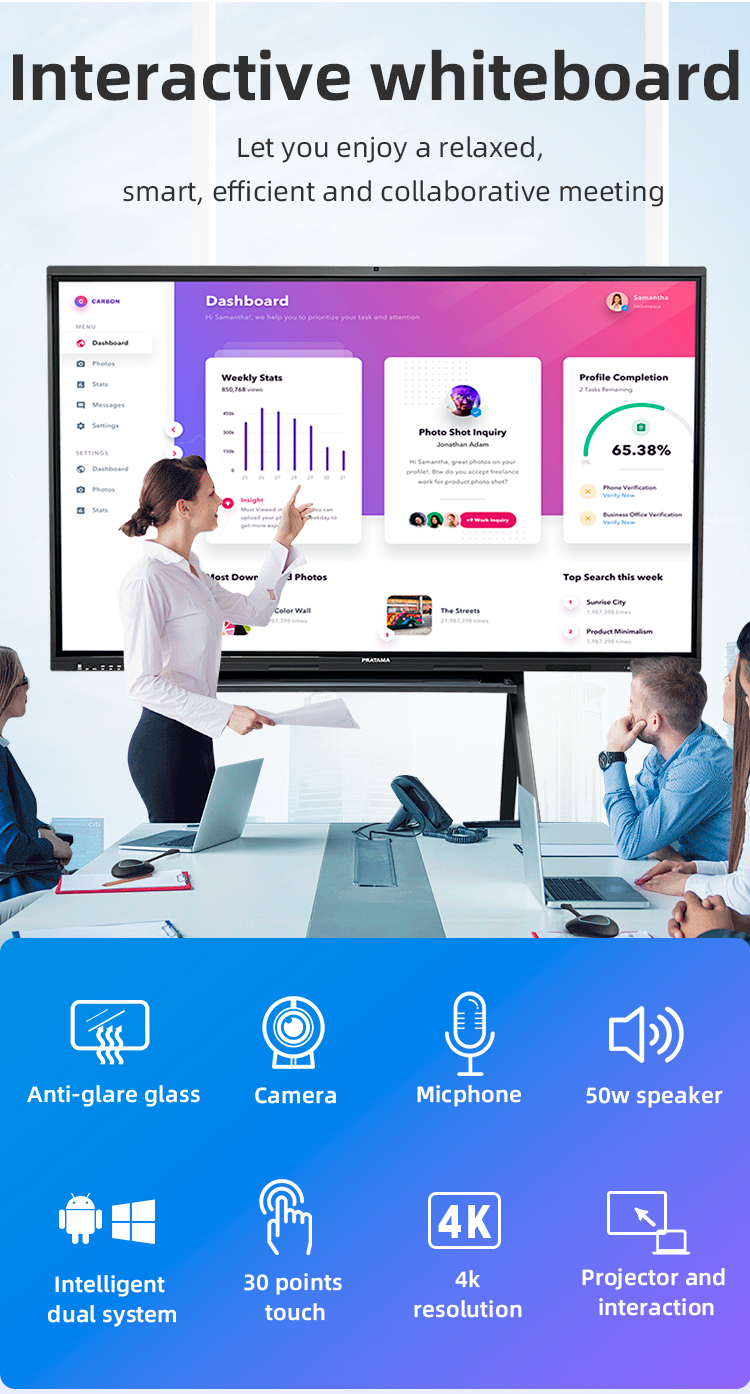
Stunning 4K Visuals: Anti-glare nano-coating for daylight visibility
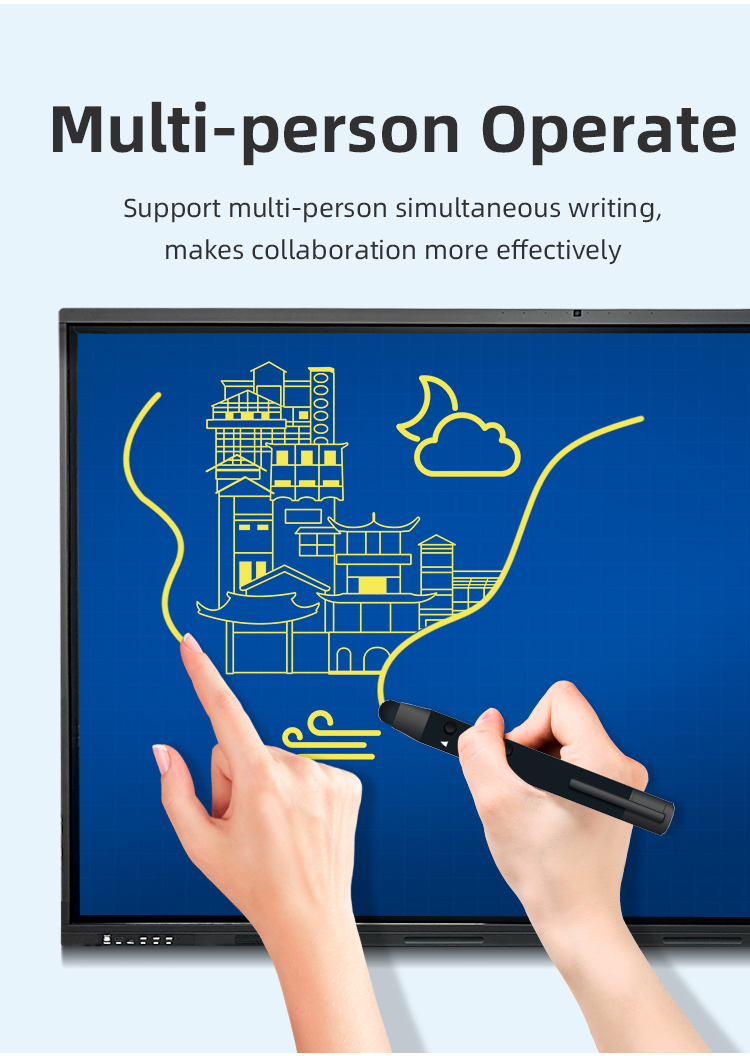
✋ Precision Touch: 40-point infrared tracking (0.5mm accuracy)
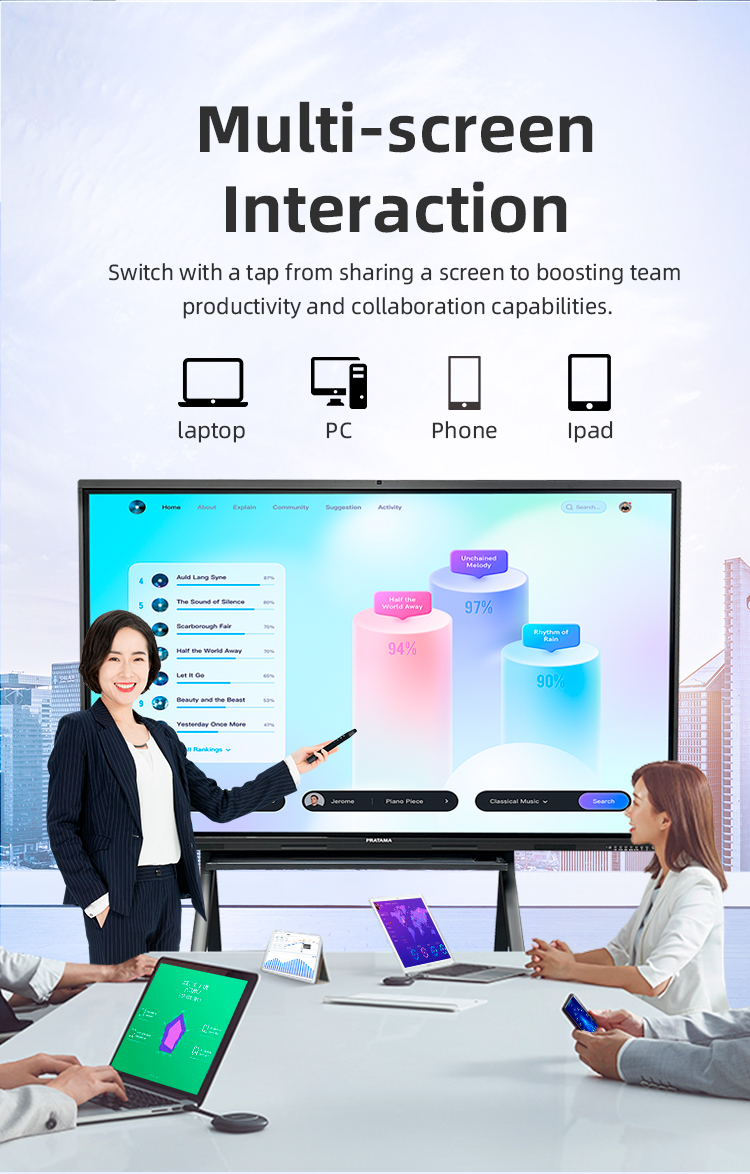
Seamless Sharing: One-click wireless projection from any device
Display Excellence
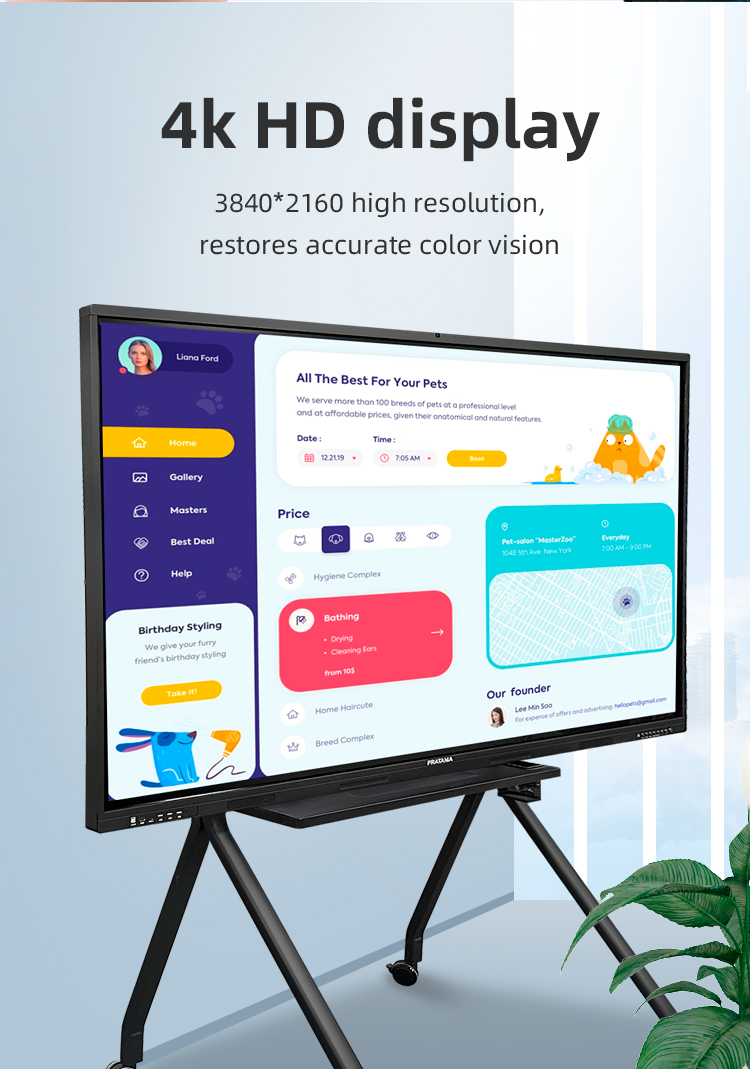
• 3840×2160 Ultra HD resolution
• 450nit brightness | 178° viewing angle
• HDR10 | Low blue light certified
Smart Collaboration
• Instant wireless mirroring (Windows/Mac/iOS/Android)
• Multi-window split screen (up to 4 inputs)
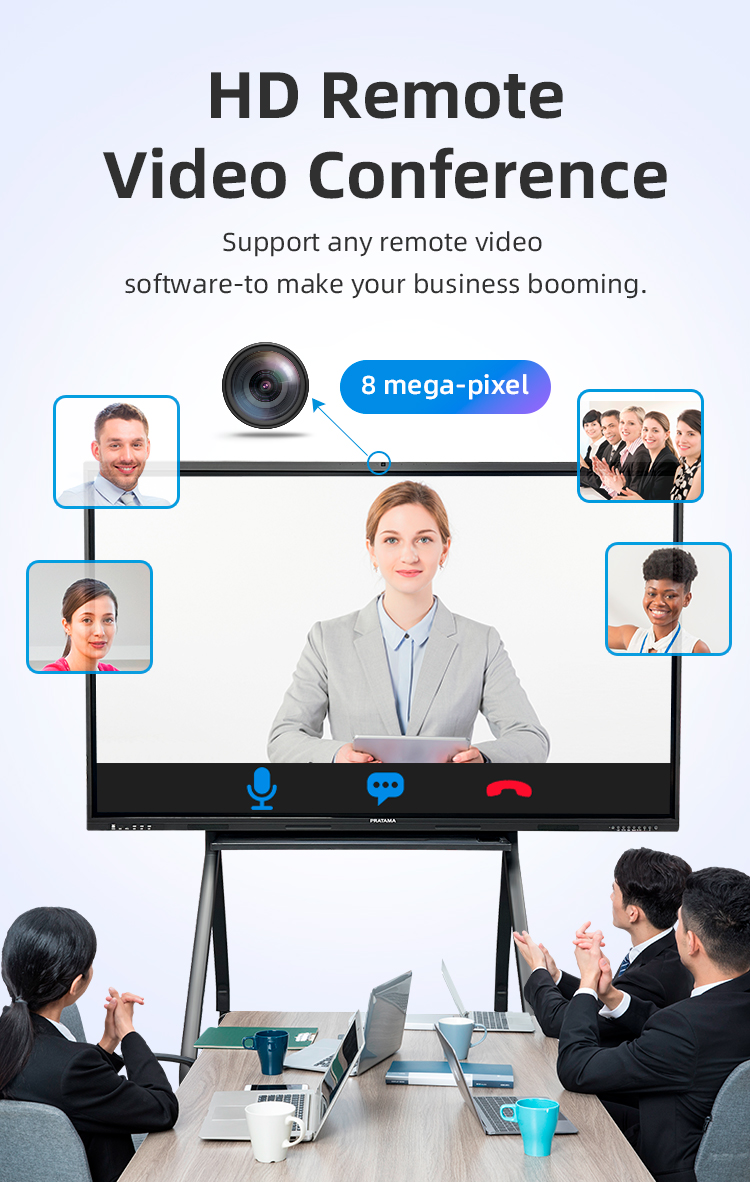
• Built-in 8MP camera for hybrid meetings
Education Focus
• Pre-loaded lesson planning templates
• Real-time student polling system
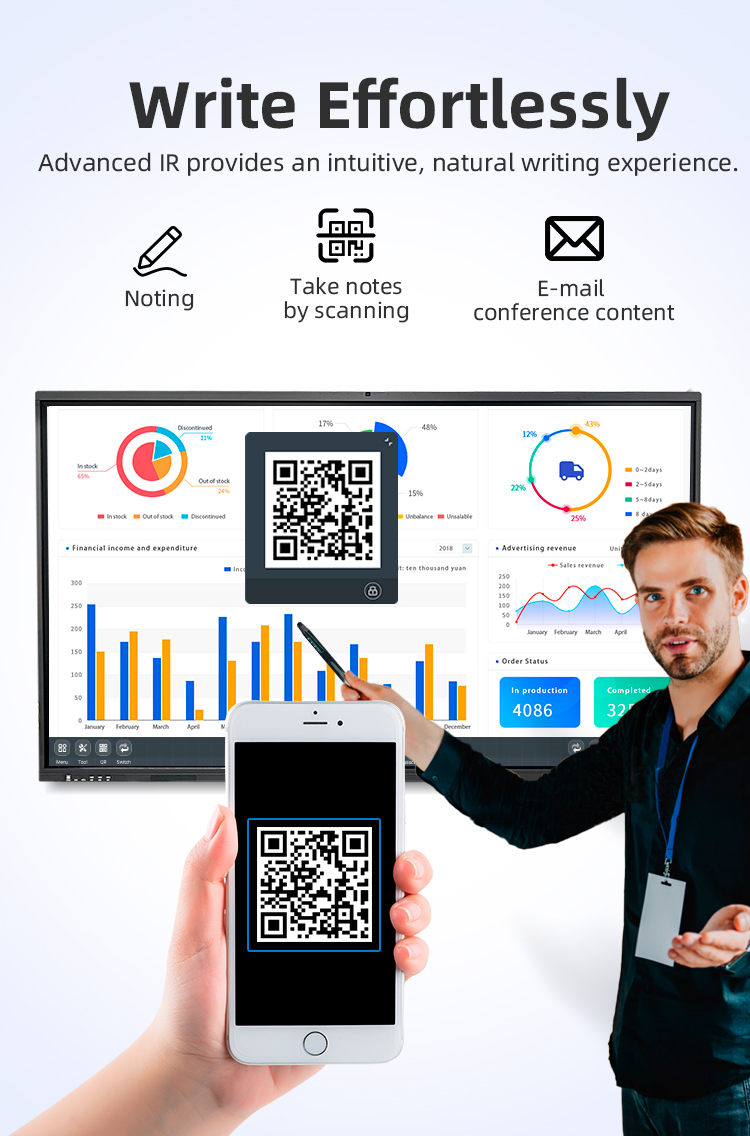
• Handwriting-to-text conversion


Stunning 4K Visuals: Anti-glare nano-coating for daylight visibility
✋ Precision Touch: 40-point infrared tracking (0.5mm accuracy)
Seamless Sharing: One-click wireless projection from any device
Display Excellence
• 3840×2160 Ultra HD resolution
• 450nit brightness | 178° viewing angle
• HDR10 | Low blue light certified
Smart Collaboration
• Instant wireless mirroring (Windows/Mac/iOS/Android)
• Multi-window split screen (up to 4 inputs)
• Built-in 8MP camera for hybrid meetings
Education Focus
• Pre-loaded lesson planning templates
• Real-time student polling system
• Handwriting-to-text conversion


| Screen panel specification | Diagonal Size | 65 inch | ||||
| Effective Display Area | 1429(H)×805(V)mm | |||||
| Display Ratio | 16:9 | |||||
| Brightness | 350cd/㎡ | |||||
| refresh rate | 60Hz | |||||
| Contrast Ratio | 5000:1 | |||||
| Backlight Type | DLED | |||||
| Viewing Angle | 178°(V)/178°(H) | |||||
| Lifespan | 50000 hours | |||||
| Resolution | 3840(H) X 2160(V) | |||||
| Front interface | Input port | USB3.0*1 | ||||
| USB2.0*2 | ||||||
| Whole machine interface | Input port | RJ45*1 | ||||
| TOUCH USB*1 | ||||||
| USB 3.0*1 | ||||||
| USB 2.0*1 | ||||||
| RS232*1 | ||||||
| TOUCH USB(HDMI) *1 | ||||||
| HDMI 1*1 | ||||||
| AV IN:×2 | ||||||
| Other port | SPDIF OUT*1 | |||||
| AV OUT:×1 | ||||||
| Earphone*1 | ||||||
| Front button | Power Button On/Off, Volume +, Volume -, Eye protection, Screen recording, Home, Settings, Touch switch | |||||
| Touch screen | Touch technology | Multiple Infrared scanning technology | ||||
| Touch type | 20 point touch | |||||
| Drive Mode | Automatically recognized by the system, no need to drive | |||||
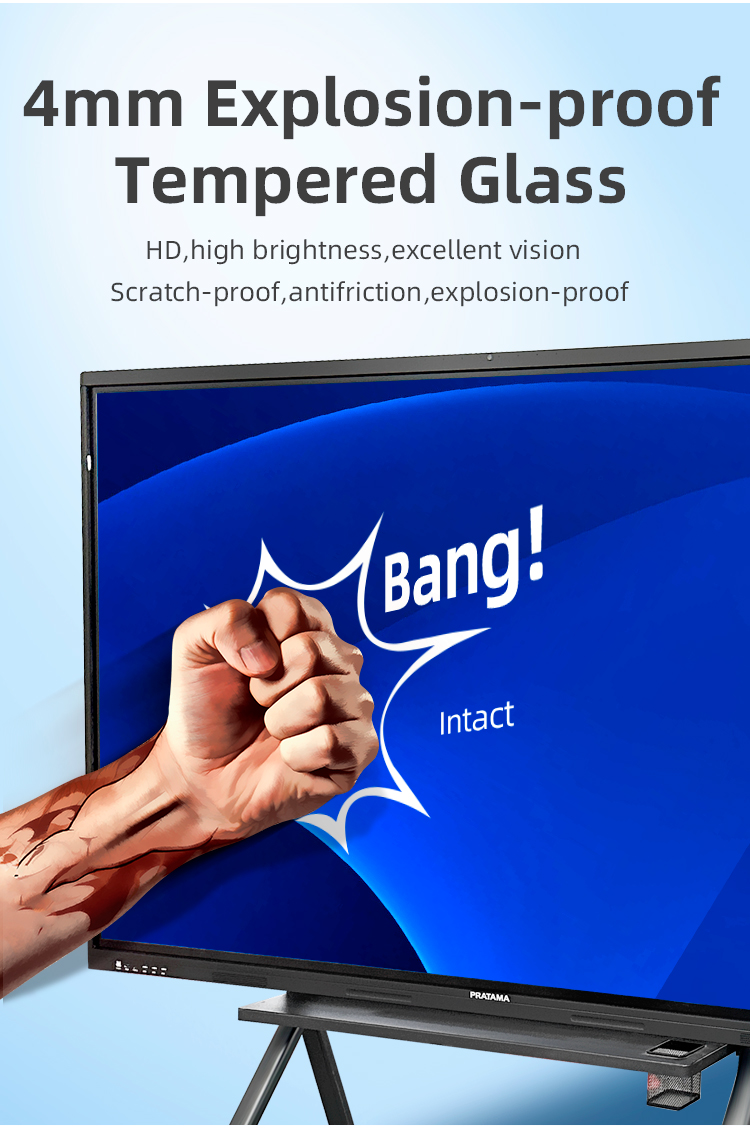
| Front frame glass | Physical tempered grade 9 explosion-proof glass/anti-glare explosion-proof grade 9 tempered glass | |||||
| writing style | Finger, touch pen or other non-transparent objects ≥2mm (supports full-screen writing with dual fine pens) | |||||
| Touch resolution | 32767*32767 | |||||
| way of communication | USB 2.0/USB 3.0 | |||||
| Operating temperature | -10~+50 ℃ | |||||
| Single finger response speed | <8ms | |||||
| Touch Accuracy | ±1mm | |||||
| Touch Time | the number of theoretical times is unlimited | |||||
| support system | windowsXP/7/8/10,Android,MacOS,Linux | |||||
| Built-in camera | camera | 48 million autofocus camera | ||||
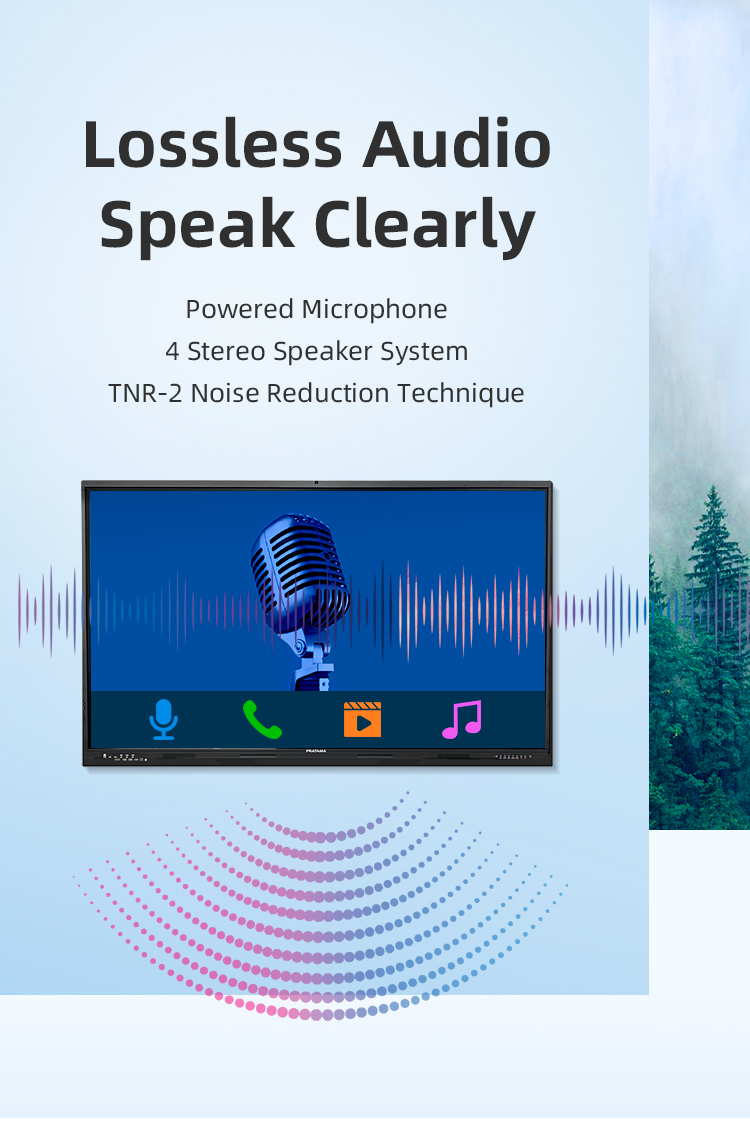
| array microphone | Eight array voice microphone | |||||
| Accessories | Accessory box | 1pcs | ||||
| Power cord-National standard 1.8M | 1pcs | |||||
| Certificate of Conformity (neutral) | 1pcs | |||||
| Warranty card (neutral) | 1pcs | |||||
| Remote control (without battery) | 1pcs | |||||
| Touch pen (magnetic) | 2pcs | |||||
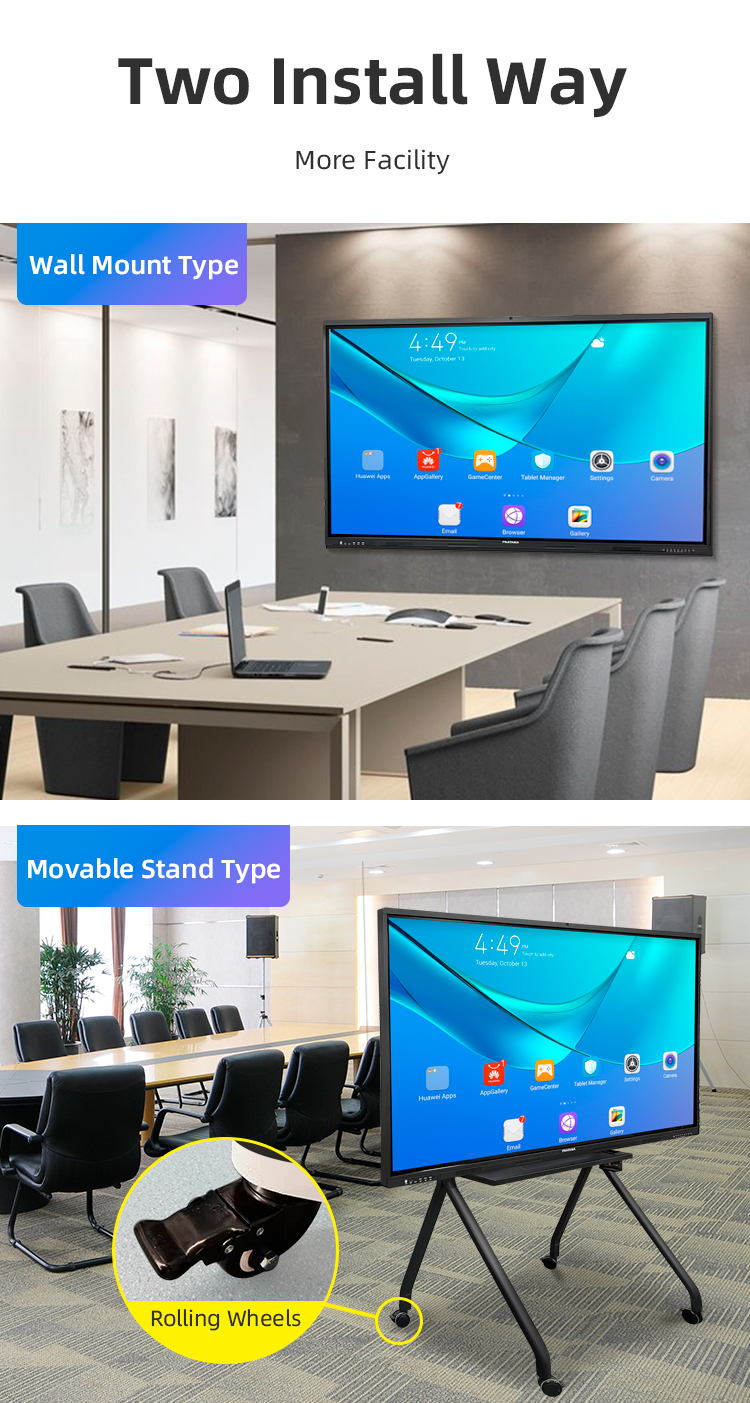
| Wall mounting bracket | 1pcs | |||||
| Power consumption | Power consumption of the whole machine (excluding OPS) | ≤260W | ||||
| OPS consumption | ≤80W | |||||
| Standby consumption | ≤0.5W | |||||
| Power supply | 100-240V, 50/60Hz | |||||
| Stereo power | 10W/8 ohm x 2 speakers | |||||
| Working environment | Operating temperature | 0-40℃ | ||||
| Operating humidity | 10%~90% RH | |||||
| Storage temperature | -20~60℃ | |||||
| Storage humidity | 10%~90% RH | |||||
| VESA bracket hole location(mm) | 400(V)×500(H) | |||||
| Screen panel specification | Diagonal Size | 65 inch | ||||
| Effective Display Area | 1429(H)×805(V)mm | |||||
| Display Ratio | 16:9 | |||||
| Brightness | 350cd/㎡ | |||||
| refresh rate | 60Hz | |||||
| Contrast Ratio | 5000:1 | |||||
| Backlight Type | DLED | |||||
| Viewing Angle | 178°(V)/178°(H) | |||||
| Lifespan | 50000 hours | |||||
| Resolution | 3840(H) X 2160(V) | |||||
| Front interface | Input port | USB3.0*1 | ||||
| USB2.0*2 | ||||||
| Whole machine interface | Input port | RJ45*1 | ||||
| TOUCH USB*1 | ||||||
| USB 3.0*1 | ||||||
| USB 2.0*1 | ||||||
| RS232*1 | ||||||
| TOUCH USB(HDMI) *1 | ||||||
| HDMI 1*1 | ||||||
| AV IN:×2 | ||||||
| Other port | SPDIF OUT*1 | |||||
| AV OUT:×1 | ||||||
| Earphone*1 | ||||||
| Front button | Power Button On/Off, Volume +, Volume -, Eye protection, Screen recording, Home, Settings, Touch switch | |||||
| Touch screen | Touch technology | Multiple Infrared scanning technology | ||||
| Touch type | 20 point touch | |||||
| Drive Mode | Automatically recognized by the system, no need to drive | |||||
| Front frame glass | Physical tempered grade 9 explosion-proof glass/anti-glare explosion-proof grade 9 tempered glass | |||||
| writing style | Finger, touch pen or other non-transparent objects ≥2mm (supports full-screen writing with dual fine pens) | |||||
| Touch resolution | 32767*32767 | |||||
| way of communication | USB 2.0/USB 3.0 | |||||
| Operating temperature | -10~+50 ℃ | |||||
| Single finger response speed | <8ms | |||||
| Touch Accuracy | ±1mm | |||||
| Touch Time | the number of theoretical times is unlimited | |||||
| support system | windowsXP/7/8/10,Android,MacOS,Linux | |||||
| Built-in camera | camera | 48 million autofocus camera | ||||
| array microphone | Eight array voice microphone | |||||
| Accessories | Accessory box | 1pcs | ||||
| Power cord-National standard 1.8M | 1pcs | |||||
| Certificate of Conformity (neutral) | 1pcs | |||||
| Warranty card (neutral) | 1pcs | |||||
| Remote control (without battery) | 1pcs | |||||
| Touch pen (magnetic) | 2pcs | |||||
| Wall mounting bracket | 1pcs | |||||
| Power consumption | Power consumption of the whole machine (excluding OPS) | ≤260W | ||||
| OPS consumption | ≤80W | |||||
| Standby consumption | ≤0.5W | |||||
| Power supply | 100-240V, 50/60Hz | |||||
| Stereo power | 10W/8 ohm x 2 speakers | |||||
| Working environment | Operating temperature | 0-40℃ | ||||
| Operating humidity | 10%~90% RH | |||||
| Storage temperature | -20~60℃ | |||||
| Storage humidity | 10%~90% RH | |||||
| VESA bracket hole location(mm) | 400(V)×500(H) | |||||
Classroom Instruction
Interactive math lessons with digital manipulatives
Language arts: Annotating texts with color-coded analysis
Virtual science labs with touch-controlled simulations
Professional Development
Teacher training workshops with recorded demonstrations
Corporate onboarding with interactive policy reviews
Medical residency case study discussions
Hybrid Meetings
Real-time document markup during contract reviews
Wireless presentation sharing from multiple laptops
Brainstorming with digital sticky notes (exportable to PDF)
Industrial Applications
Factory floor schematics with zoomable diagrams
Safety procedure walkthroughs with step annotations
Remote expert assistance via screen sharing
Design Studios
Architectural plan reviews with measurement tools
Fashion designers draping digital fabrics
Video editors timeline marking with frame accuracy
Media Production
Storyboard annotations for film shoots
Newsroom collaborative script editing
Music producers mixing tracks via touch interface
Government Use
Emergency response team coordination maps
Urban planning with interactive zoning diagrams
Public policy workshops with live polling
Healthcare
Patient education using anatomical models
Surgical team pre-op planning visualizations
Medical student radiology practice
Classroom Instruction
Interactive math lessons with digital manipulatives
Language arts: Annotating texts with color-coded analysis
Virtual science labs with touch-controlled simulations
Professional Development
Teacher training workshops with recorded demonstrations
Corporate onboarding with interactive policy reviews
Medical residency case study discussions
Hybrid Meetings
Real-time document markup during contract reviews
Wireless presentation sharing from multiple laptops
Brainstorming with digital sticky notes (exportable to PDF)
Industrial Applications
Factory floor schematics with zoomable diagrams
Safety procedure walkthroughs with step annotations
Remote expert assistance via screen sharing
Design Studios
Architectural plan reviews with measurement tools
Fashion designers draping digital fabrics
Video editors timeline marking with frame accuracy
Media Production
Storyboard annotations for film shoots
Newsroom collaborative script editing
Music producers mixing tracks via touch interface
Government Use
Emergency response team coordination maps
Urban planning with interactive zoning diagrams
Public policy workshops with live polling
Healthcare
Patient education using anatomical models
Surgical team pre-op planning visualizations
Medical student radiology practice
1. Q: What makes this whiteboard a "best-sell" model?
A: It combines the most requested features—4K clarity, true wireless projection, reliable infrared touch, and an anti-glare screen—into a single, reliable, and user-friendly package at a competitive price, making it the top choice for schools and businesses worldwide.
2. Q: How does the "Wireless Screen Projection" work?
A: The board has built-in Wi-Fi and proprietary casting software (or supports standard protocols like Miracast/AirPlay). Simply install the companion app on your Windows, macOS, Android, or iOS device, and you can mirror your screen to the board with one click, without any cables.
3. Q: What is the benefit of the "Anti-Glare" LCD screen?
A: The anti-glare (matte) coating significantly reduces reflections from windows and overhead lights. This eliminates eye strain, ensures the content remains visible from all angles in a bright room, and provides a more natural writing surface similar to a traditional whiteboard.
4. Q: What does "Infrared Touch" mean, and how many points does it support?
A: Infrared (IR) touch technology uses an invisible grid of light beams across the screen. When you touch it, you interrupt the beams, registering the input. It's highly durable and supports true 20-point multi-touch, allowing several users to write and interact simultaneously.
5. Q: Is a computer required to use all the whiteboard's features?
A: No. The board is a fully functional All-in-One Android smart device. You can write, browse the web, open files from USB, and use apps directly on it. The wireless projection and PC connectivity are optional enhancements for integrating other devices.
6. Q: What operating system does it use, and what software is included?
A: It runs on a stable Android OS, providing access to the Google Play Store to download apps like Zoom, Teams, and educational tools. It comes pre-loaded with powerful native whiteboard software for annotation, screen recording, and lesson creation.
7. Q: Can I use it for video conferencing?
A: Absolutely. You can run conferencing apps directly on the Android system or wirelessly project from your laptop. For optimal quality in large rooms, we recommend connecting an external webcam, speaker, and microphone, though basic built-in options are available.
8. Q: What connectivity ports are available?
A: For wired connections, it includes multiple HDMI ports, USB ports (Type-A and sometimes Type-C), audio out, and an RJ45 network port. This ensures compatibility with document cameras, laptops, and other peripherals.
9. Q: How do I save and share the notes or annotations I make on the board?
A: Content can be saved directly to the board's storage or a USB drive. You can export pages as PDF, PNG, or PPT files and share them instantly via email, QR code, or by uploading to cloud services like Google Drive or OneDrive.
10. Q: What is included in the box, and what support is offered?
A: The package includes the interactive display, wall mount bracket, two stylus pens, a remote control, power cable, and user manual. It is backed by a 3-year warranty on the panel and comprehensive online support including setup guides and video tutorials.
1. Q: What makes this whiteboard a "best-sell" model?
A: It combines the most requested features—4K clarity, true wireless projection, reliable infrared touch, and an anti-glare screen—into a single, reliable, and user-friendly package at a competitive price, making it the top choice for schools and businesses worldwide.
2. Q: How does the "Wireless Screen Projection" work?
A: The board has built-in Wi-Fi and proprietary casting software (or supports standard protocols like Miracast/AirPlay). Simply install the companion app on your Windows, macOS, Android, or iOS device, and you can mirror your screen to the board with one click, without any cables.
3. Q: What is the benefit of the "Anti-Glare" LCD screen?
A: The anti-glare (matte) coating significantly reduces reflections from windows and overhead lights. This eliminates eye strain, ensures the content remains visible from all angles in a bright room, and provides a more natural writing surface similar to a traditional whiteboard.
4. Q: What does "Infrared Touch" mean, and how many points does it support?
A: Infrared (IR) touch technology uses an invisible grid of light beams across the screen. When you touch it, you interrupt the beams, registering the input. It's highly durable and supports true 20-point multi-touch, allowing several users to write and interact simultaneously.
5. Q: Is a computer required to use all the whiteboard's features?
A: No. The board is a fully functional All-in-One Android smart device. You can write, browse the web, open files from USB, and use apps directly on it. The wireless projection and PC connectivity are optional enhancements for integrating other devices.
6. Q: What operating system does it use, and what software is included?
A: It runs on a stable Android OS, providing access to the Google Play Store to download apps like Zoom, Teams, and educational tools. It comes pre-loaded with powerful native whiteboard software for annotation, screen recording, and lesson creation.
7. Q: Can I use it for video conferencing?
A: Absolutely. You can run conferencing apps directly on the Android system or wirelessly project from your laptop. For optimal quality in large rooms, we recommend connecting an external webcam, speaker, and microphone, though basic built-in options are available.
8. Q: What connectivity ports are available?
A: For wired connections, it includes multiple HDMI ports, USB ports (Type-A and sometimes Type-C), audio out, and an RJ45 network port. This ensures compatibility with document cameras, laptops, and other peripherals.
9. Q: How do I save and share the notes or annotations I make on the board?
A: Content can be saved directly to the board's storage or a USB drive. You can export pages as PDF, PNG, or PPT files and share them instantly via email, QR code, or by uploading to cloud services like Google Drive or OneDrive.
10. Q: What is included in the box, and what support is offered?
A: The package includes the interactive display, wall mount bracket, two stylus pens, a remote control, power cable, and user manual. It is backed by a 3-year warranty on the panel and comprehensive online support including setup guides and video tutorials.