1. What screen sizes are available for this interactive LCD advertising display?
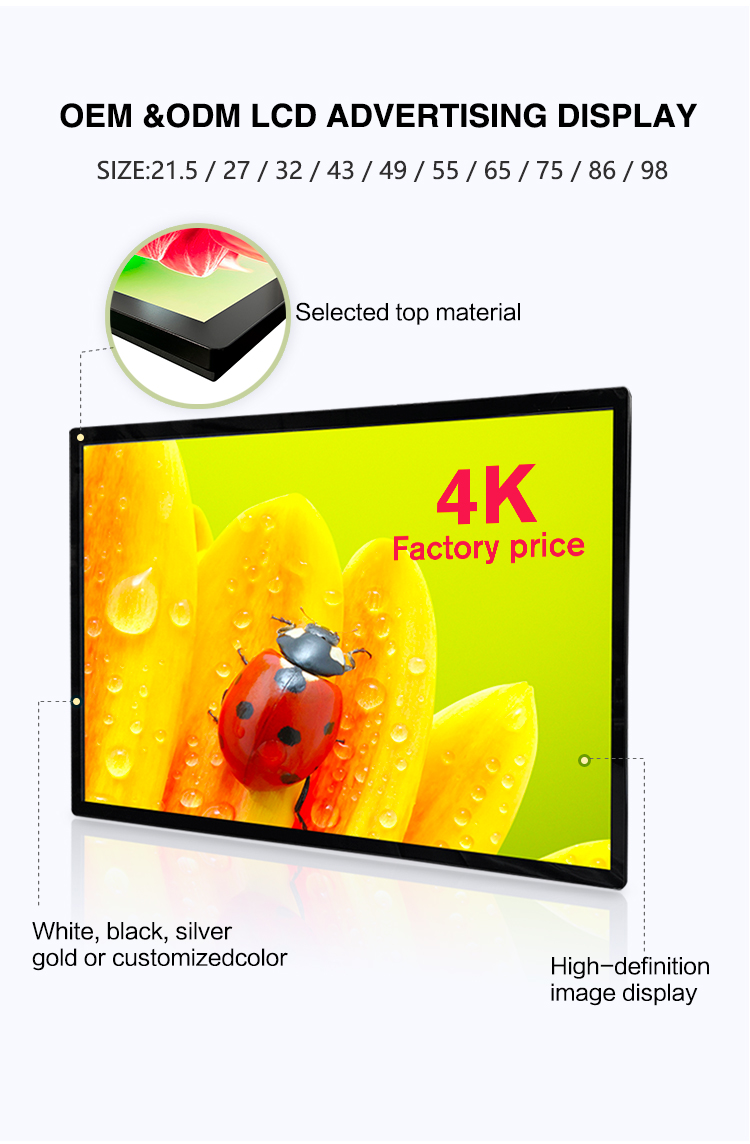
This display is offered in five popular sizes to fit different indoor scenarios: 32 inch, 43 inch, 50 inch, 55 inch, and 65 inch. You can select the size based on your installation space (e.g., elevators, lobbies, or corridors) and viewing distance needs.
2. Is the free CMS software compatible with all operating systems, or only Android?
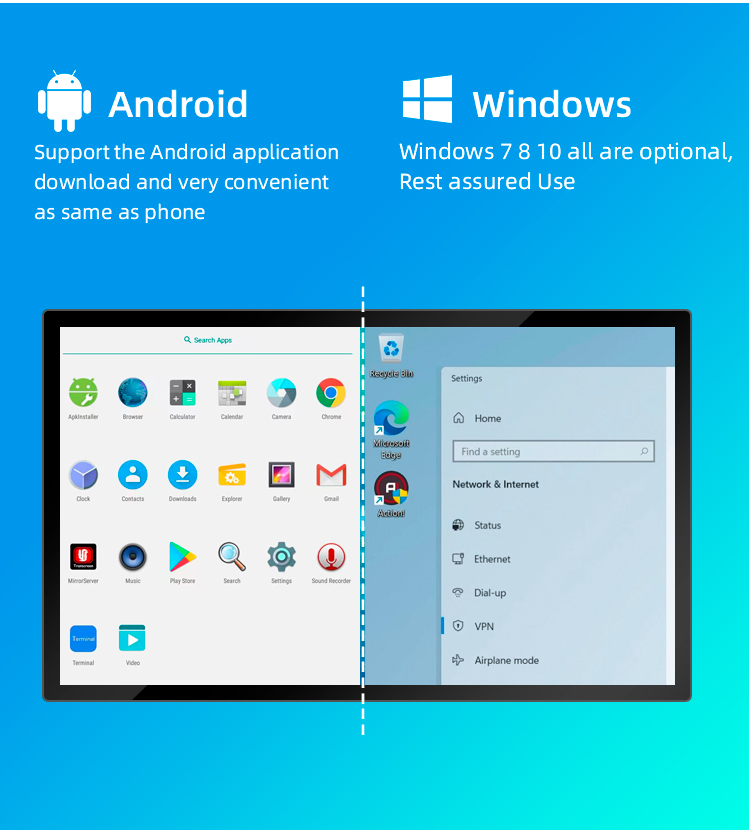
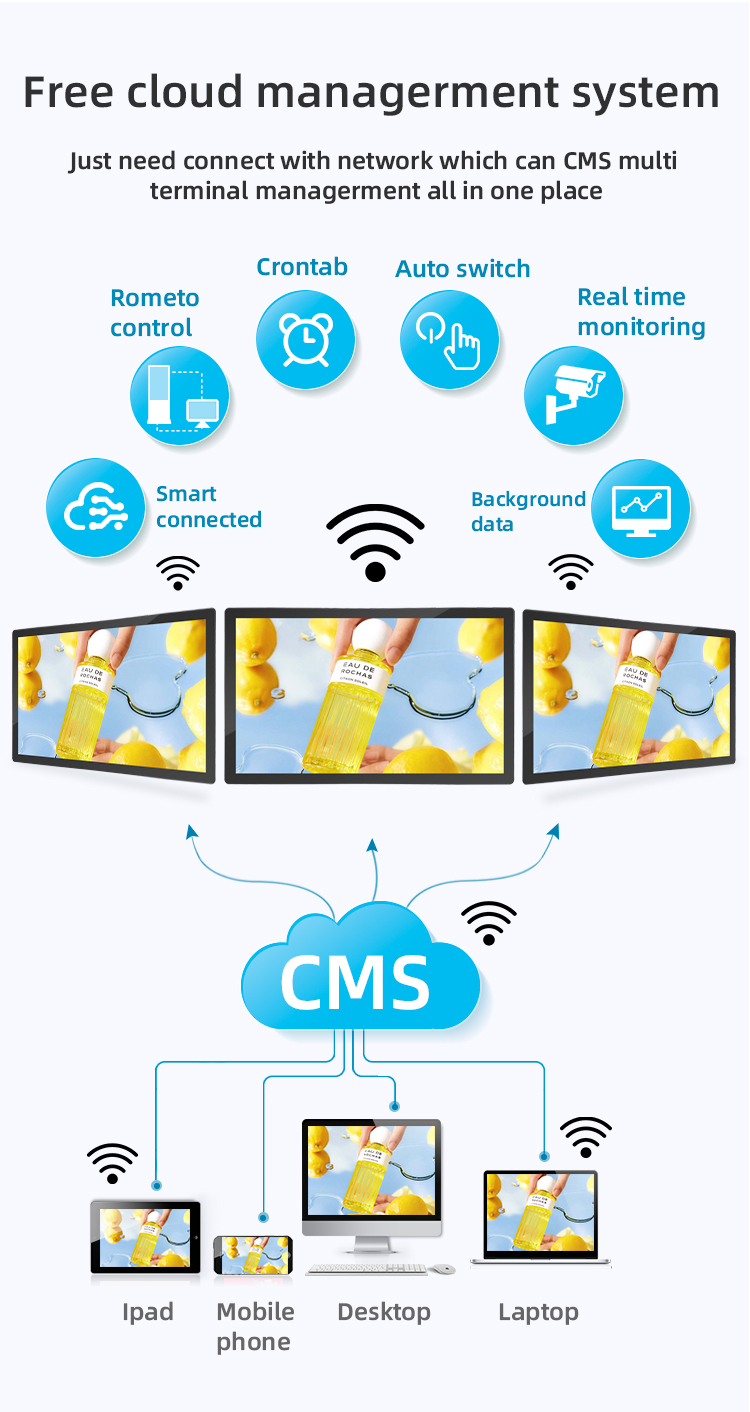
The included free CMS (Content Management System) is specifically optimized for the display’s Android window system. It works seamlessly with the device’s built-in Android OS to ensure stable content management, remote updates, and interactive control—no additional software or OS modifications are required.
3. How does the remote control function work, and what can I do with it?
The provided remote control allows you to manage basic operations wirelessly, such as powering the display on/off, adjusting volume, switching content playlists, and accessing the CMS settings. For advanced tasks (e.g., editing content or scheduling), you can use the CMS software via a connected computer or mobile device.
4. Is the display truly "ultra slim," and what are its typical thickness dimensions?
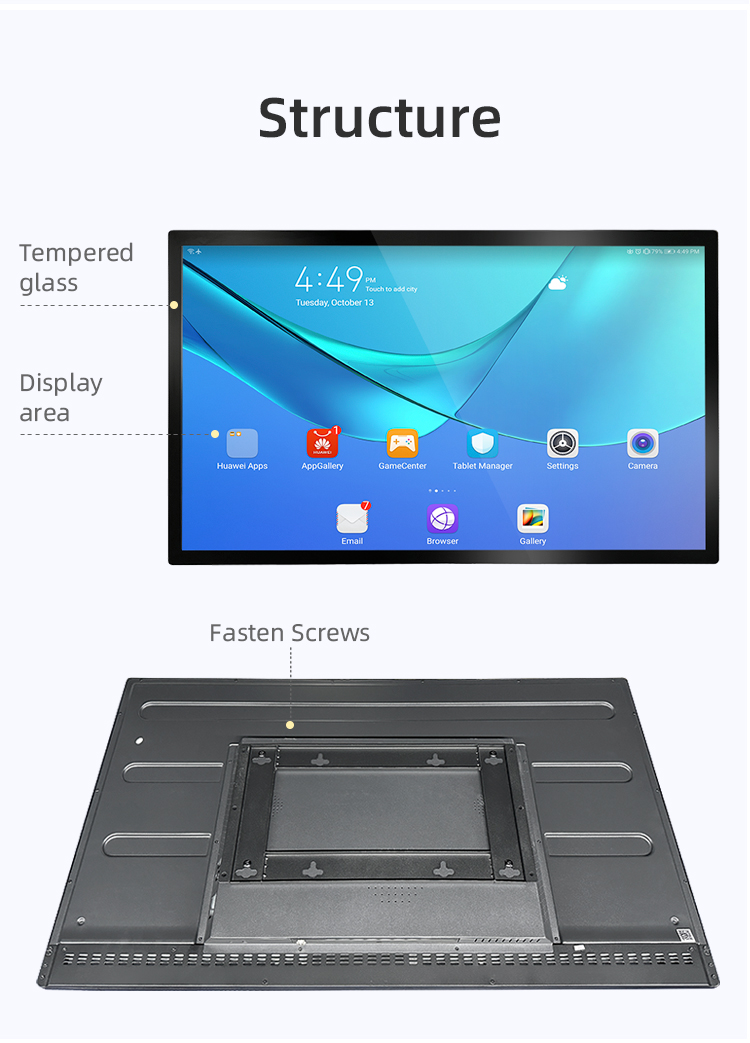
Yes, the display features an ultra-slim design optimized for indoor wall mounting. While exact thickness varies slightly by size, most models range from 20–35mm (0.8–1.4 inches) deep—making it sleek, space-saving, and ideal for modern interiors (e.g., elevators, retail stores, or office lobbies).
5. Does the touch function support multi-touch, and what touch technology is used?
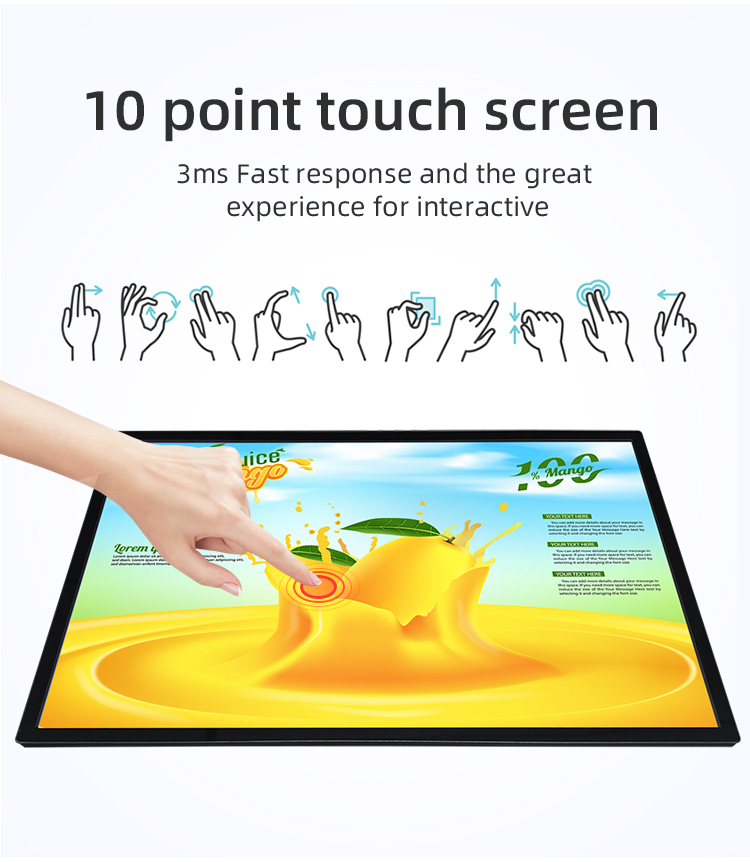
The interactive display uses capacitive touch technology (standard for most indoor interactive signage) and supports 10-point multi-touch. This enables smooth interactions like tapping, swiping, zooming, or scrolling—perfect for customer engagement (e.g., product catalogs, wayfinding, or interactive ads).
6. Can I mount the display on any wall, or are special mounting brackets required?
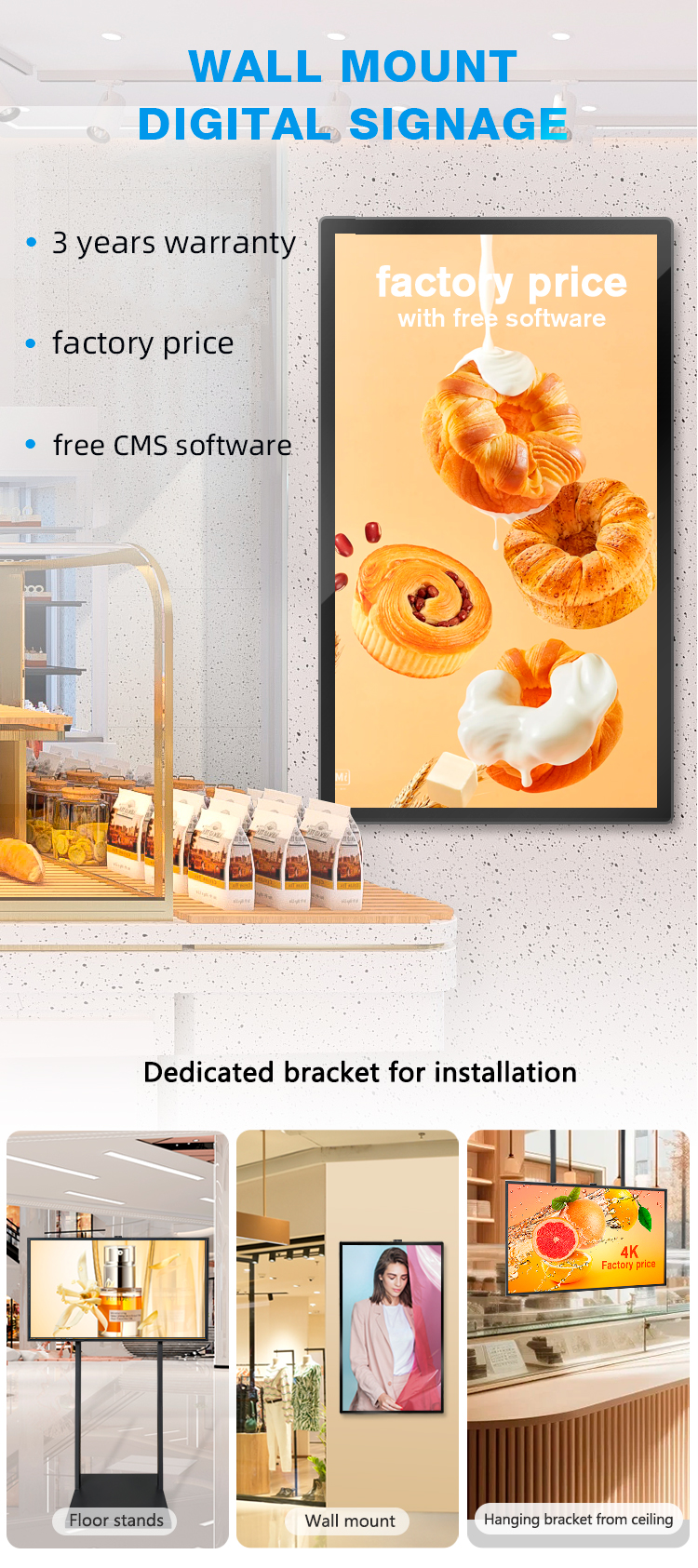
The display is designed for standard wall mounting and is compatible with VESA-compliant brackets (check the product’s VESA pattern for your size: typically 200x200mm, 400x400mm, or 600x400mm). No special brackets are required, but we recommend using heavy-duty brackets for larger sizes (55–65 inch) to ensure stability.
7. What type of content can I display with the free CMS software?
The free CMS supports a wide range of content formats, including images (JPG/PNG), videos (MP4/AVI), PDFs, text, and interactive widgets (e.g., calendars, weather, or QR codes). You can also create playlists, schedule content to play at specific times, and update content remotely—no technical coding skills needed.
8. Is the display suitable for elevator signage, and does it meet safety standards?
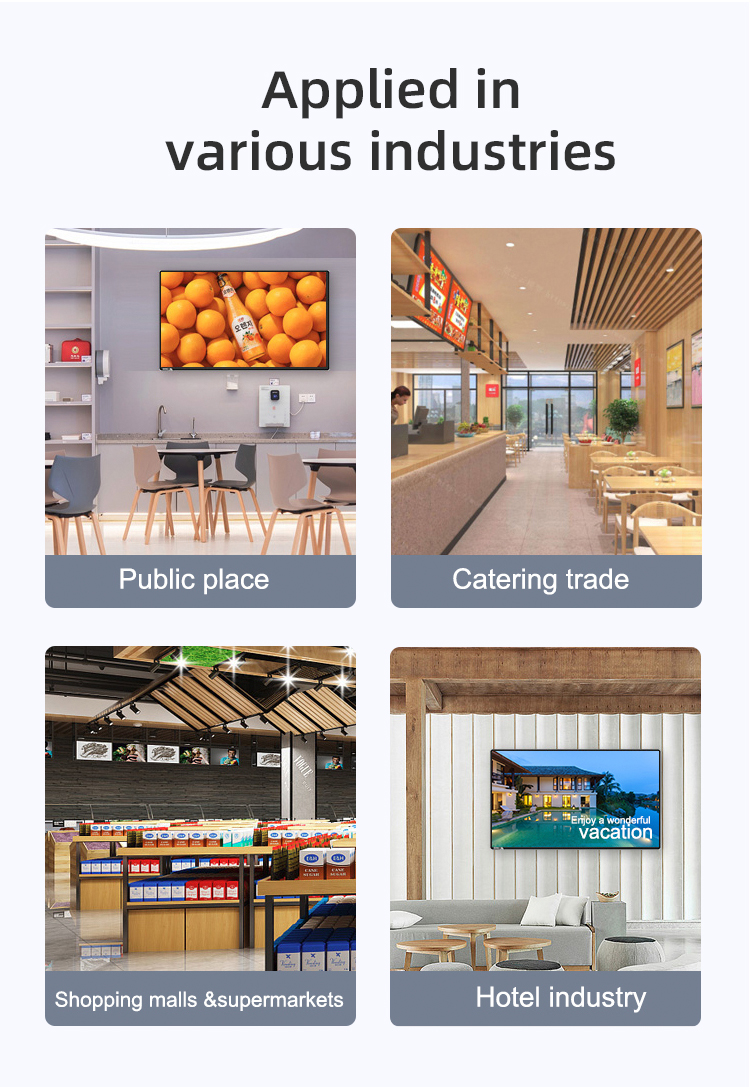
Yes, this display is specifically designed for elevator signage and indoor use. It meets international safety standards (e.g., CE, FCC) with low power consumption, heat dissipation, and a durable casing—ideal for the confined space and frequent usage of elevators.
9. Can I control multiple displays at once with the free CMS software?
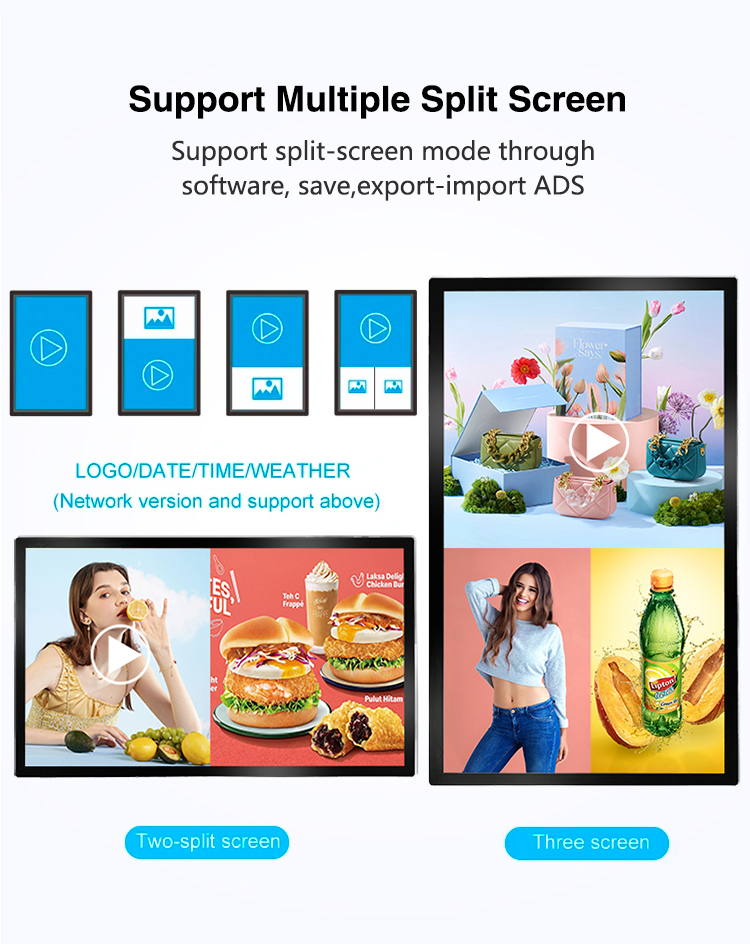
Absolutely. The free CMS supports centralized management of multiple displays. You can group displays by location, push content to all or selected devices simultaneously, and monitor their status (e.g., power, connectivity) remotely—saving time for businesses with multiple signage points.
10. What power supply and connectivity options does the display offer?
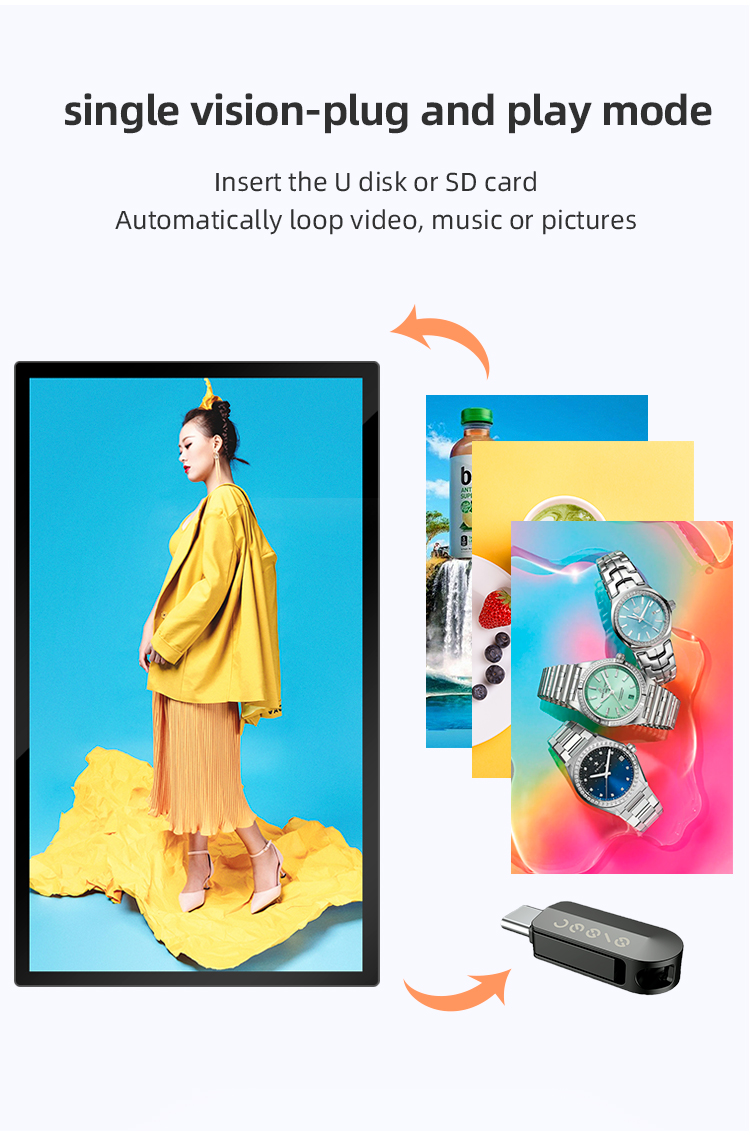
The display uses a standard AC power supply (100–240V) and includes multiple connectivity ports: HDMI, USB (for content uploads), Ethernet (for wired CMS access), and Wi-Fi (for wireless remote control). Some models also support Bluetooth for additional peripheral connections (e.g., external speakers).